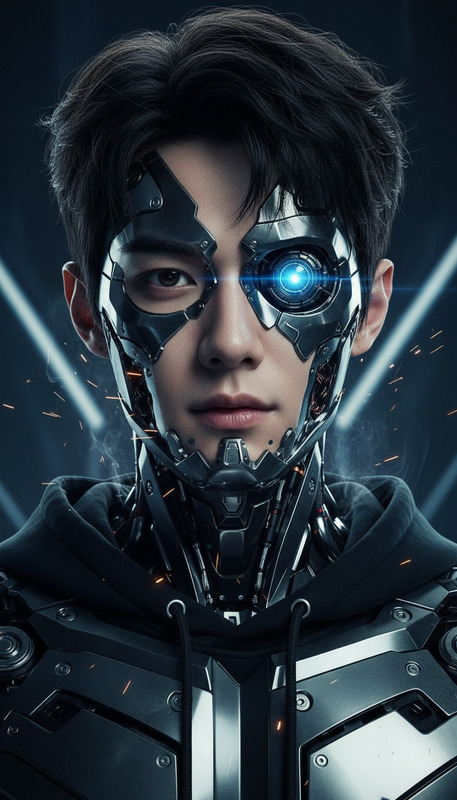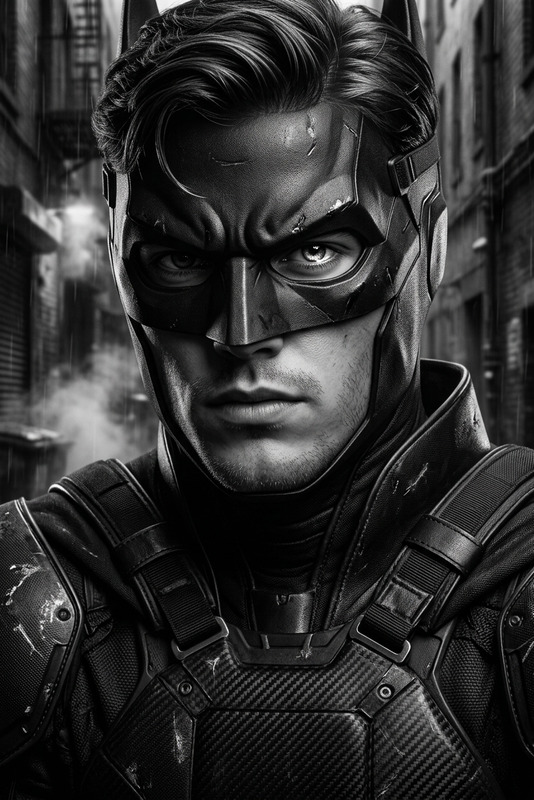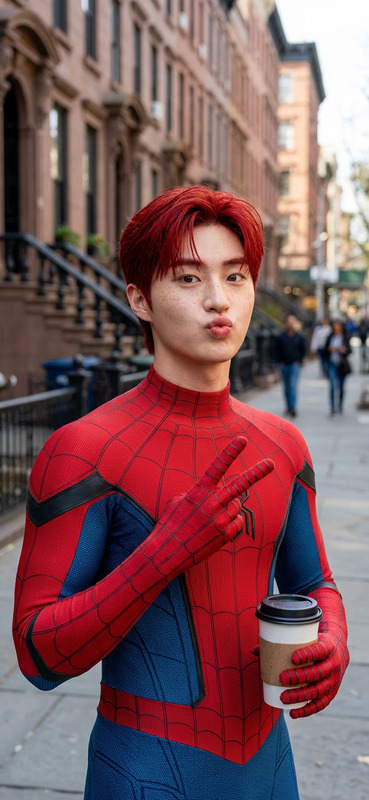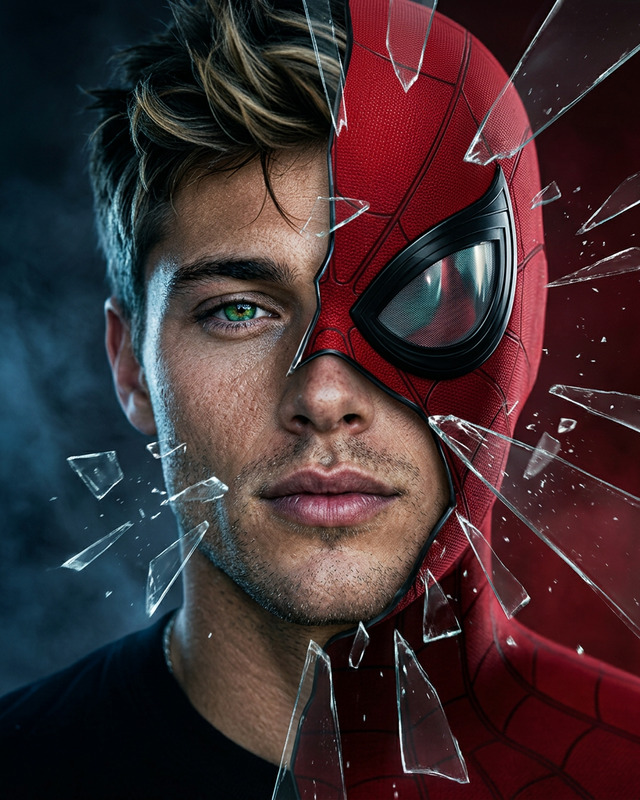
Half Mask Hero
- Model
- Nano Banana Pro
- Image
- 1696 × 2528 px
Prompt
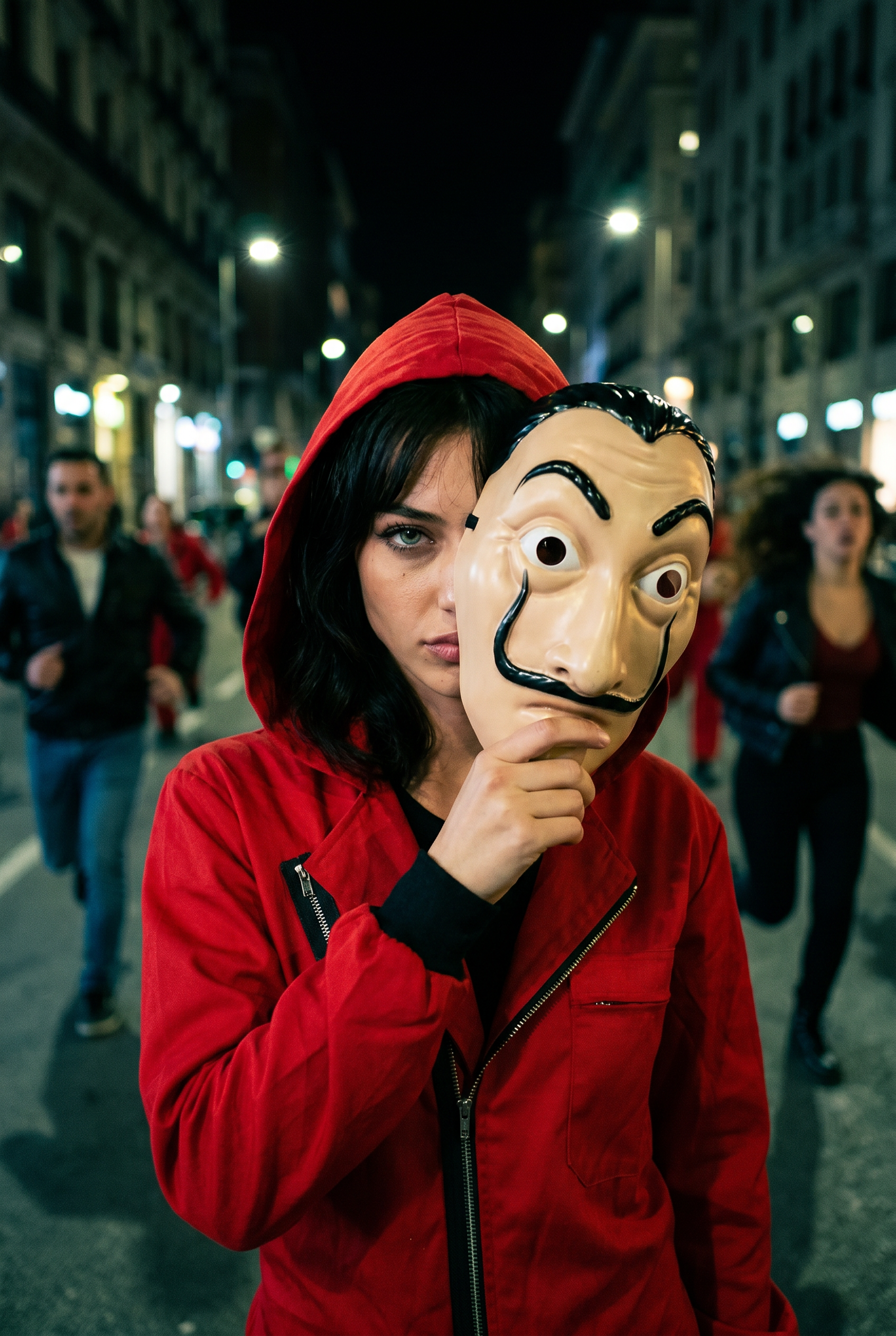
Ultra-realistic cinematic close-up of the person in the reference image, holding a La Casa de Papel mask that covers half of their face, giving off a cool, action-hero vibe. They're wearing the iconic red jumpsuit from the La Casa de Papel series. Behind them, people are running in panic through a dimly lit street, with a moody cinematic atmosphere. The scene is shot on 35mm film with shallow depth of field and vibrant ultra-detailed colors. Sharp focus on the main person, with slightly blurred background movement.
Any aspect ratio
Overview
Bring the high-stakes tension of La Casa de Papel to life with the Half Mask Hero template. This AI Image Editor helps you transform ordinary photos into ultra-realistic cinematic scenes. Centered around the iconic mask and red jumpsuit, it captures a mix of intrigue and action.
What It Does
The Half Mask Hero template uses advanced AI from the nano-banana-pro model to craft a visually compelling narrative in your images. It positions the subject with a La Casa de Papel mask, enhancing the storytelling with ultra-detailed colors and a dynamic, cinematic backdrop.
Who It's For
This template is perfect for filmmakers, graphic designers, and social media creators who want to infuse a cinematic sense of drama into their visual projects. It's especially useful for those working in video style transfer or AI Multi-Angle Generator projects, as well as for branding campaigns needing a dramatic edge.
Summary
The Half Mask Hero template turns your images into cinematic storyboards that capture the essence of adventure and intrigue. With features like ultra-detailed colors and shallow depth of field, it ensures your subjects stand out dramatically. For those seeking to amplify visual storytelling, explore our AI Image Editor and elevate your projects further.
How-To
Choose the Template

Customize Your Inputs

Generate the Image

Use Cases
Movie Pitch Decks
- Imagery for high-action scenes
- Visualizing characters before filming
Promotional Material
- Social media teasers
- Event advertisements
Personal Projects
- Create unique social media posts
- Develop a narrative for photo albums
Best Practices
Focus on High-Quality Source Images
For the best results, use high-resolution images as your reference. This allows for better detail and depth in the final image.Experiment with Prompts
Adjust the cinematic elements in the prompt to emphasize different moods or atmospheres, like night scenes or daylight environments.Complement with Other Features
Consider using the AI Image Upscaler to enhance resolution or the AI Photo Relighting tool to adjust lighting context.