Hong Kong Retro Portrait
- Model
- Nano Banana Pro
- Image
- 1696 × 2528 px
Prompt
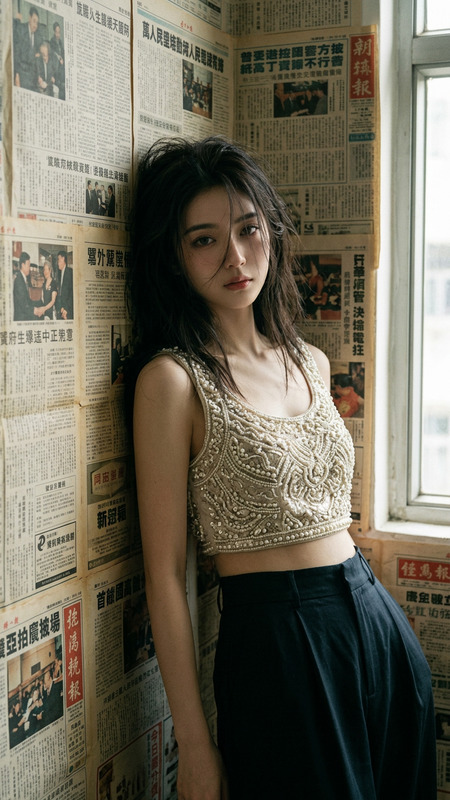
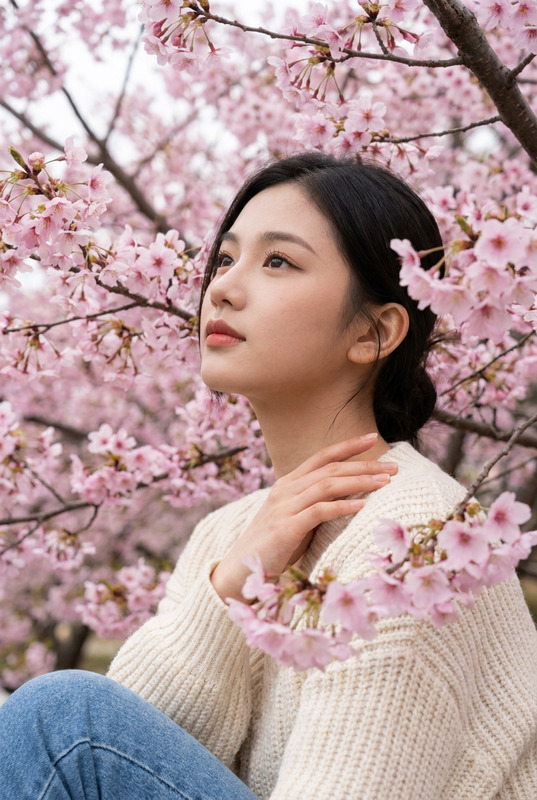
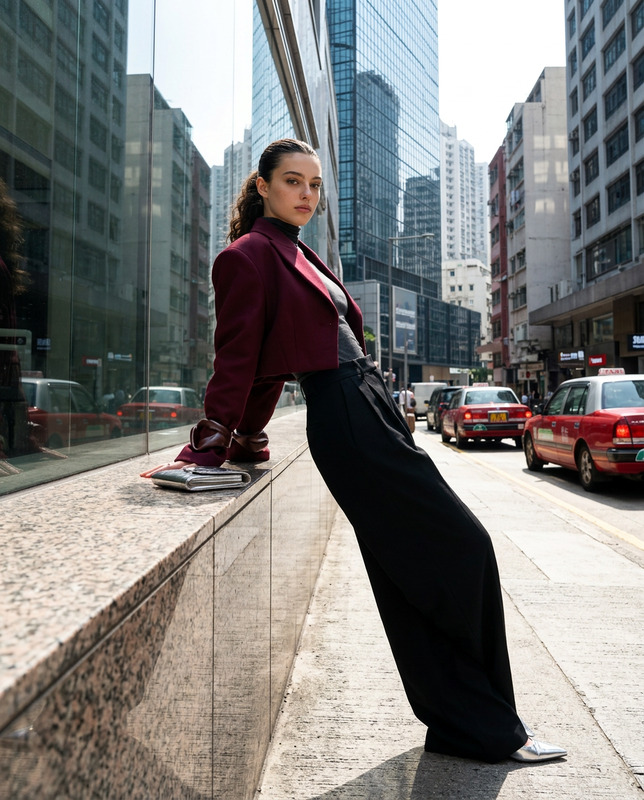
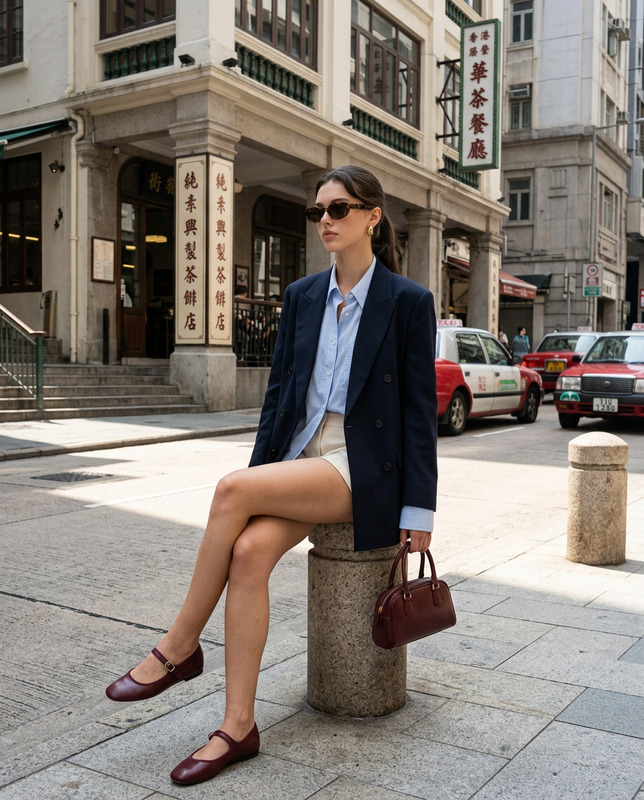
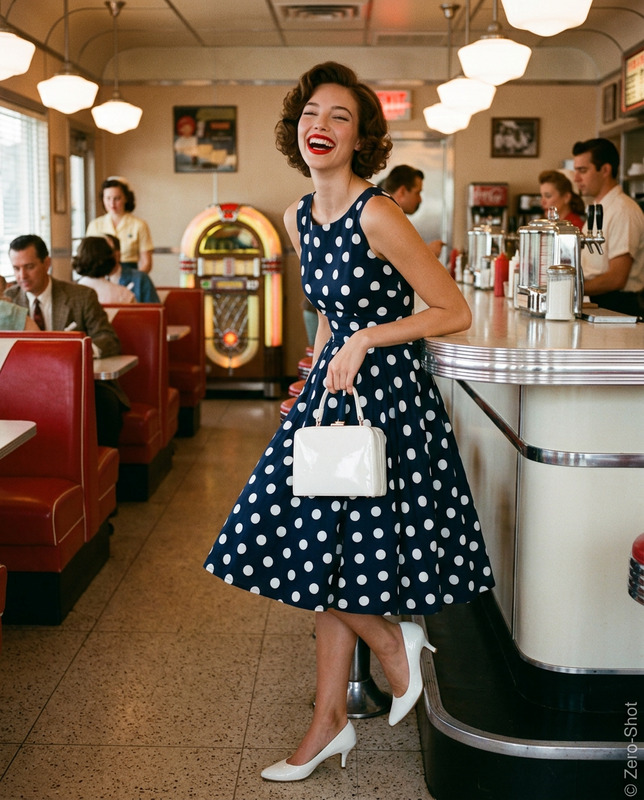
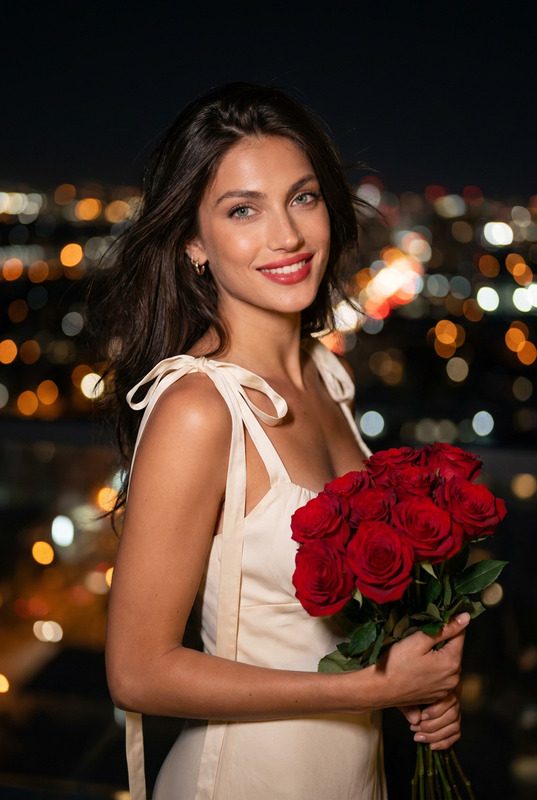
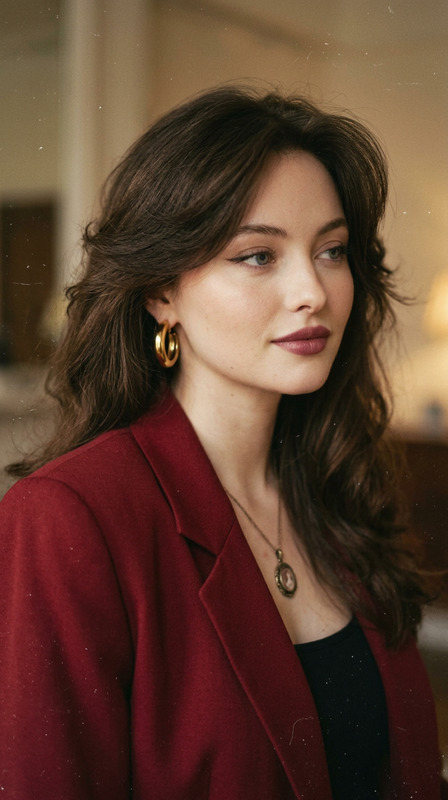
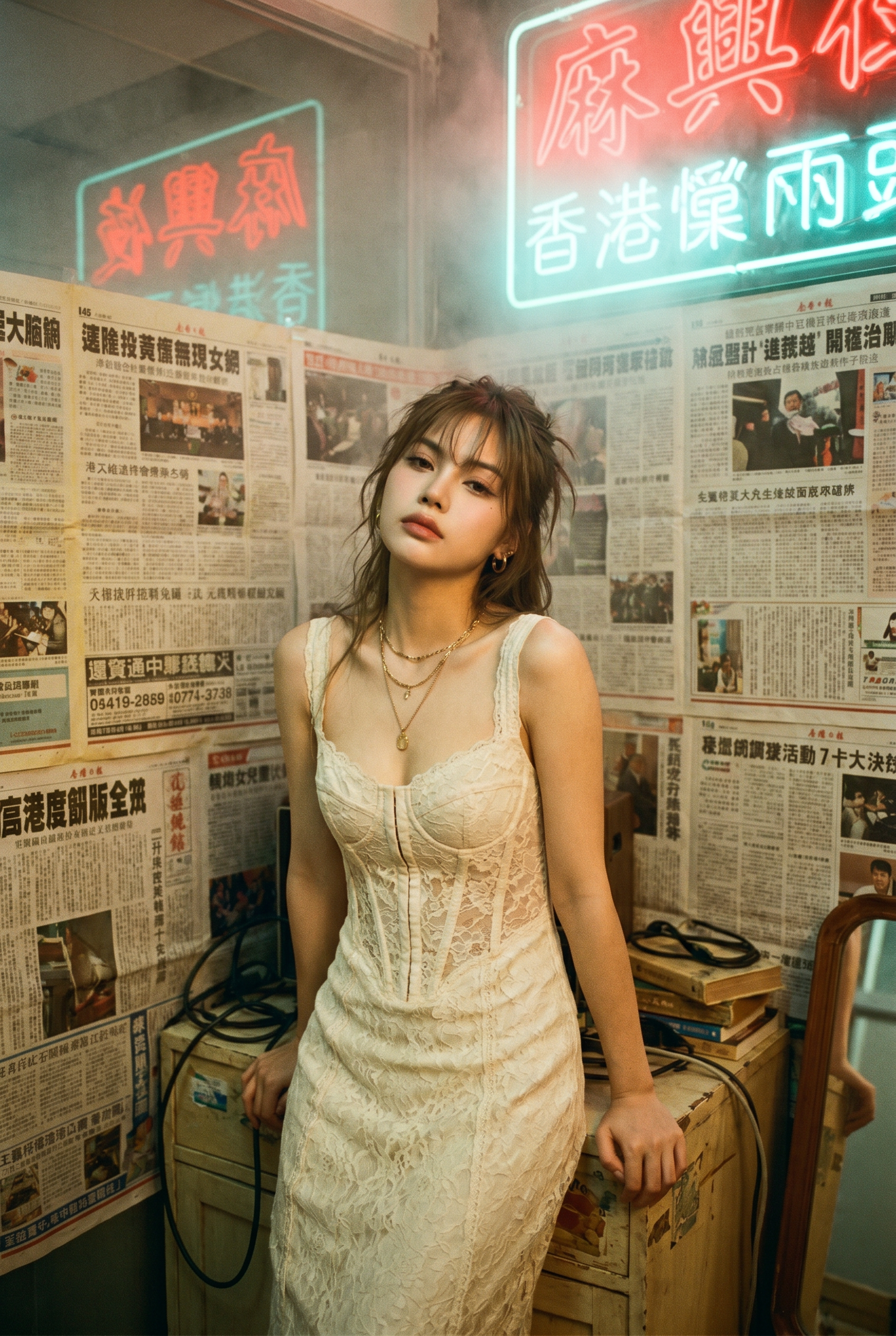
Use the photo above as the reference. Create a photorealistic Hong Kong retro portrait with authentic 1990s film look, like a moody movie still. Strictly preserve identity (eyes shape, lips, nose bridge, jawline, skin tone). Vertical portrait, mid-thigh to head (3/4 body). Subject standing, leaning slightly toward camera with both hands resting on a small wooden cabinet behind her; shoulders relaxed. Chin slightly down, gaze up toward camera with a melancholic, calm expression. Scene: tight messy Hong Kong room, walls plastered edge-to-edge with yellowed Cantonese newspapers. Behind subject: hazy neon Chinese signage (red + cyan) glowing through mist near the ceiling. Cluttered furniture: compact cabinet, scattered cables, small mirror edge visible. Wardrobe & Styling: cream/ ivory lace corset-style dress (tasteful, non-revealing), layered delicate gold necklaces, small hoop or pearl earrings. Hair tousled with wispy bangs across forehead. The face must be a precise copy of my real facial features, do not change the face, and make it a high-resolution photo.
Any aspect ratio
Overview
Step back in time with the Hong Kong Retro Portrait, an AI Image Editor template designed to capture the moody essence of the 1990s Hong Kong aesthetic. Using this template, you can transform modern photographs into striking images that look like they belong in a vintage movie reel. Envision scenes filled with the allure of hazy neon lights and densely cluttered rooms, while preserving the true identity of your subject.
What It Does
This template meticulously crafts a photorealistic portrait, echoing the distinct aesthetics of Hong Kong cinema from the 1990s. The model preserves your subject’s identity while embedding them in a nostalgic setting. The nano-banana-pro model ensures high-resolution output, enhancing details like facial features and ambiance for a convincing vintage effect.
Who It's For
This template is perfect for photographers, designers, and retro enthusiasts craving a cinematic touch in their visuals. Whether you're developing content for mood boards, creating visuals for product launches, or enriching your social media aesthetic, this tool provides the artistic flair needed to stand out. It's also ideal for those involved in storyboarding or other creative ventures that require atmospheric imagery.
Summary
The Hong Kong Retro Portrait template offers a dedicated solution for bringing retro cinematic aesthetics to modern imagery, while faithfully capturing and preserving the subject's unique identity. It's an excellent choice for creatives aiming to evoke nostalgia through imagery without compromising on personal detail.
How to
Choose Your Template

Customize Your Image

Generate the Portrait

Use Cases
Content Creation for Social Media
- Instagram posts
- TikTok videos
- Retro-themed stories
Cinematic Style Projects
- Indie films
- Short movie projects
- Style references
Custom Portraits
Best Practices
Choose the Right Image
Ensure your reference image is clear, with distinct facial features to maximize identity preservation.Emphasize Lighting & Mood
Adjust the prompt to focus on the interplay of lighting, such as neon hues, to enhance the cinematic feel.Experiment with Angles
Positioning the subject creatively within the frame can improve the stylistic effect of the portrait.