Hong Kong Edge
- Model
- Nano Banana 2
- Image
- 928 × 1152 px
Prompt
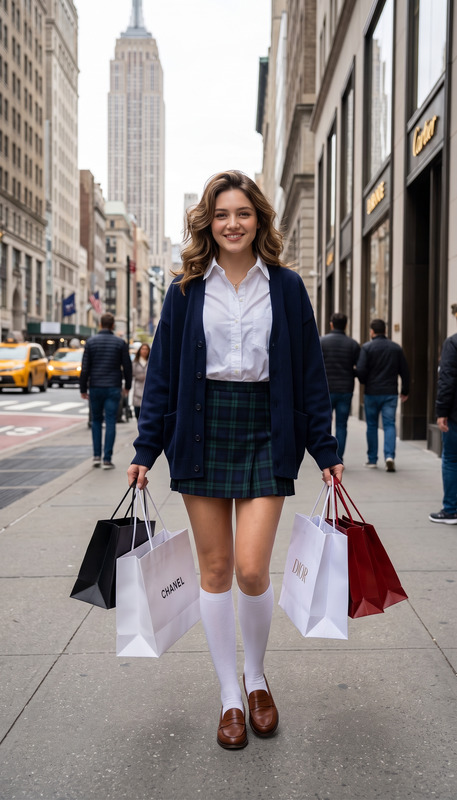
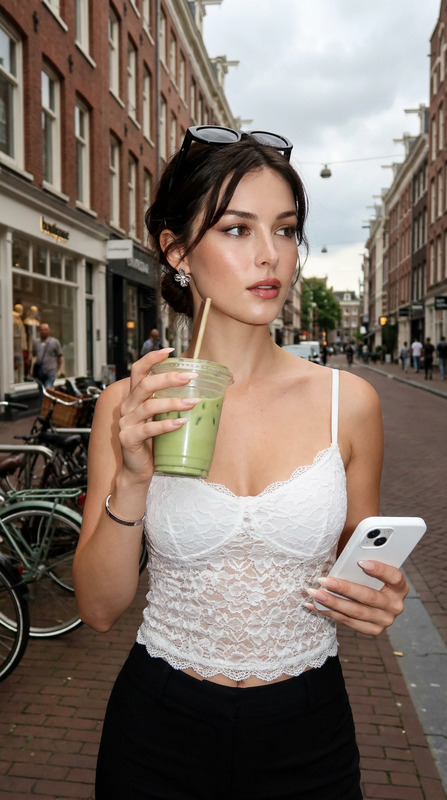
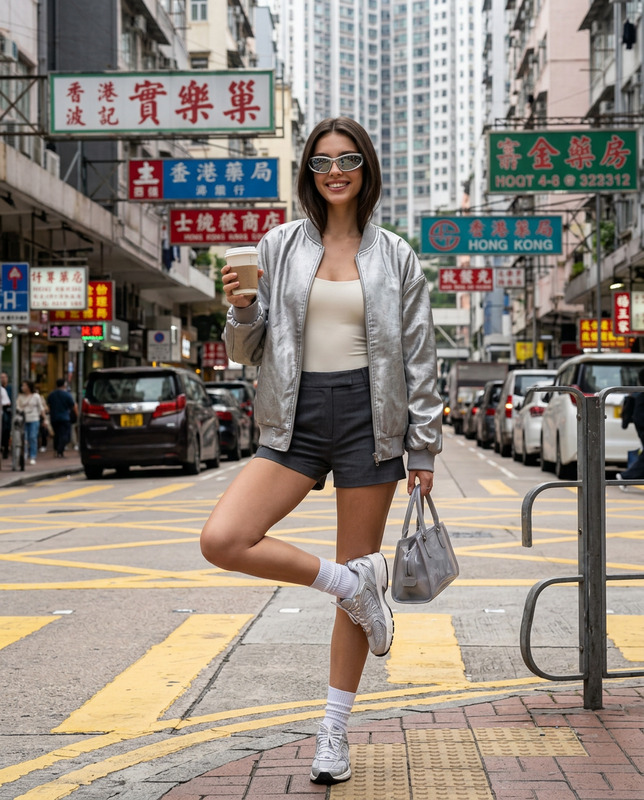
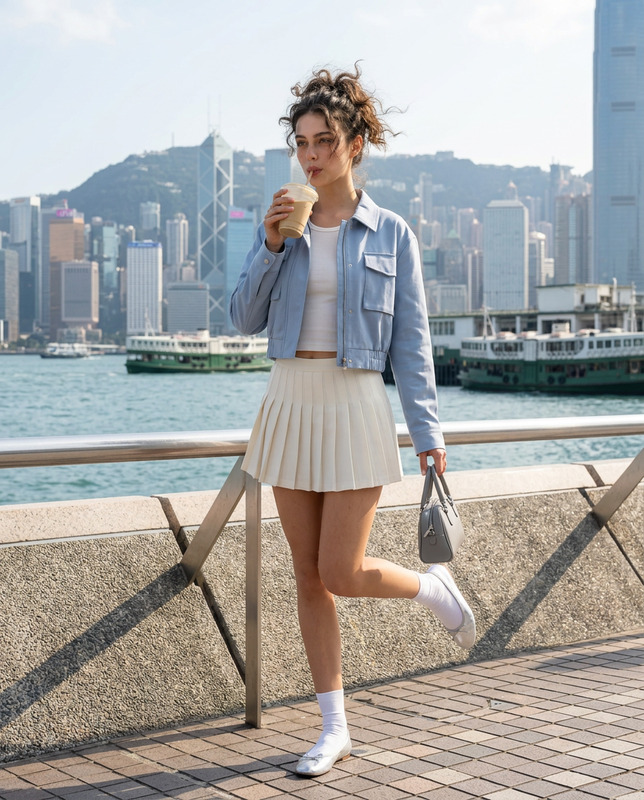
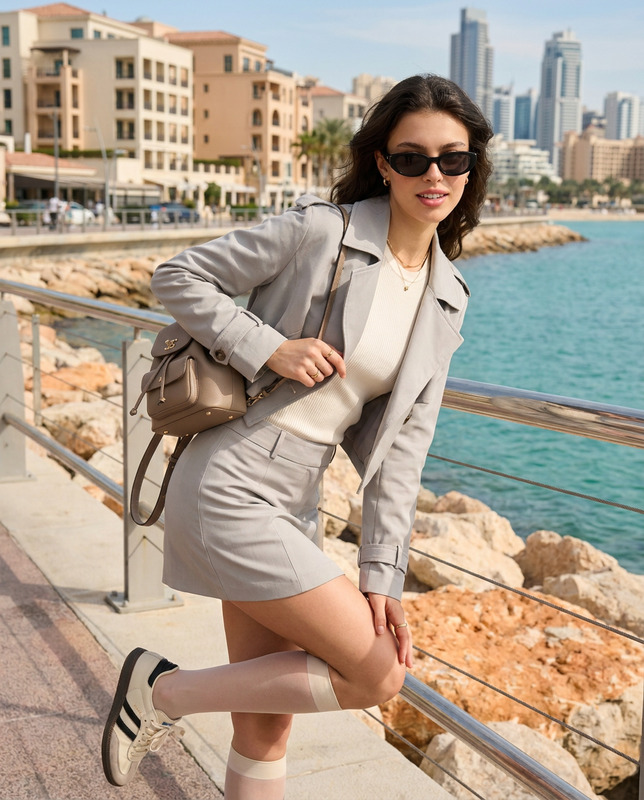
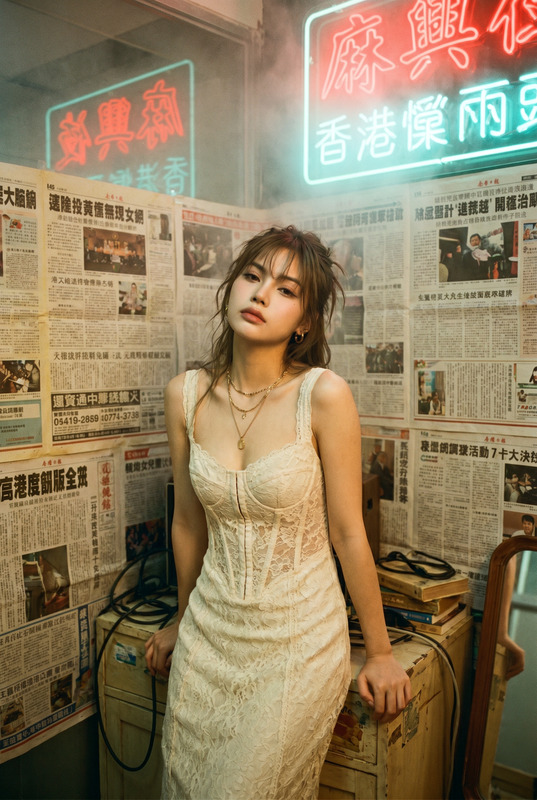
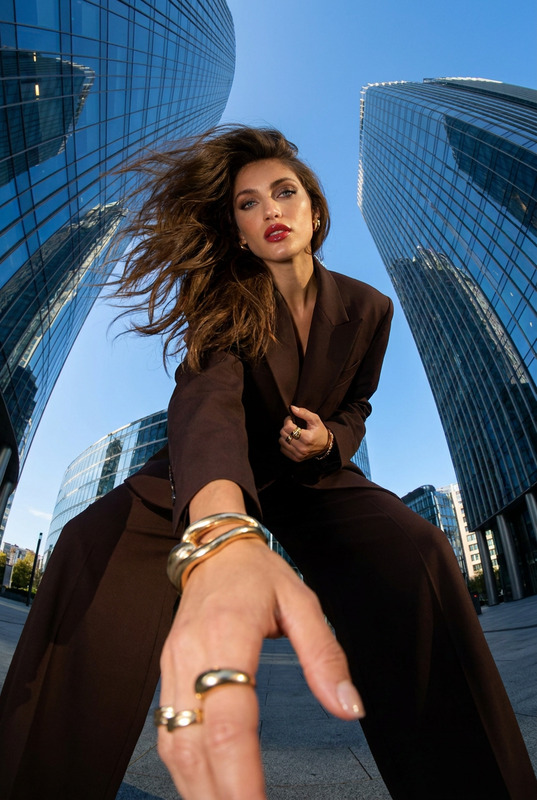
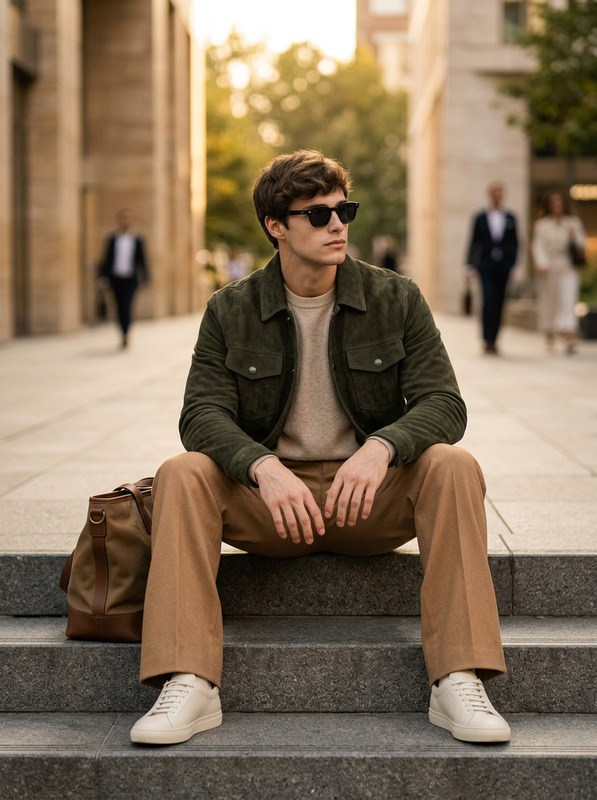
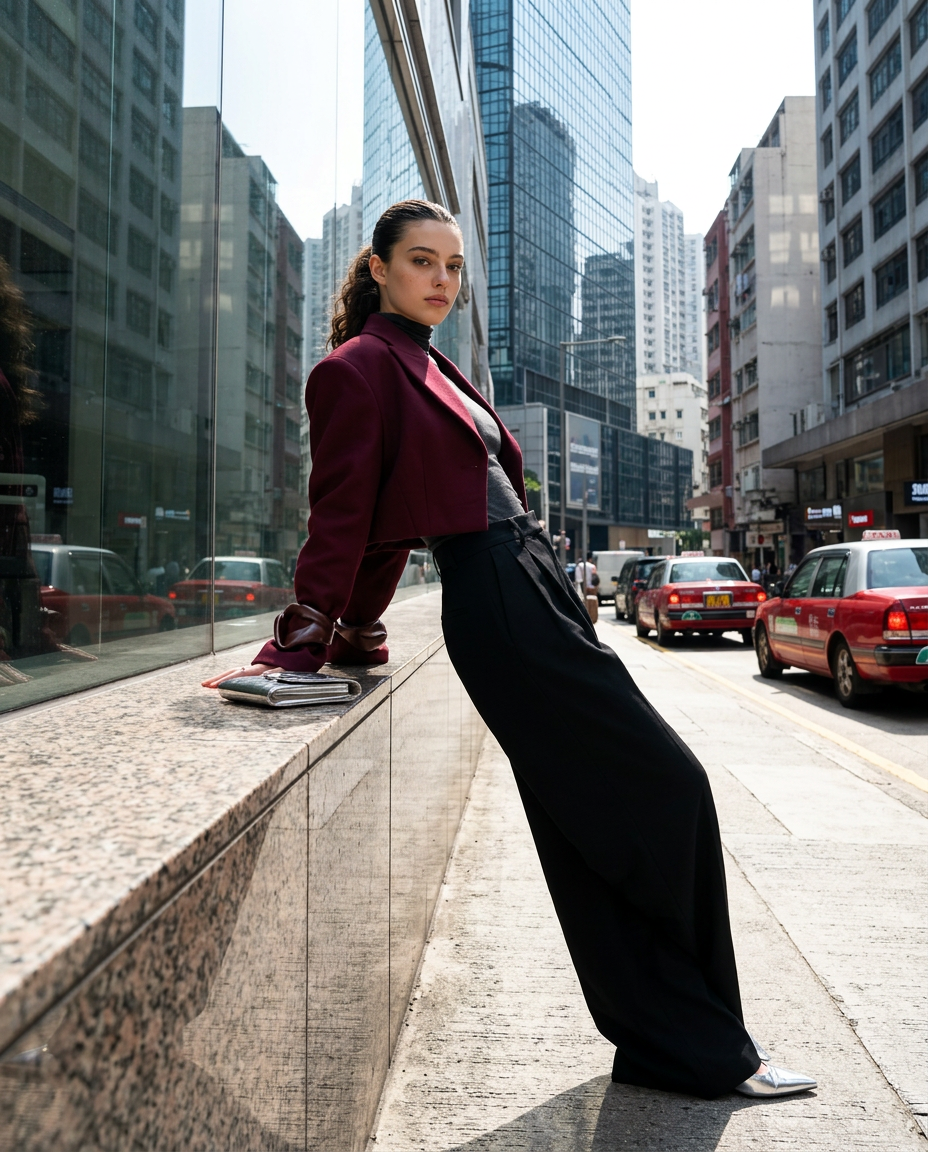
Use my uploaded personal photo as the facial identity reference only. Preserve my exact recognizable facial features, natural skin tone, facial structure, age, proportions, and authentic likeness.Create a vertical 4:5 ultra-realistic colored cinematic fashion editorial photograph in a sleek architectural district of Hong Kong with polished granite surfaces, glass façades, dense surrounding towers, taxis, and city reflections.Position me leaning backward diagonally against a long polished architectural ledge. Let one arm extend casually along the surface while my face turns toward the camera with a calm, confident editorial expression.Dress me in a bold deep burgundy sculptural cropped jacket with exaggerated curved sleeves, worn over a fitted graphite-grey high-neck top. Pair it with extra-wide black tailored trousers sitting low on the waist and pointed silver shoes. Add a compact metallic clutch, slim silver earrings, and one chunky sculptural cuff.Style my hair in a sleek brushed-back ponytail with a few subtle strands near the temples.Use a slightly tilted low camera perspective to enhance the architectural drama.Show surrounding Hong Kong buildings, road surfaces, taxis, pavement, glass reflections, railings, and vertical city structures clearly.Use bright directional sunlight with dramatic but realistic shadows.Keep everything sharp, including passing vehicles. Use fast-shutter photography rather than motion blur.Mood: powerful, architectural, contemporary, experimental luxury street fashion.
Any aspect ratio
Overview
Explore a unique blend of personal style and high-concept architectural imagery with the Hong Kong Edge AI Image Editor template. Crafted for those who seek to merge their personal identity with contemporary luxury street fashion, this template utilizes advanced AI to create stunning visual narratives that highlight both subject and environment.
What It Does
This template creates a cinematic fashion editorial photograph using your personal photo as a reference for facial features. It ensures your likeness is preserved in a vivid Hong Kong cityscape, adding elements like taxis, glass façades, and polished granite to enhance the scene's realism. The AI Image Upscaler can further sharpen image detail, making architectural and clothing textures pop.
Who It's For
Ideal for fashion enthusiasts, photographers, and content creators aiming to make a bold statement with their visuals. Whether you're posting on social media or compiling a professional portfolio, the AI Image Editor ensures your imagery aligns with a powerful urban aesthetic.
Summary
The Hong Kong Edge template is designed to seamlessly blend your personal image with an iconic Hong Kong backdrop. Perfect for promoting urban fashion and lifestyle content, this AI-driven editor takes your visuals to a new level by preserving facial details and enhancing environmental elements. Pair it with the AI Photo Relighting tool to adjust lighting effects for even more dramatic impact.
How To
Choose Your Template

Customize Your Image

Generate Your Photo

Use Cases
Social Media Fashion Posts
- Perfectly crafted for Instagram feeds
- Stand out on Facebook timelines
Portfolio Building
- Emphasize personal style in professional settings
- Gain an edge in competitive markets
Advertising Campaigns
- Highlight product placement in high-fashion contexts
- Engage with urban luxury demographics
Best Practices
Maintain Facial Accuracy
Ensure your submitted photo maintains natural proportions to achieve the best likeness when processed.Leverage AI Tools
Combine with the AI Clothes Changer for dynamic outfit experimentation.Optimize Lighting
Utilize the AI Video Extender for enhancing shadows and highlights in your image.