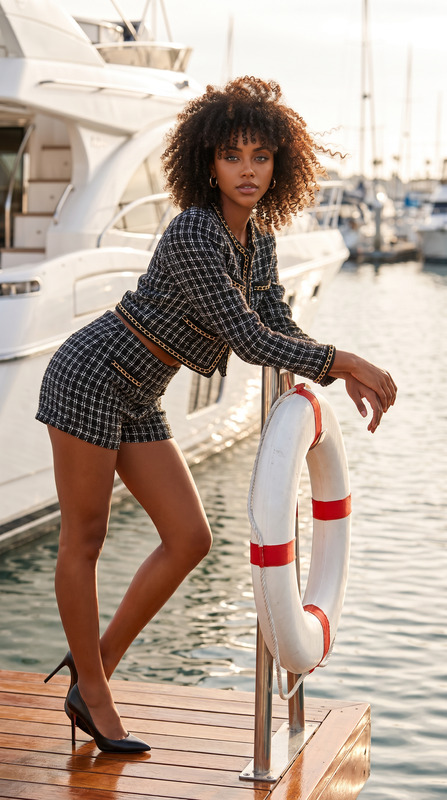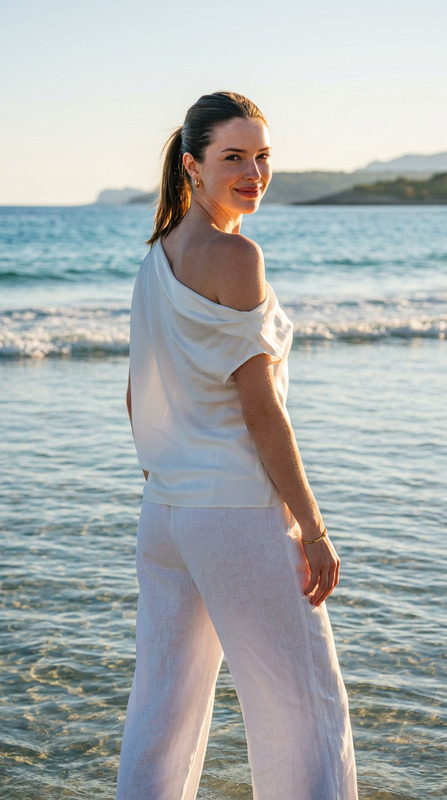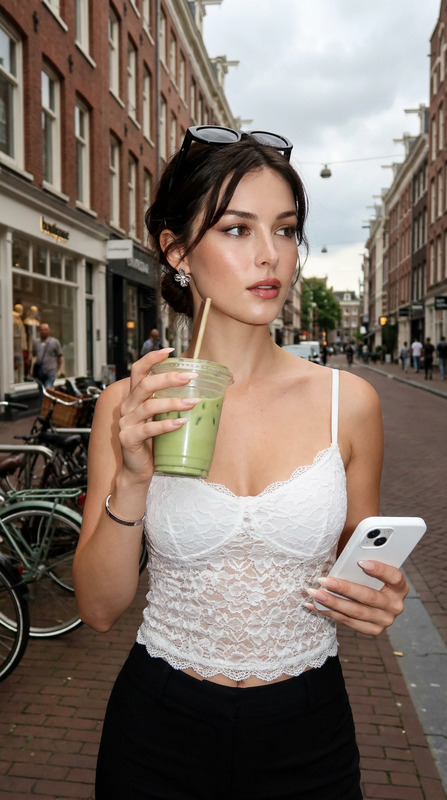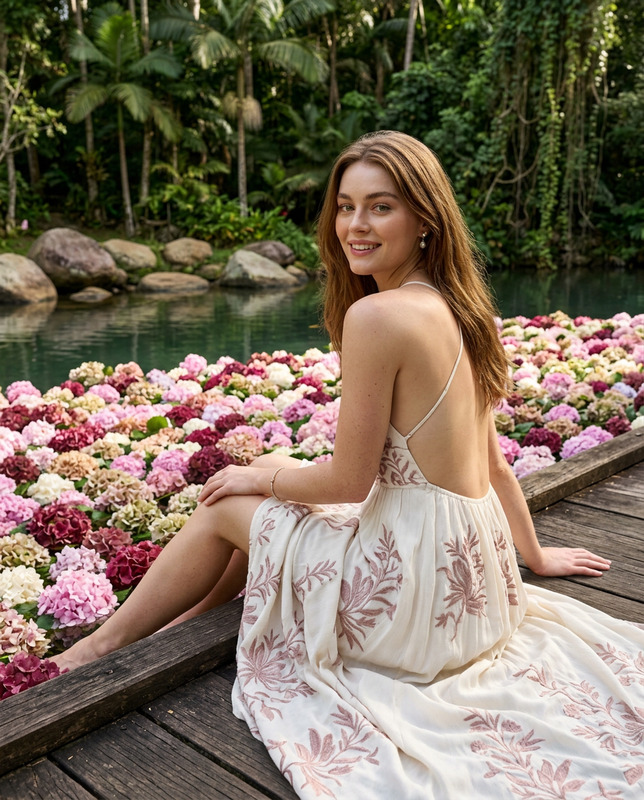
Harbour Breeze
- Model
- Nano Banana 2
- Image
- 928 × 1152 px
Prompt
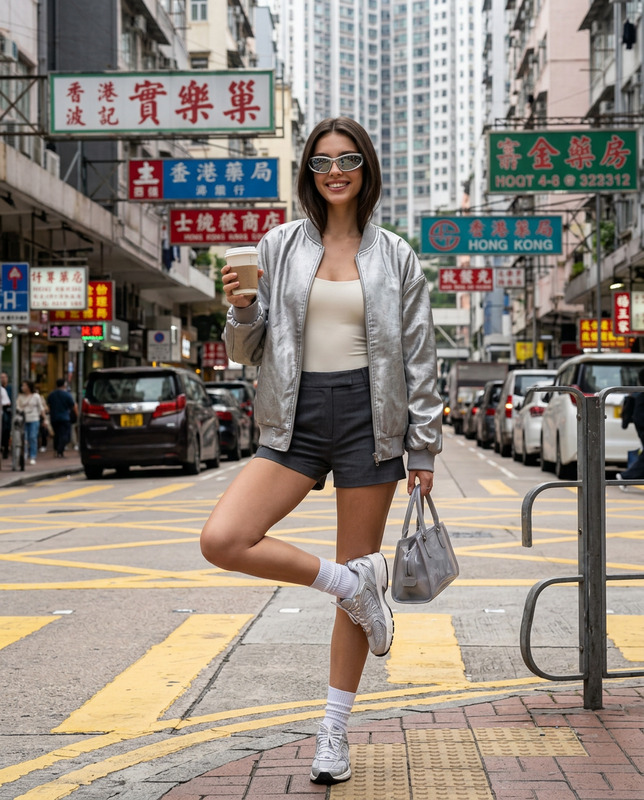
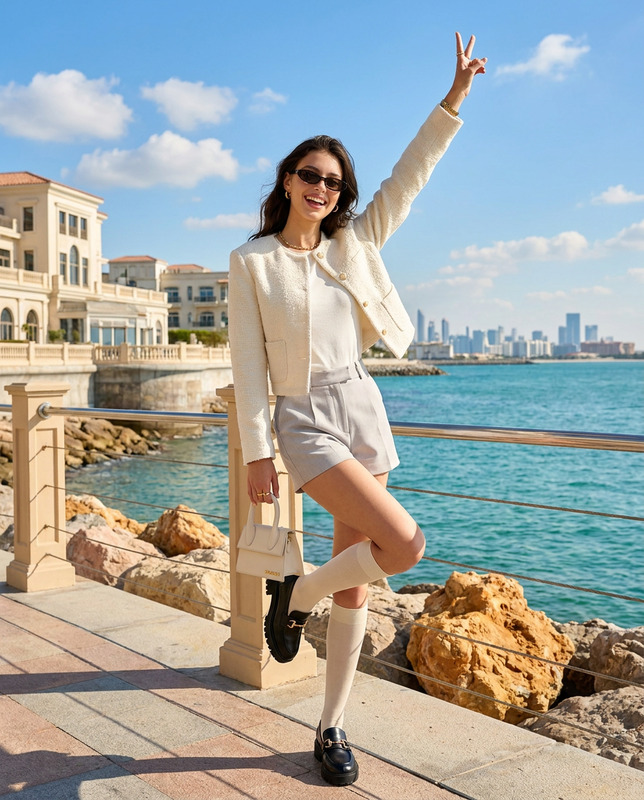
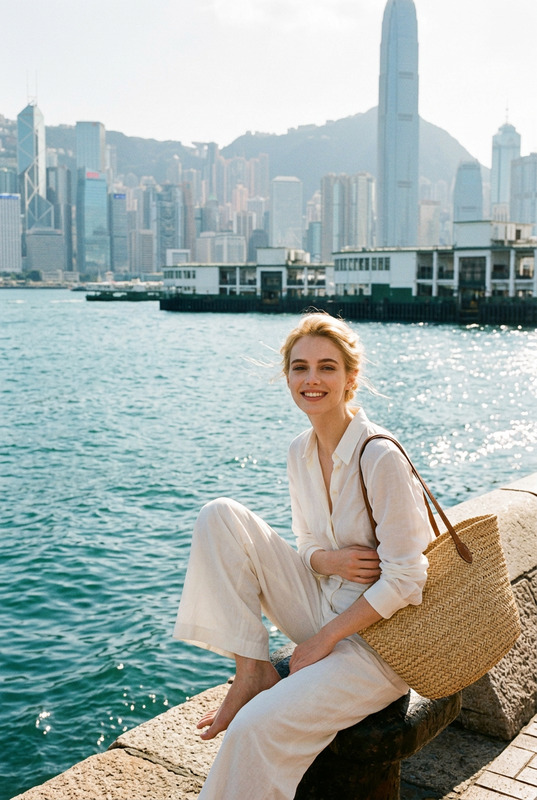
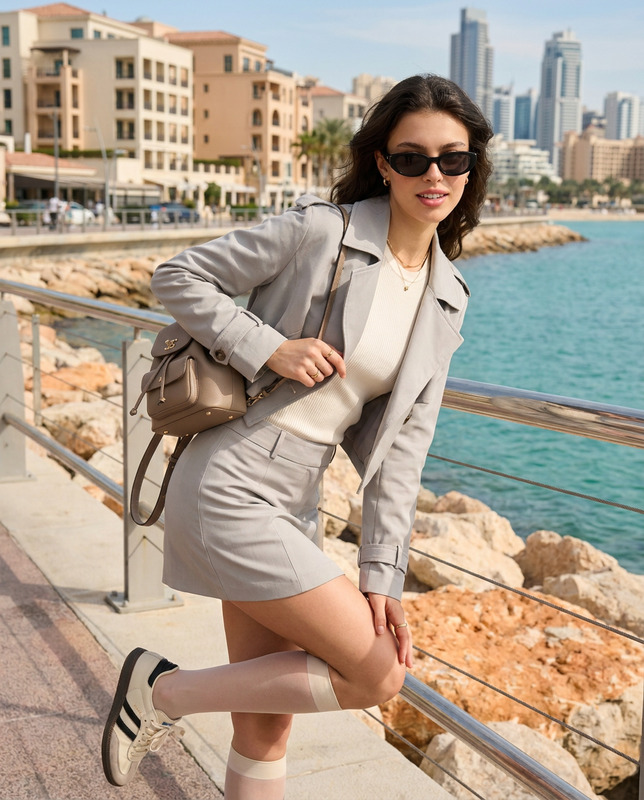
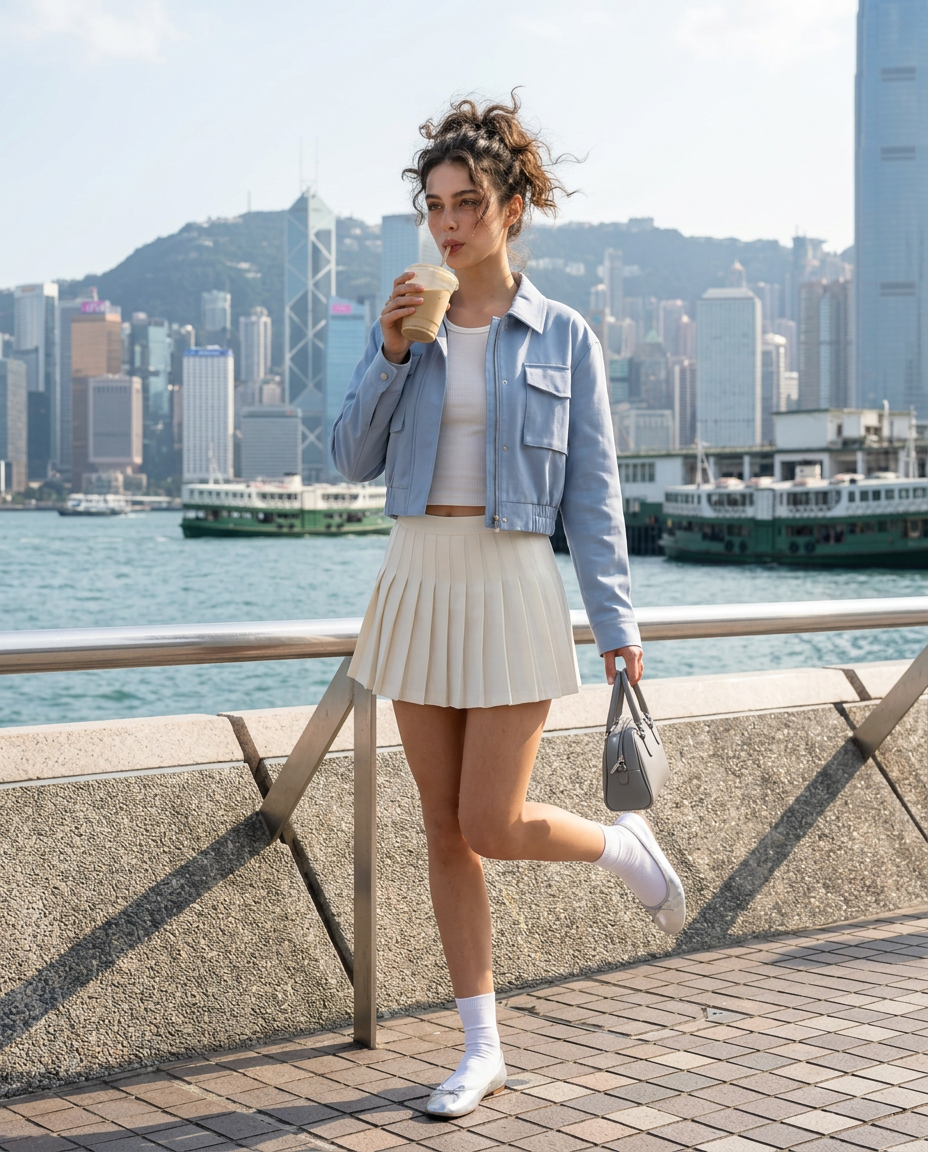
Use my uploaded personal photo as the facial identity reference only. Preserve my exact recognizable facial features, natural skin tone, face shape, eyes, nose, lips, age, facial proportions, and authentic human likeness.Create a vertical 4:5 ultra-realistic colored cinematic fashion editorial photograph along the Victoria Harbour waterfront in Hong Kong on a bright breezy afternoon.Position me standing near the promenade railing with one leg supporting my weight while the other bends backward playfully at the knee. Hold a minimalist takeaway drink near my lips while my free hand carries a compact handbag.Dress me in a fresh powder-blue cropped utility jacket with oversized patch pockets and refined tailoring, paired with a fitted white ribbed tank and a high-waisted ivory asymmetric pleated mini skirt. Add silver ballet flats with delicate straps, crisp white ankle socks, a pearl-grey structured handbag, and minimal silver jewelry.Style my hair in a loose textured updo with softly windswept strands.Behind me, clearly show Victoria Harbour, ferries, waterfront architecture, layered Hong Kong skyline, railings, stone pavement, and greenery.Use natural bright sunlight with crisp cinematic shadows and realistic reflections on the water.Keep the entire composition highly detailed and in deep focus. No blur, no atmospheric haze obscuring the skyline, and no artificial bokeh.Mood: playful harbour afternoon, polished youthful fashion, fresh Hong Kong travel editorial.
Any aspect ratio
Overview
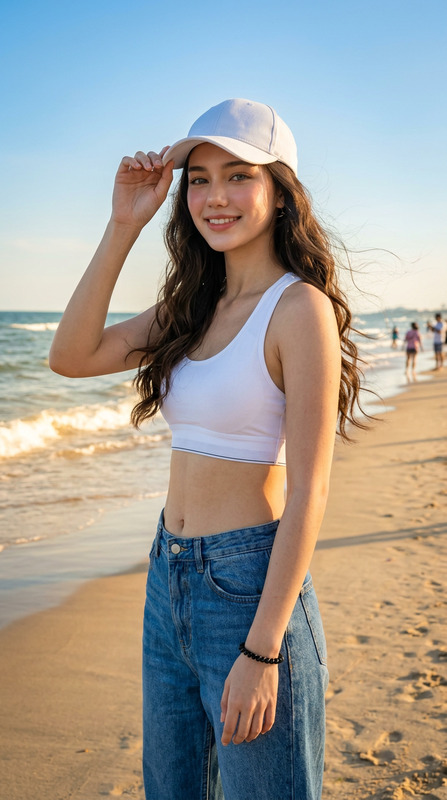
The "Harbour Breeze" AI Image Editor template is designed to create ultra-realistic and cinematic fashion editorial photographs. This template leverages your uploaded personal photo to maintain an authentic likeness while situating you in a vibrant Hong Kong harbor scene. The resulting image is rich in detail, capturing a fresh, playful mood set against the iconic Victoria Harbour skyline.
What It Does
"Harbour Breeze" transforms a personal photo into a cinematic fashion editorial shot. By retaining your unique facial features and natural likeness, the template lets you visualize yourself in a well-crafted scene complete with specific outfits and accessories. For creators needing high-quality images with consistent realism, this tool integrates seamlessly with the AI Image Editor, providing detailed outputs for artistic and professional use.
Who It's For
This template is ideal for fashion enthusiasts, travel bloggers, and social media influencers seeking to elevate their content with captivating images. Whether you're creating for Instagram or a personalized blog, "Harbour Breeze" offers a creative edge. It's also beneficial for designers in need of realistic models in specific styled environments, enhancing portfolios or client presentations.
Summary
"Harbour Breeze" in the AI Image Editor offers a pathway to beautifully edited, narrative-rich images focused on fashion and travel themes. Its ability to maintain the unique details of your features while placing you in a dynamic and highly detailed setting makes it a valuable asset to any content creator’s toolkit. Connect this with other tools like the AI Image Generator for broader creative possibilities.
How-To
Choose Your Template

Customize Your Scene

Generate Your Image

Use Cases
Fashion Blogging
- Highlight stylistic choices
- Showcase model outfits in dynamic settings
Travel Promotion
- Display iconic locations
- Incorporate narrative-driven visuals
Social Media Content
- Stand out in your feed
- Engage followers with eye-catching visuals
Best Practices
Maintain Authenticity
Ensure your uploaded photo is clear and well-lit to accurately preserve your features. This helps maintain a high level of realism.Choose the Right Outfit
Select clothing and accessories that complement the setting for a cohesive fashion editorial look.Focus on Details
Pay attention to the small details like lighting and positioning to enhance the overall image quality.