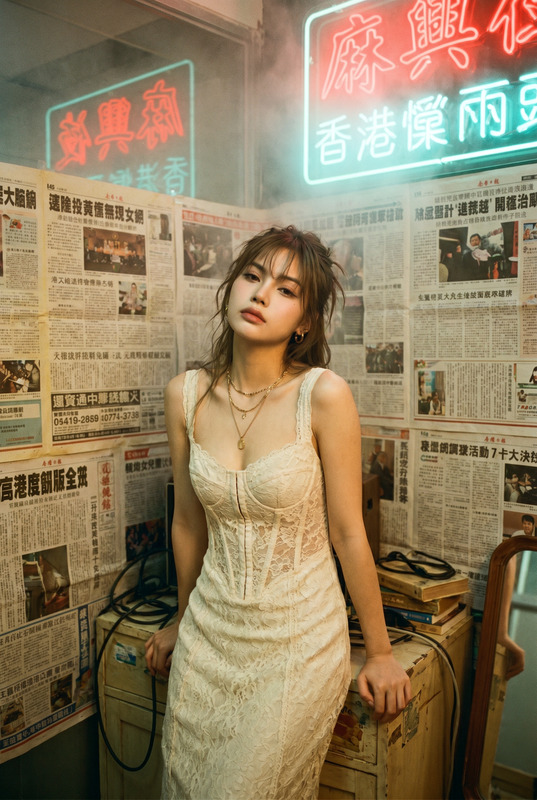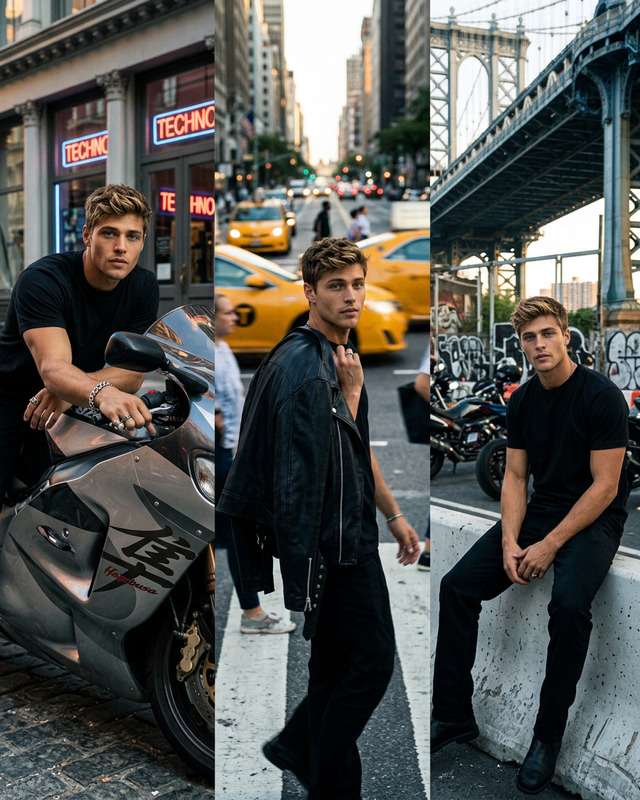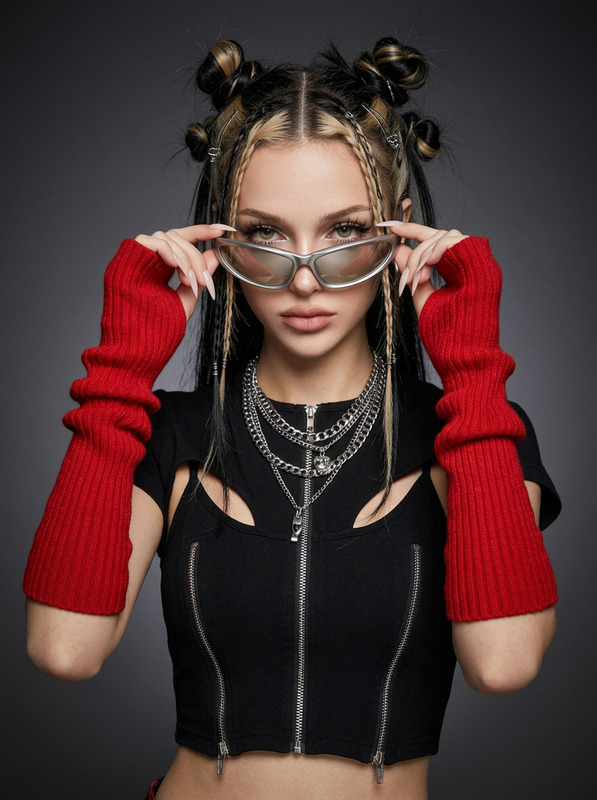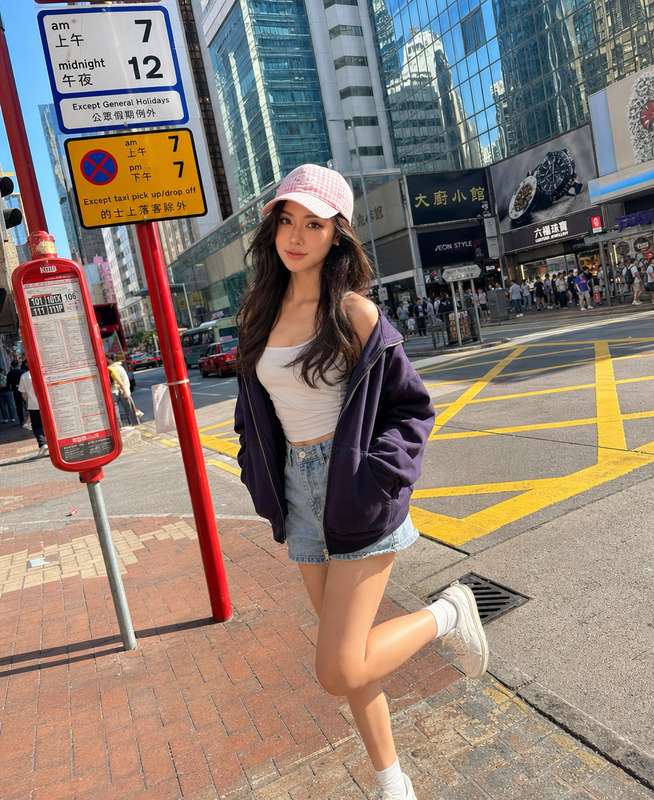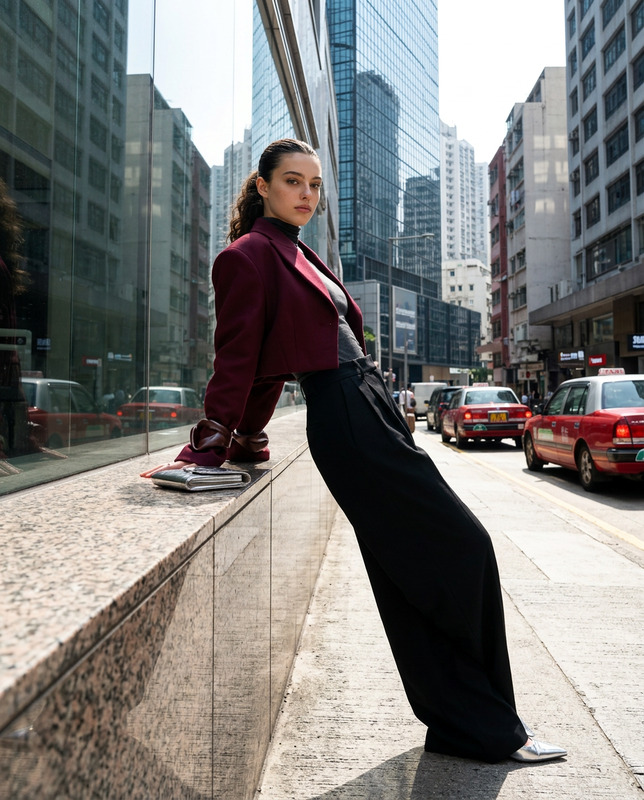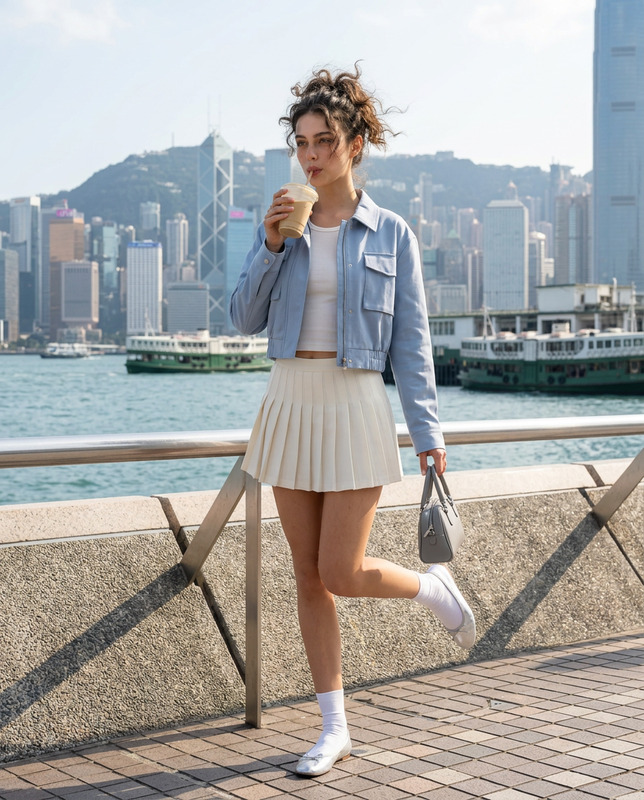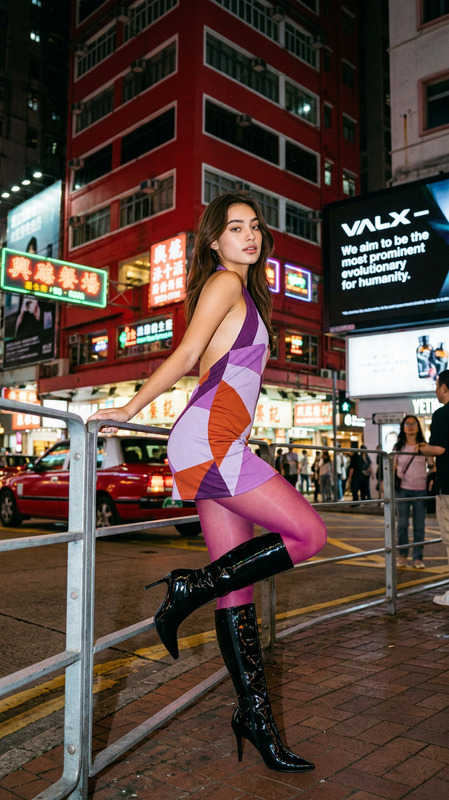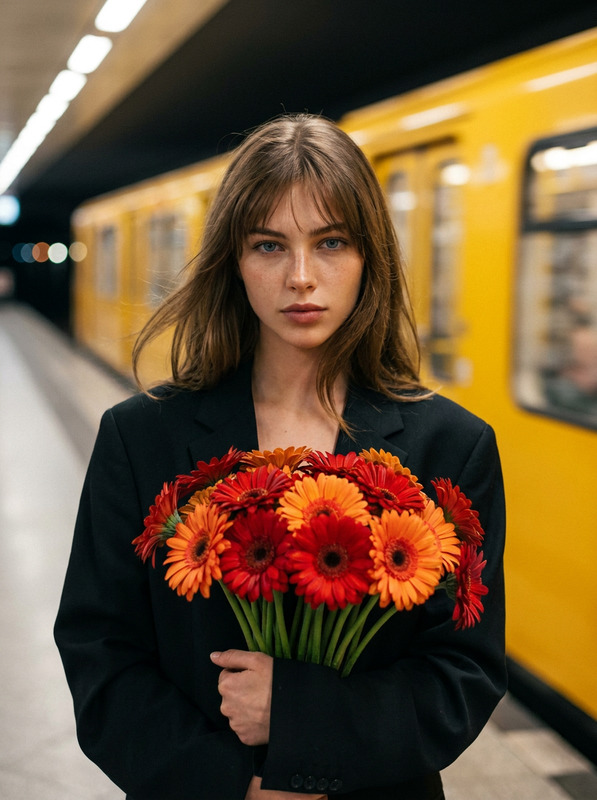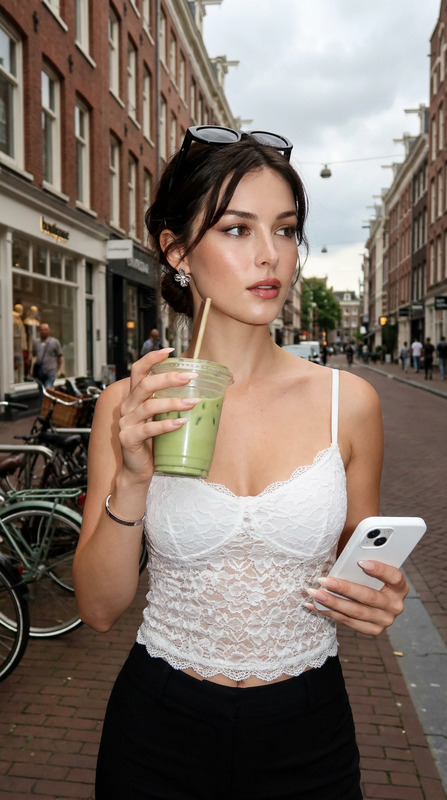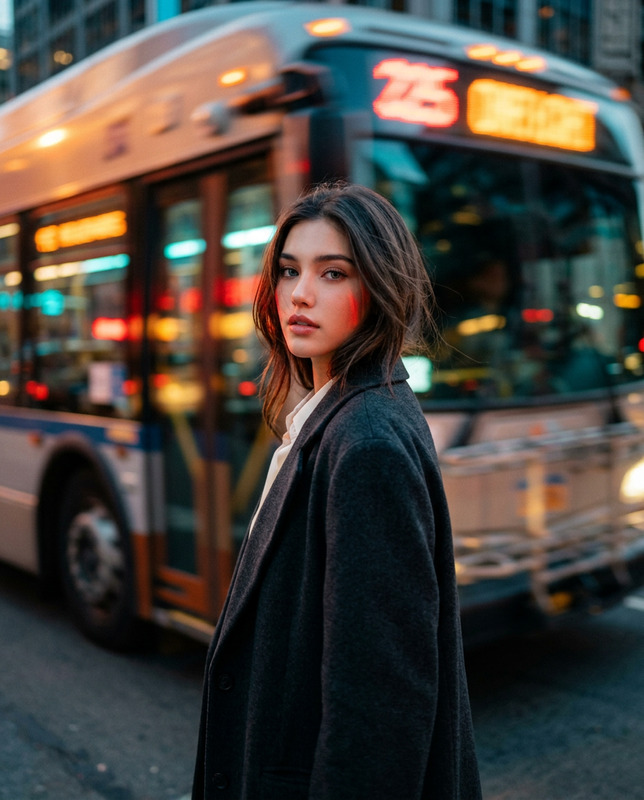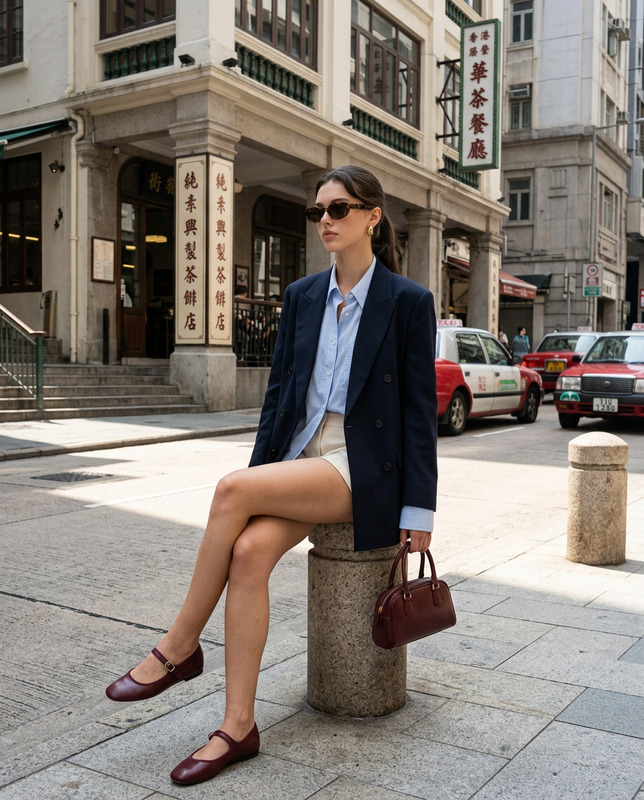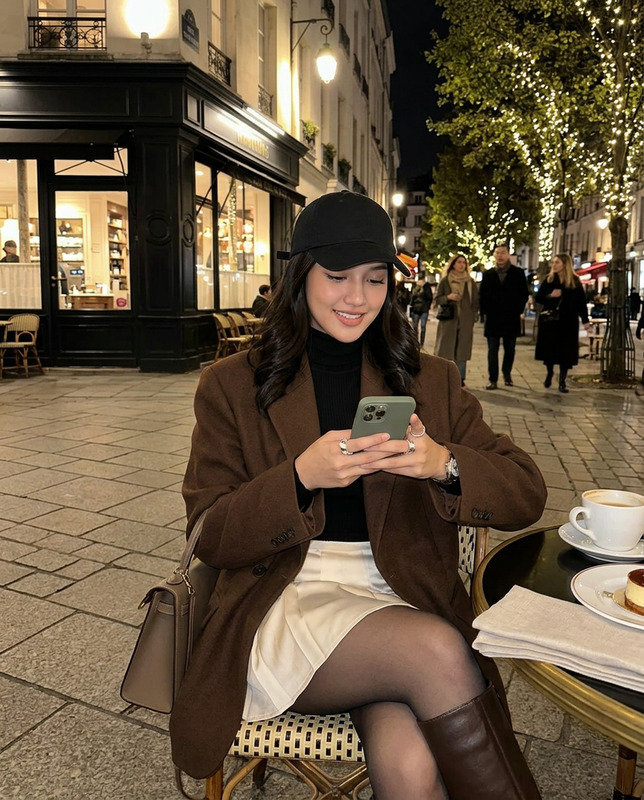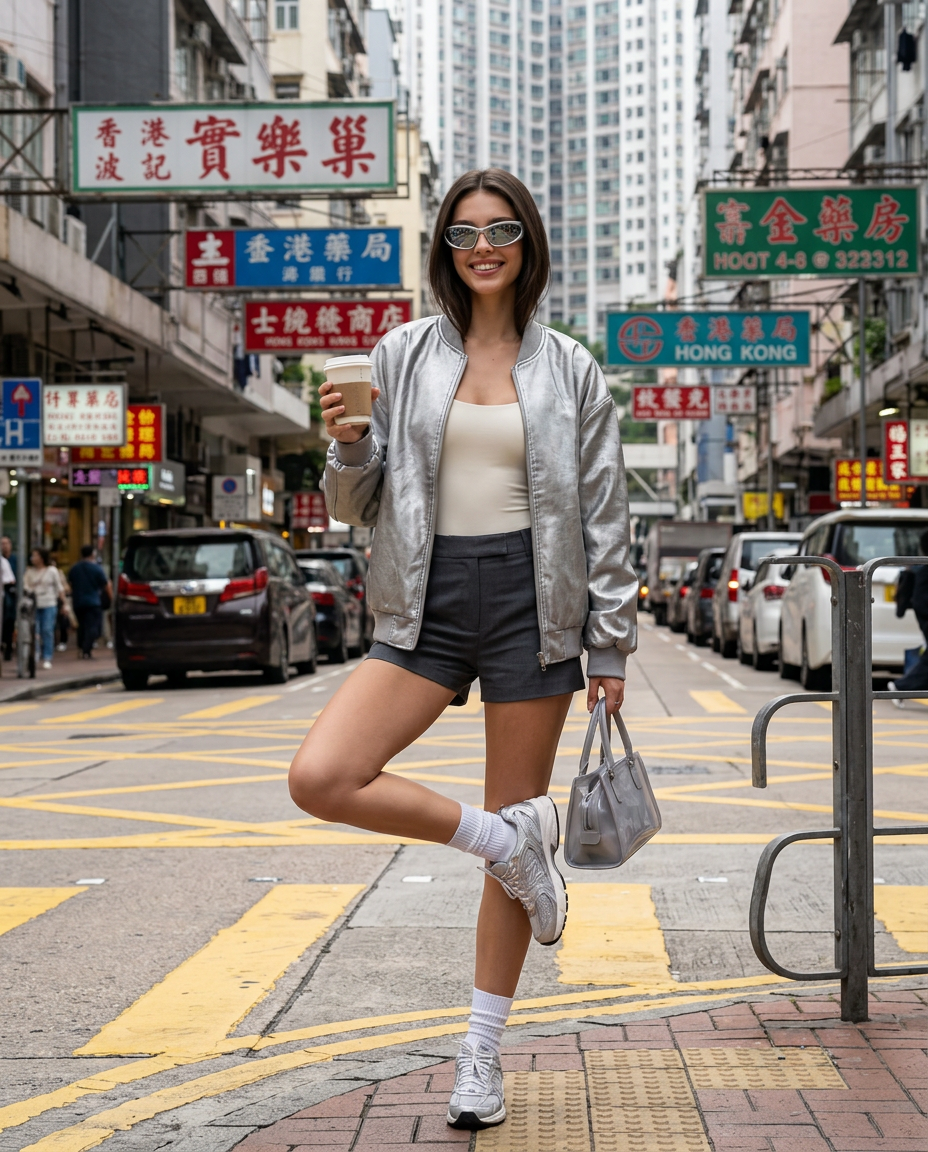
Hong Kong Street
- Model
- Nano Banana 2
- Image
- 928 × 1152 px
Prompt
Use my uploaded personal photo as the facial identity reference only. Preserve my exact recognizable facial features, natural skin tone, face shape, eyes, nose, lips, age, facial proportions, and authentic human likeness.Create a vertical 4:5 ultra-realistic colored cinematic street-fashion photograph at a busy Hong Kong pedestrian crossing surrounded by layered signage, boutiques, traffic lights, narrow high-rise façades, road markings, and dense city details.Capture me in a spontaneous balancing moment near the crossing, standing on one leg while the other bends naturally upward. Carry two takeaway coffee cups in one hand while holding a compact handbag.Dress me in a futuristic but wearable Gen-Z luxury look: an oversized metallic silver lightweight bomber jacket, fitted ivory sleeveless bodysuit, and sharply tailored graphite mini shorts with a slightly elongated waistband detail. Add white ribbed socks, streamlined silver-grey sneakers, a translucent smoked-grey handbag, tiny geometric earrings, and narrow mirrored sunglasses.Style my hair in a sleek chin-length bob or polished shoulder-length cut with controlled movement.Let the silver wardrobe contrast dramatically against Hong Kong’s colorful street signs and dense architecture.Photograph with crisp daylight and a fast shutter speed.Keep pedestrians, road markings, taxis, traffic signals, shop signs, façades, and wardrobe details sharp and clearly defined.No motion blur. No artificial bokeh. No dreamy soft focus.Mood: futuristic Hong Kong street style, energetic, young, architectural, fashion-forward.
Any aspect ratio
Overview
Immerse yourself in Hong Kong's thriving fashion streets with the "Hong Kong Street" AI Image Editor template. Powered by the advanced nano-banana-2 model, this template transforms your personal photos into visually stunning street-style images, capturing your unique features with precision.
What It Does
The "Hong Kong Street" template uses your personal facial photo to create an ultra-realistic, cinematic street-fashion photograph set in bustling Hong Kong. It maintains your exact facial identity, ensuring recognizability while placing you in a vivid urban scene. The template highlights fashion-forward aesthetics with a Gen-Z luxury wardrobe, contrasting Hong Kong's colorful architecture and vibrant streets.
Who It's For
This template is ideal for fashion enthusiasts, influencers, and photographers seeking to integrate urban fashion narratives into their portfolios. It's also perfect for storyboarding and fashion-forward visual identity projects. Whether you're curating content for social media or developing a brand's visual language, this tool can deliver impactful results.
Summary
With the "Hong Kong Street" template, personalize your visual storytelling by depicting yourself in an energetic and stylish Hong Kong scene. The template captures sharp details of street life alongside advanced wardrobe styles, blending your unique appearance with the vibrant city backdrop. Unleash the full potential of AI-powered image editing to create something strikingly personal and fashion-centric.
How To
Choose Your Template

Customize Your Inputs

Generate Your Image

Use Cases
Personal Brand Imagery
Fashion Campaigns
Creative Storytelling
Best Practices
High-Quality Photos
Ensure the uploaded photo is high resolution to capture all facial details accurately.Tailor for Trends
Adjust wardrobe settings to match current fashion trends for a more relatable and vibrant image.Check Scene Details
Review the urban elements and signage to ensure they emphasize the desired aspect of Hong Kong's busy streets.