taylor-swift-deal-with-it
Overview
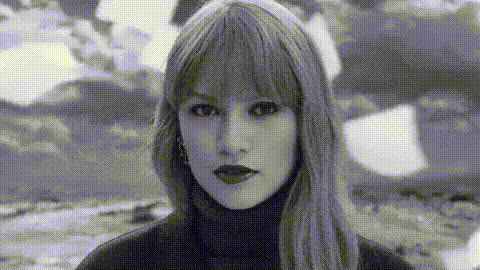
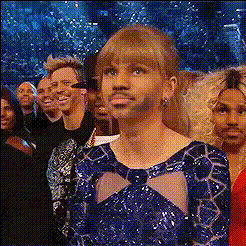
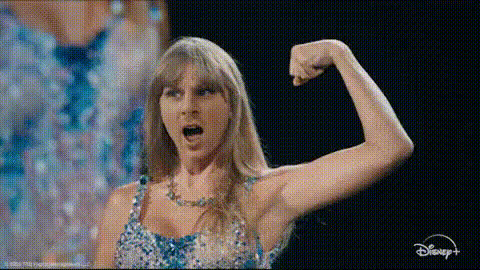
Transform your video experience by swapping faces with Taylor Swift using the Video Face Swap template. This tool allows you to superimpose your face onto Taylor Swift's, creating a playful and entertaining twist on her appearance.
What It Does
The Video Face Swap template takes your uploaded face image and replaces it with Taylor Swift's in a video clip. This transformation maintains the original video's motion and expressions while seamlessly inserting your likeness. It's perfect for creating fun and humorous video content.
Who It's For
This template is ideal for fans of Taylor Swift, content creators looking to add a humorous twist to their videos, and anyone interested in experimenting with video transformations. It's a great tool for exploring creative projects without needing advanced editing skills.
Summary
By leveraging this Video Face Swap template, you can create unique and captivating content featuring yourself as Taylor Swift. Pair it with the Image to Video or AI Meme Generator for more creative outcomes. Explore endless possibilities and bring personal touches to your videos.
How to Use
Choose the Template

Customize Your Input

Generate Your Video

Use Cases
Social Media Content
- Post fun videos with your friends' faces swapped with Taylor Swift's.
- Share unique transformations and attract more followers.
Entertainment Videos
- Add a unique feature to music video parodies.
- Use in video mashups for more entertaining content.
Memes and Humor
- Develop memes that feature popular Taylor Swift moments with a twist.
- Create viral content sharing across social media platforms.
Best Practices
Use a High-Quality Image
Ensure that the photo you upload is clear and well-lit for the best swap result.Match Face Alignments
Try to have the facial features in your image align closely with Taylor Swift's pose in the video for better accuracy.Preview and Refine
Before downloading, preview the output to make any necessary adjustments.