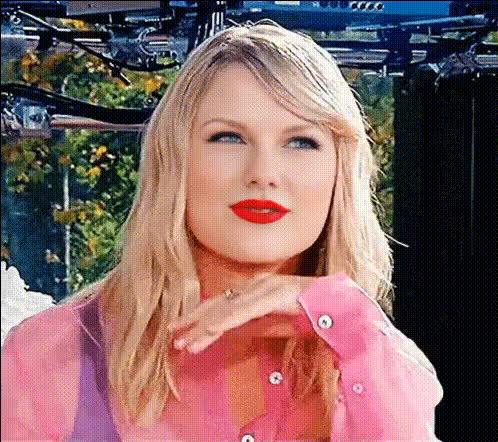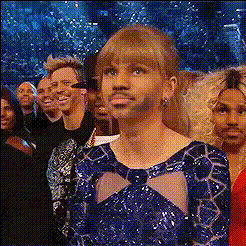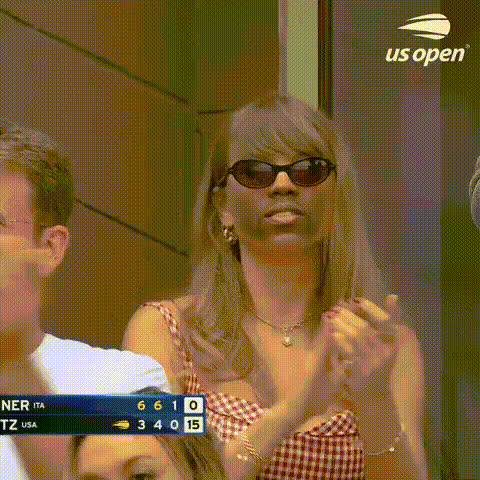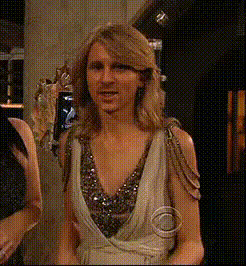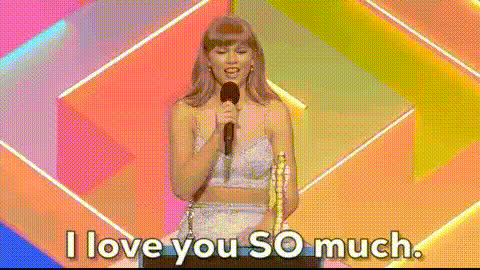
taylor-swift-smiling-subtly
Overview
Step into the spotlight with the Taylor Swift Smiling Video Face Swap template. This tool gives your videos a touch of celebrity glamour by seamlessly integrating Taylor Swift's subtle smile into your content. Whether you're crafting TikToks, Instagram Reels, or personalized video messages, this feature offers a captivating transformation that leaves a lasting impression.
What It Does
The Taylor Swift Smiling Video Face Swap template allows users to swap faces in a video effectively, focusing on Taylor Swift's recognizable subtle smile. By harnessing cutting-edge Face Swap technology, it ensures realistic videos with high-quality facial transformations. Integrate this feature into various media projects for a unique selling point.
Who It's For
This template is designed for creators, marketers, and social media enthusiasts who want to enhance their visual storytelling. Fan creators looking to visualize interactions with celebrities, or marketing teams crafting unique social media ads featuring celebrity likenesses, will find this tool particularly useful. It's perfect for anyone aiming to stand out in a crowded content landscape.
Summary
With the Taylor Swift Smiling Video Face Swap template, you're equipped to create intriguing and shareable content. By merging familiar celebrity features with personal or promotional videos, this tool enhances engagement and brings a new layer of excitement to your projects. Check out similar features offered by our AI Image Editor or explore the Lip Sync tool for complementary effects.
How to Use
Choose the Template

Customize Your Video

Generate and Download

Use Cases
Social Media Content
- Create engaging Instagram Reels with a celebrity twist.
- Make TikToks featuring fun, recognizable faces.
Marketing Campaigns
- Boost engagement with recognizable features.
- Develop catchy ad visuals for more shares.
Personalized Videos
- Send personalized celebrity-themed video messages.
- Create birthday wishes with a surprise celebrity smile.
Best Practices
Choose High-Resolution Videos
For the best results, start with videos that are clear and high-resolution to ensure the face swap is seamless and realistic.Fine-Tune Swap Features
Utilize the customization tools to adjust the blending and alignment of features for a natural appearance.Combine With Other Tools
For a more complete transformation, consider using the AI Voice Changer or AI Video Generator for enhanced storytelling.