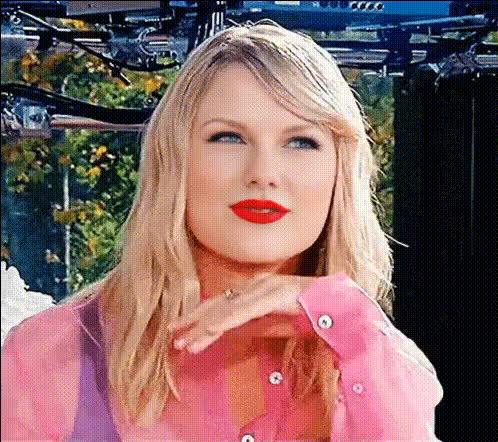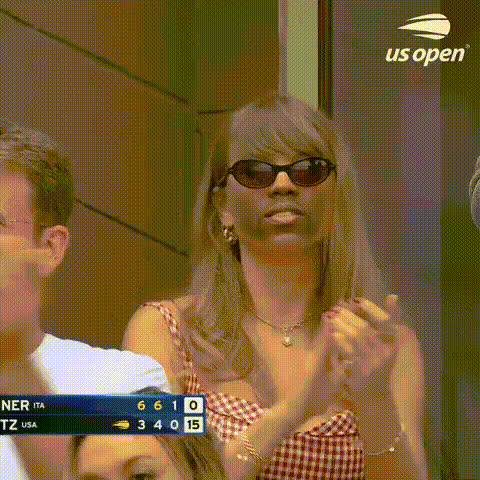
taylor-swift-smiling-clapping
Overview
Transform your video projects by swapping faces with Taylor Swift's iconic expressions! With the Video Face Swap template, you can bring a smile and a clap from Taylor to any video, capturing attention and sparking engagement. This tool offers a seamless user experience, making it accessible for beginners and a delight for experts.
What It Does
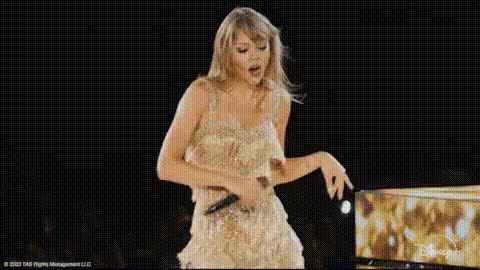
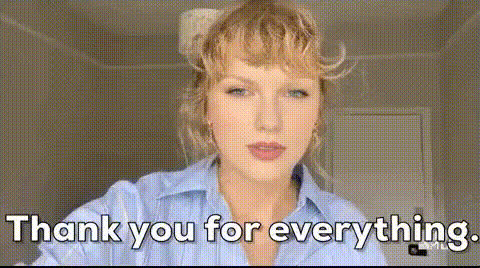
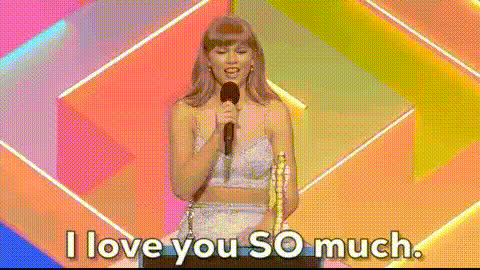
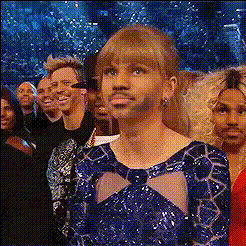
Using the Video Face Swap technology, this template artfully replaces faces in your video with that of Taylor Swift while she is smiling and clapping. The template uses advanced algorithms to ensure the face swap is convincingly realistic and aligned with the movement of the original footage.
It produces videos in high-quality formats suitable for various platforms, supporting both entertainment and professional applications. Integrate this with the AI Video Generator or pair with the AI Voice Changer for a complete media transformation.
Who It's For
This template is perfect for content creators looking to add a humorous or engaging touch to their videos. Whether you're a social media influencer aiming to captivate your audience or a marketer seeking to enrich your visual content strategy, this tool can serve a diverse range of needs. Film enthusiasts and tech-savvy individuals will also find this feature advantageous for enhancing video storytelling.
Explore it further if you're creating ad content and want to stand out in the oversaturated online market!
Summary
Leverage the Image to Video capabilities along with the video face swap template to bring Taylor Swift's expressions into your own video narrative. By doing so, you'll engage viewers more deeply and enhance the overall appeal of your project, no matter the platform or purpose. Ideal for fun personal projects, educational content, or commercial video edits.
How To
Choose Template

Customize Inputs

Generate Video

Use Cases
Social Media Engagement
- Create viral videos by swapping friends' faces with Taylor Swift's.
- Integrate into meme culture for wider reach.
Promotional Content
- Add a unique twist to ad campaigns.
- Enhance video teasers for product launches.
Personal Projects
- Create funny clips for friends and family.
- Teach video editing basics with engaging content.
Best Practices
Choose High-Quality Videos
For optimal results, use videos recorded in good lighting without obstructions to the face.Alignment Is Key
Take time to adjust face alignment settings to enhance realism and maintain natural motions.Experiment with Edits
Combine with tools like the AI Talking Photo for dynamic projects.