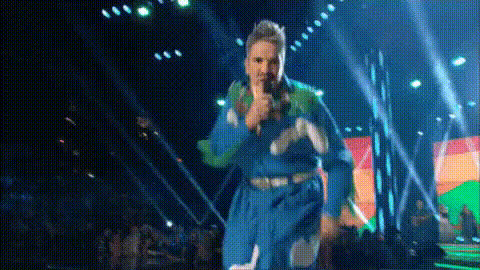
singer-on-stage-microphone
Overview
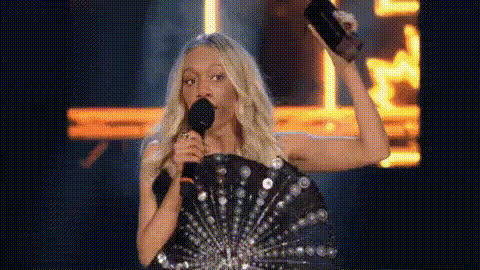
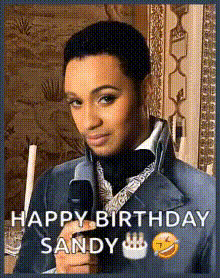
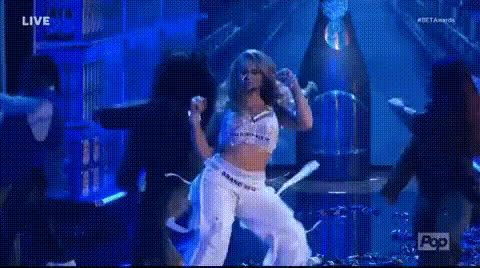
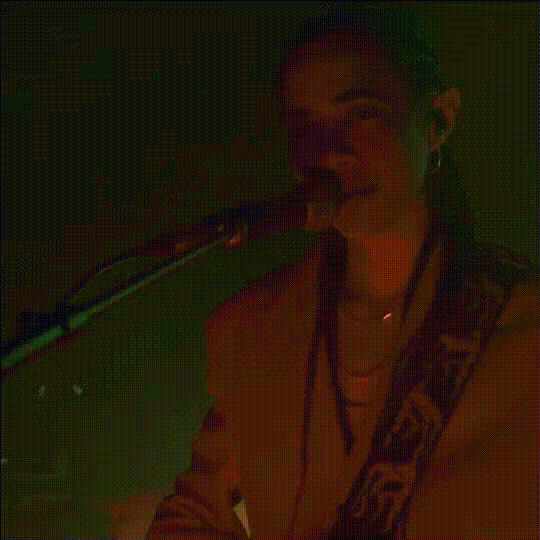
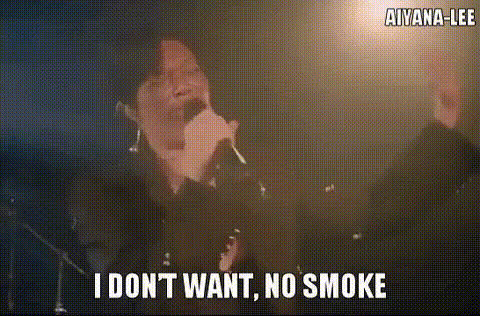
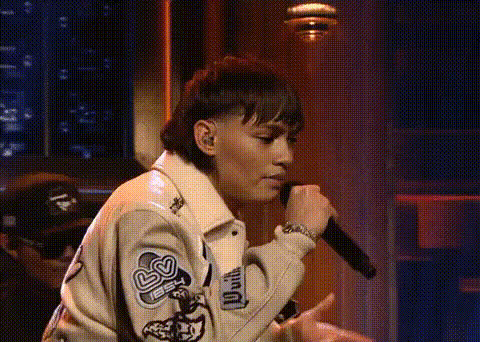
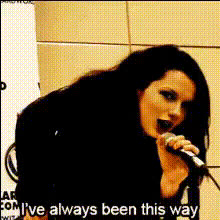
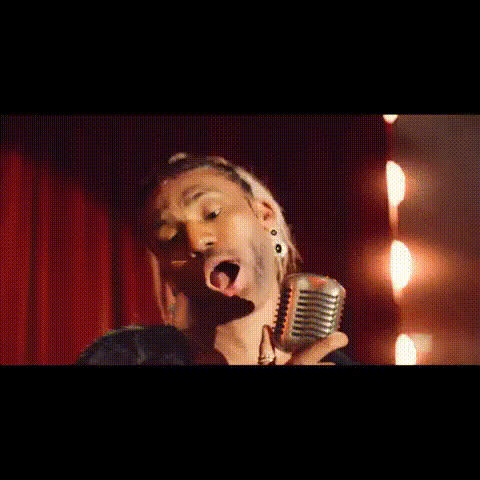
The Singer on Stage Microphone template transports you to the spotlight with a Video Face Swap experience. Perfect for personal showcases or fun social media posts, it places you in a dynamic performance setting, letting you take center stage with a microphone in hand. Whether you're performing a ballad or hyping up a crowd, this template makes it happen. Consider pairing this with tools like the Face Swap and Body Swap for a complete transformation.
What It Does
This template leverages face swap technology to fuse your face into a professionally staged performance video. With this, you can simulate a live performance, complete with concert lighting and a vibrant stage atmosphere. It’s an exciting way to create personalized video content that looks like you're performing in front of a live audience. The template is compatible with various video formats, ensuring broad usability, much like what you find with the AI Video Generator.
Who It's For
This template is designed for content creators, karaoke enthusiasts, and social media influencers looking to enhance their video content with creative face-swapping effects. It's also ideal for marketing teams seeking innovative ways to engage with audiences. Whether you're crafting music-themed content or just want to entertain your followers, this tool is a versatile asset. It pairs well with the AI Meme Generator to create shareable content.
Summary
The Singer on Stage Microphone template immerses you in an exciting role of a performer, enabling realistic video face swapping to deliver personalized performance videos. Ideal for those looking to break into the music scene or simply amp up their social media with unique content, it’s a creative tool fostering engagement and entertainment.
How-To
Choose Your Template

Customize Your Video

Generate and Share Your Video

Use Cases
Karaoke Night Videos
Social Media Performance Clips
Music Promo Content
Best Practices
Choose High-Quality Photos
For the best face swap results, use clear, well-lit photos that show your face directly.Match Expressions
Try to match the facial expression and angle of the person in the template for a seamless swap.Use Appropriate Settings
Ensure your stage settings and lighting match the mood of the performance you're aiming to emulate.