singer-holding-microphone-on-stage
Overview
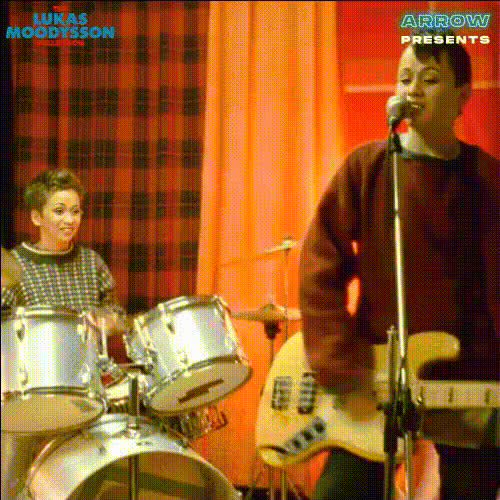
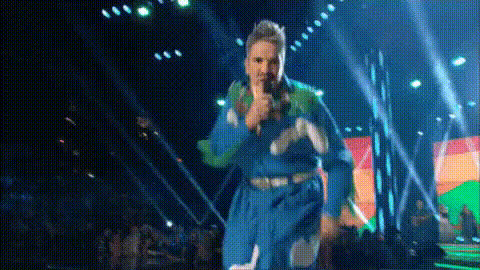
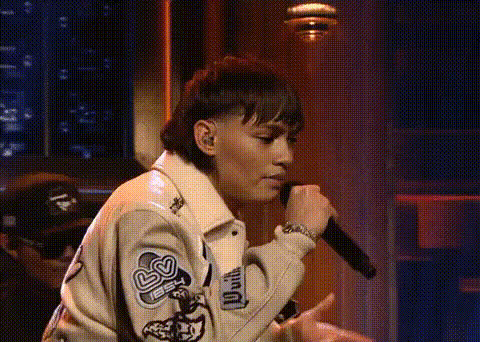
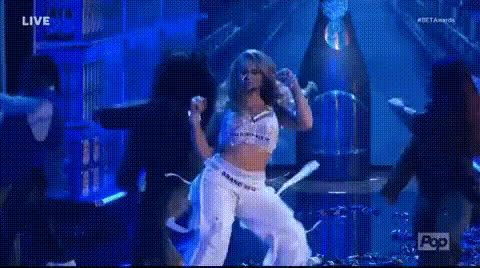
Bring a new level of fun and creativity to your videos by using the Singer Holding Microphone on Stage template. This Video Face Swap tool allows you to transform a standard performance clip by swapping a singer's face with your own or someone else’s. Whether for entertainment or memorable moments, this template provides a stage for your imagination.
What It Does
This template enables you to swap faces with a singer performing on stage using the Video Face Swap technology. Simply upload a video or photo of the face you want to use, and the template seamlessly integrates it into the scene. You'll retain the original facial expressions and lip movements of the singer, making your video appear lifelike and engaging.
Who It's For
Designed for content creators, social media enthusiasts, and anyone looking to craft unique video content, this template is perfect for individuals who want to add a humorous twist to videos. It's also widely used by social media marketers aiming to create engaging content that captures audiences' attention quickly.
Summary
Transform any stage performance by putting yourself in the spotlight with the Singer Holding Microphone on Stage template. Using advanced face-swapping techniques, this tool is your go-to solution for creating captivating, shareable content. Dive into the world of body swap transformations and make any performance your own.
How-To
Choose the Template

Customize Your Video

Generate and Download

Use Cases
Social Media Content
- Create unique Instagram stories or posts
- Develop engaging TikTok videos featuring well-known songs
Entertainment Videos
- Swap faces for a comedic effect in birthday messages
- Make special event invitations more exciting
Marketing and Promotions
- Craft viral ads for product launches
- Enhance brand awareness with fun social media campaigns
Best Practices
Use High-Quality Images
For the most realistic swaps, use high-resolution images with good lighting. This ensures the facial expressions and details translate well in the final video.Match Facial Orientations
Ensure that the face in the uploaded image or video matches the angle and orientation of the singer for a seamless swap.Experiment with Different Templates
Explore other related templates like the AI GIF Generator to expand your content library. Diversify your videos by trying the AI Talking Photo or Head Swap features.