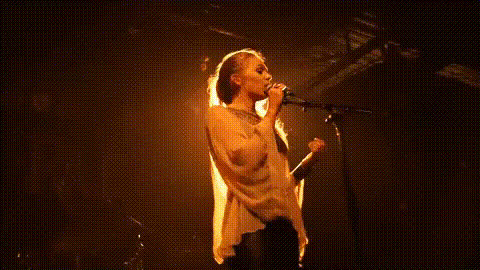
singer-performs-on-stage
Overview
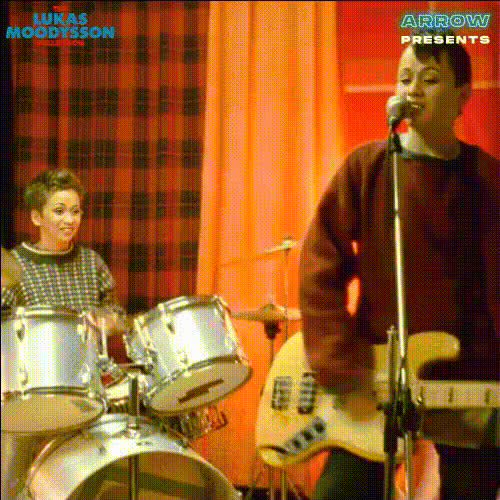
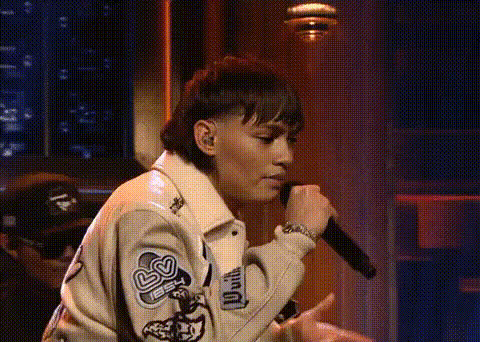
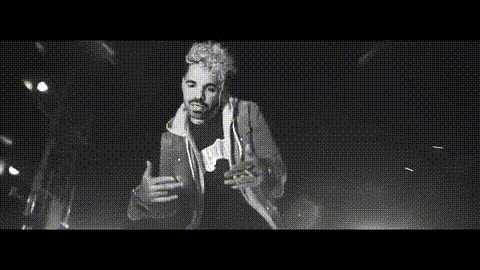
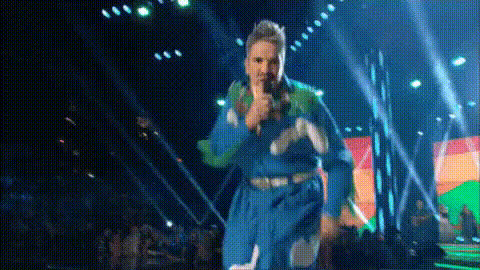
Step into the spotlight with the 'Singer Performs on Stage' video template. This Video Face Swap tool allows you to swap faces seamlessly in a performance scene, letting you or your subject take center stage. Whether you're preparing for a music video or a fun personal project, this template transforms any video into a star-studded performance.
What It Does
This template utilizes advanced face-swapping technology to merge your face with that of a performing singer in a video. By aligning facial features accurately, it ensures realistic results that maintain the expressions and emotions of the original performance. Perfect for creating personalized music videos or promotional content.
For additional transformation capabilities, consider using the Video Face Swap tool or explore creative edits with our AI Image Editor.
Who It's For
Musicians, content creators, and entertainers will find this tool particularly useful. It's ideal for artists wanting to showcase their talents in a novel way or create engaging promotional material. Even if you're just a fan who wants to have a bit of fun, this template offers an exciting way to be part of the action. Pair it with our Lip Sync feature for added realism.
Summary
Transform your own face with the 'Singer Performs on Stage' template and star in your own music video. It's easy to use, quick, and provides professional-quality results. For more advanced edits, check out the AI Voice Changer to match your voice with the performance for a complete transformation.
How to Use
Choose Your Template

Customize Your Video

Generate and Download

Use Cases
Musician Video Demos
- Replace singer's face with your own to showcase your stage presence.
- Use for band marketing and promotional purposes.
Social Media Content
- Fun and shareable self-insert clips.
- Engage followers by appearing alongside their favorite artists.
Fan Tributes
- Make personalized tribute videos with your face on your favorite performer.
- Enhance fan events and gatherings with custom performances.
Best Practices
Choose High-Quality Videos
For the best results, use videos with clear visuals and steady lighting to ensure accurate face swapping.Align Facial Features Precisely
Ensure your facial features align well with the template for a more realistic swap.Play with Additional Effects
Combine with other tools such as AI Talking Photo to add dialogue or AI Clothes Changer to create a complete transformation.