Template preview

woman-singing-with-microphone-1

Video Face Swap
1 clip
0 uses

Any aspect ratio

Tags

transformations

Overview

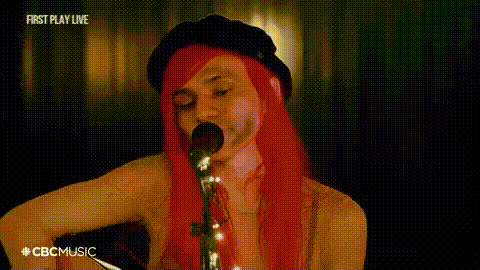
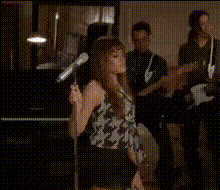
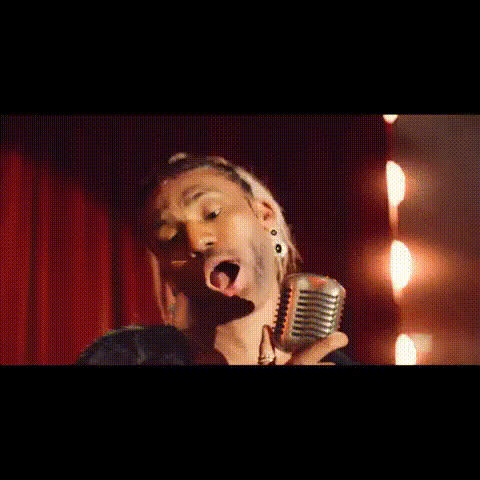
Introducing the Video Face Swap template: "Woman Singing with Microphone 1." Instantly transform a singing video by swapping faces for a humorous twist. Whether you're crafting a meme or personalizing a message, this template provides an easy way to bring joy and laughter to your videos.

What It Does

This Video Face Swap template allows you to insert any face into a video of a woman singing passionately into a microphone. The process involves advanced AI to ensure realistic and seamless integration of the new face into the video, retaining the original expressions and movements.

Who It's For

This template is ideal for content creators, marketers, and anyone looking to add a humorous element to their projects. It's perfect for making lighthearted social media ads, engaging YouTube Shorts, or personalized birthday messages.

Summary

By using the "Woman Singing with Microphone 1" template, you can create memorable and amusing videos with just a few clicks. Combine it with other tools like the AI Voice Changer or the Image to Video converter for even richer content creation.

How-To

Follow these steps to create a face-swapped singing video.
    01

    Choose a Template

    Navigate to the Face Swap templates and select "Woman Singing with Microphone 1." Open the template to start customizing.
    02

    Customize the Video

    Upload the image of the face you want to swap into the video. Adjust any settings as needed to fine-tune the facial alignment and integration.
    03

    Generate and Download

    Click 'Generate' to create your video. Once processed, download your face-swapped video in your preferred file format.

Use Cases

Explore diverse ways to utilize this video template.
🎤

Social Media Content

Create engaging content for your social channels that involve face-swapping friends or public figures into singing videos.
  • Viral meme creation
  • Interactive story posts
📣

Brand Engagement

Use swapped videos to creatively promote products, engaging your audience in a fun, memorable way.
  • Personalized promotional videos
  • Humorous brand character integrations

Best Practices

Enhance your video projects with these tips.
  • Choose High-Quality Images

    For the best results, ensure the image you upload is clear and high-resolution. This prevents pixelation and enhances the swap's realism.
  • Adjust Light and Angles

    Match facial angles and lighting conditions between the image and the video for more seamless integration.
  • Leverage Additional Tools

    Consider using AI Image Editor to enhance images before uploading, or Body Swap for further creativity.
FAQs

The video can be downloaded in several common formats such as MP4 and MOV.

This template currently supports image uploads only, but you can easily create multiple versions and compile them using our AI Video Generator.

The AI adjusts for skin tone and lighting to ensure a natural blend, but initial alignment enhances the outcome.

Yes, you can swap any face regardless of gender; for gender-specific adjustments, try using the Gender Swap tool first.

More Like This

Female Singer With Microphone
woman-holding-a-microphone
woman-singing-into-mic
woman-singing-with-band
woman-singing-with-microphone
2
woman-singing-with-microphone
woman-with-microphone-1
singing-woman-with-mic
woman-holding-build-microphone
woman-singing-performance
woman-singing-with-mic
2
woman-singing-with-mic
woman-smiling-with-microphone
woman-with-microphone

Face Swap Video