Template preview

rb-singer-holding-mic

Video Face Swap
1 clip
0 uses

Any aspect ratio

Tags

transformations

Overview

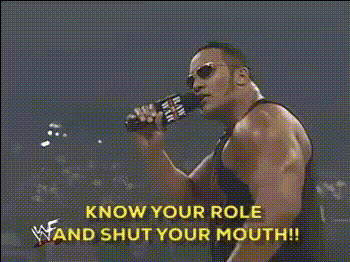
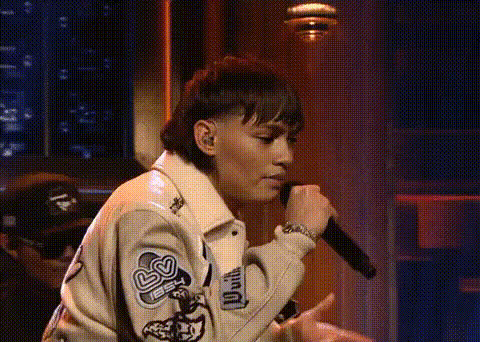
Tap into your creative side with our rb-singer-holding-mic template. Perfect for creating captivating content through a fun Video Face Swap transformation. This template allows you to replace the singer's face with your own or another likeness, while holding a microphone in action.

What It Does

This template uses the Video Face Swap technology to accurately swap faces in your selected video footage. The focus is on maintaining natural expressions and synchronizing movements for a realistic effect, making it ideal for entertainment or promotional content.

Who It's For

The template is designed for content creators, social media enthusiasts, and marketing professionals. It's perfect for anyone looking to enhance their video marketing strategies or add a unique twist to personal videos, leveraging tools like the AI GIF Generator to expand their reach.

Summary

Create dynamic and engaging videos by swapping faces with a singer holding a mic using this template. It's easy to integrate this tool into broader strategies with other products like the AI Video Generator for storytelling or promotional efforts.

How To Use

Follow these steps to create a unique face swap video using the rb-singer-holding-mic template.
    01

    Choose the Template

    Navigate to the Video Face Swap section under templates and select the rb-singer-holding-mic option.
    02

    Customize Your Content

    Upload your desired face image or video to replace the singer's. Adjust the alignment and ensure it fits naturally with the provided tools.
    03

    Generate Your Video

    Click 'Generate' to process the video. Once finished, download it in your preferred format, ready for social media sharing or personal enjoyment.

Use Cases

Explore varied applications of the rb-singer-holding-mic template.
📱

Social Media Content Creation

Craft eye-catching videos for platforms like Instagram and TikTok.
💼

Marketing Campaigns

Enhance advertisements by adding a personal touch or a celebrity twist.
🎤

Entertainment

Create funny or parody videos for personal or group enjoyment.

Best Practices

Tips to optimize the use of this template for the best output.
  • Choose High-Quality Images

    For best results, use high-resolution images to ensure clarity during the face swap process.
  • Align Properly

    Take time to align the face correctly to maintain a natural appearance in the final output.
  • Experiment with Angles

    Try different angles and expressions to find the best fit for your video.

Frequently asked questions

Yes, it supports most common video formats, but starting with a high-resolution file will yield the best results.

It's best to use high-resolution images to maintain clarity and detail in the final video output.

The generation time depends on the video's length and complexity, but generally, it takes a few minutes.

While there's no strict limit, swapping multiple faces might require more processing power and affect the video quality.

More Like This

Man Holding A Microphone
2
Man Holding A Microphone
Man With Microphone
Man With Microphone
singer-holding-a-microphone
singer-holding-microphone
singing-woman-with-mic
the-rock-with-microphone
Man Holding Microphone
performer-on-stage-mic
singer-holding-microphone-on-stage
singer-on-stage-microphone
1
singer-on-stage-microphone
singer-with-mic-and-guitar
woman-smiling-with-microphone

Face Swap Video