ryan-gosling-gesture
Overview
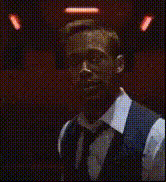
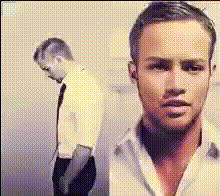
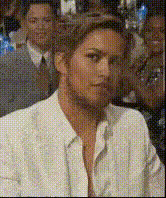
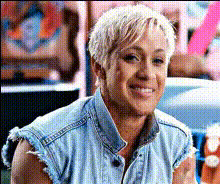
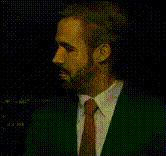
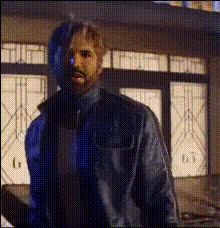
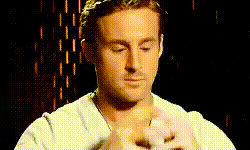
Swap your face onto Ryan Gosling in various gestures with our Video Face Swap template. This template allows you to integrate your own likeness into clips featuring Ryan Gosling, capturing the Hollywood flair for your creations.
What It Does
The Ryan Gosling Gesture template uses advanced face swapping technology to replace faces in video clips. By analyzing both the source video and your input, it maintains the natural movement of gestures while switching out faces, providing realistic results. This can be an exciting addition to personalized video projects or promotional content. With our platform, you get access to tools like the Face Swap and AI Voice Changer for more creative edges.
Who It's For
This template is ideal for content creators and marketers looking to add a celebrity touch to their videos. Whether you're a social media influencer, an agency working on AI Video Ads, or someone just having fun with at-home video projects, integrating Ryan Gosling's gestures can boost viewer engagement and offer a touch of the red carpet.
Summary
Bring your videos to life with the charm of Ryan Gosling's gestures using our Video Face Swap template. Suitable for any project looking to elevate content through celebrity integration, this tool is an exciting way to experiment with video personalization. To expand your creative toolkit, explore our AI Image Editor for further graphical enhancements.
How to
Choose the Template

Customize Your Input

Generate the Video

Use Cases
Social Media Engagement
- Create Instagram reels with Ryan Gosling's iconic gestures.
- Enhance your TikTok presence with eye-catching content.
Marketing Campaigns
- Use for product launches to grab attention.
- Incorporate into e-commerce ads for a unique touch.
Best Practices
Use Clear Videos
For optimal face swap results, ensure that the input video is well-lit and clear.Align Face Positions
Align your face in a similar position to Ryan Gosling's in the video to achieve more natural results.Leverage Complementary Tools
Pair this template with the AI Video Extender to create longer clips that maintain engagement.