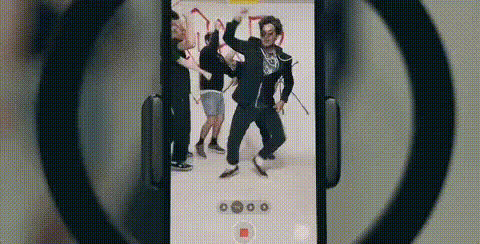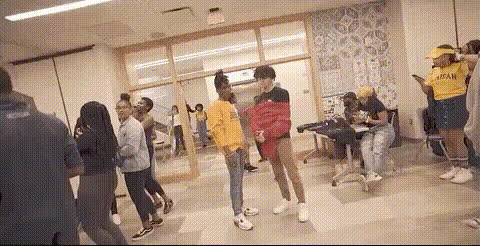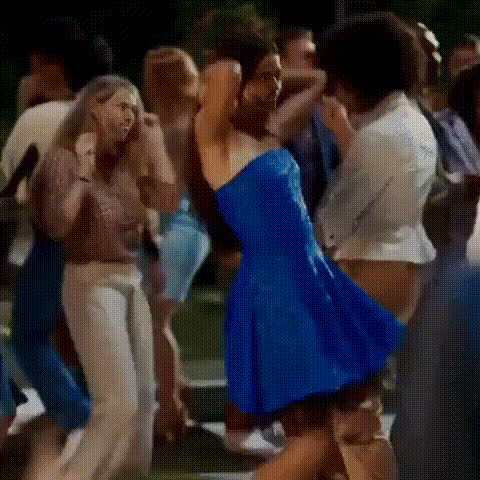
Dancing People Party Scene
Overview
Transform your videos into laugh-out-loud party scenes with the Dancing People Party Scene template. This Video Face Swap template lets you switch faces of people in dance videos, making them perfect for sharing memorable moments with your friends and family. Whether you're capturing a birthday party or a friend's gathering, this template ensures your clips are the highlight of any event.
What It Does
The Dancing People Party Scene template allows you to replace the faces of people in a dance video with other images or faces of your choosing. This tool is perfect for creating unique, engaging content that can be shared on social media platforms or personal video collections. It takes plain footage and transforms it into something worth talking about using the power of AI-driven AI Image Editor capabilities.
Who It's For
Ideal for content creators, party hosts, or anyone looking to add a humorous twist to their video footage. This template is perfect for social media enthusiasts who want to make their party or event clips more dynamic and engaging. Those new to video editing can also benefit, as the template simplifies complex editing tasks into a few steps using tools like our Lip Sync and Audio to Video products.
Summary
Elevate your party videos with the Dancing People Party Scene template by using AI Video Generator tools to swap faces and create delightful, memorable scenes. Whether for personal keepsakes or viral-worthy content, this template helps you achieve head-turning results with ease.
How to Use
Choose Your Template

Customize Your Inputs

Generate Your Video

Use Cases
Social Media Content
- Add a funny twist to party videos.
- Create content for TikTok or Instagram Reels.
- Engage more with interactive video posts.
Event Highlights
- Add entertainment to wedding or birthday videos.
- Create standout highlights for event mashups.
Personal Entertainment
- Create unique birthday greetings.
- Add humor to holiday videos.
Best Practices
Use High-Quality Images
Ensure all uploaded images and videos are of high resolution for the best output quality.Keep It Simple
Start with short clips to get used to the swapping process; longer videos require more processing.Experiment with Lighting
Adjust lighting and contrast settings to enhance face detection and swapping accuracy.