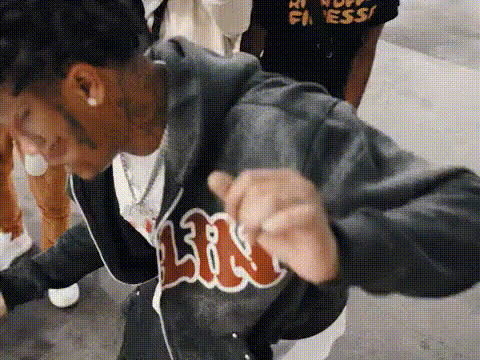
rap-music-video-group-dance
Overview
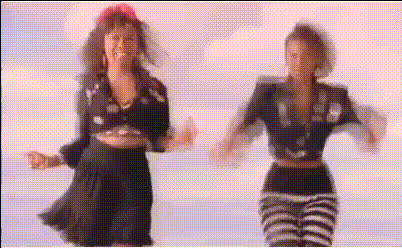
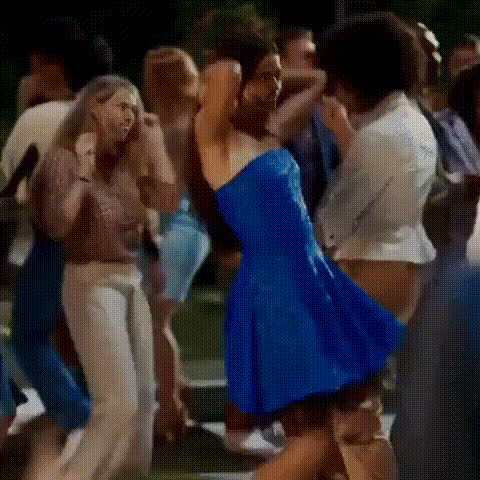
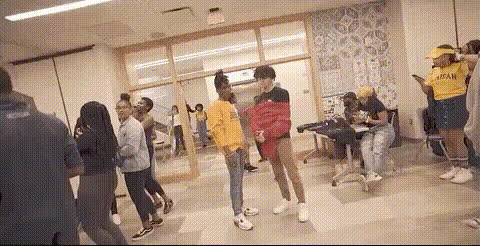
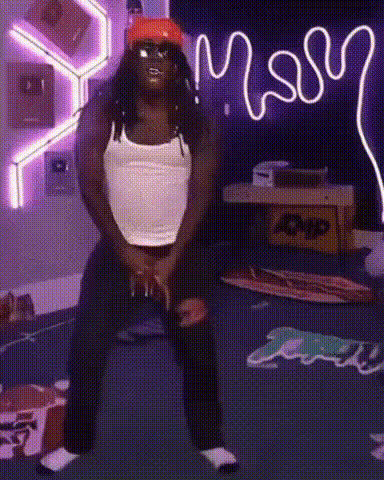
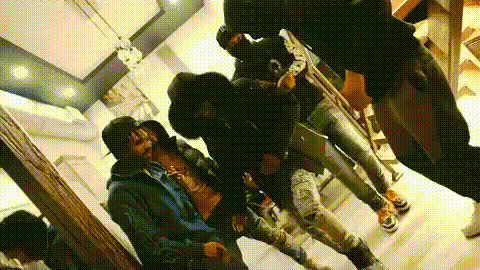
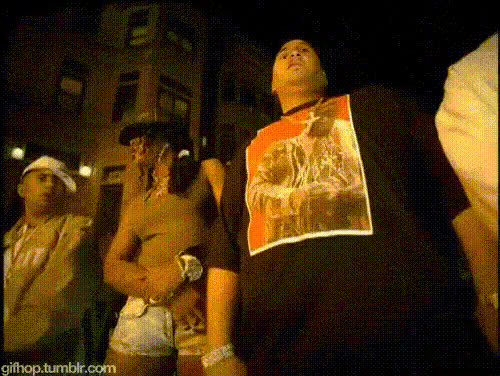
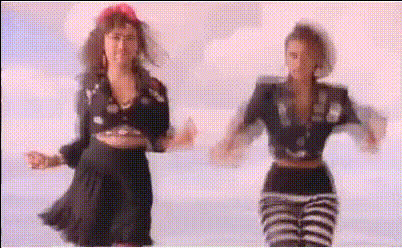
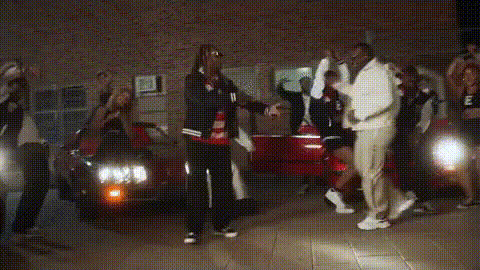
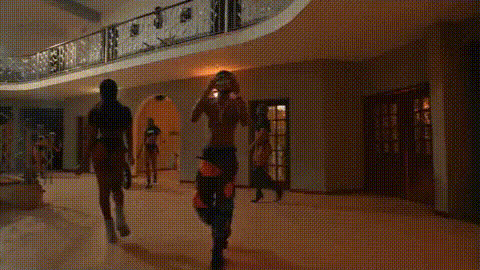
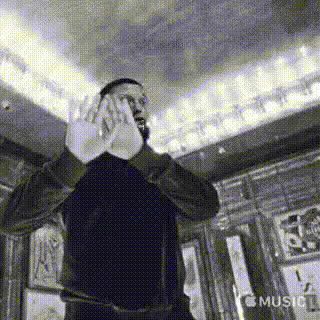
Get ready to dominate the scene with the Rap Music Video Group Dance template. This Video Face Swap solution allows you and your group to star in a dynamic rap music video, swapping faces with professional dancers for that extra flair. Perfect for creating memorable and shareable content, this template is a must-have for dancing enthusiasts and social media influencers.
What It Does
This template enables you to replace faces in an existing rap music video with your own. By harnessing cutting-edge technology, it brings a unique and customizable approach to creating standout video content. Collaborate with friends or create solo magic, giving your audience a thrilling and personalized viewing experience.
Who It's For
The AI Video Generator template is designed for groups or solo creators who want to add a personal twist to rap music videos. It's ideal for social media content creators, promotional teams, or anyone looking to add excitement to their video projects. If you're an aspiring artist or just want to have fun with friends, this is your go-to tool.
Summary
Our Rap Music Video Group Dance template combines technology with creativity, offering a simple yet powerful way to feature in thrilling dance videos. With easy face swap capabilities and high-quality output, you can create professional-grade video content that commands attention. Check out other options like the Text-to-Video or AI Talking Photo for more creative possibilities.
How-To
Choose Your Template

Customize Inputs

Generate Your Video

Use Cases
Social Media Engagement
- Instagram Reels
- TikTok Videos
- YouTube Shorts
Promotional Content
- Product Launch Videos
- Event Promotions
- Brand Campaigns
Group Fun Projects
- Team Building
- Birthday Parties
- Family Gatherings
Best Practices
High-Quality Photos
Ensure you upload high-resolution photos to get the best face swap results. Poor quality images can affect the output and details of the video.Adjust Puppet Faces Accurately
Take time to fit your faces accurately to the original dancers to ensure seamless integration and more natural-looking videos.Review Before Generating
Always preview the final video before generating to catch any misalignments or errors that may have occurred during the editing process.