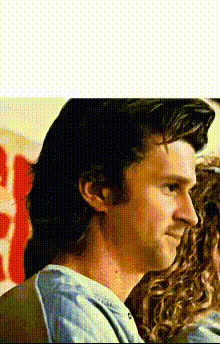
Easy A Movie Scene
Overview
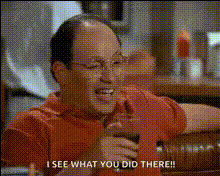
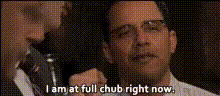
Take your video projects to the next level with the Easy A Movie Scene Video Face Swap template. This tool allows you to insert faces into movie scenes, creating engaging and humorous content that's perfect for social media or personal entertainment. Discover how you can transform simple clips into captivating scenes.
What It Does
The Easy A Movie Scene template uses advanced Video Face Swap technology to map faces onto actors in popular movie scenes. Maintain the originality of your footage while incorporating this fun twist. The tool supports formats compatible with various social media platforms and integrates smoothly with other Magic Hour products like the Face Swap and Head Swap products for diverse creative opportunities.
Who It's For
Whether you're a social media influencer looking to craft viral content, a video editor in need of creative tools, or just someone who loves experimenting with video, this template caters to you. It's especially useful for marketers and content creators aiming to add a unique element to their videos, engaging audiences more effectively. Pair it with the AI GIF Generator for quick, shareable content.
Summary
By using the Easy A Movie Scene template, you can transform your videos with an entertaining twist. Compatible with other Magic Hour tools like the AI Video Generator, it ensures a seamless workflow for creating standout videos. Capture attention immediately, elevate your video editing capabilities, and deliver content that resonates.
How-To
Choose Your Template

Customize Your Video

Generate Your Video

Use Cases
Social Media Content
- Perfect for TikTok videos
- Shareable on Instagram Reels
Marketing Campaigns
- Add personalization to ads
- Create memorable brand experiences
Personal Entertainment
- Great for party highlights
- Unique birthday greetings
Best Practices
Choose High-Quality Footage
For the best swap results, ensure your original video clips are high resolution and well-lit.Align Faces Accurately
Utilize the preview feature to make precise adjustments before rendering.Experiment with Different Scenes
Try swapping faces in various scenes to find the most compelling and creative results.