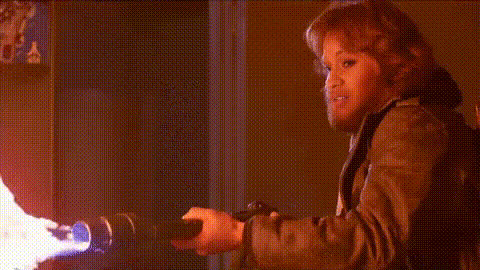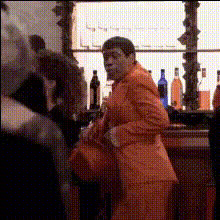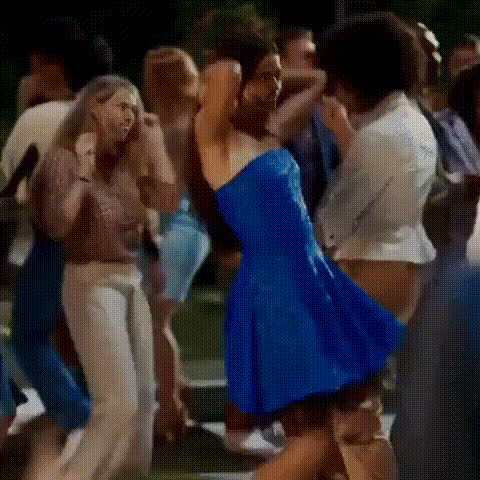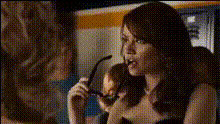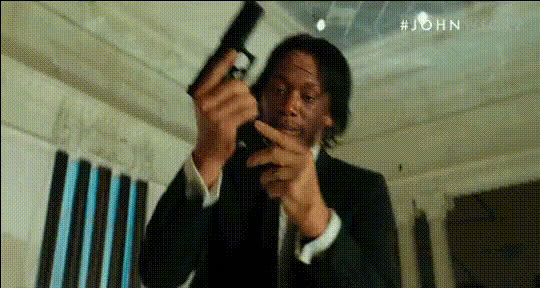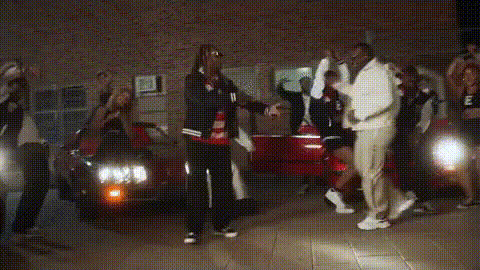
John Wick Nightclub Scene
Overview
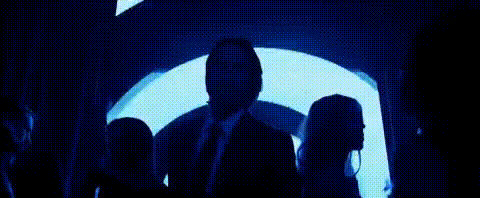
Bring a thrilling, action-packed twist to your videos with the John Wick Nightclub Scene Video Face Swap template. Whether you're an aspiring filmmaker or just looking to have some fun, this template allows you to place yourself right in the famous nightclub scene. Customize it with your face or that of anyone, making you the star of this cinematic moment.
What It Does
This template lets you swap faces in the iconic John Wick Nightclub scene, utilizing advanced face swap technology to seamlessly integrate your chosen face into the video. Perfect for social media sharing, creating promotional materials, or just for laughs, this tool harnesses the power of AI to deliver realistic results.
Who It's For
If you're a content creator looking to add a cinematic flare to your project, or a social media enthusiast wanting to surprise your followers, this template is perfect for you. Developers working on Face Swap applications, or brands aiming to create engaging social media ads, will find this template invaluable.
Summary
Stand out in the world of content creation with this Video Face Swap template. Bring your video editing skills to a new level with realistic swaps and enhance your media with personalized touches. For more tools, explore our Image to Video converter or try the AI Video Extender for extended storytelling opportunities.
How-To
Choose Your Template

Customize Your Inputs

Generate Your Video

Use Cases
Social Media Content
- Increase engagement with unique content.
- Attract attention with action-packed videos.
Film and Video Production
- Add humor or surprise to scenes.
- Test video effects and transitions.
Marketing and Promotions
- Drive traffic to campaigns through memorable visuals.
- Enhance storytelling in advertisements.
Best Practices
High-Quality Source Images
For optimal results, use a high-resolution image with a clear view of the face for better alignment and realism.Lighting and Color Matching
Ensure consistent lighting in your source image to match the original scene for a seamless blend.Testing Multiple Angles
Experiment with different angles and expressions to see which fits best with the scene dynamics.