the-wolf-of-wall-street
Overview
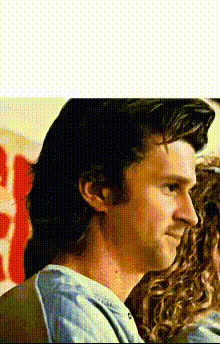
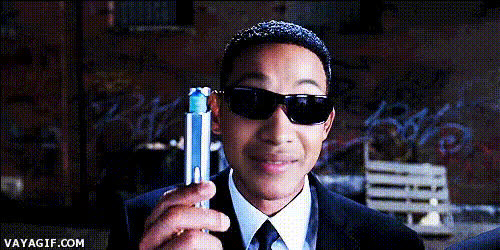
Unleash your creativity with the Wolf of Wall Street Video Face Swap template. Dive into the world of cinematic transformations by swapping faces in your videos, creating amusing and captivating scenes reminiscent of this blockbuster. Ideal for both personal amusement and professional content creation, this template blends humor with technological innovation for irresistible results.
What It Does
This template allows you to apply Video Face Swap technology to transform the faces in your videos with those from the iconic Wolf of Wall Street movie. By leveraging advanced AI, it realistically maps and integrates new facial identities onto the original body without losing the essence of the scene. Perfect for parody videos, promotional materials, or just for fun!
Who It's For
The Wolf of Wall Street Video Face Swap template is perfect for marketers looking to create viral marketing content, comedians aiming to deliver unique video edits, and social media influencers who want to amuse their audience. Video creators and enthusiasts interested in exploring Face Swap possibilities can also benefit significantly.
Summary
Transform videos with the thrill and humor of the Wolf of Wall Street movie using the Video Face Swap template. Designed for creators and marketers alike, it delivers a novel way to engage audiences and produce entertaining content with a professional touch. Dive into the world of creative possibilities with other tools such as the AI GIF Generator and AI Video Generator for more engaging media.
How To
Choose Your Template

Customize Your Video

Generate and Download

Use Cases
Social Media Entertainment
- Viral challenges using iconic scenes
- Comedic sketches with popular culture references
Promotional Content
- Engage audiences in email marketing campaigns
- Enhance product launch videos with humor
Parody and Satire
- Add humor to critiques and reviews
- Develop entertaining educational content
Best Practices
Select High-Resolution Footage
Ensure your source video is of high quality for the best face swap results. Clear visuals help maintain the integrity of facial expressions and details.Match Skin Tones
For a seamless swap, aim to choose faces with matching or similar skin tones to the original video, reducing the likelihood of noticeable edges.Preview Before Finalizing
Always use the preview function to make adjustments before finalizing the video. This can save time and improve the overall quality of the final product.