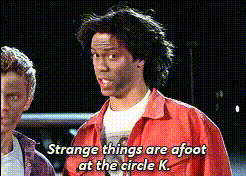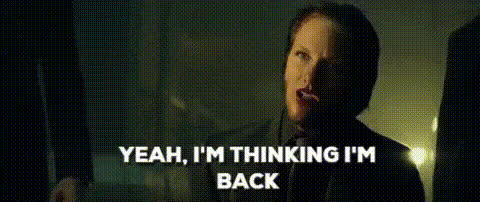
Keanu Reeves As John Wick
Overview
Elevate your videos by transforming ordinary footage into thrilling action scenes with the Keanu Reeves As John Wick Face Swap template. This tool enables seamless integration of Keanu Reeves’ visage into your creative project, enhancing its cinematic appeal. The result is a dynamic, engaging video that captures the essence of the action-packed John Wick universe.
What It Does
The Keanu Reeves As John Wick template specializes in swapping the face of a character in your video with that of Keanu Reeves. Utilizing this Video Face Swap tool, you gain access to advanced facial recognition and blending technologies that maintain natural expressions and sync effectively in action scenes.
This template works harmoniously with various file formats, ensuring that your final product meets professional standards suitable for any platform.
Who It's For
This template is designed for content creators, filmmakers, and video enthusiasts looking to infuse a dose of Hollywood action into their projects. Whether you're producing a fan video, enhancing a dramatic scene, or crafting content for social media platforms, this Image to Video transformation suits a wide range of creative ambitions.
Summary
Transform your footage with the Keanu Reeves As John Wick Video Face Swap template, perfect for elevating your video projects to a blockbuster level. Experiment with identity and action to create thrilling narratives that captivate your audience. Explore this tool alongside our AI GIF Generator to enhance your storytelling with dynamic visuals.
How-To
Choose Your Template

Customize Your Scene

Generate Your Video

Use Cases
Fan Videos
- Recreate famous action scenes
- Fan tributes to the John Wick series
Social Media Content
- Trendsetting Instagram Reels
- TikTok challenges featuring action sequences
Film Projects
- Use in short films
- Film school projects
Best Practices
Choose the Right Footage
Select video clips that have clear lighting and simple backgrounds for smoother face swaps.Fine-Tune Face Placement
Adjust face sizing and positioning to ensure realistic integration.Optimize for Output
Ensure your final video settings match your distribution platform’s specifications for best quality.