tv-show-fight-scene
Overview
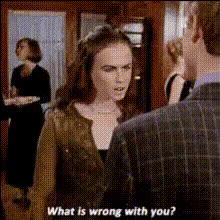
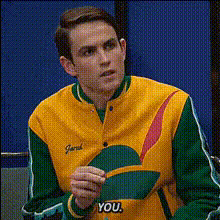
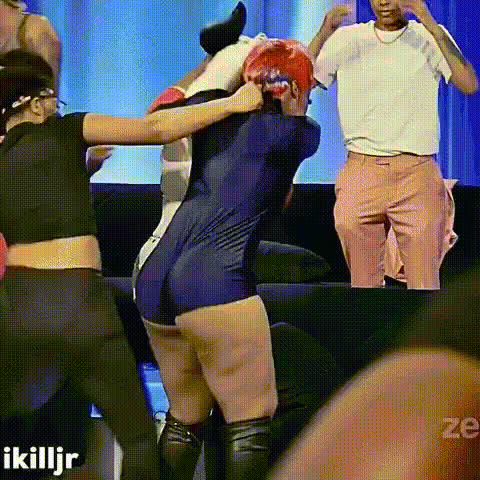
Explore the thrill of action-packed TV fight scenes by transforming any face into a dynamic participant with the Video Face Swap template. This tool allows creators to merge faces into high-energy sequences, perfect for crafting engaging videos that capture viewers' attention.
What It Does
This template focuses on swapping faces into exciting TV fight scenes, adding a layer of personalization to your videos. By utilizing this template, you can take a static image and replace it with the face of your choice, placing it in the middle of a choreographed action.
Enhance your projects further by integrating features from Face Swap for full customization control and AI Video Generator to build complete narratives around your scenes.
Who It's For
This tool is ideal for video content creators, marketers, and fans seeking to insert themselves or others into iconic television moments. Whether you're producing content for social media ads or creating personalized entertainment, this template empowers anyone to produce professional-quality swaps with ease.
Summary
With its ability to integrate smoothly with platforms like the Video-to-Video tool, the Video Face Swap template turns ordinary footage into extraordinary fight scenes, capturing the excitement and energy necessary for compelling content.
How-To
Choose Your Template

Customize Your Inputs

Generate Your Scene

Use Cases
Social Media Enhancements
- Increased engagement
- Memorable visual content
Marketing and Promotions
- Increase brand awareness
- Stand out in crowded markets
Fan Creations and Tributes
- Enhance fan engagement
- Shareable content potential
Best Practices
Choose High-Quality Images
Ensure the image for swapping is of high resolution to maintain video quality. Consider using the AI Image Upscaler for enhancement.Adjust Lighting as Needed
Matching the lighting and shading of the original video with the face being swapped can lead to more seamless integration.Leverage Additional Effects
Consider using AI Video Extender for additional scenes or AI Clothes Changer for a full makeover.