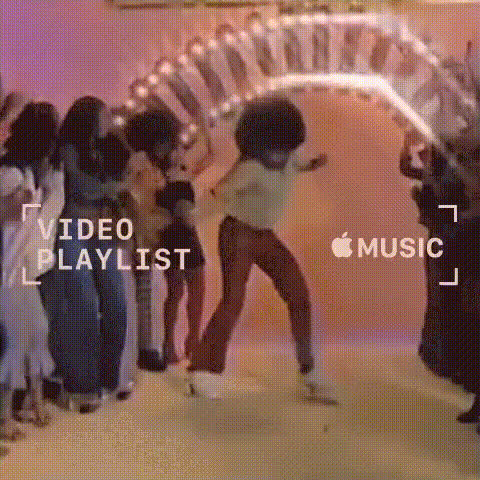
Drake Music Video Dance Scene
Overview
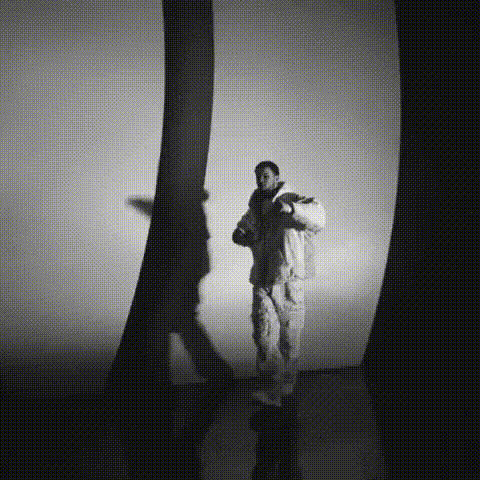
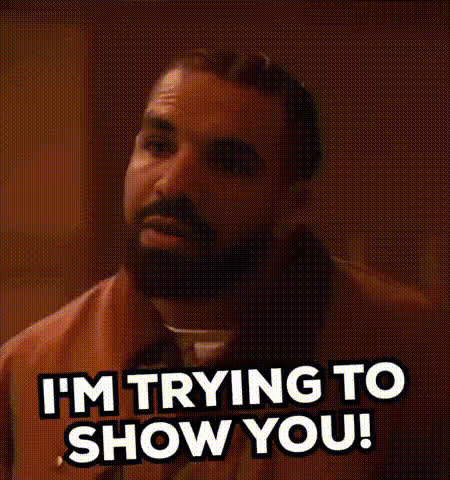
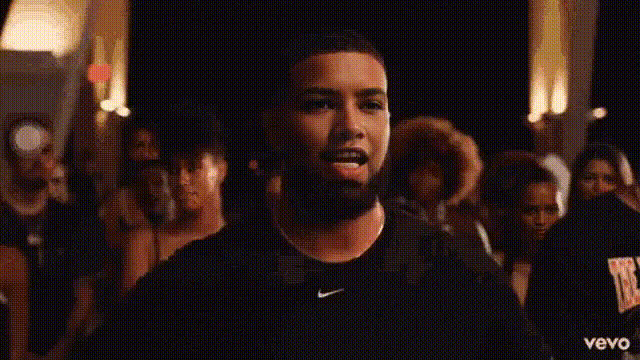
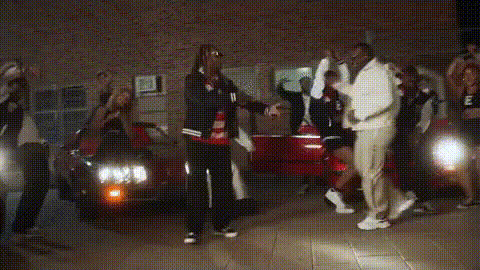
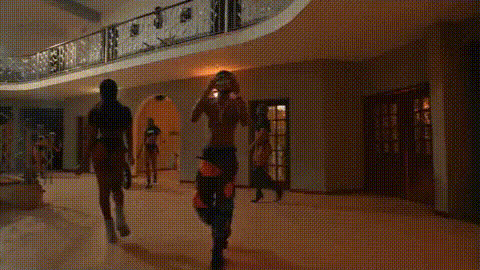
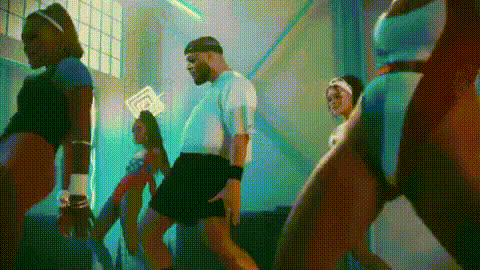
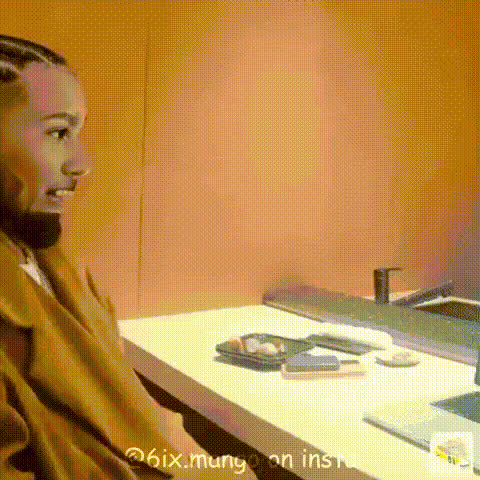
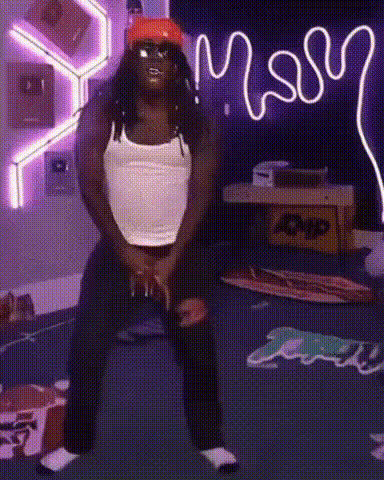
Step into the spotlight with the Drake Music Video Dance Scene template. This dynamic Video Face Swap tool lets you anchor any video by putting your face into a captivating Drake dance sequence. Transform your personal clips or professional projects into viral sensations that engage and impress.
What It Does
The Drake Music Video Dance Scene template offers you the power to transform your video productions by swapping faces with those in a vibrant dance scene featuring Drake. The outcome is a seamless blend of music and personal visual expression. Utilize this template to enhance engagement in your video marketing projects, or simply to create fun, shareable moments.
Who It's For
This template is ideal for content creators, social media enthusiasts, and marketers looking to leverage popular culture in their video content. Whether you're seeking to augment your social media ads or engage followers with fresh content, this template suits a variety of needs. It's particularly beneficial for creators working on Instagram Reels or TikTok videos.
Summary
With the Drake Music Video Dance Scene template, you can enhance your videos by integrating popular music styles with face swap technology. The outcome is a professional and engaging video that captivates viewers and sparks interest. Explore more capabilities like Face Swap and Image to Video for additional creative options.
How to Use
Choose the Template

Customize Your Video

Generate and Download

Use Cases
Social Media Content
- Instagram stories
- Facebook posts
- TikTok challenges
Marketing Campaigns
- Product launch videos
- Branded content
- Influencer collaborations
Personal Projects
- Birthday messages
- Memes
- Personalized greetings
Best Practices
Select High-Quality Source Material
For the best output, ensure your original video and images are high-resolution. This increases the clarity and overall appeal of the face swap.Mind the Lighting
Consistent lighting will help the swapped face blend more naturally into the scene. Aim for similar lighting conditions to the original clip.Be Creative
Experiment with different expressions and emotions. This can make the video more entertaining and relatable to your audience.