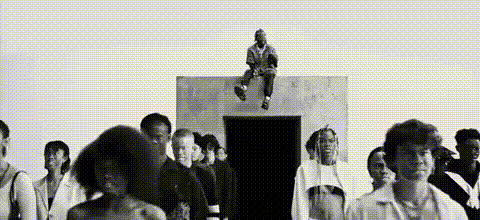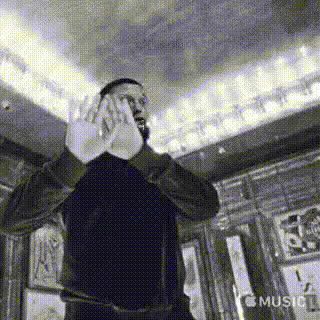
50 Cent Music Video
Overview
Step into the spotlight with our "50 Cent Music Video" template. This Video Face Swap tool allows you to create your own music video, swapping in your face or any other for a dynamic effect. Perfect for music enthusiasts and creators looking to experiment with visual transformations.
What It Does
The "50 Cent Music Video" template lets you integrate your likeness into a professionally styled music video. By applying advanced face swap technology, you can see yourself performing in iconic scenes, bringing personalized video content to life. This template works seamlessly with common file formats, ensuring easy editing and exporting. For additional photo editing needs, check out our AI Image Editor.
Who It's For
This template is ideal for musicians, content creators, and fans of 50 Cent who want to make engaging video content. Whether you're creating promo material or just having fun, this tool empowers you to create videos that resonate with audiences. Enhance your music-related projects further with the Audio to Video tool.
Summary
Employ the "50 Cent Music Video" template to transform your video projects with cutting-edge face swap technology. Suitable for both beginners and experienced video editors, this tool brings creativity to your fingertips. To explore more creative possibilities, visit our Image to Video product page.
How-To
Choose

Customize

Generate

Use Cases
Music Promotions
- Custom music video clips
- Eye-catching social media posts
Fan Projects
- Personal fan videos
- Tribute content
Content Creation
- Engaging video blogs
- Unique storytelling angles
Event Highlights
- Event recap videos
- Customized party highlights
Best Practices
Optimal Lighting
Ensure your original footage is well-lit to match professional video standards.High-Resolution Images
Use high-resolution images for the best face swap results.Experiment With Angles
Try different angles and expressions to achieve the most natural-looking swaps.