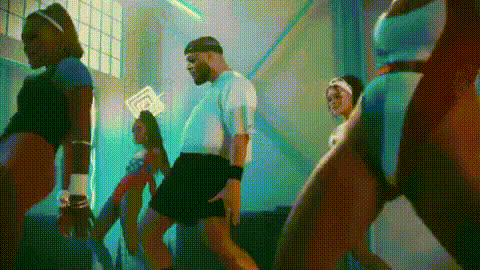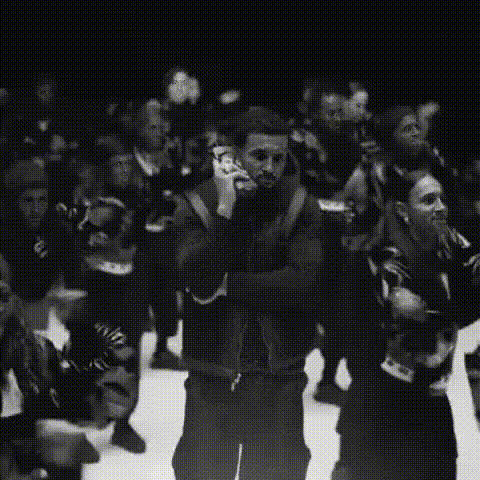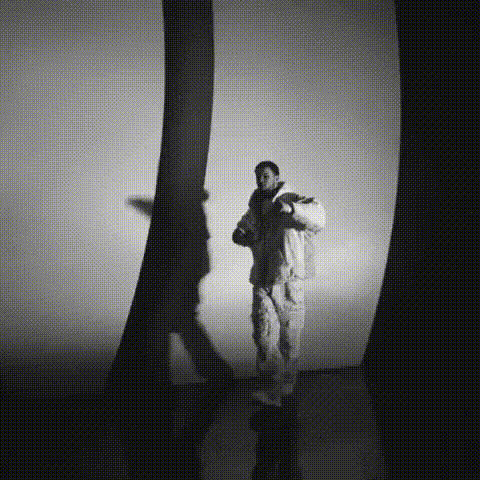
Drake In Hotline Bling Gif
Overview
Transform the classic Drake "Hotline Bling" GIF with a fun and engaging video face swap. This template lets you overlay any face onto Drake's, creating comedic and viral content perfect for memes and social media. It's an easy entry point for anyone looking to create and share entertaining visuals.
What It Does
The Drake In Hotline Bling Gif uses video face swap technology to replace Drake's face in the iconic "Hotline Bling" scene with any face you choose. This allows you to generate GIFs that appear customized and humorous, perfect for catching attention online.
For a deeper exploration of customization tools, consider using our Face Swap for GIFs product to enhance your animations and GIFs further.
Who It's For
This template is ideal for meme enthusiasts, social media influencers, and digital creators seeking to add a playful twist to their content. It's suitable for anyone who wants to stand out in online communities by injecting humor and personal touch into well-known media.
Summary
The Drake In Hotline Bling Gif offers a creative way to experiment with video face swap. Whether for professional use or casual fun, this template enables unique and share-worthy content. Be sure to explore other related products like the AI GIF Generator and AI Meme Generator to expand your creative toolkit.
How To
Choose Your Template

Customize Your Face Swap

Generate and Download

Use Cases
Memes and Social Media Posts
- Make playful memes for platforms like Instagram or Twitter
- Enhance engagement with personalized, viral content
Online Communities
- Liven up messages with custom GIFs
- Engage friends with personalized media
Brand Promotions
- Create relatable, funny brand stories
- Inject personality into digital interactions
Best Practices
Choose High-Quality Images
Using a high-quality, well-lit image will ensure better facial alignment and a more professional-looking final product.Consider Context
Align the face swap with current trends to stay relevant and increase shareability.Test Different Alignments
Experiment with face placing and sizing to achieve the most natural and appealing result.