Drake In A Hoodie
Overview
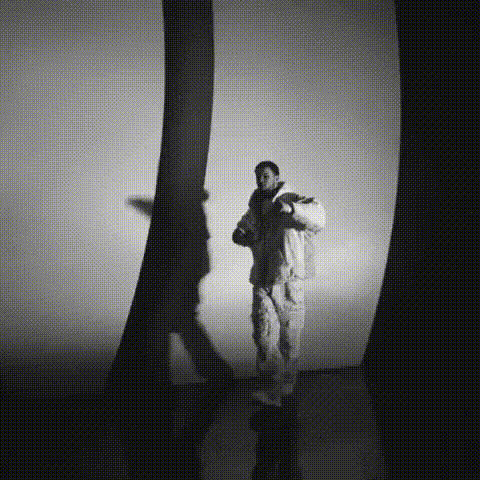
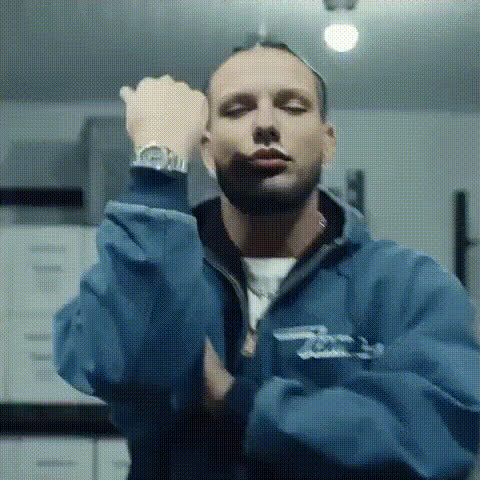
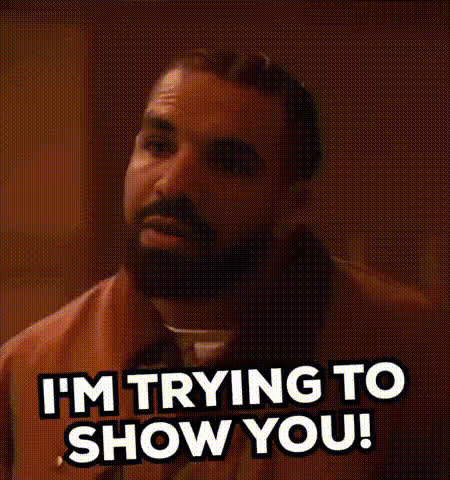
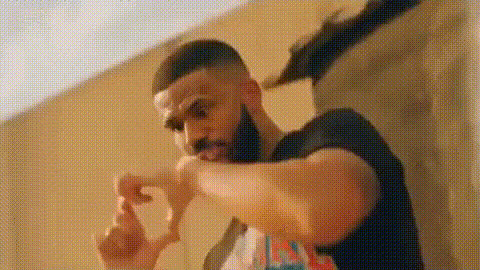
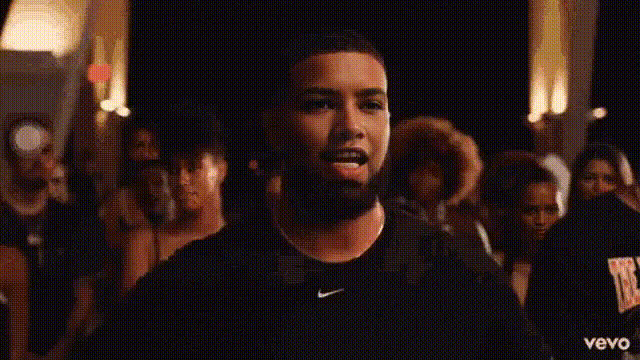
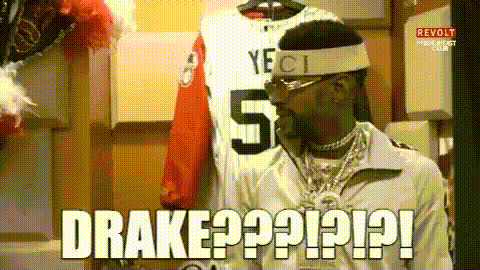
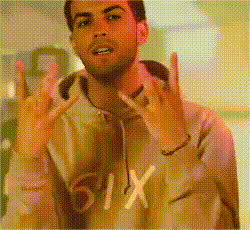
Turn any video into a hilarious clip featuring Drake with the Drake In A Hoodie Video Face Swap template. This tool allows you to swap faces in your videos, offering an entertaining way to enhance your content. With our easy-to-use interface, bring a touch of light-hearted fun to any situation.
What It Does
The Drake In A Hoodie template is a Video Face Swap tool that lets you place Drake's face onto anyone in your video, all while wearing a stylish hoodie. This template ensures precise facial alignment for a realistic swap effect, making it perfect for creating parodies, reaction videos, or just amusing your friends. For more on similar tools, explore the Face Swap product line.
Who It's For
Whether you're a content creator aiming to engage your audience on social media platforms or someone looking to play a prank on friends, the Drake In A Hoodie template is made for you. This tool caters to anyone interested in creative video editing who wants to draw attention or simply have fun. If you're interested in other inventive solutions, consider checking out the AI GIF Generator for animated content or Text to Video for narrative-driven creations.
Summary
Easily transform your video clips with the Drake In A Hoodie Video Face Swap template. Perfect for producing comical content that stands out, this tool adds a layer of fun to your projects. Dive deeper into face transformation possibilities with AI Face Editor and explore other engaging formats with the Video Face Swap options on our platform.
How-to Steps
Choose Your Template

Customize Your Video

Generate and Download

Use Cases
Social Media Engagement
- Boost interaction with funny clips
- Share viral content on platforms like TikTok
Event Promotion
- Attract attendees with entertaining videos
- Showcase celebrity-themed promotions
Personal Entertainment
- Prank friends with personalized videos
- Add an element of surprise to your clips
Best Practices
Use High-Quality Videos
For optimal results, use videos with clear visuals and ample lighting.Align Faces Properly
Make sure the faces in your video are well-aligned to avoid distorted swap effects.Experiment with Different Segments
Try swapping faces on different video segments to find the most amusing results.