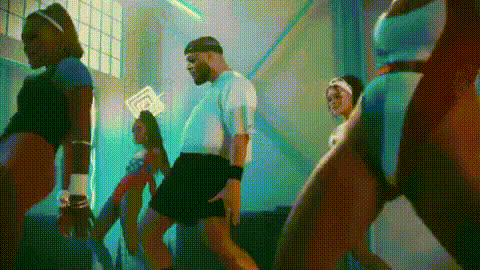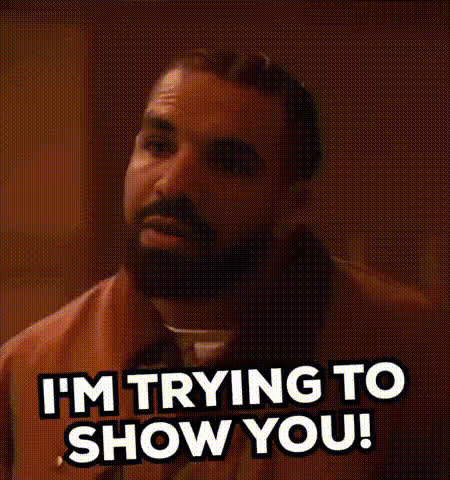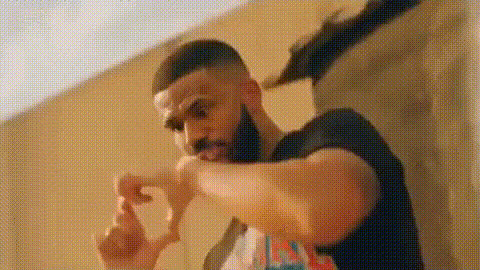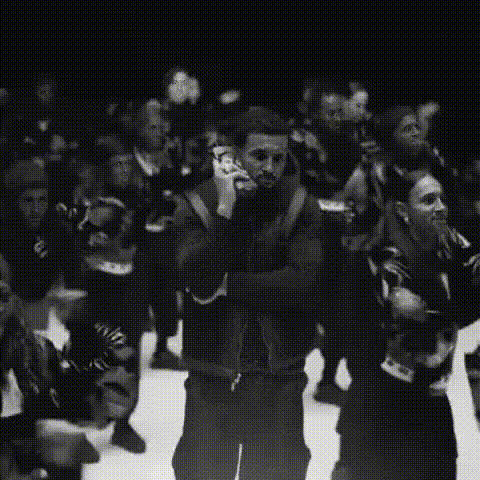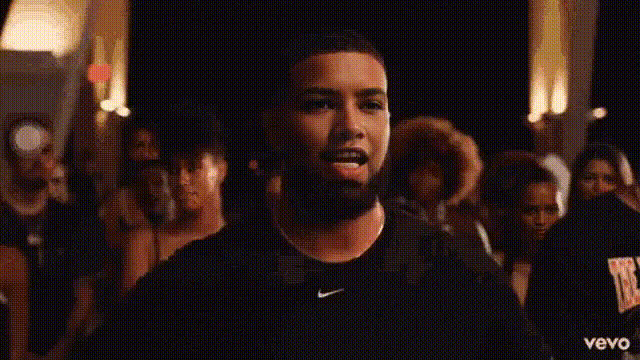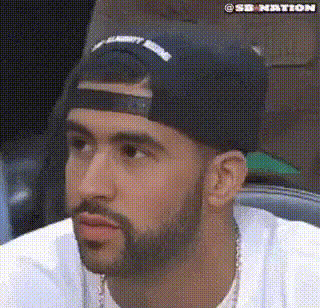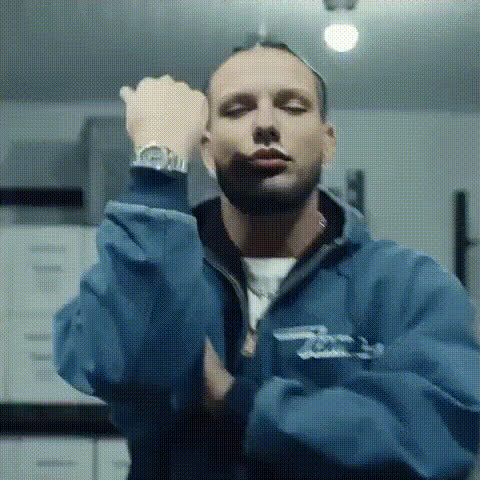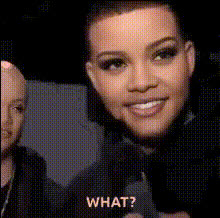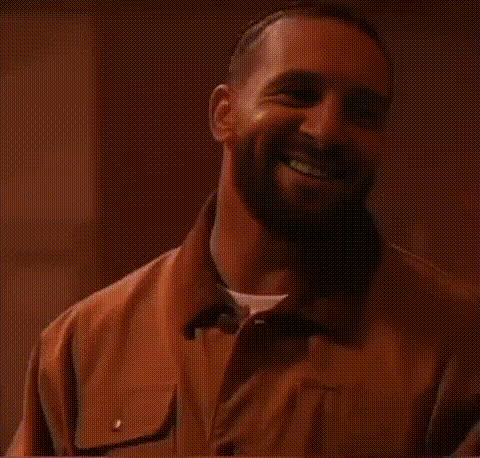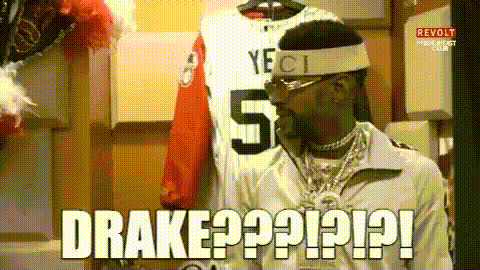
Drake Reacting To Phone
Overview
Bring your videos to life with the "Drake Reacting To Phone" video face swap template. This unique and entertaining template allows you to overlay the face of Drake onto your existing video, adding humor and personality to your content. Perfect for social media, memes, or just for fun, it's quick to edit and a sure way to engage your audience.
What It Does
The "Drake Reacting To Phone" template uses state-of-the-art AI to swap the face in your video with that of the world-famous artist, Drake. This tool allows you to maintain original audio and settings while updating visual elements for a comedic twist. Compatible with various file formats, this template can be paired with other Magic Hour products like the AI Video Generator or the AI Image Editor.
Who It's For
This template is ideal for content creators, social media enthusiasts, and meme makers looking to add a comedic element to their videos. Whether you're a marketer aiming to capture attention on platforms like Instagram or TikTok, or a casual user wanting to prank friends, this face swap tool offers entertainment and ease of use for all skill levels.
Summary
Use the "Drake Reacting To Phone" template to infuse your videos with humor and style. With easy customization options and a clear focus on face transformation, it's a must-have in your editing toolkit. Explore more advanced editing with our related tools like the Face Swap and AI Face Editor for more creative control.
How To
Choose Template

Customize Template

Generate Video

Use Cases
Social Media Content
- Create memes for Instagram or TikTok.
- Boost viral potential with humor.
- Drive engagement with creative visuals.
Marketing Campaigns
- Stand out in crowded marketing spaces.
- Add a humorous edge to your campaigns.
- Reach wider audiences through memorable content.
Personal Entertainment
- Lighten the mood with friends.
- Create hilarious party videos.
- Perfect for personal enjoyment.
Best Practices
Use High-Quality Videos
For optimal results, upload videos with good lighting and resolution. This ensures better face detection and overlay quality.Check Face Alignment
After uploading, adjust Drake's face alignment to ensure it fits naturally within the video scene for the most realistic effect.Experiment with Formats
Try using different video formats and contexts to see which yields the best and most hilarious results for your specific needs.