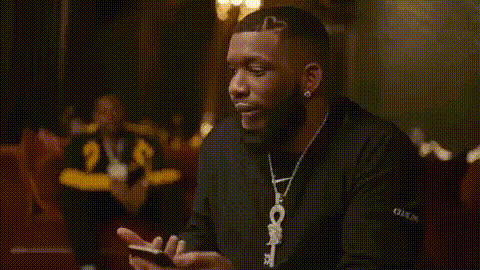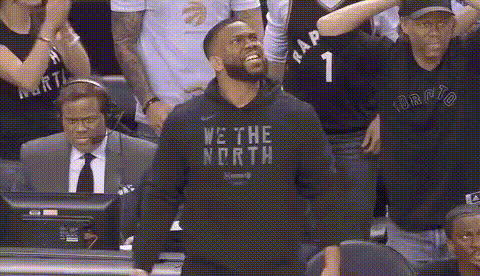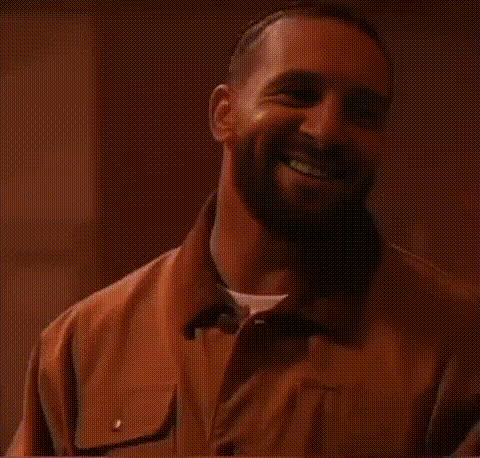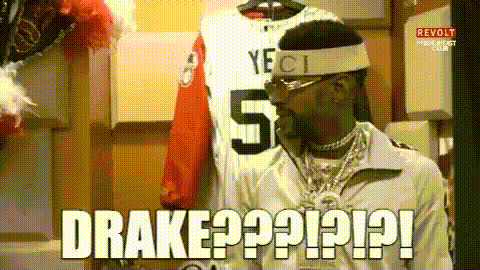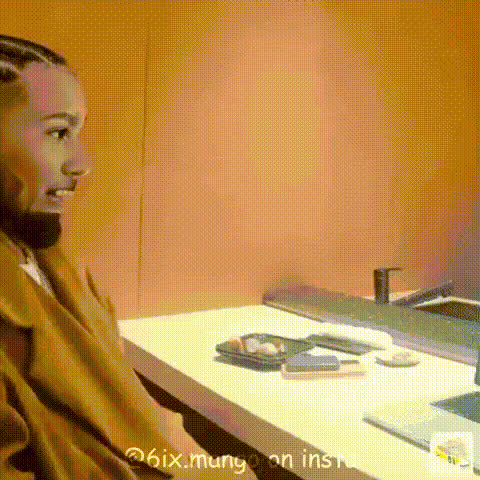
Drake Looking Surprised
Overview
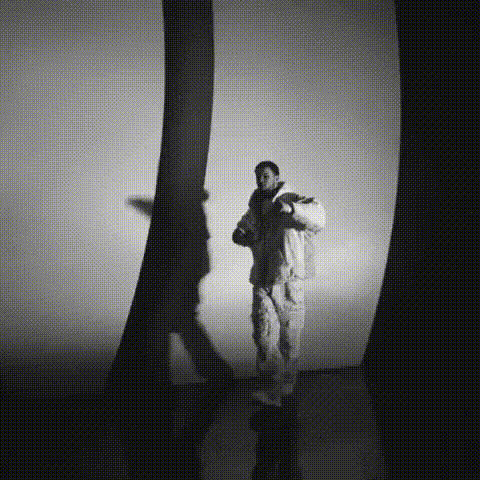
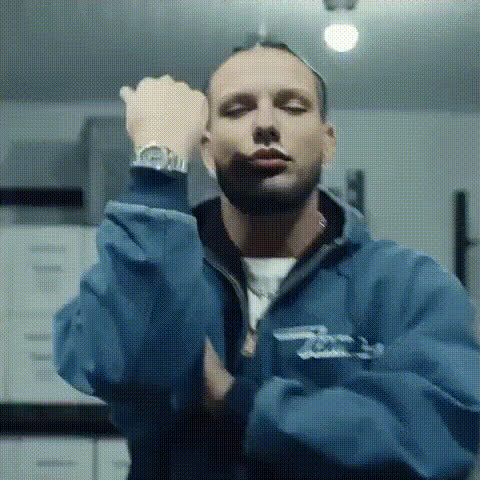
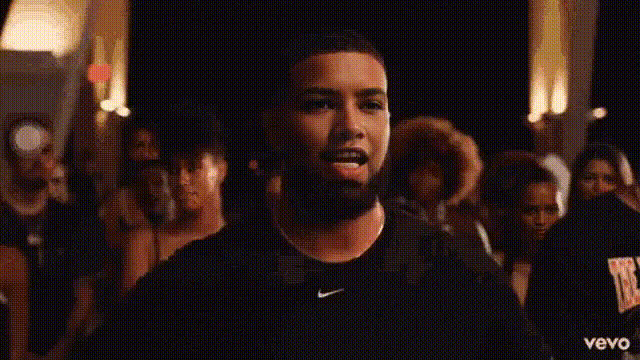
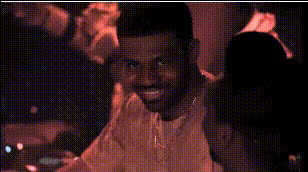
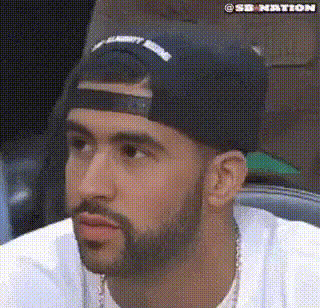
Use the "Drake Looking Surprised" template to effortlessly inject humor and surprise into your videos. Ideal for creating engaging meme videos and dynamic social media content, this Video Face Swap template allows you to overlay Drake’s iconic surprised expression onto any face.
What It Does
This template utilizes advanced face-swapping technology to map Drake's surprised look seamlessly onto the featured subject in your video. It transforms mundane clips into viral content perfect for catching eyes on social media platforms.
By leveraging this tool alongside our other products like the AI Image Editor or AI GIF Generator, you can enhance video quality and format customization with ease.
Who It's For
Creatives, marketers, and social media managers will find this tool particularly useful for creating standout content. It’s perfect for those looking to engage audiences with humor and pop culture references. Whether you’re an individual influencer or part of a marketing team, the Drake swap can boost your content's shareability.
Summary
The "Drake Looking Surprised" template is the go-to choice for anyone looking to add a dash of humor to their videos. As a part of our Face Swap suite, it is designed to draw attention and create memorable content that resonates well across different digital platforms.
How To
Choose Your Template

Customize Your Content

Generate and Download

Use Cases
Social Media Highlights
- Instagram Stories
- TikTok Uploads
- Facebook Posts
Marketing Campaigns
- Ad visuals
- Promotional videos
Meme Creation
- Meme challenges
- Trend participation
Best Practices
Choose High-Quality Base Videos
Ensure the base video is clear and well-lit for the best face swap results.Match Skin Tones
Adjust settings if necessary to match the skin tones better for a convincing swap.Experiment with Angles
Try different angles to see which works best with Drake's surprised expression.