Bunny Business
- Model
- Nano Banana Pro
- Image
- 1536 × 2752 px
Prompt
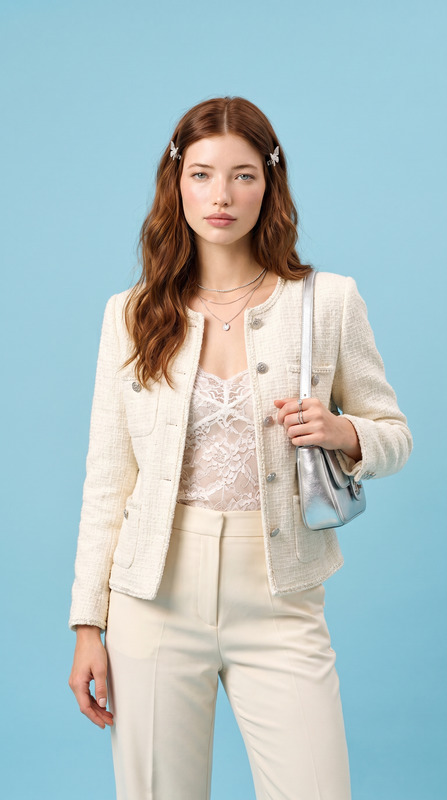
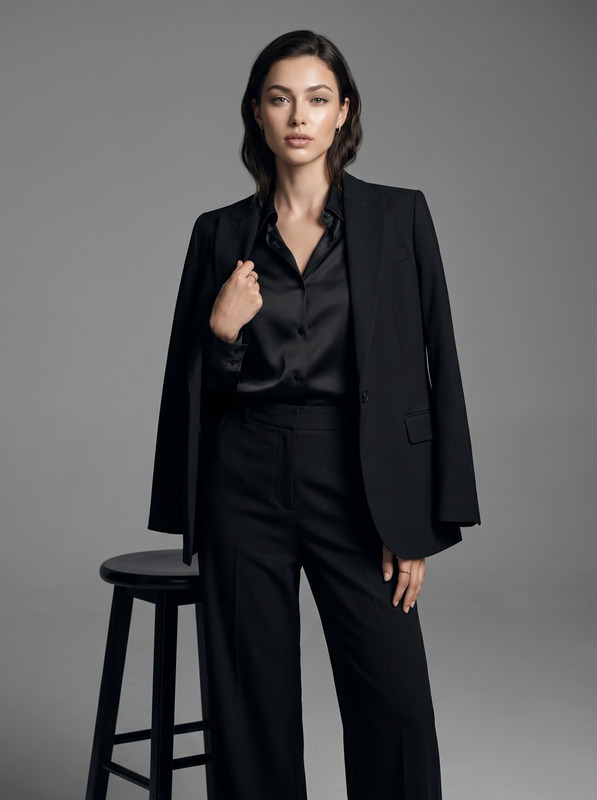
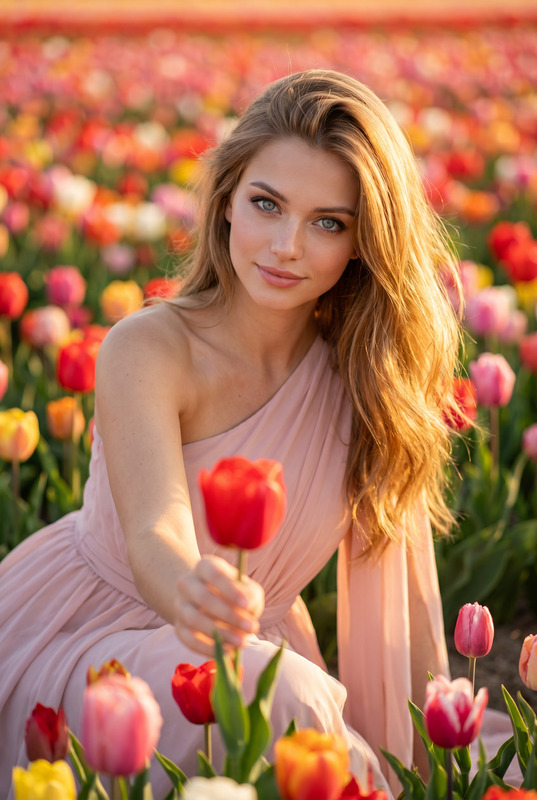
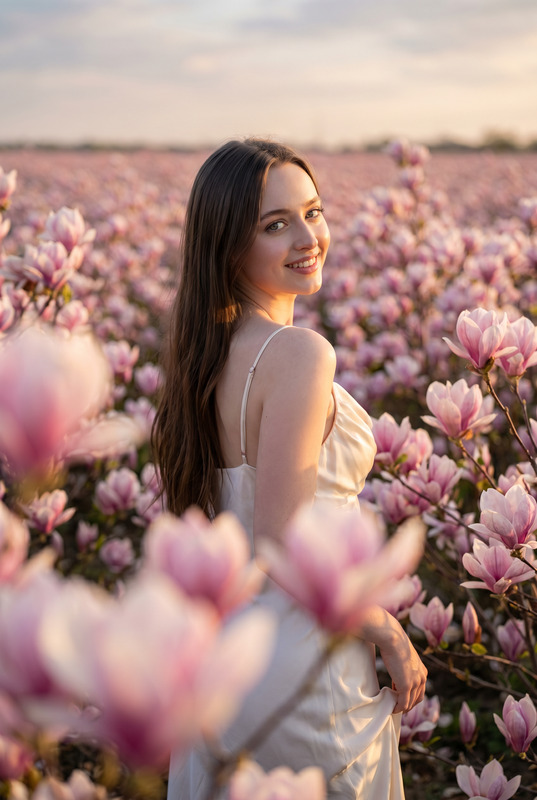
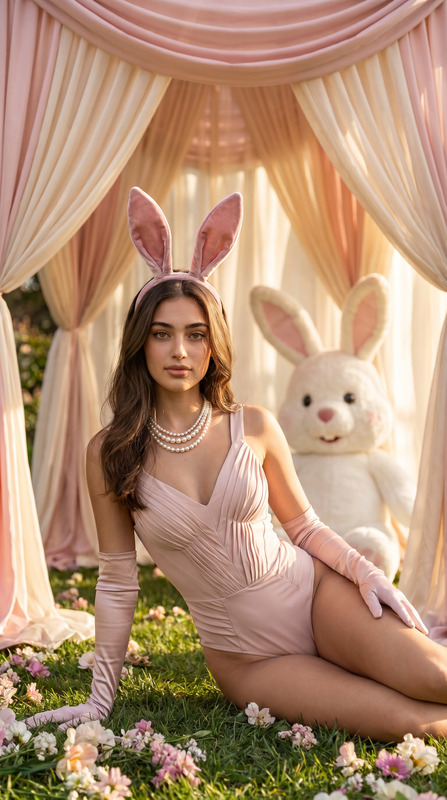
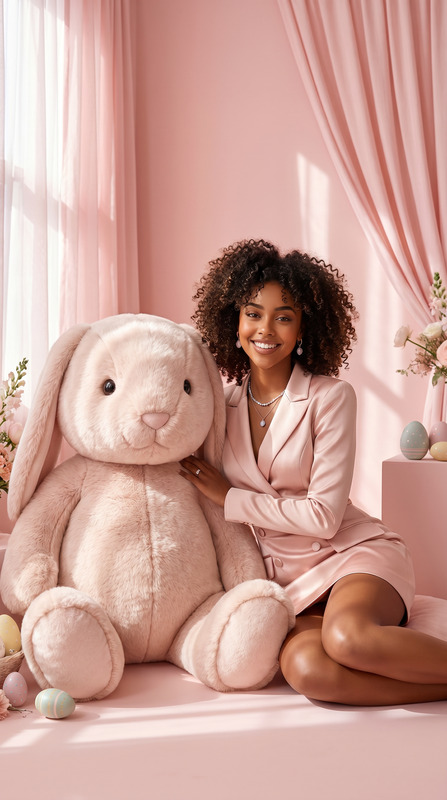
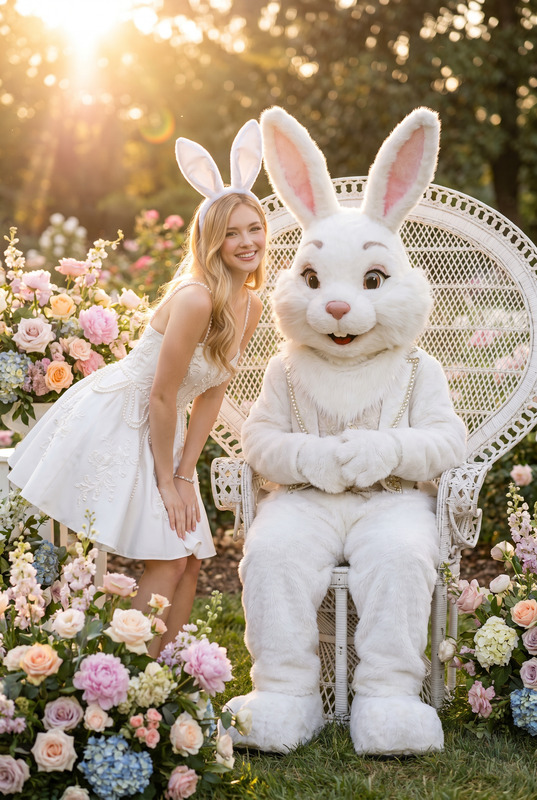
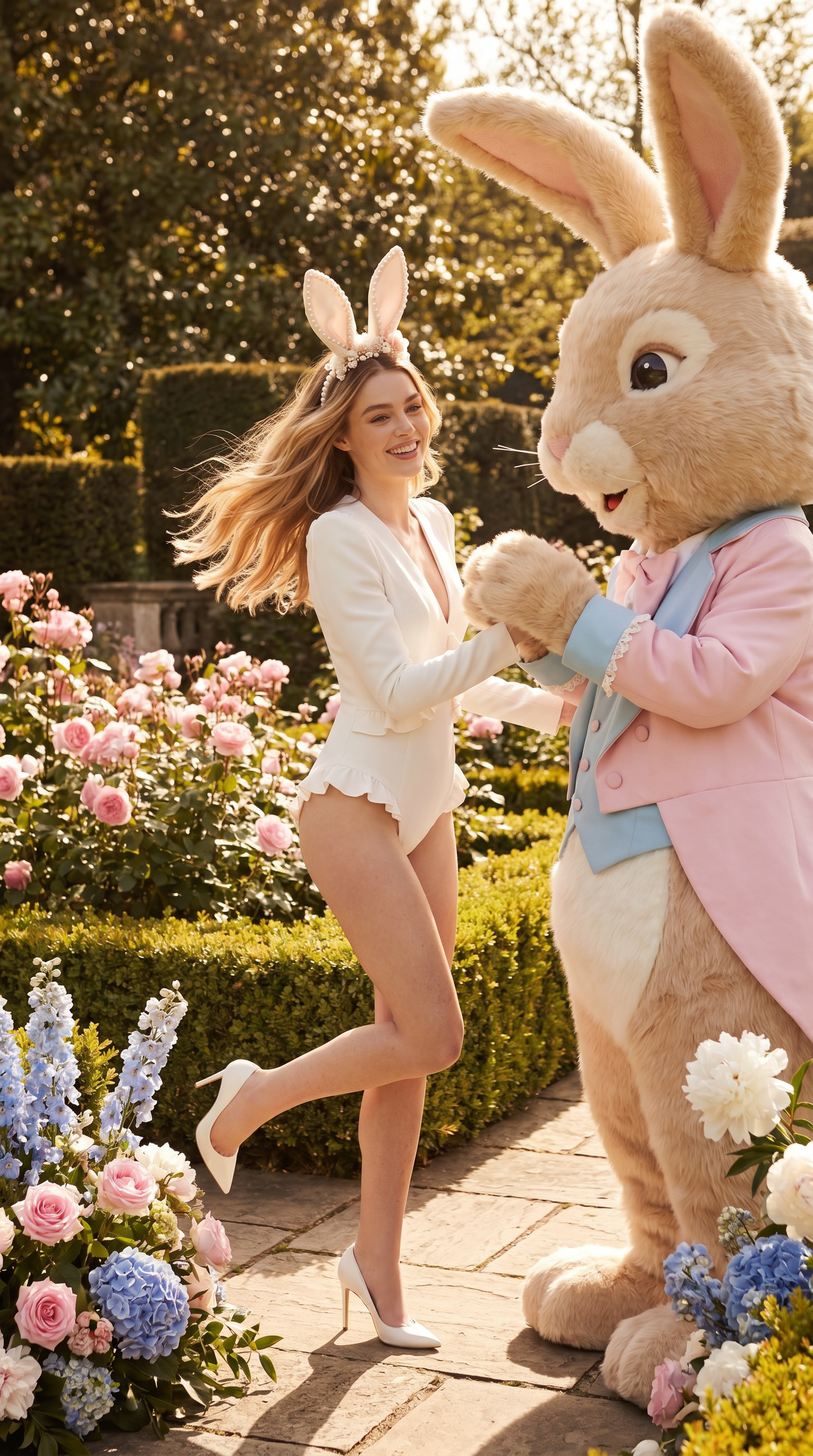
Transform the uploaded face-edited portrait into a luxurious spring garden fashion editorial set in an enchanting European flower garden during a bright sunny afternoon. The woman is joyfully interacting with a charming giant rabbit mascot dressed in elegant pastel couture, creating a playful yet sophisticated fairytale atmosphere. She is wearing a stunning white couture bodysuit with refined tailoring, subtle ruffle details, elegant white high heels, and a delicate luxury bunny-ear headband adorned with pearls and floral accents. Long flowing blonde hair moving naturally in the breeze, radiant glowing skin with ultra-realistic texture, genuine joyful smile, sparkling eyes full of happiness and charm. Surrounded by blooming roses, hydrangeas, peonies, trimmed hedges, elegant stone pathways, and luxurious garden arrangements. Warm natural sunlight filtering through the trees, cinematic shadows, dreamy spring atmosphere, luxury fashion campaign aesthetic, Vogue editorial styling, premium color grading, shallow depth of field, highly detailed floral textures, ultra realistic photography, medium format camera look, shot on 85mm lens, whimsical elegance, fairytale luxury, magazine-cover quality, museum-grade fashion photography. Effects luxury spring garden editorial, Easter fashion campaign, whimsical couture aesthetic, European flower garden, luxury feminine elegance, cinematic natural sunlight, Vogue editorial photography, dreamy fairytale atmosphere, premium floral styling, luxury seasonal campaign Negative Prompt blurry, low quality, CGI, cartoon, distorted anatomy, plastic skin, unrealistic costume, bad proportions, extra fingers, duplicated flowers, watermark, logo, text artifacts, harsh lighting, low detail background
Any aspect ratio
Overview
Bunny Business is an innovative AI Image Editor template that transforms face-edited portraits into luxurious, fairytale fashion editorials. Perfect for creating an enchanting setting, it combines fashion and whimsy with a European garden atmosphere, suitable for high-end campaigns and magazine covers.
What It Does
Using the nano-banana-pro model, this template enhances portraits with premium fashion and environment features. It includes intricate details such as luxurious garden scenes, couture styling, and a whimsical narrative featuring a giant rabbit mascot. Designed for high-quality, editorial-style visual outputs.
Who It's For
This template is ideal for fashion photographers, marketing professionals, and businesses in the luxury retail sector seeking to elevate their visual campaigns. It's also perfect for content creators focused on seasonal or holiday themes, particularly around spring and Easter.
Summary
With Bunny Business, users can expect a seamless integration of luxury and whimsy, resulting in museum-grade, highly detailed images suitable for AI-powered image generation needs. The tailored aesthetic is perfect for campaigns seeking a fairytale charm, making it a versatile choice for diverse creative projects.
How to Use
Choose

Customize

Generate

Use Cases
Luxury Fashion Campaigns
- Vogue-style magazine covers
- Brand photography for luxury clothing lines
Seasonal Marketing
- Spring and Easter event marketing
- Thematic social media content
Editorial Photography
- Creative storyboarding
- Engaging social media campaigns
Best Practices
Focus on Lighting
Pay attention to the simulated sunlight settings to match natural environments.Customize Details
Personalize the character's styling and setting to align with your brand identity.Quality Inputs
Use high-resolution images to ensure the final output maintains editorial quality.