Floral Frame
- Model
- Nano Banana Pro
- Image
- 1696 × 2528 px
Prompt
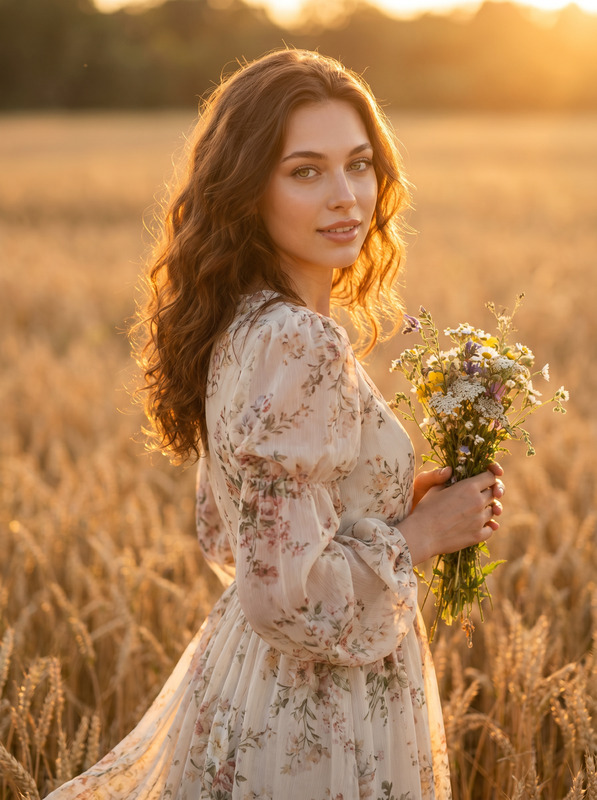
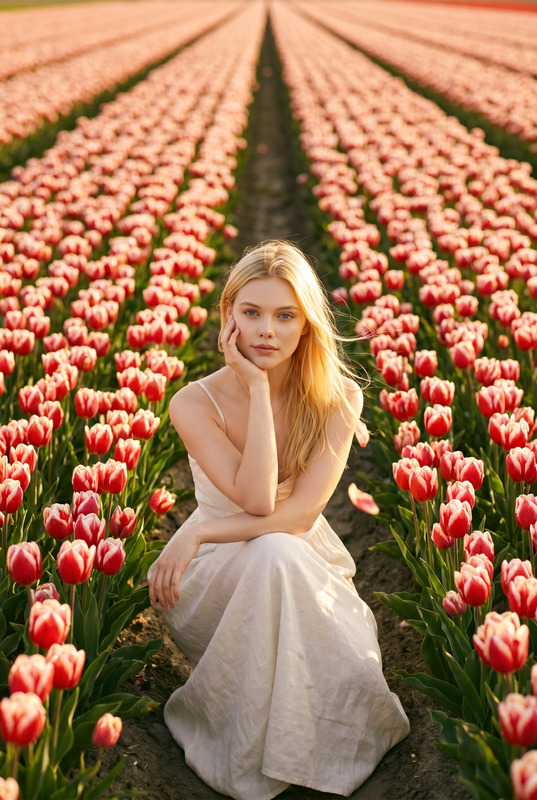
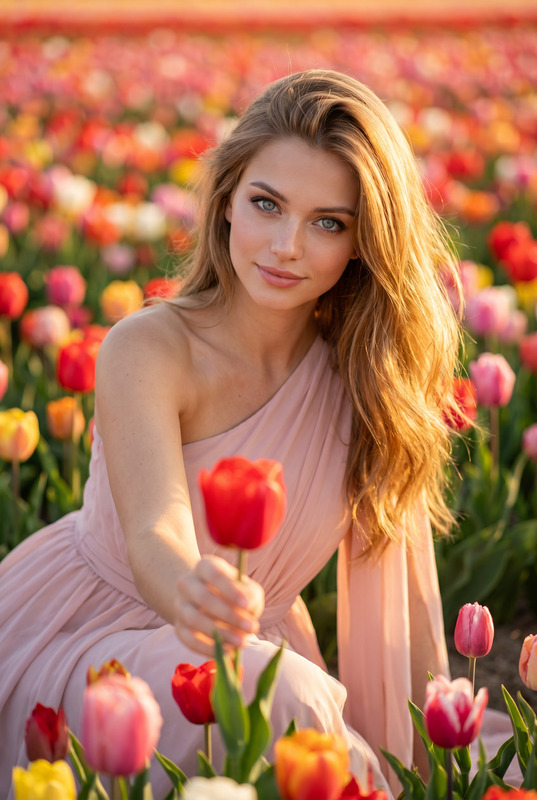
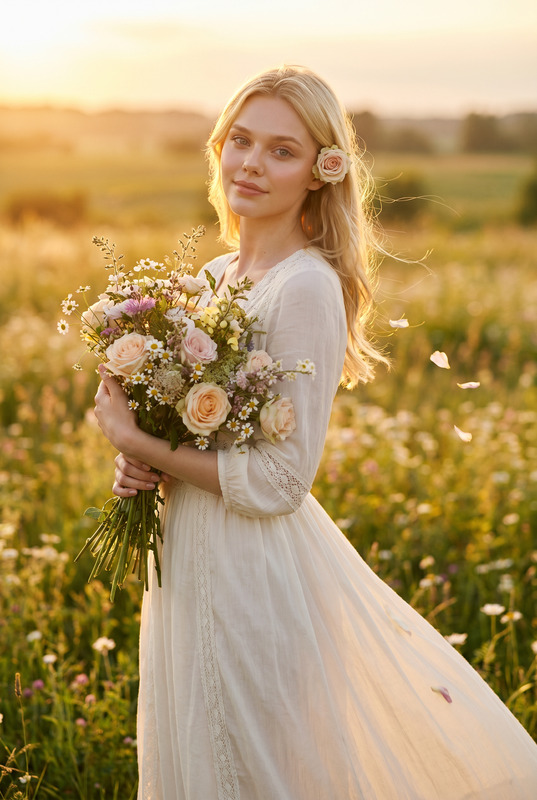
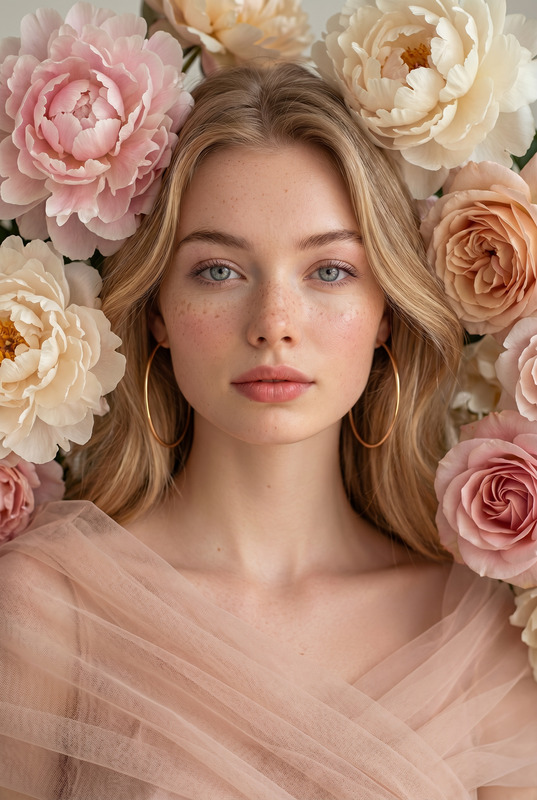
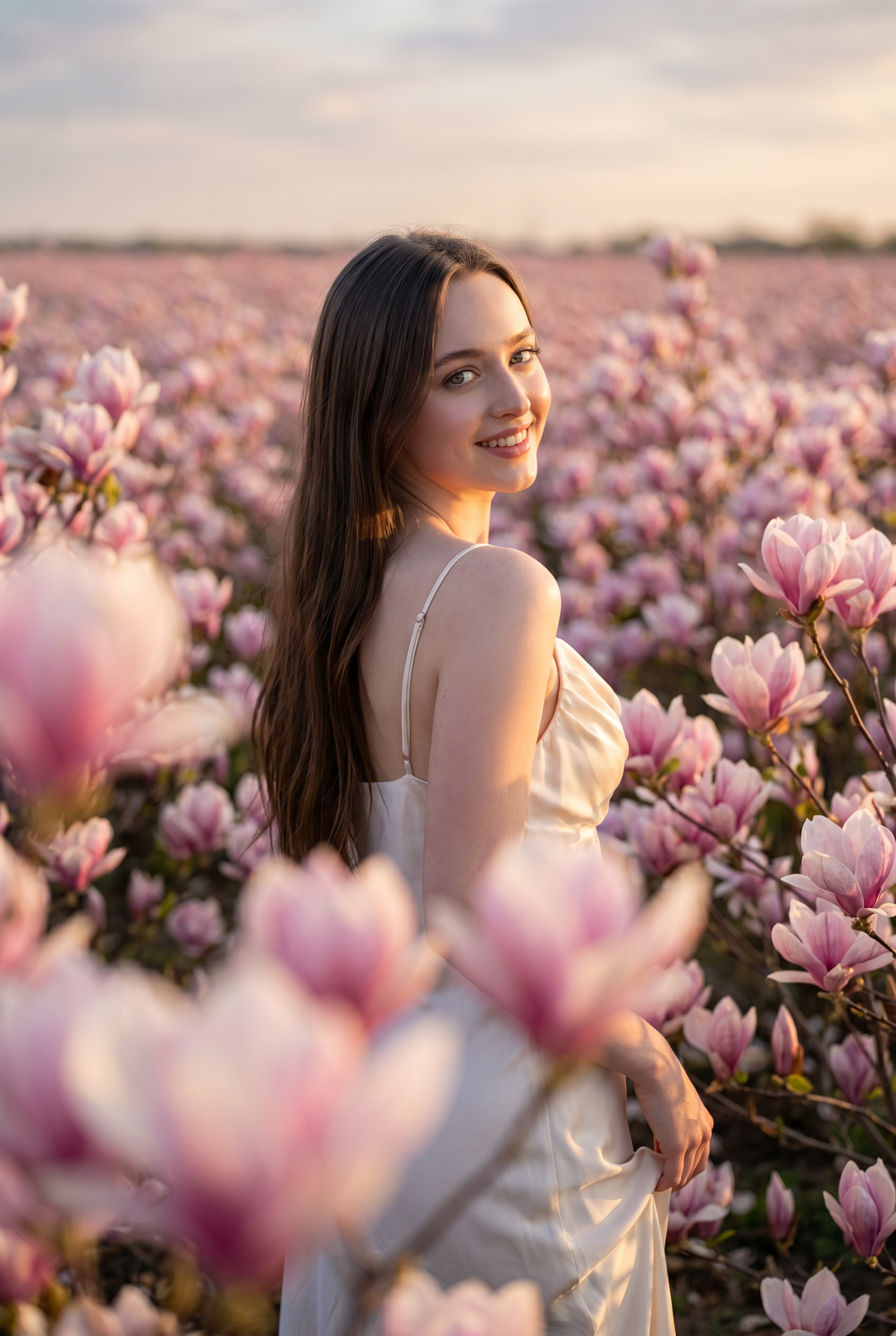
Transform the uploaded face-edited portrait into an ultra-luxury floral fashion editorial set in an endless field of blooming pink magnolia flowers during golden hour. The woman stands gracefully among thousands of soft pink blossoms, turning her body slightly away while looking back over her shoulder directly at the camera with an elegant and captivating expression. She wears a flowing ivory silk dress with delicate thin straps, soft draping fabric, and timeless feminine sophistication. Long silky dark hair cascading naturally down her back, luminous glowing skin with ultra-realistic texture, refined facial features, subtle luxury makeup, natural beauty. Warm sunset light gently illuminates her face and shoulders, creating soft highlights and cinematic depth. Foreground flowers softly blur around the lens, creating dreamy layers and immersive depth of field. Endless pastel blossoms stretch toward the horizon, romantic atmosphere, luxury Vogue beauty campaign aesthetic, premium color grading, medium-format photography look, shot on 85mm lens, photorealistic skin detail, dreamy bokeh, museum-quality fashion photography, timeless elegance, editorial masterpiece. Effects luxury floral editorial, blooming magnolia field, romantic golden hour portrait, Vogue beauty campaign, cinematic sunlight, dreamy pastel atmosphere, premium fashion photography, feminine elegance, luxury skincare advertisement aesthetic, shallow depth of field, fine art portrait Negative Prompt blurry, low resolution, CGI, cartoon, plastic skin, distorted anatomy, extra fingers, unrealistic flowers, bad proportions, harsh lighting, oversaturated colors, watermark, logo, text artifacts, duplicate elements
Any aspect ratio
Overview
Immerse your portraits in luxurious floral elegance with the Floral Frame template. Powered by the nano-banana-pro model, this AI Image Editor redefines photos with a stunning backdrop of pink magnolia blossoms. Ideal for crafting high-end editorial shots that convey sophistication and grace.
What It Does
The Floral Frame template transforms face-edited portraits into captivating editorial masterpieces using AI Image Editor technology. It uses an ultra-luxury floral setting, with each detail curated to emulate a premium fashion photography atmosphere. The result is a professional-grade portrait that embodies impeccable beauty and style.
Who It's For
This template is perfect for photographers, fashion editors, and beauty brands looking to elevate their imagery. It's also well-suited for personal projects by hobbyists who wish to add a touch of elegance to their portraits. If you're involved in advertising campaigns, like those crafted with the AI Ad Creative Generator, this tool can add a distinct luxury aesthetic to your visuals.
Summary
Achieve timeless elegance and sophistication easily with the Floral Frame template. Let your portraits resonate with the beauty of a luxury Vogue campaign set in a field of dreamy magnolias. Utilize this template to bring those high-fashion visions to life with realistic skin detailing and cinematic depth, offering a perfect solution for product photography needs.
How To
Choose

Customize

Generate

Use Cases
Luxury Fashion Photography
- Elegant campaigns
- Magazine covers
- Fashion promos
Wedding Portraits
- Bridal portraits
- Engagement photos
- Anniversary shoots
Social Media Aesthetics
- Instagram posts
- Facebook ads
- Pinterest inspiration
Fine Art Portraits
- Art exhibitions
- Personal projects
- Gift prints
Best Practices
Choose High-Quality Source Images
For optimal results, use images that have been edited to correct skin texture and lighting discrepancies. The AI works best with professionally taken photographs.Refine the Prompt
Adjust the prompt to better suit the mood and style you want to achieve. Pay attention to the emphasis on details like dress fabric and light conditions.Review and Edit Post-Generation
After generating the image, use the AI Image Editor to make minor tweaks and ensure everything meets your aesthetic goals.