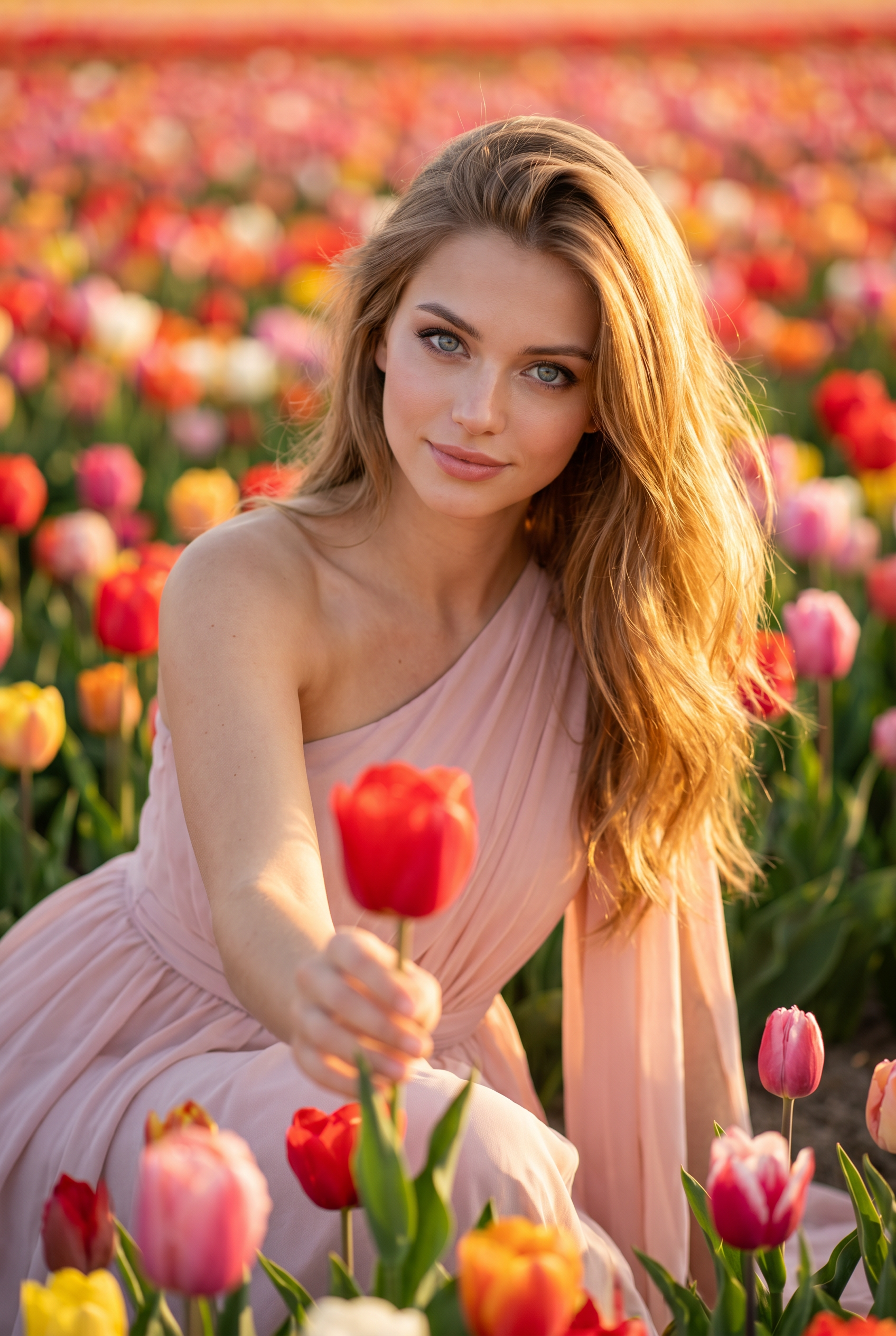
Tulip Lens

Tulip Lens

ai-image-editor

1 clip
5 uses

Any aspect ratio

Prompt

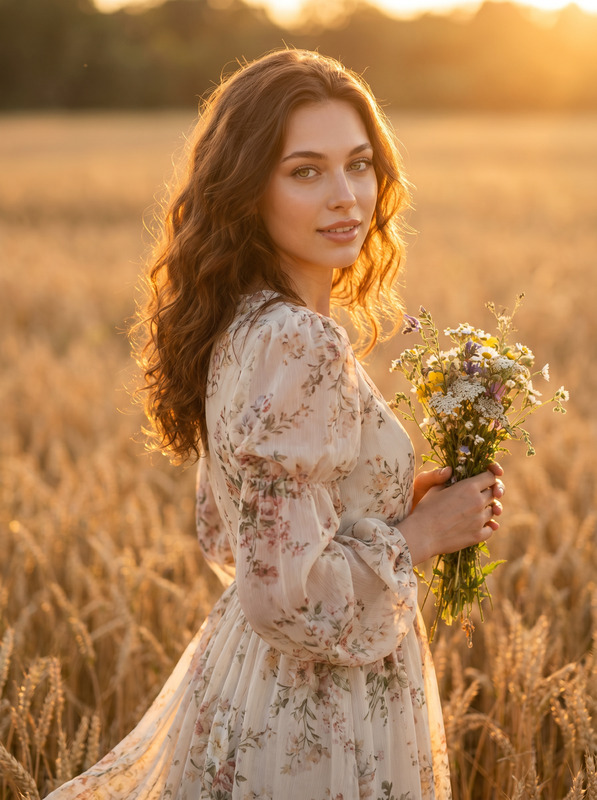
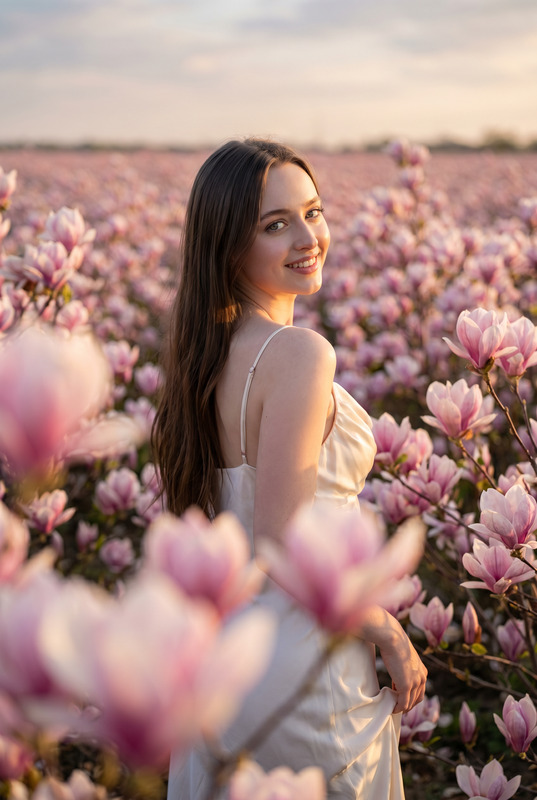
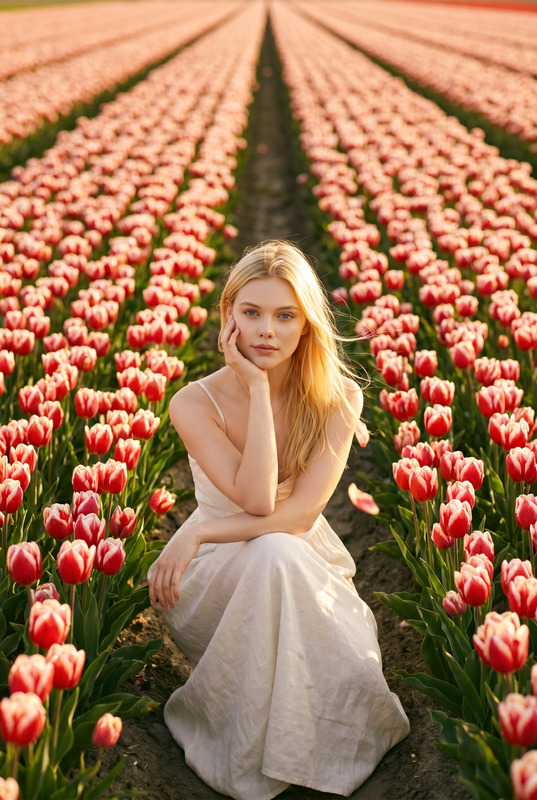
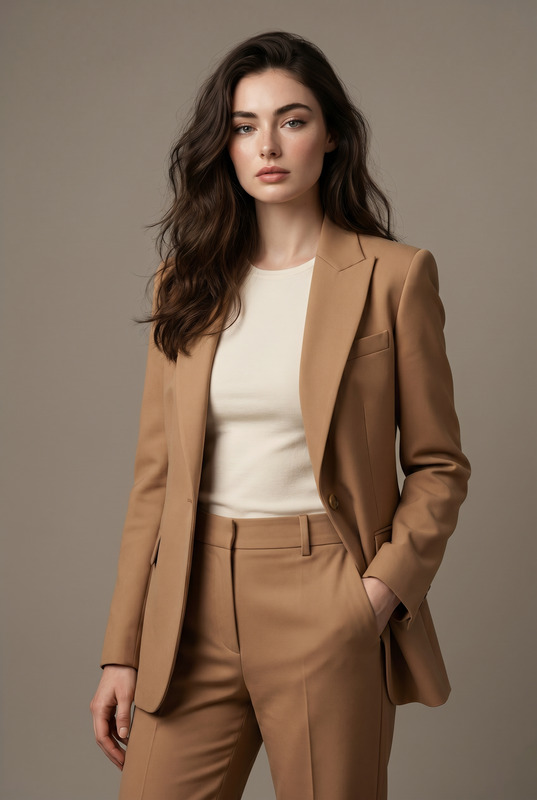
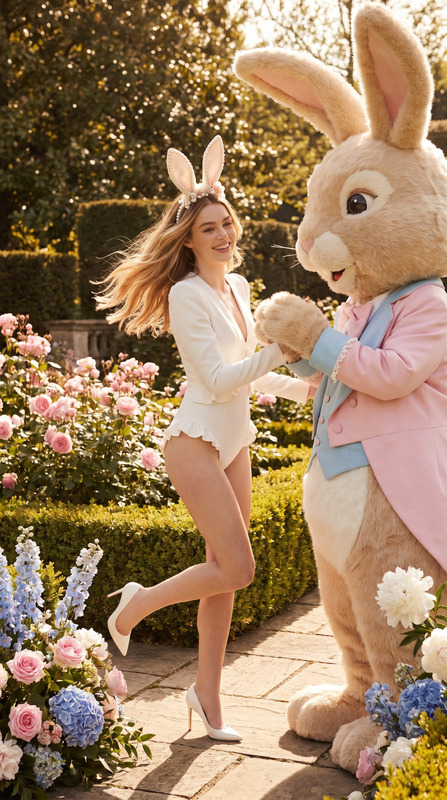
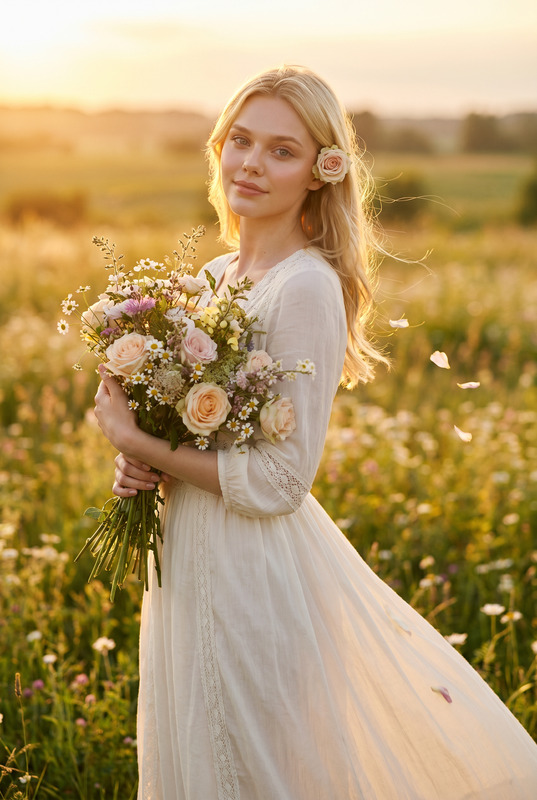
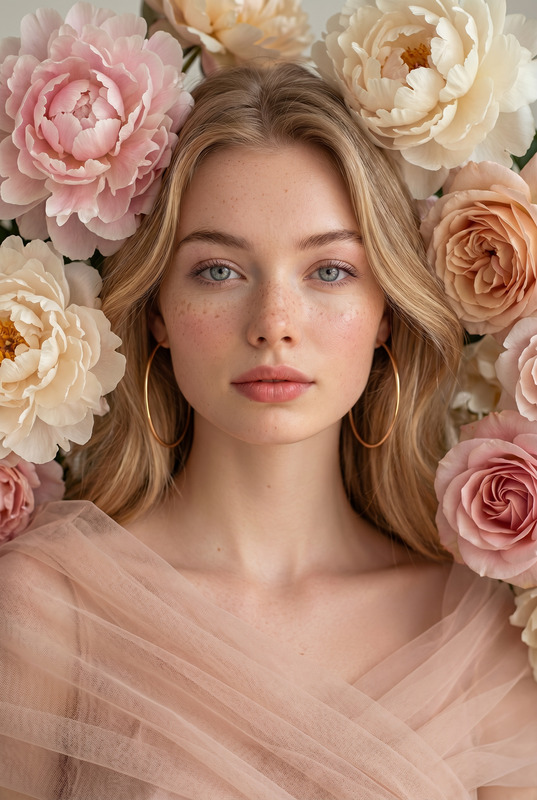
Transform the uploaded face-edited portrait into a breathtaking luxury floral editorial in a vast blooming tulip field during golden hour. The woman is leaning gently toward the camera while extending a vibrant red tulip in her hand, creating an intimate and inviting connection with the viewer. Soft natural smile, captivating eyes locked directly with the camera, glowing sun-kissed skin with ultra-realistic texture, delicate feminine facial features, long flowing golden-blonde hair illuminated by warm sunset light. She wears an elegant pastel blush pink one-shoulder dress with graceful flowing fabric that moves softly in the breeze. Endless colorful tulips surround her in every direction, creating a dreamy sea of flowers. Warm golden sunlight wraps the entire scene, cinematic depth of field, creamy bokeh, luxury fashion campaign aesthetic, Vogue beauty editorial style, romantic storytelling atmosphere, premium color grading, medium-format photography look, shot on 85mm lens, photorealistic skin detail, timeless feminine elegance, magazine-cover quality, museum-grade photography masterpiece. Effects luxury floral editorial, tulip field photography, romantic golden hour portrait, cinematic sunlight, Vogue beauty campaign, feminine elegance, dreamy flower landscape, premium fashion photography, intimate perspective composition, luxury beauty advertisement, natural glowing skin, timeless romance Negative Prompt blurry, low quality, CGI, cartoon, plastic skin, distorted anatomy, extra fingers, unrealistic flowers, overprocessed face, harsh shadows, low detail background, watermark, logo, text artifacts, duplicate flowers, bad hands

Tags

styles

AI Image Editor Template – Turn Any Photo Into Studio-Quality Visuals in Minutes

Use this AI Image Editor–powered template to transform, fix, and restyle your images directly in the browser. Whether you’re a marketer refreshing ad creatives, a founder polishing a landing page, or a creator iterating on visual concepts, this template gives you a fast, repeatable way to produce production-ready images without manual Photoshop work.

This template is built on the AI Image Editor, so you can quickly remix it, customize the prompts, and adapt it to your own brand or use case.


What This Template Is For

This template is ideal if you need to:

  • Clean up photos (remove objects, distractions, or artifacts)
  • Swap or redesign backgrounds to match your visual identity
  • Change outfits, styles, or aesthetics while keeping the subject
  • Generate multiple visual variants of one hero asset
  • Prepare images for:
    • Landing pages
    • Paid ads and social posts
    • Thumbnails and banners
    • Product shots and mockups
    • Pitch decks and investor materials

It’s especially useful for:

  • Founders & marketers: fast iteration on ad concepts, brand imagery, and landing page sections
  • Designers & creators: visual exploration and mood boards, without starting from scratch every time
  • Developers & product teams: consistent imagery for product marketing, docs, onboarding, and release notes

How the AI Image Editor Template Works

At a high level, this template chains together a few core capabilities of the AI Image Editor:

  1. Upload or drop in your base image
    Start with any photo: a portrait, product shot, screenshot, or illustration.

  2. Describe what you want changed
    Use natural language instructions—e.g.,

    • “Replace the background with a modern, minimal office environment.”
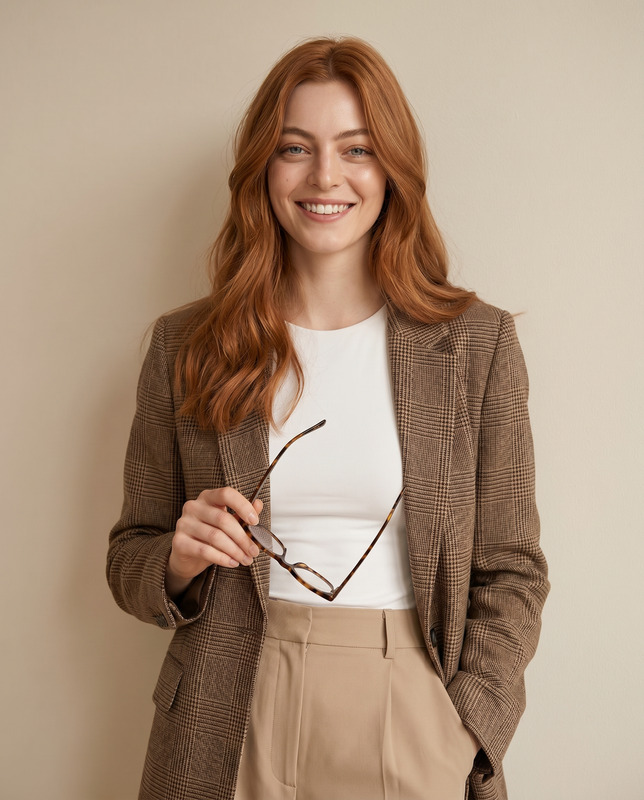
    • “Turn this casual selfie into a professional LinkedIn headshot.”
    • “Make this product photo look like a polished studio shoot on a neutral backdrop.”
  3. Let the editor regenerate only what’s needed
    The model keeps structure and identity (pose, composition, core subject) while updating the style, background, or details you describe.

  4. Iterate quickly
    Because this is a template, you can:

    • Reuse the same prompt on entirely new images (e.g., enforcing a consistent brand style)
    • Save and remix variations as new templates for specific campaigns or clients

Under the hood, systems like this typically use diffusion-based image editing models that condition on your original image and instruction text. That means you get coherent, high-fidelity changes instead of random re-generation.


How to Remix This Template in Magic Hour

You can use this template as a starting point, then adapt it to your workflow. A practical way to remix it:

  1. Start from the template
    Open this template inside Magic Hour. You’ll see the default prompt and flow already wired to the AI Image Editor.

  2. Swap in your own “brand prompt”
    Replace the generic style instructions with a consistent description of your brand look, for example:

    • “Clean, high-contrast tech brand style with lots of negative space”
    • “Soft, pastel color palette with natural light and subtle gradients”
    • “Bold, high-saturation ecommerce style with clear shadows and reflections”
  3. Create a few canonical variations
    Turn this one template into a mini library of presets:

    • A “Landing Page Hero” variant focused on wide aspect ratios
    • A “Paid Social Ad” variant optimized for scroll-stopping visuals
    • A “Profile / Headshot” variant focused on clean portraits
  4. Chain with other Magic Hour tools for richer pipelines

  5. Save your remix as a new template
    Once you’re happy with the behavior, save it as a private template for your team, so everyone can produce on-brand visuals with consistent quality.


Example Use Cases and Workflows

1. Turn Casual Photos Into Professional Headshots

If you’re using this template for people photos:

  • Start from a selfie or basic portrait.
  • In the editor, describe the target result:
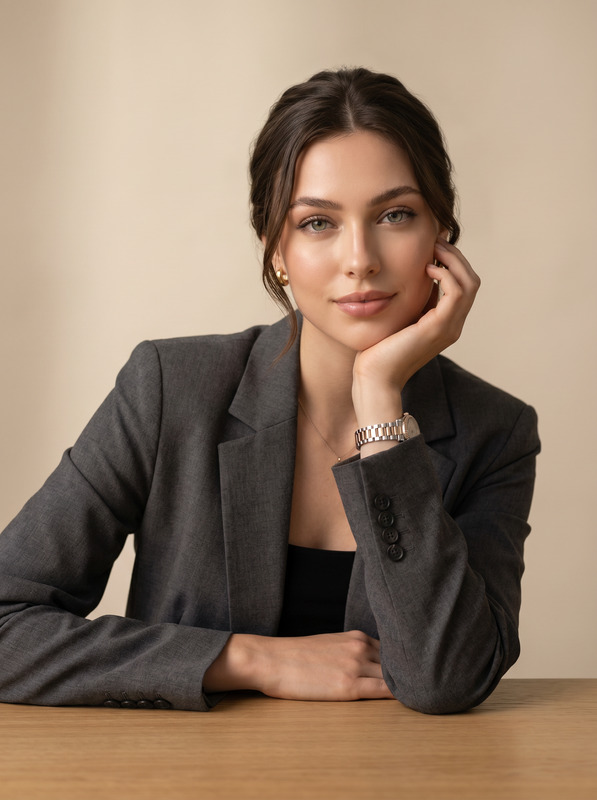
    “Transform this into a professional corporate headshot, neutral blurred office background, soft lighting, natural skin tones.”
  • Use AI Headshot Generator or AI Selfie Generator alongside this template to rapidly explore profile photo styles for LinkedIn, team pages, or speaker bios.
  • For facial refinements, combine with the AI Face Editor to adjust subtle details while preserving identity.

2. Upgrade Product Photos Without a Studio

For ecommerce, SaaS mockups, or hardware products:

  • Start with a quick shot or 3D render.
  • Use the template to:
    • Remove clutter from the background
    • Replace it with a consistent studio or lifestyle environment
    • Adjust lighting or reflections via prompt instructions
  • For more creative directions, you can:

3. Social Media Creatives and Thumbnails

Creators and marketers can use this template to standardize visuals across channels:

4. Brand Re-Skins and Rapid A/B Testing

If you’re rebranding or testing new visual directions:

  • Use the same base image (e.g., your hero product shot) and apply multiple style prompts via this template.
  • Export 4–10 variants with different backgrounds, color schemes, or moods.
  • Plug them into landing page A/B tests or ad experiments.
  • For video-based campaigns, you can:

Related Magic Hour Templates and Tools

If this template is part of a bigger creative workflow, these are highly complementary:


Prompting Tips for Better Image Edits

When using or remixing this template, more precise text prompts lead to more reliable results. A few practical guidelines (inspired by best practices from generative image research and community experimentation):

  1. Describe the final image, not the edit steps
    Instead of “make the background better,” say “place the subject in a bright, minimal studio with a soft gray gradient background.”

  2. Specify style and tone
    Include cues such as:

    • Lighting (“soft daylight”, “studio lighting”, “high-contrast”)
    • Mood (“corporate and polished”, “playful and colorful”, “cinematic”)
    • Context (“SaaS landing page hero”, “LinkedIn profile photo”, “DTC product ad”)
  3. Mention what must not change
    If you care about identity or layout, call it out:

    • “Keep the person’s facial features and expression the same; only change background and outfit.”
    • “Keep the product position and angle identical; only change environment and color palette.”
  4. Iterate in small steps
    If you’re moving far from the original, edit in stages:

    • First: clean background and basic lighting
    • Then: stylize, recolor, or add brand elements

Building a Reusable Visual System in Magic Hour

For teams that care about consistency at scale, this template can be part of a “visual system” inside Magic Hour:


Why Use This Template Instead of Manual Editing?

Compared with traditional tools, AI-based image editing can:

  • Cut down creative iteration time from hours to minutes
  • Let non-designers generate on-brand visuals with minimal training
  • Preserve your base asset (subject, framing) while experimenting with unlimited styles
  • Make it feasible to run more experiments: more ad concepts, more thumbnails, more landing page variations

By remixing this AI Image Editor template in Magic Hour, you get a repeatable, team-friendly workflow that scales with your content needs—without needing a full-time design or motion team behind every asset.

More Like This

Insufficient credits