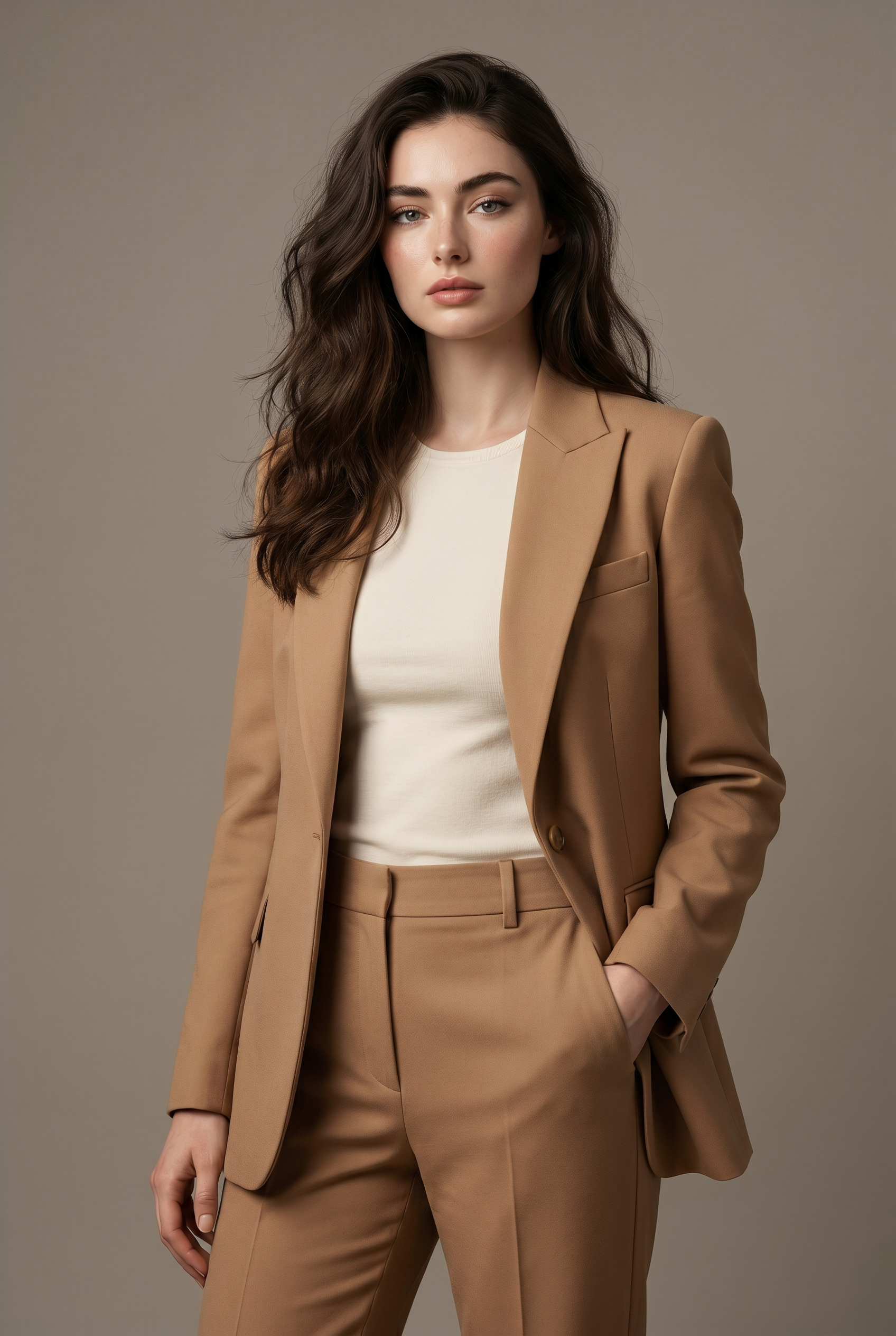
Camel Edit
- Model
- Nano Banana Pro
- Image
- 1696 × 2528 px
Prompt
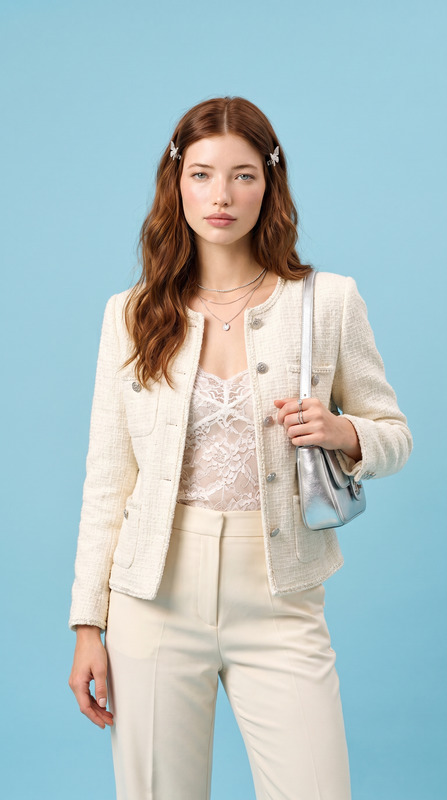
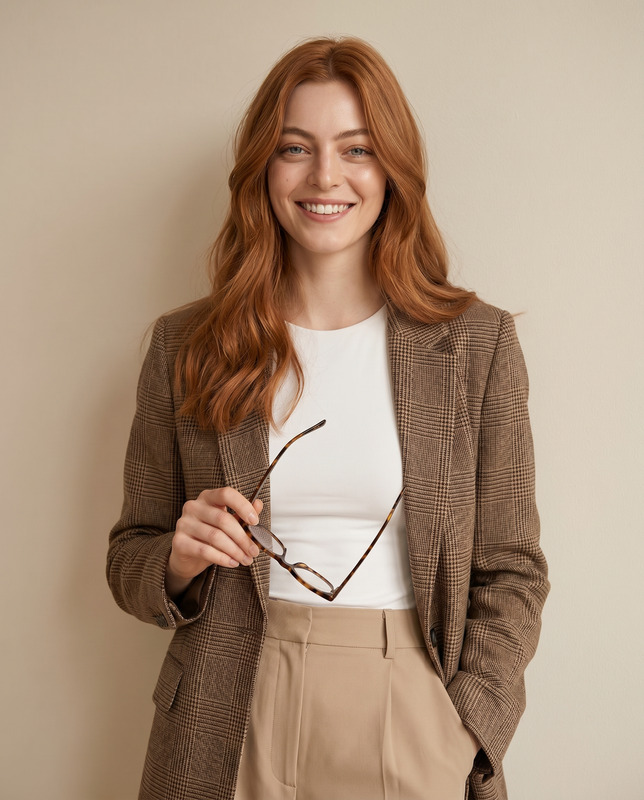
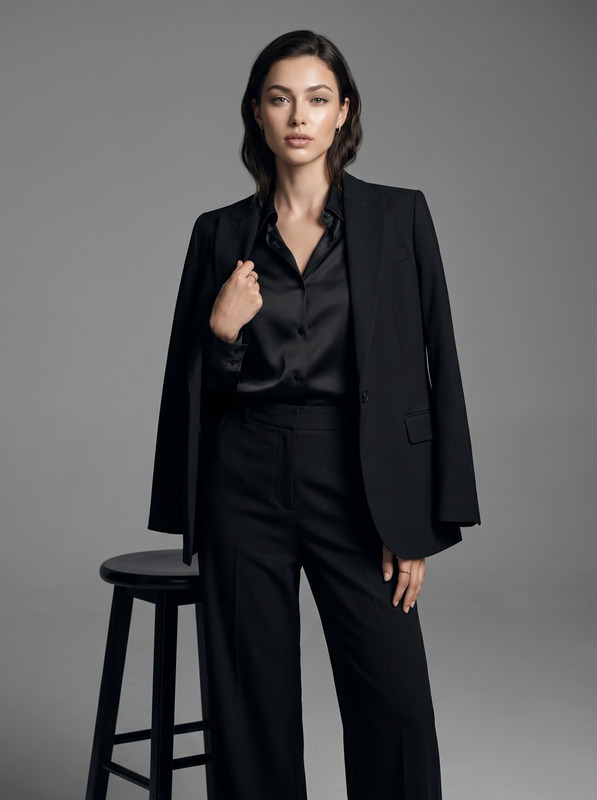
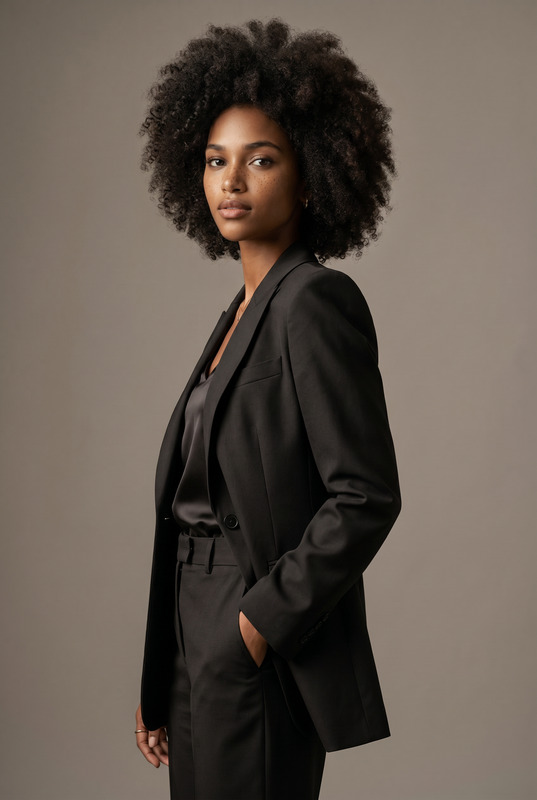
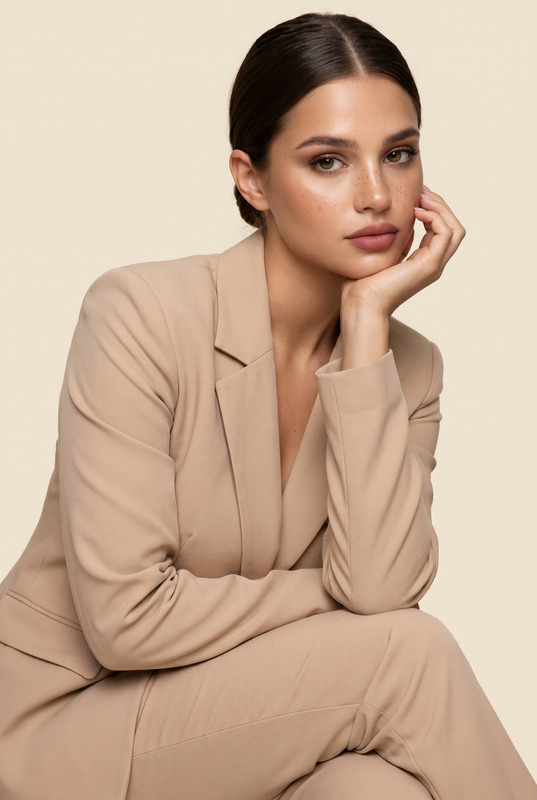
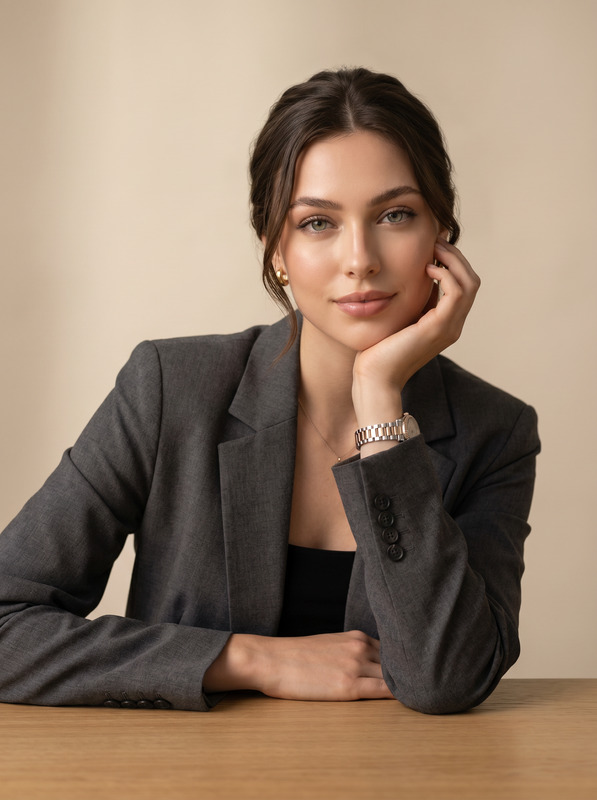
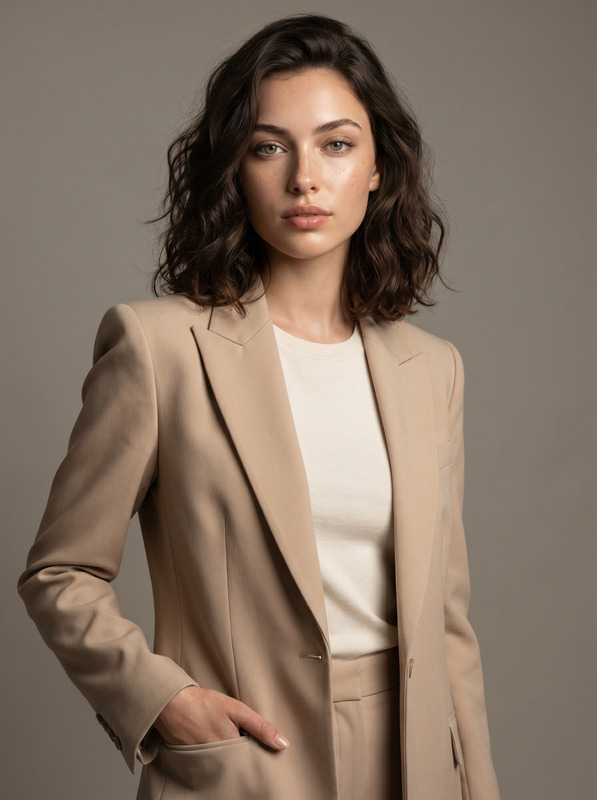
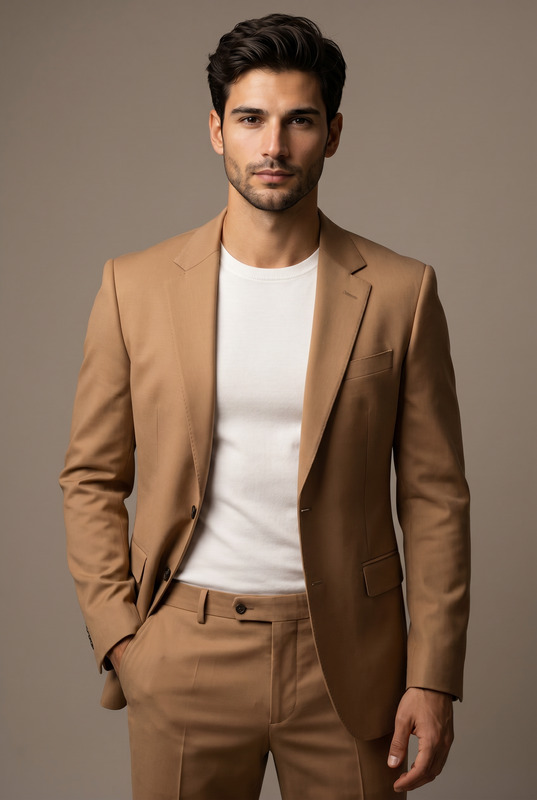
Transform the uploaded face-edited portrait into an ultra-premium feminine fashion editorial featuring a sophisticated modern woman with effortless luxury style and refined feminine elegance. The subject is standing confidently in a minimalist neutral-toned studio with a calm powerful expression, relaxed posture, and one hand casually in pocket. She is wearing a perfectly tailored camel monochrome blazer suit with elegant structured shoulders and refined clean tailoring layered over a fitted soft ivory top, creating a timeless quiet luxury aesthetic. Soft feminine facial features, glowing flawless skin with natural texture, subtle makeup, elegant long dark hair with soft natural waves and volume, understated luxury styling. Cinematic soft studio lighting with delicate shadows sculpting the face and blazer, smooth warm gray background, ultra realistic skin texture, premium Vogue fashion editorial aesthetic, luxury womenswear campaign vibe, sophisticated executive fashion atmosphere, minimalist Scandinavian-inspired styling, shallow depth of field, medium-format photography look, highly detailed realistic portrait, shot on 85mm lens, premium cinematic color grading, museum-quality fashion photography, elite confident feminine aura. Forbes women cover aesthetic, luxury CEO campaign, old money feminine elegance, Paris luxury fashion editorial, premium Vogue campaign, elite executive aura, cinematic luxury portrait, museum-quality fashion photography, timeless supermodel energy Effects: quiet luxury womenswear aesthetic, cinematic neutral tones, luxury executive fashion campaign, premium feminine beauty photography, soft studio shadows, modern businesswoman portrait, timeless elegant styling, old money feminine vibe, luxury tailoring editorial Negative Prompt: blurry, low quality, CGI, cartoon, distorted anatomy, asymmetrical eyes, unrealistic clothing folds, plastic skin, overprocessed face, messy outfit, harsh lighting, watermark, text artifacts
Any aspect ratio
Overview
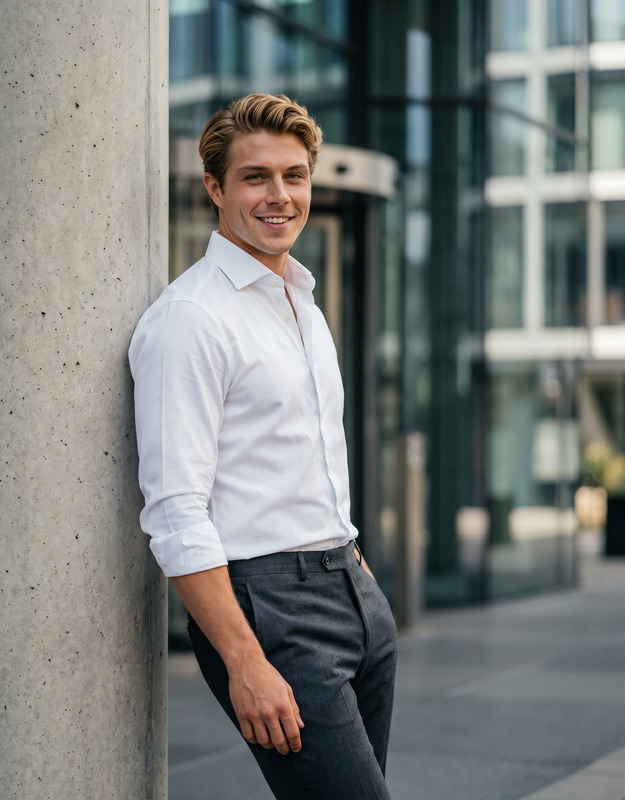
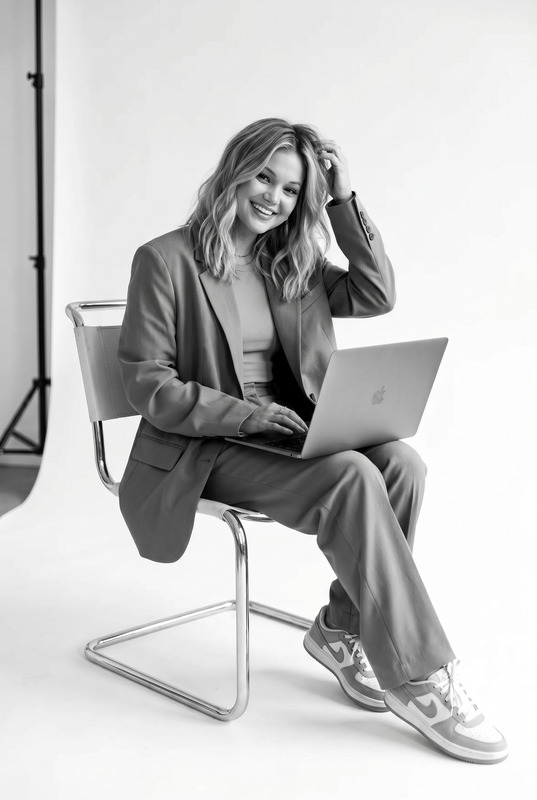
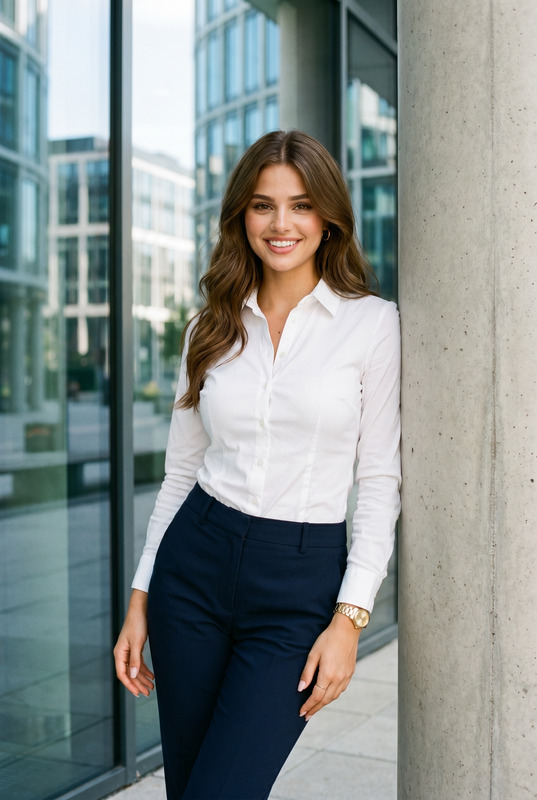
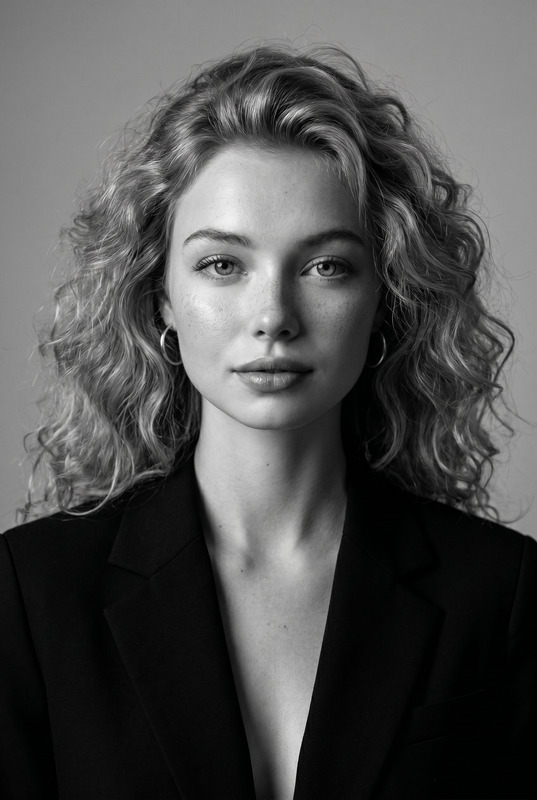
The Camel Edit AI Image Editor template empowers users to transform ordinary photos into sophisticated fashion portraits. This tool leverages advanced AI to create images that exude elegance and luxury, turning everyday portraits into potential magazine covers.
What It Does
Camel Edit is designed to refine and upscale your photo by giving it a premium feminine fashion editorial style. With features like tailored clothing and sophisticated photo settings, it accentuates soft feminine features, utilizing cinematic lighting and high-quality skin textures. The AI Image Editor works in tandem with the AI Image Editor product to ensure that every detail is meticulously enhanced, delivering museum-quality results.
Who It's For
This tool is ideal for photographers, fashion designers, and marketers aiming to create high-quality fashion campaign imagery. It is also perfect for individuals wanting to infuse their personal photos with the elegance of luxury fashion editorials. Whether you’re a professional or an enthusiast, the AI Product Photography can complement your workflow, bringing out the best visual aesthetics.
Summary
Camel Edit harnesses the power of the AI Image Generator to transform your image into a sophisticated editorial shot. With a blend of elegant styling and intuitive AI features, this tool provides users with a reliable option for producing polished, high-end fashion portraits.
How To
Select the Template

Personalize Your Image

Generate Your Fashion Image

Use Cases
Fashion Lookbooks
Styled Social Media Posts
Marketing Campaigns
Best Practices
Ensure High-Quality Inputs
Start with high-resolution photos for the best results. The AI Image Editor performs optimally with pre-existing quality images.Adjust Lighting and Shadows
Pay attention to lighting adjustments to enhance textures and colors, mimicking a professional studio look.Use Complementary Tools
Consider pairing with the AI Image Upscaler to boost your image resolution before processing.