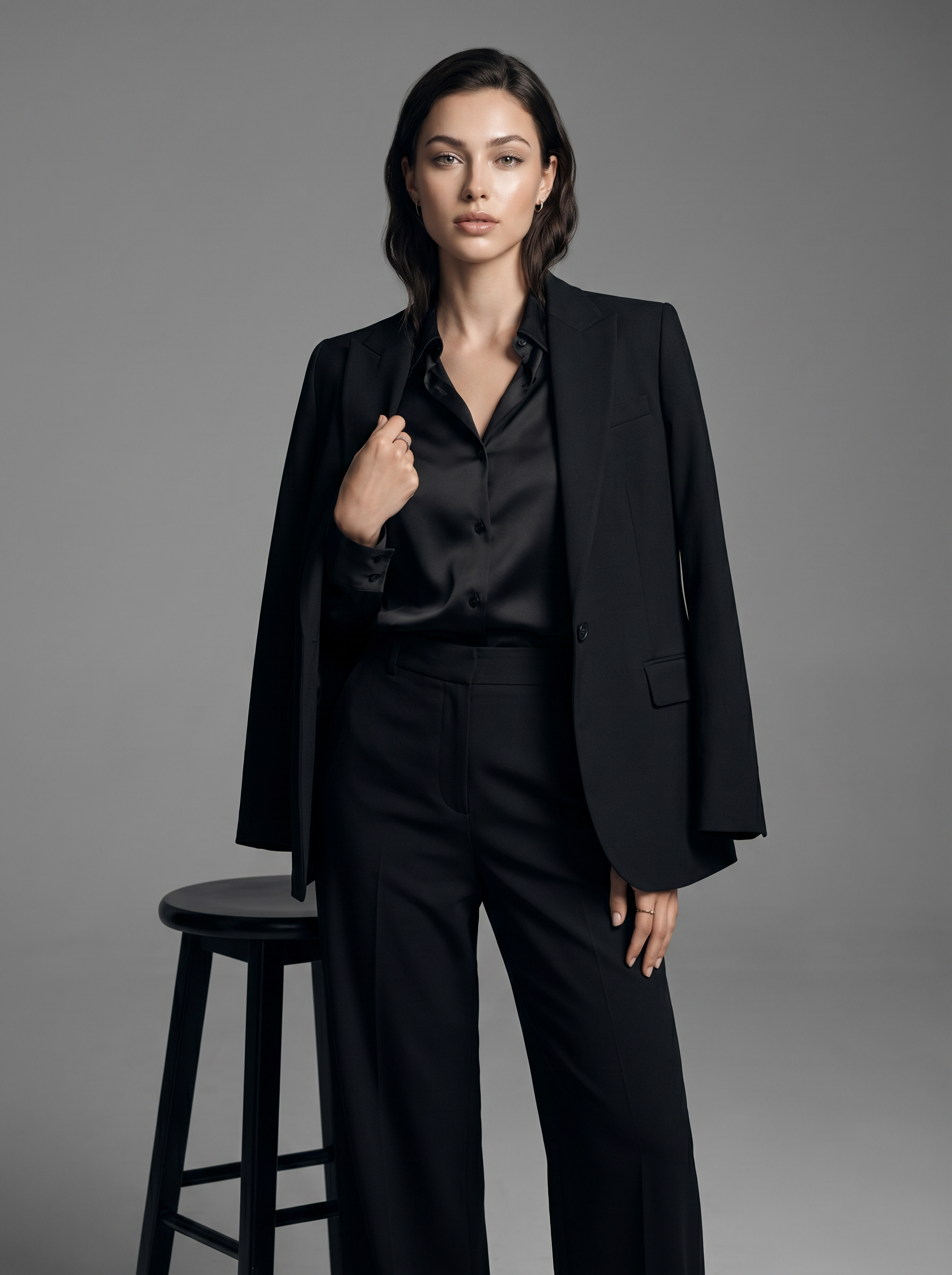
Studio Vogue
- Model
- Nano Banana Pro
- Image
- 1792 × 2400 px
Prompt
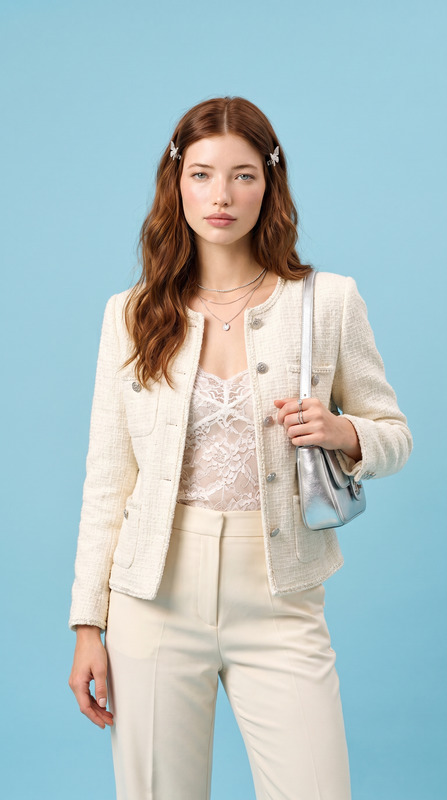
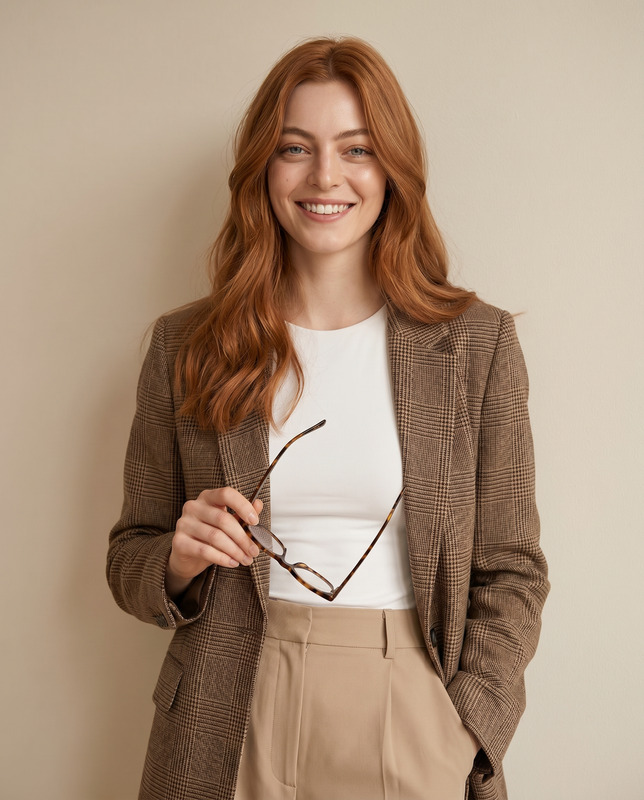
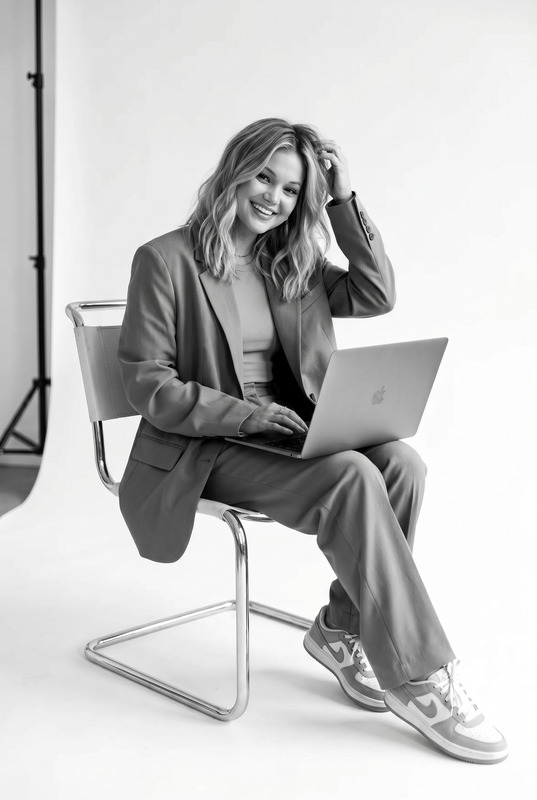
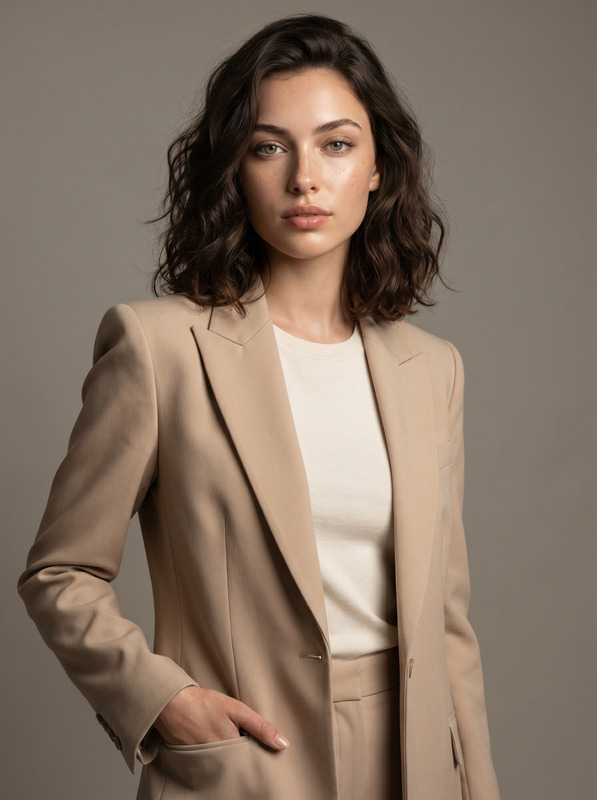
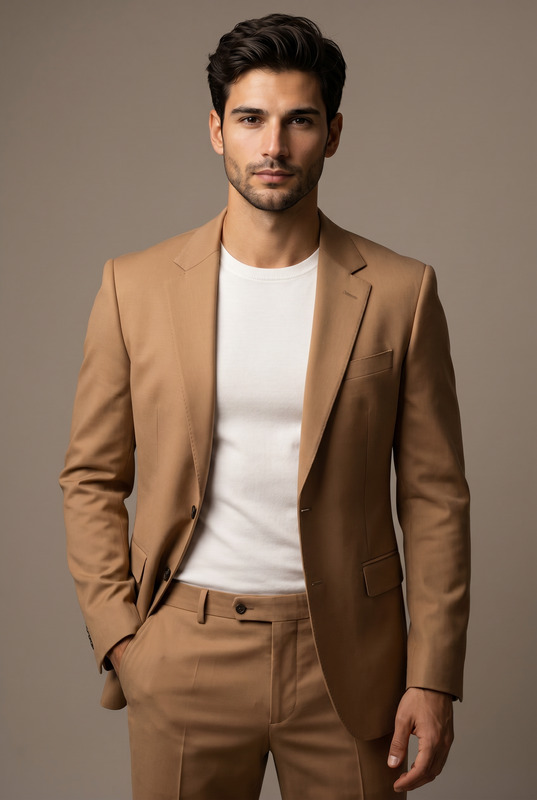
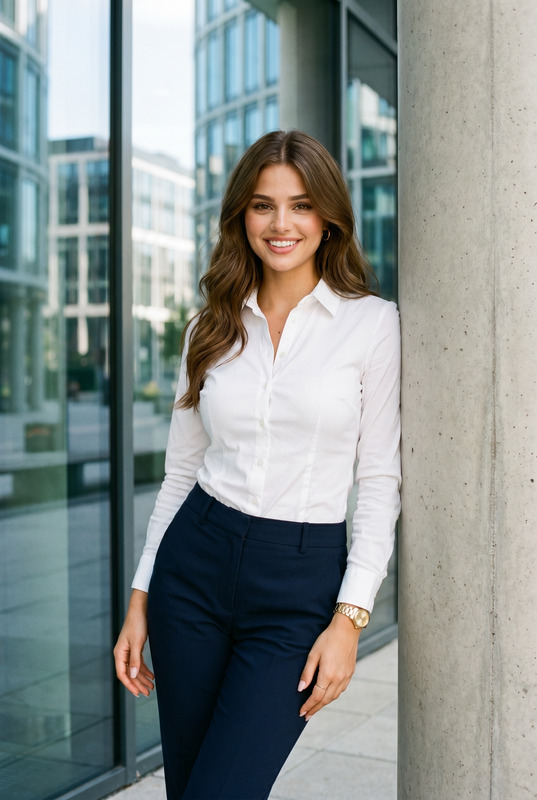
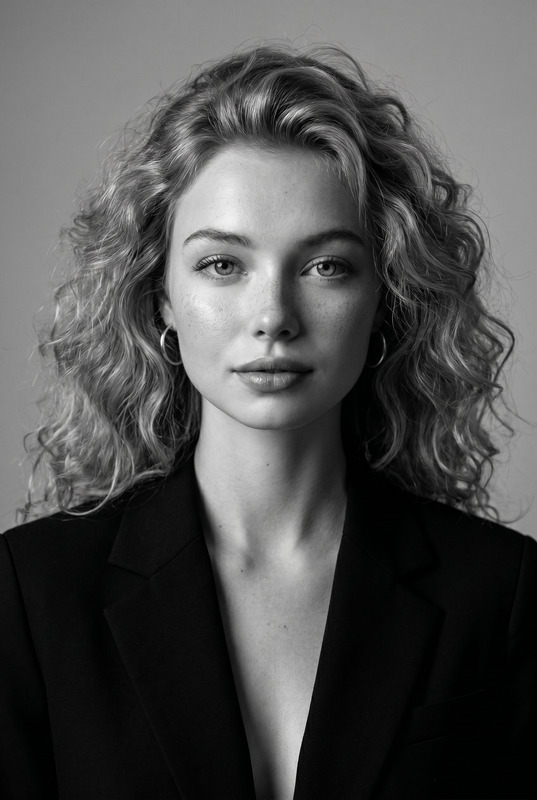
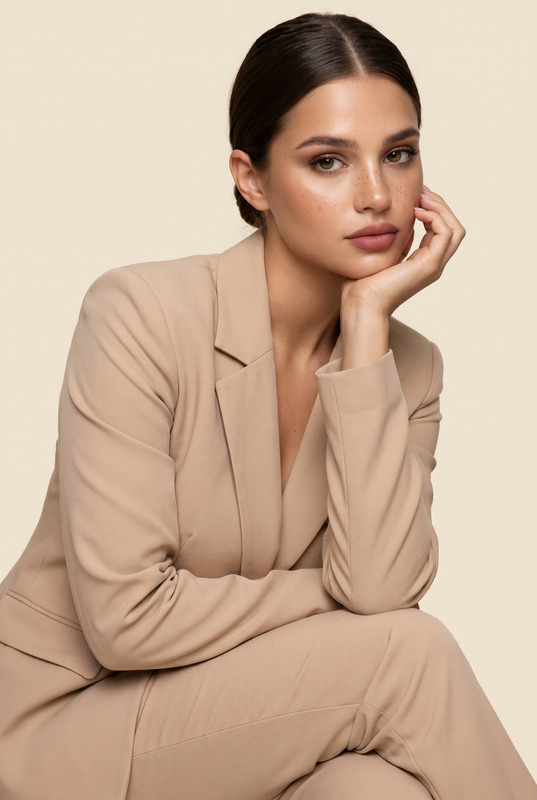
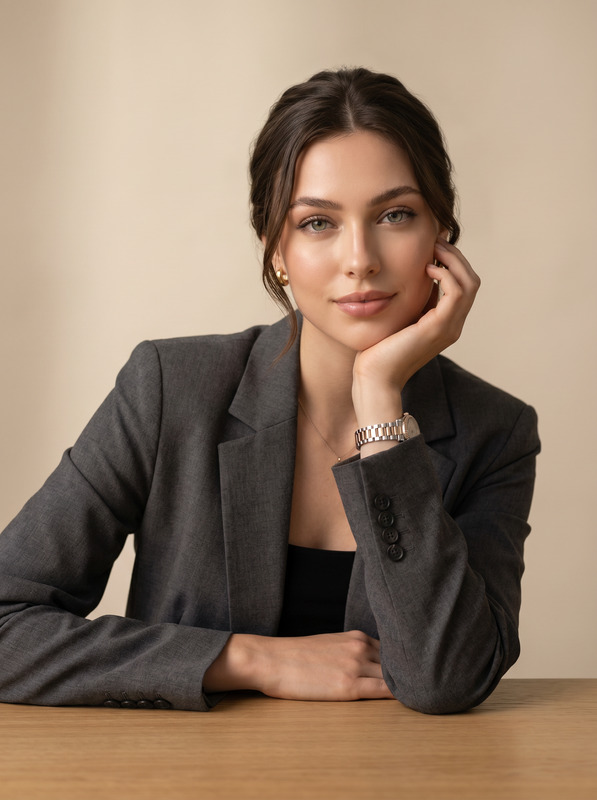
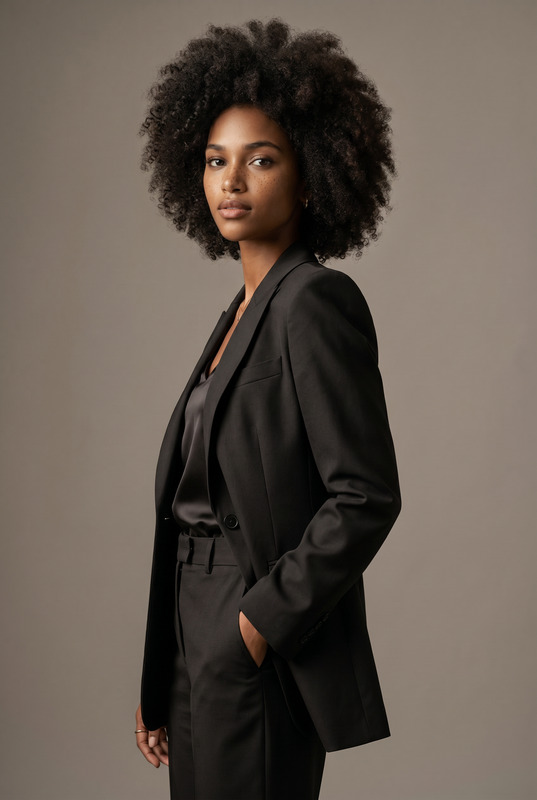
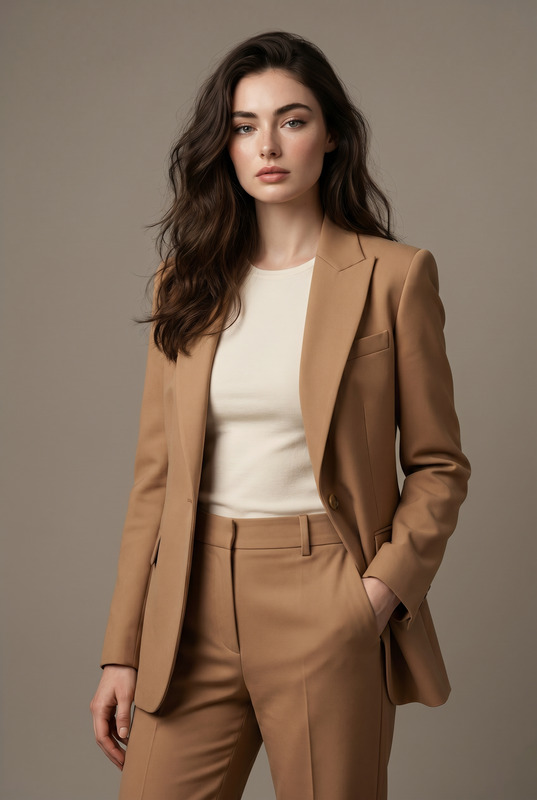
Transform the uploaded face-edited portrait into an ultra-luxury minimalist fashion editorial featuring a sophisticated modern woman in elegant formalwear. The subject is standing gracefully in a clean neutral-toned studio beside a sleek black stool, wearing a perfectly tailored black suit with refined wide-leg trousers and a structured black blazer draped elegantly over the shoulders. Underneath, she wears a modest fitted black satin or silk blouse with a classy neckline, maintaining a polished and professional aesthetic. Relaxed confident posture, one hand lightly touching the blazer, calm powerful expression, sleek dark wavy hair, flawless glowing skin, subtle luxury jewelry, timeless feminine elegance. Soft cinematic studio lighting, smooth gray minimalist background, ultra realistic skin texture, premium Vogue fashion editorial aesthetic, quiet luxury styling, sophisticated executive energy, shallow depth of field, medium-format photography look, highly detailed realistic portrait, shot on 85mm lens, refined monochrome-inspired tones, luxury corporate fashion campaign vibe. old money feminine elegance, luxury CEO campaign, Paris fashion week tailoring, elite executive aura, timeless Vogue cover aesthetic, minimalist couture portrait, sophisticated modern businesswoman vibe, premium fashion advertisement Effects: quiet luxury aesthetic, minimalist studio fashion, premium executive editorial, cinematic soft lighting, elegant feminine power, luxury business fashion campaign, timeless classy styling, Vogue corporate elegance, refined neutral color grading Negative Prompt: blurry, low quality, CGI, cartoon, distorted anatomy, asymmetrical eyes, plastic skin, overprocessed face, unrealistic clothing folds, harsh shadows, watermark, text artifacts, revealing outfit, messy styling
Any aspect ratio
Overview
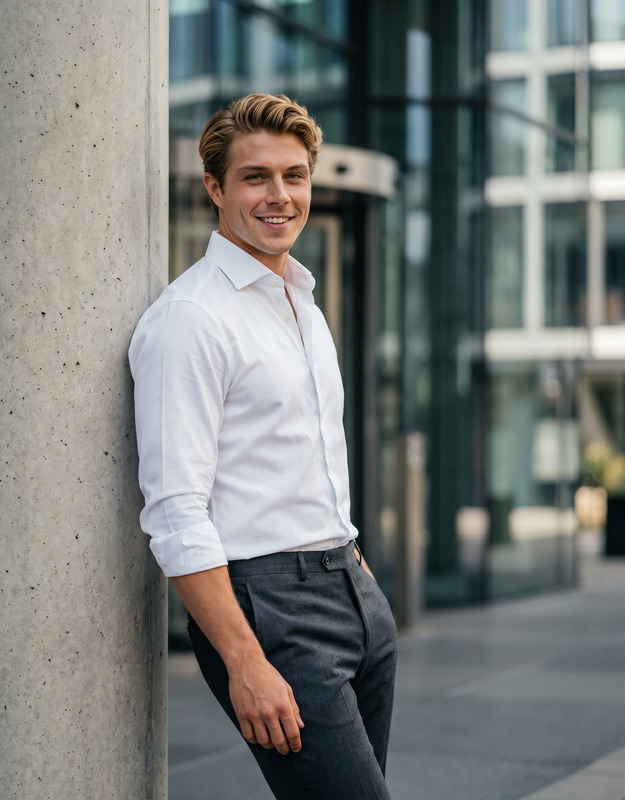
Studio Vogue is an AI Image Editor template designed to elevate your portraits into luxury fashion editorials. Utilize the power of the nano-banana-pro model to craft images that resonate with sophistication and timeless elegance.
What It Does
This template transforms everyday portraits into a high-class fashion editorial spread, bringing the ambiance of a Vogue magazine cover shoot to your images. By editing fine details like skin texture and lighting, it converges fashion design with modern AI capabilities for optimal image enhancement.
Who It's For
Ideal for fashion photographers, digital creators, and marketing professionals aiming to produce high-quality visual content that channels elegance and modern business style. Whether you're enhancing portfolio shots or crafting marketing visuals, this template adds a couture touch to your work.
Summary
Leverage Studio Vogue to produce ultra-realistic, minimalist fashion portraits. With effects focusing on quiet luxury and sophisticated styling, this tool enhances professional imagery with elegant finesse and executive-level aesthetics.
How To Use
Select the Template

Customize Your Inputs

Generate Your Image

Use Cases
Fashion Portfolios
- High-quality imagery
- Vogue-style aesthetics
Marketing Campaigns
- Luxury appeal
- Consistent brand identity
Social Media Content
- Engage your audience
- Increase visual appeal
Digital Publications
- Professional presentation
- Attract more readers
Best Practices
Focus on Lighting
Ensure your portrait's lighting is soft and even to align with the template's cinematic studio effect.Emphasize Clothing Details
Select images with subjects wearing clean, structured clothing that complements the editing style.Mind the Background
Use images with simple, neutral-toned backgrounds to enhance the minimalist effect.