AI Image Editor · ghost.jpg
- Model
- Nano Banana Pro
- Image
- 1536 × 2752 px
Prompt
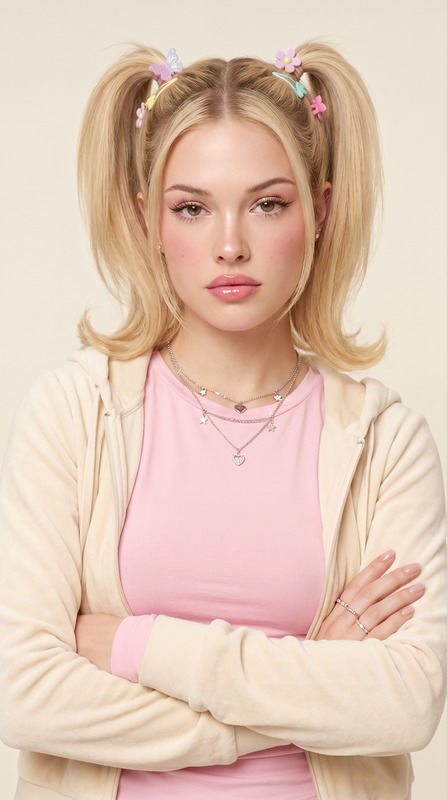
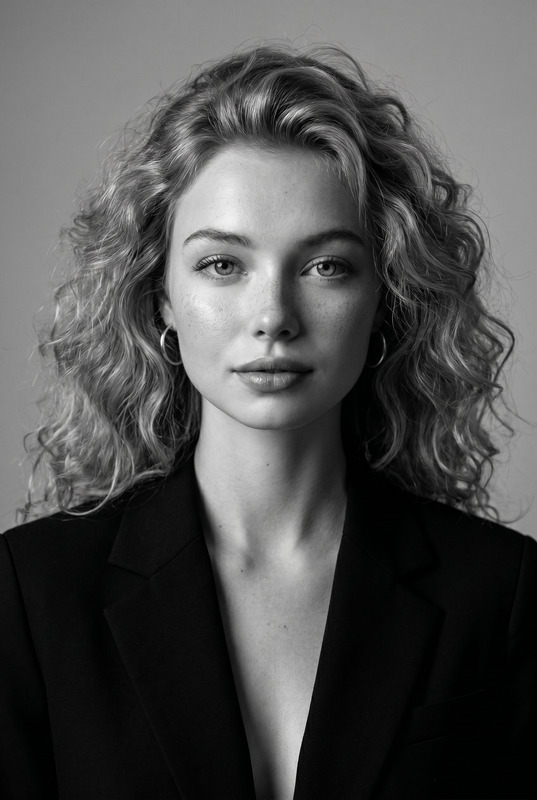
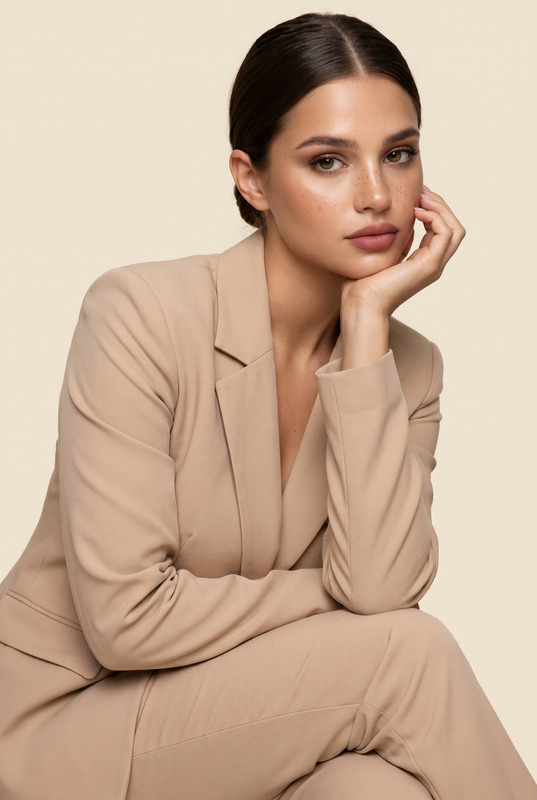
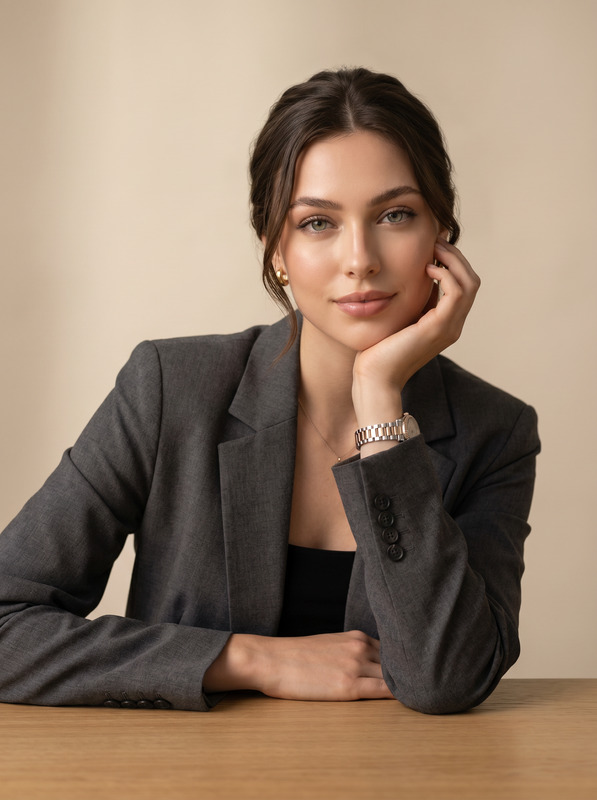
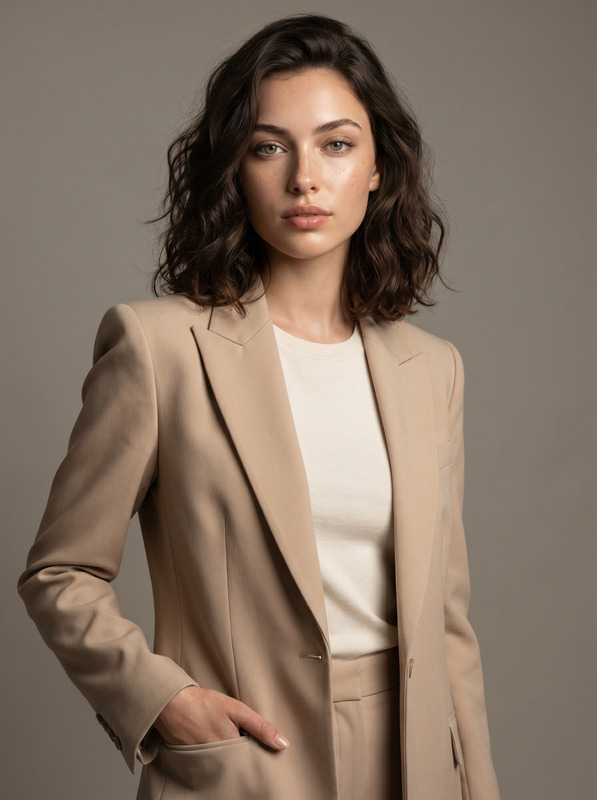
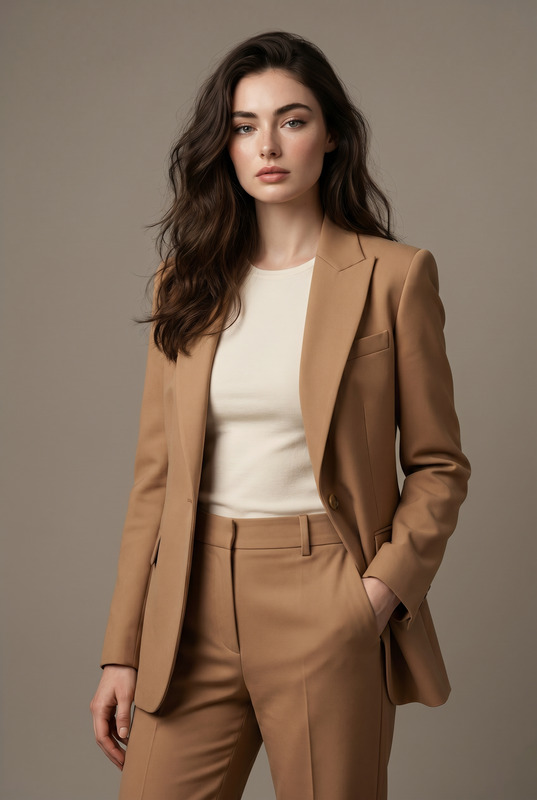
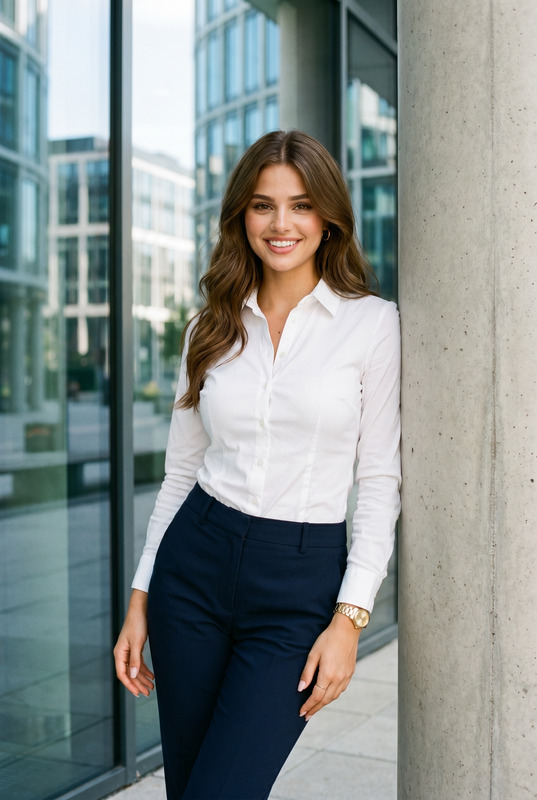
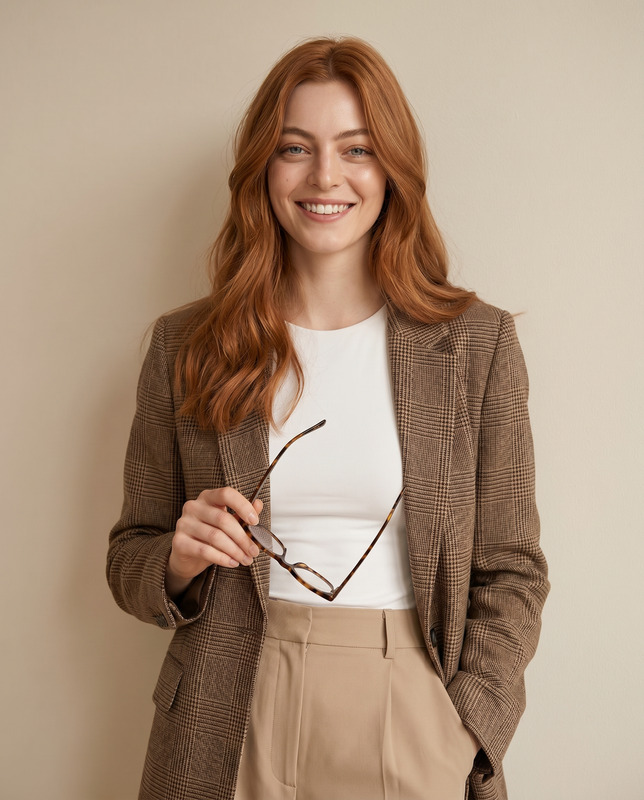
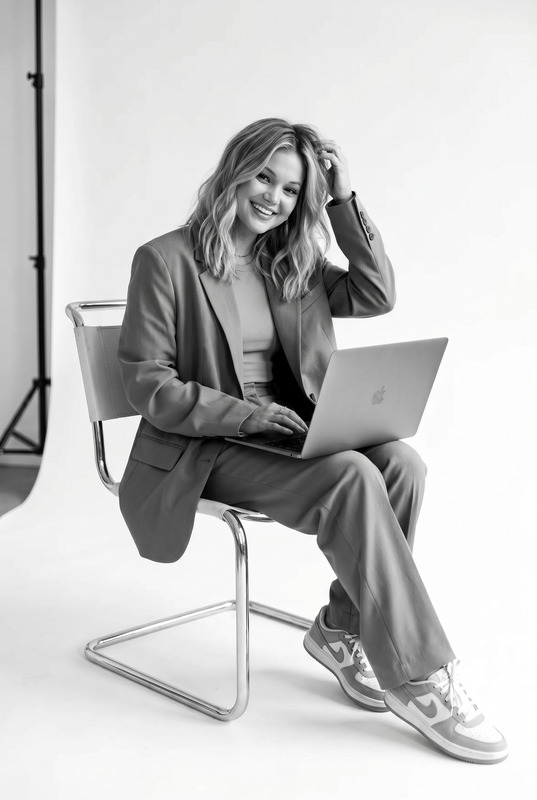
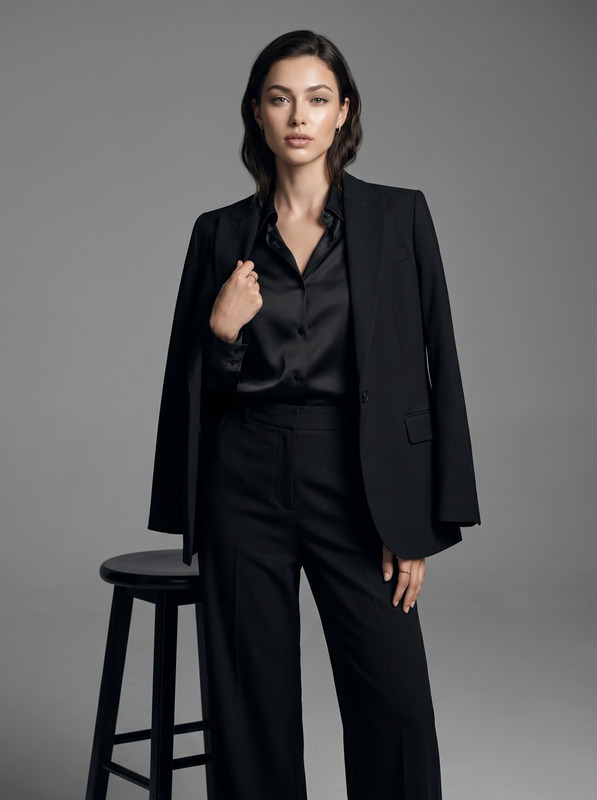
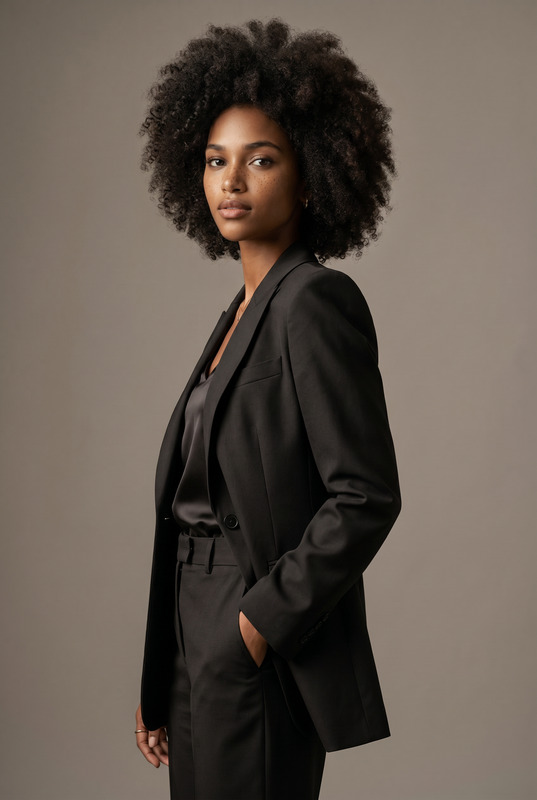
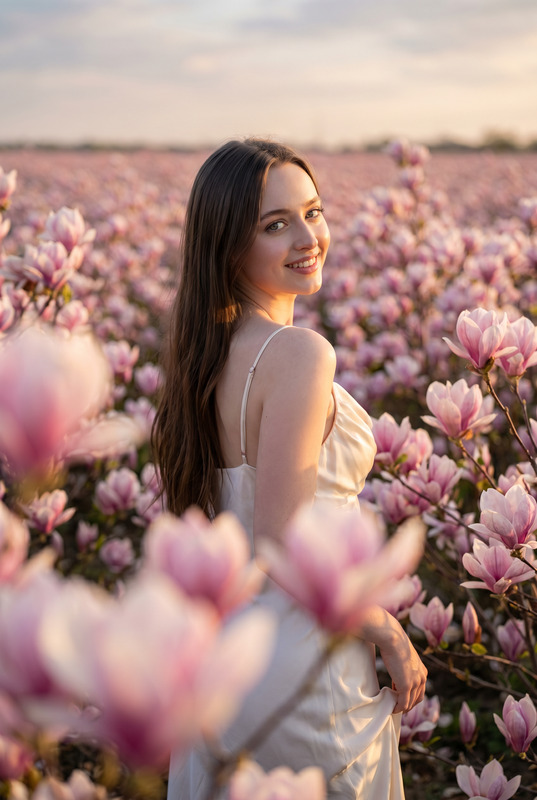
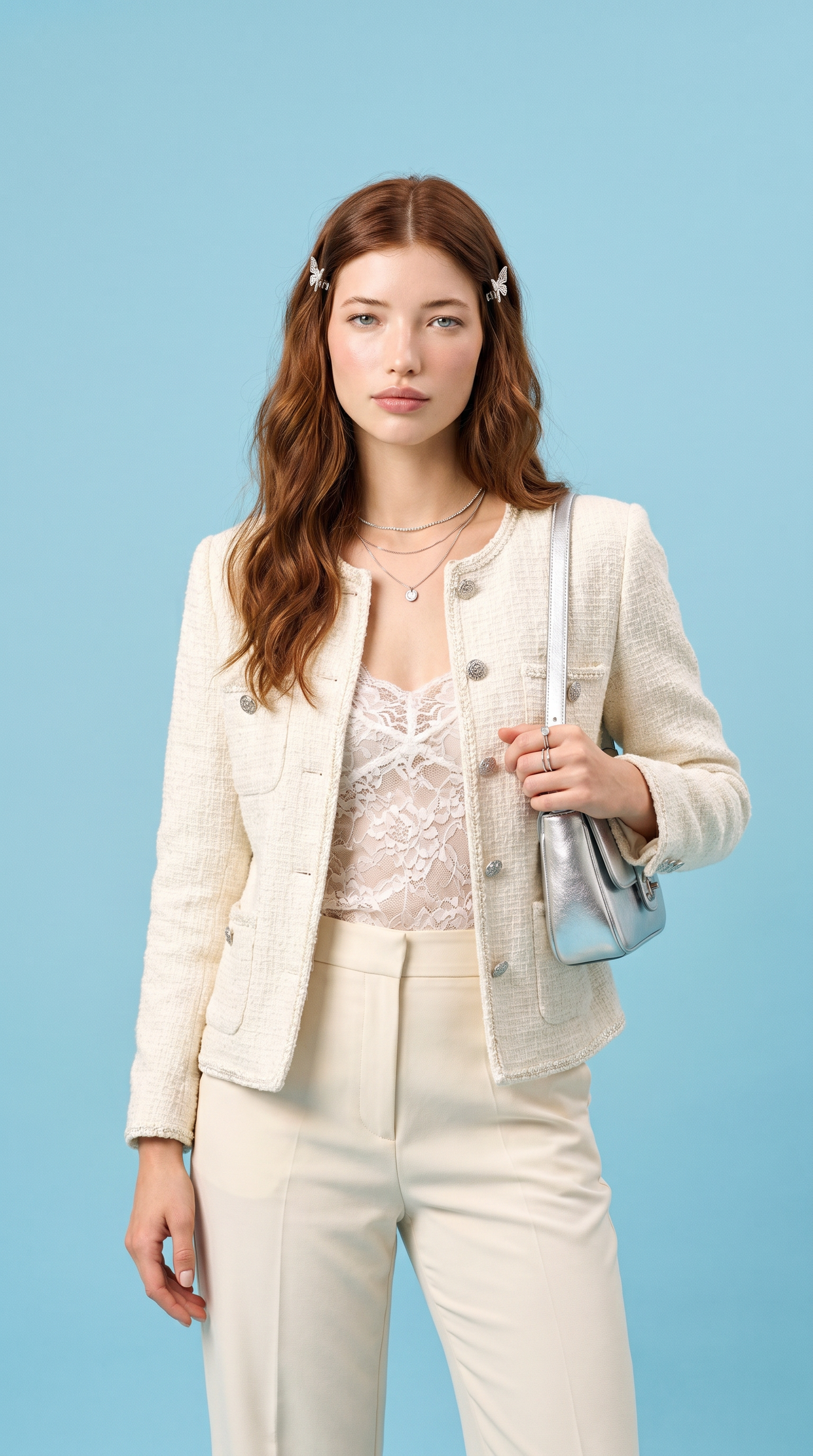
Transform the uploaded face-edited portrait into a visually striking luxury studio fashion editorial with a clean modern feminine aesthetic. The person is standing confidently against a vivid pastel blue studio backdrop, wearing an elegant ivory tweed jacket layered over a delicate lace camisole and tailored cream trousers. Long flowing auburn hair styled in soft natural waves with delicate butterfly hair clips, glowing porcelain skin, calm sophisticated expression, refined effortless beauty. Holding a metallic silver shoulder bag with luxury fashion styling, layered minimalist jewelry adding subtle shine. Bright soft studio lighting, ultra realistic skin texture, cinematic shallow depth of field, Vogue-inspired high-fashion photography, premium editorial composition, clean luxury aesthetic, modern feminine elegance, rich color contrast between the pastel blue background and cream outfit, shot on 85mm lens, glossy magazine campaign vibe, timeless polished beauty. Chanel-inspired elegance, soft luxury femininity, modern Parisian fashion aesthetic, pastel couture campaign, sophisticated clean-girl luxury, dreamy fashion editorial, glossy magazine cover vibe, elevated studio portraiture Effects: luxury studio glow, glossy fashion-magazine aesthetic, soft cinematic lighting, clean pastel color palette, premium editorial retouching, subtle film texture, elegant feminine atmosphere, polished couture campaign mood Negative Prompt: blurry, CGI, cartoon, distorted anatomy, warped hands, extra fingers, plastic skin, low quality, unrealistic clothing texture, fake studio lighting, duplicated accessories, overprocessed face, text artifacts, watermark
Any aspect ratio
Overview
Designed with fashion professionals and creatives in mind, the AI Image Editor template powered by the nano-banana-pro model allows for the transformation of face-edited portraits into high-fashion editorial standard images. Tailored for a luxurious and feminine aesthetic, this template is perfect for producing visually compelling editorial portraits.
What It Does
This AI Image Editor leverages state-of-the-art algorithms to enhance face-edited portraits by applying effects like luxury studio glow and a glossy fashion-magazine aesthetic. The goal is to create images that mimic a premium editorial setting with high-quality retouching and an elegant, modern fashion atmosphere.
Who It's For
Photographers, fashion editors, and digital artists seeking to elevate their portraiture to the realm of high-fashion magazine campaigns will find this tool invaluable. It caters especially to those with a focus on modern feminine elegance and a sophisticated, Parisian-inspired aesthetic.
Summary
Utilize the AI Image Editor to transform ordinary face-edited portraits into sublime editorial images, all with an emphasis on luxury fashion aesthetics. Integrate this editor into your creative workflow to achieve images that reflect a polished, premium quality.
How To
Choose Your Template

Customize Your Inputs

Generate and Download

Use Cases
Fashion Editorial Photography
- Create a couture campaign theme
- Enhance natural beauty with studio lighting effects
E-commerce Fashion Imagery
- Highlight product details with clarity
- Integrate a clean luxury aesthetic into product presentation
Personal Branding & Portfolio
- Create compelling visuals for social media
- Craft an image consistent with luxury and sophistication
Best Practices
Focus on Input Quality
Ensure your initial face-edited portrait is of high quality, as the final output reflects the input resolution.Embrace Simplicity
Less is more; a clean background with minimal elements can emphasize the subject's features and style.Pay Attention to Details
Add subtle adjustments to jewelry and accessories using realistic rendering options for an authentic look.