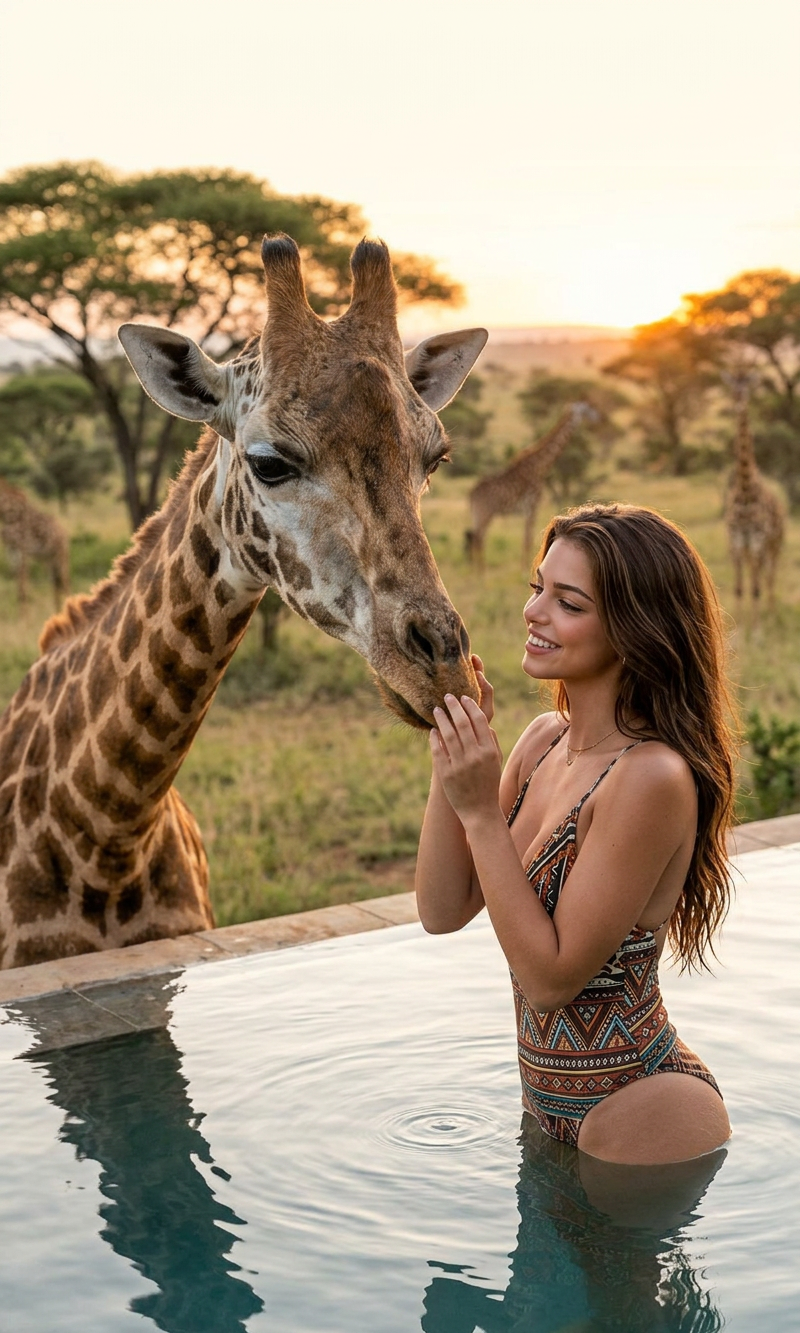
Giraffe Moment
- Model
- Nano Banana 2
- Image
- 800 × 1333 px
Prompt
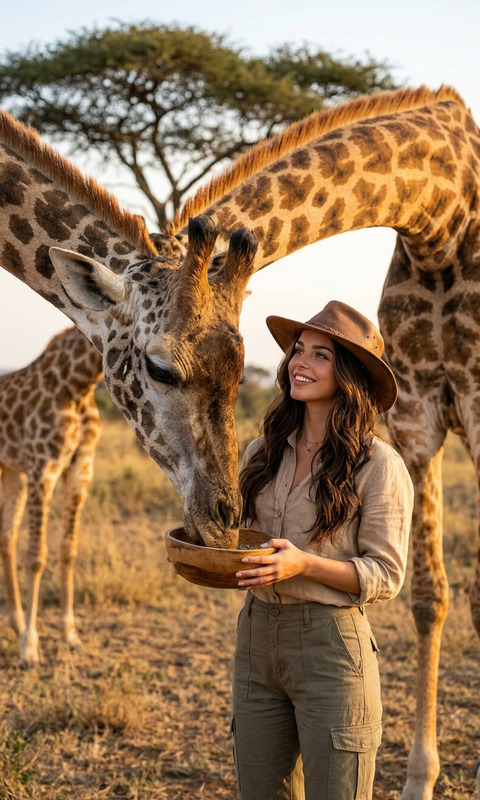
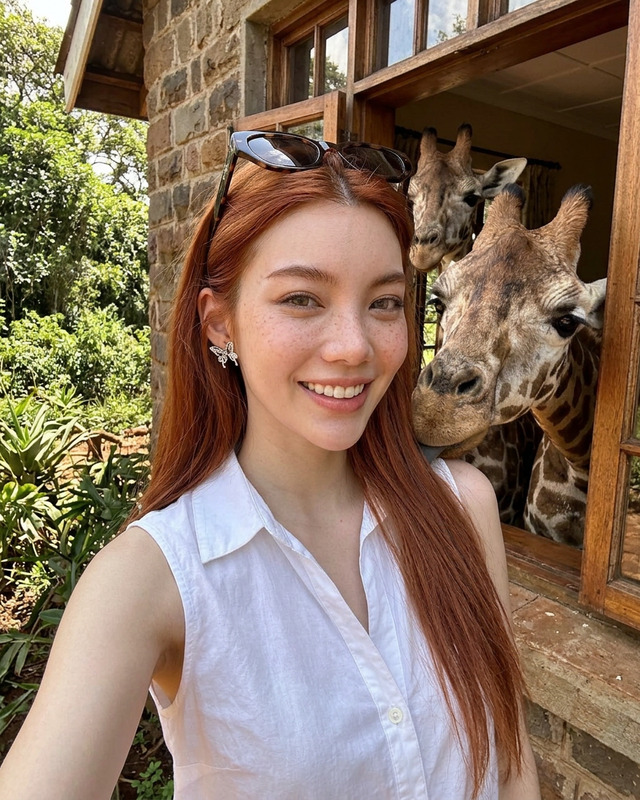
A heart-warming, cinematic photograph capturing a close interaction between a subject and a giraffe. An elegant subject, with long red hair wearing an ethnic patterned one-piece swimsuit, is in a resort swimming pool in an African safari setting. The subject is looking up with a gentle, loving gaze and touching the nose of a large giraffe that has lowered its head to the pool's edge. The giraffe is looking down directly at the subject. In the blurred background, there's a lush savanna forest with trees, a blurred view of a traditional round rondavel house, and a few other giraffe figures. The light is soft and warm, capturing the texture of the giraffe's coat and the water droplets. Photorealistic, soft focus, high detail.
Any aspect ratio
Overview
The "Giraffe Moment" template in the AI Image Editor is designed for those looking to create photorealistic images with a heartwarming touch. This template utilizes the nano-banana-2 model, ensuring high-detail and soft-focus imagery that captures intricate interactions between humans and nature.
What It Does
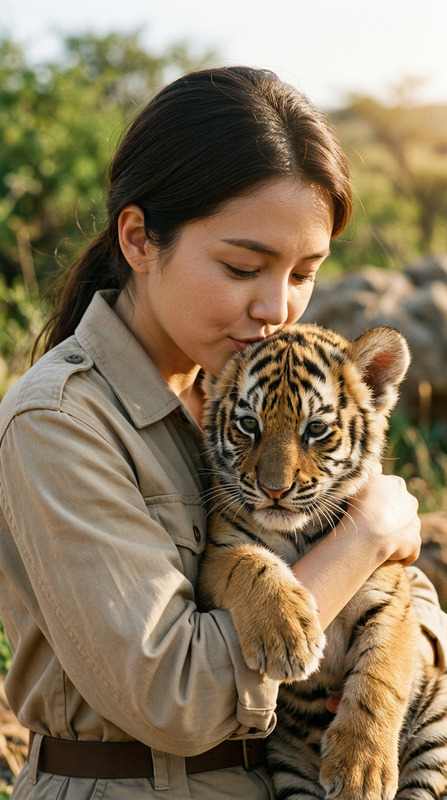
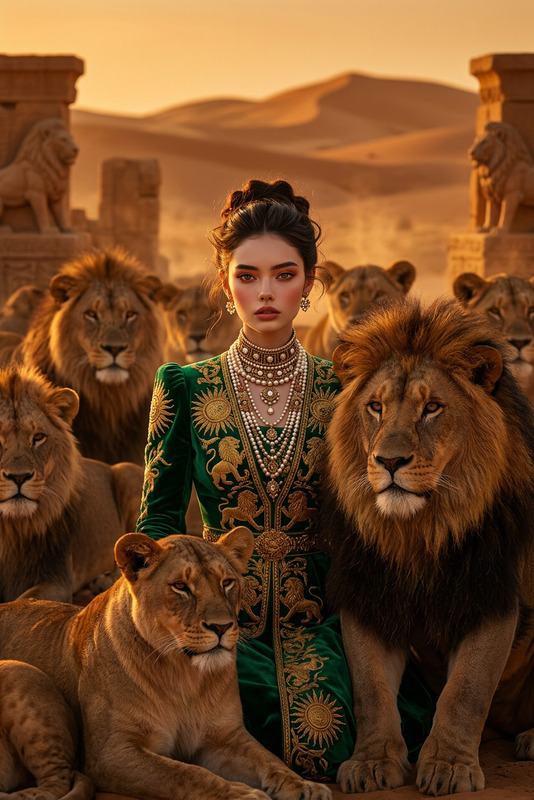
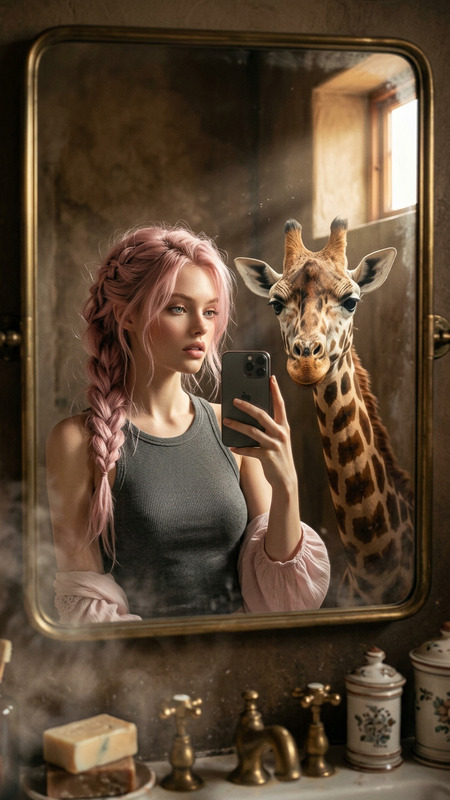
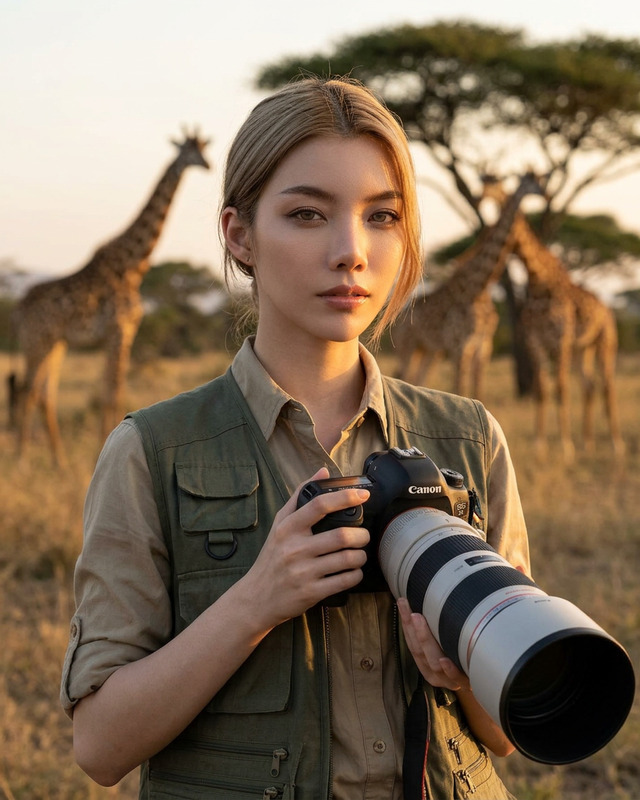
"Giraffe Moment" allows you to produce cinematic images where the subject interacts with a giraffe in an African safari setting. The emphasis is on capturing emotions and natural beauty, providing depth and a sense of realism with the use of photorealistic textures and a soft focus effect.
The template applies detailed attention to the subject's expression and the majestic appearance of the giraffe, creating an ethereal photographic experience. Ideal for wildlife enthusiasts, content creators, or those developing product videos in exotic locations.
Who It's For
This template is perfect for photographers, advertisers, or travel influencers seeking to enhance their visual storytelling. It aligns well with projects that require high-quality visuals in line with wildlife or exotic-themed content. Additionally, users of the AI Profile Picture Generator might find it advantageous for creating standout images that blend personal elements with nature.
Summary
The "Giraffe Moment" template provides a simplified means to generate captivating images featuring intimate moments with wildlife. Utilizing the nano-banana-2 model, it assures enhanced detail and realistic imagery, making it an excellent resource for creators in need of eye-catching and vivid visuals for any project.
How to Use
Choose the Giraffe Moment Template

Customize Your Image

Generate and Download

Potential Use Cases
Wildlife Magazine Covers
- High-detail interaction shots
- Natural setting aesthetics
Travel Agency Brochures
- Inspirational image content
- Scenic wildlife encounters
Social Media Campaigns
- Highlight nature themes
- Boost engagement with unique content
Best Practices
Focus on Emotional Captures
Leverage the template's capability to highlight facial expressions and interactions to tell a compelling story.Adjust Lighting to Enhance Depth
Modify the lighting settings to fit the scene and bring out textures for a more realistic feel.Refine Subject Details
Take time to adjust clothing patterns and colors to maintain authenticity and visually appealing compositions.