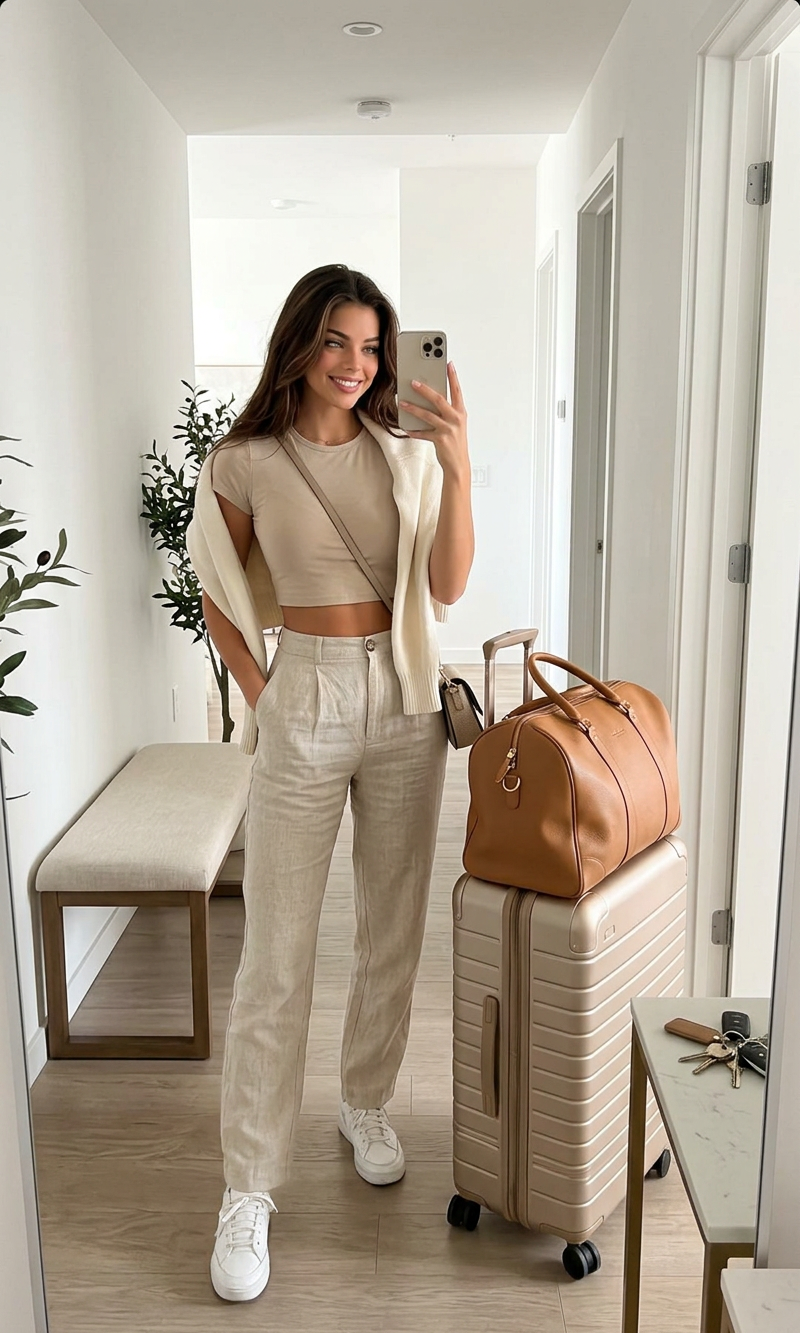
Ready to Go (Travel)
- Model
- Nano Banana 2
- Image
- 800 × 1333 px
Prompt
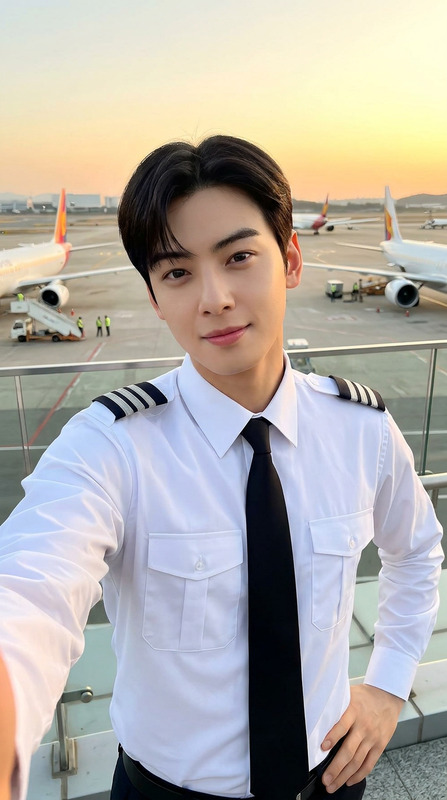
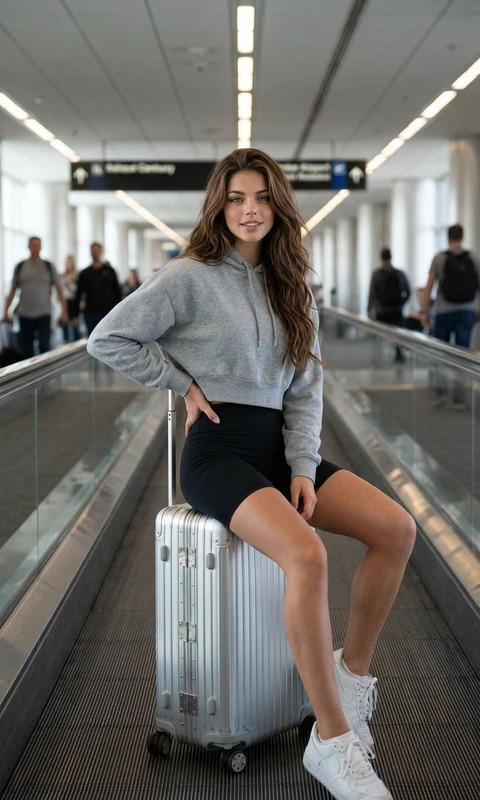
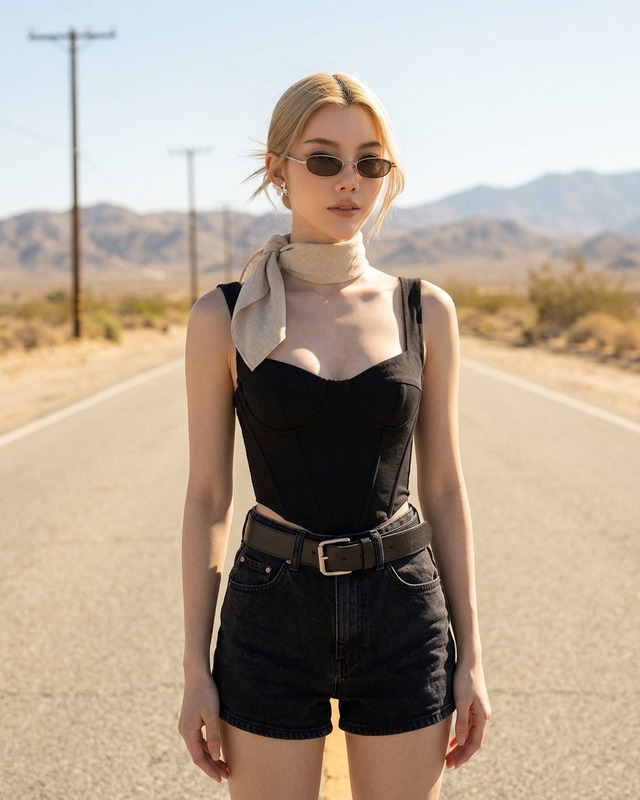
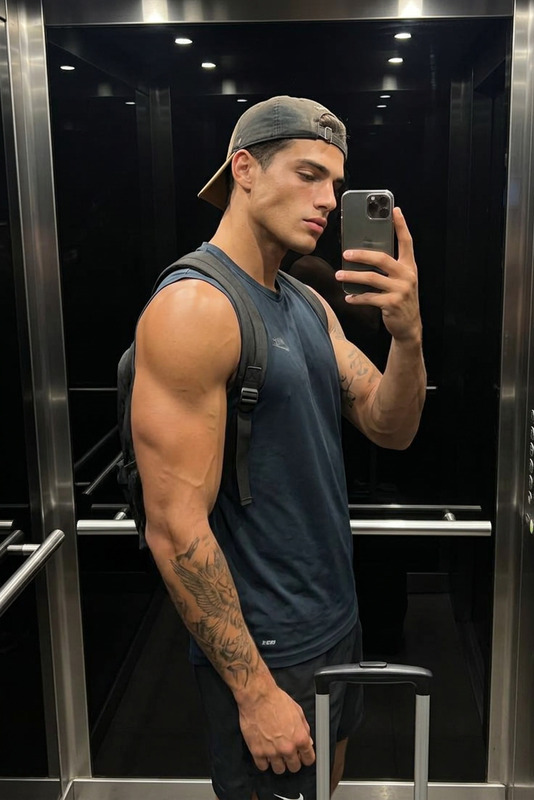
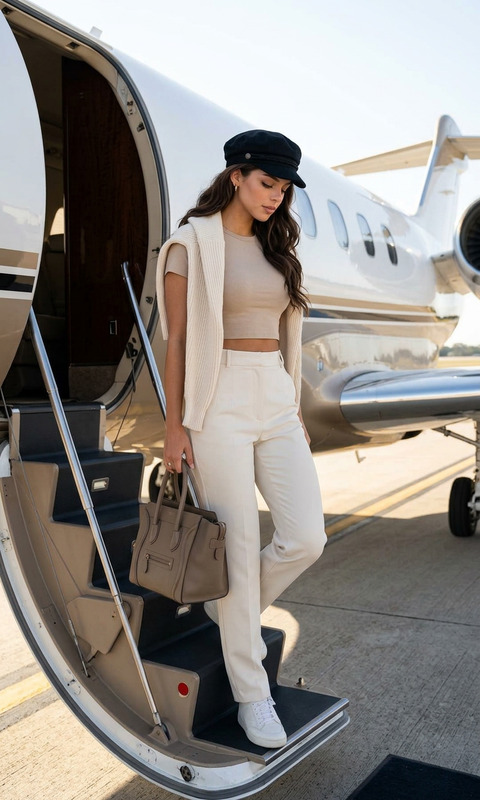
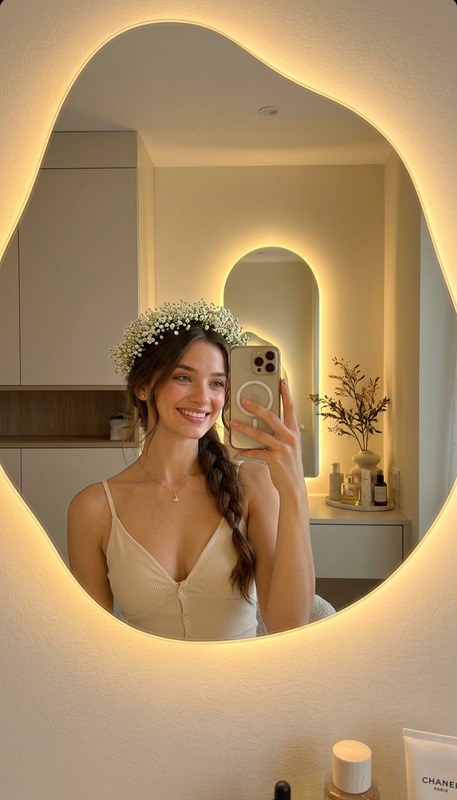
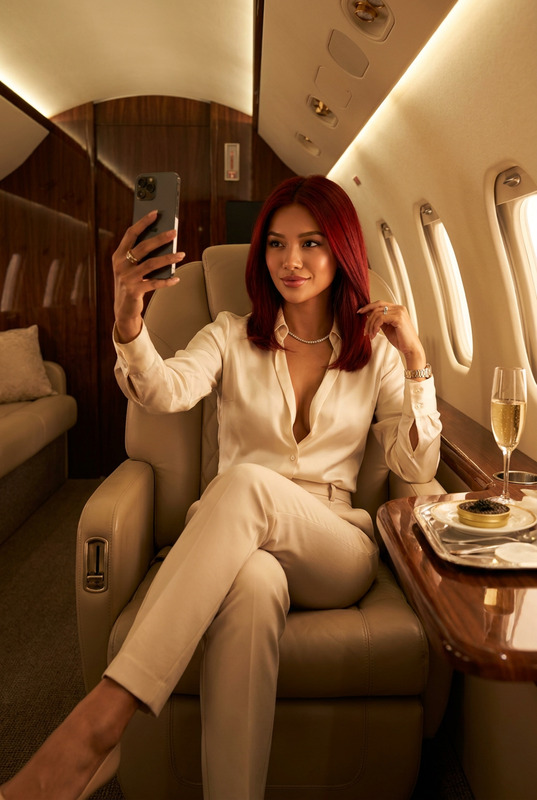
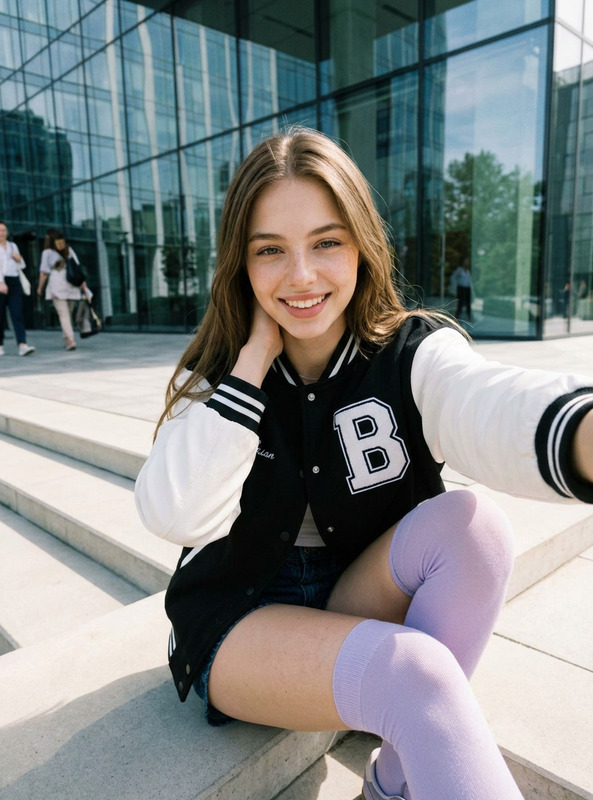
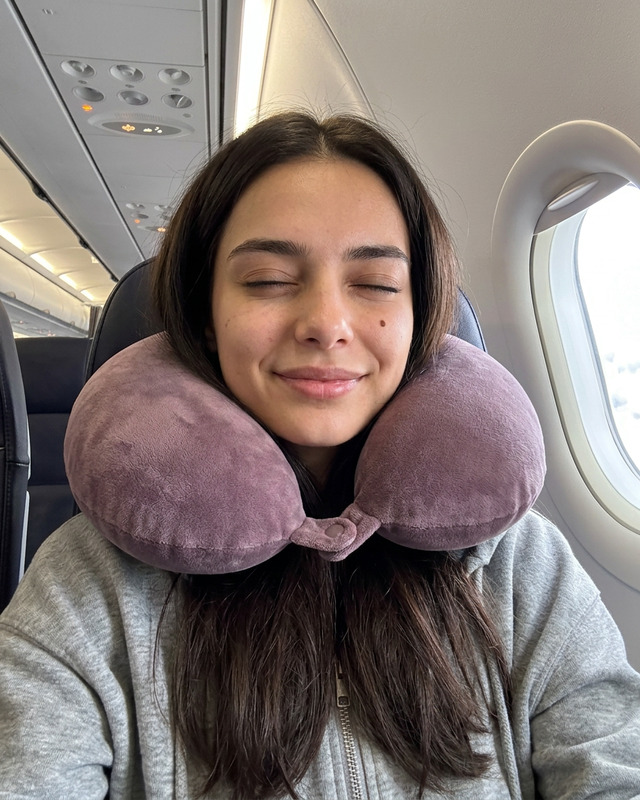
A full-length mirror selfie of a stylish young woman preparing for travel. The woman has shoulder-length, wavy dark hair and is wearing a beige cropped t-shirt, high-waisted off-white wide-leg trousers, and white sneakers. A cream-colored sweater is draped casually over the woman's shoulders. The woman holds a smartphone to take the picture, while the other hand rests on the handle of a champagne-colored rolling suitcase. A tan leather duffel bag sits on top of the suitcase. The background shows a bright, minimalist apartment interior with a sofa, an armchair, and a large window. Soft, natural indoor lighting, photorealistic, high detail.
Any aspect ratio
Overview
The Ready to Go (Travel) template offers a unique AI-driven way to create compelling travel visuals. With the AI Image Editor powered by the nano-banana-2 model, you can turn a standard narrative into a detailed, photorealistic travel scene. Capturing the essence of modern travel, this template transforms your digital storytelling.
What It Does
This AI Image Editor template focuses on creating high-detail, photorealistic images that depict a stylish young woman ready for travel. With personalized elements like attire and travel accessories, it allows users to bring their travel stories to life. This customization can enhance AI Product Photography projects or add personality to travel blogs.
Who It's For
Geared towards bloggers, travel influencers, and marketers looking to highlight travel experiences. The template is perfect for social media ads creators, ecommerce brands focusing on travel gear, and content creators who want to enhance their storytelling with high-quality imagery.
Summary
The Ready to Go (Travel) template simplifies the process of creating visually appealing travel images. Ideal for both personal and professional use, its straightforward customization features ensure that each image aligns with user needs. Utilize AI Image Generator tools as complementary resources to further enhance your project.
How to Use
Choose Your Template

Customize the Details

Generate Your Image

Use Cases
Travel Blogs
- Highlight outfits and accessories
- Set unique scenes
Marketing Campaigns
- Showcase travel products
- Create aspirational content
Social Media Content
- Tailored for platforms like Instagram
- Ideal for influencers
Best Practices
Focus on Details
Ensure the travel scene elements are coherent and complement each other for a realistic touch.Experiment with Lighting
Use different lighting settings to achieve the desired mood and ambiance in your images.Leverage Complementary Tools
Combine with other tools like the AI Clothes Changer to enhance outfit customizations.