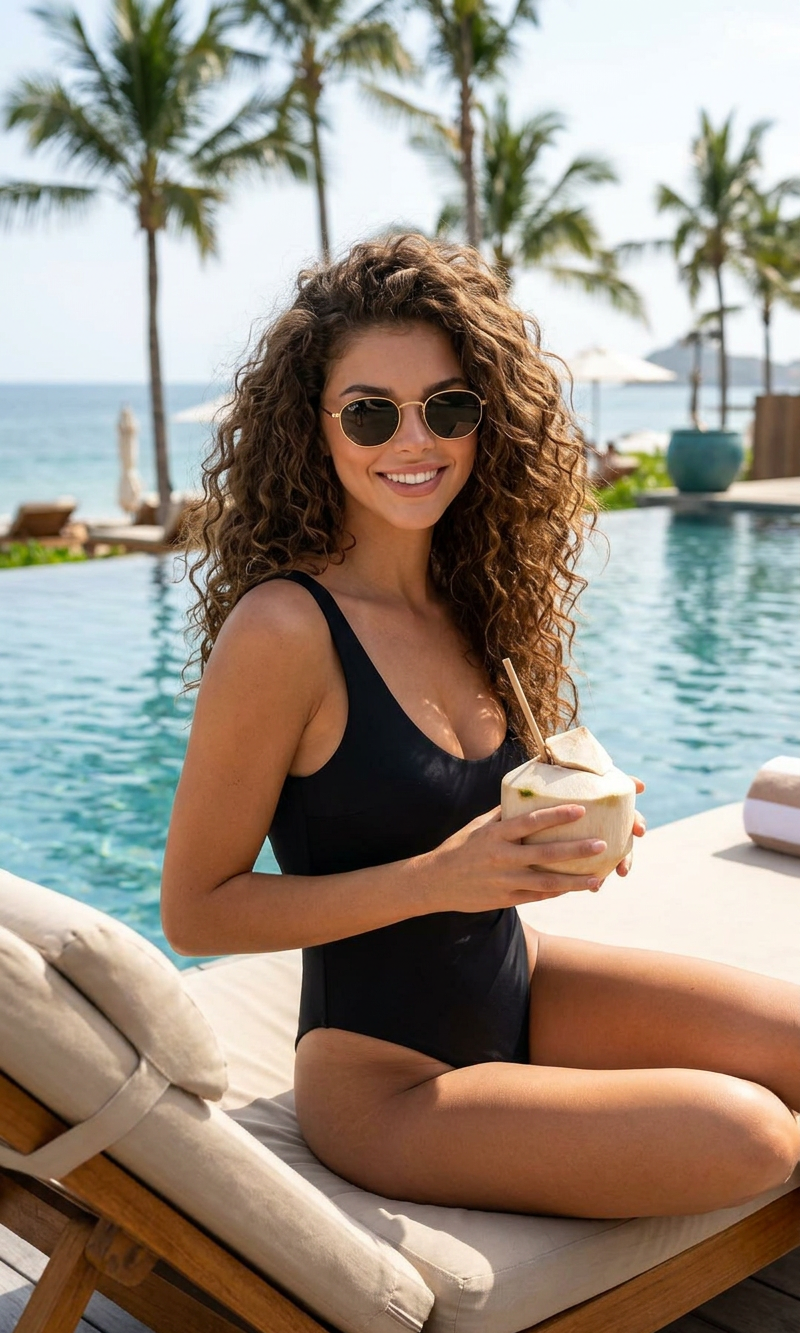
Coconut Break
- Model
- Nano Banana 2
- Image
- 800 × 1333 px
Prompt
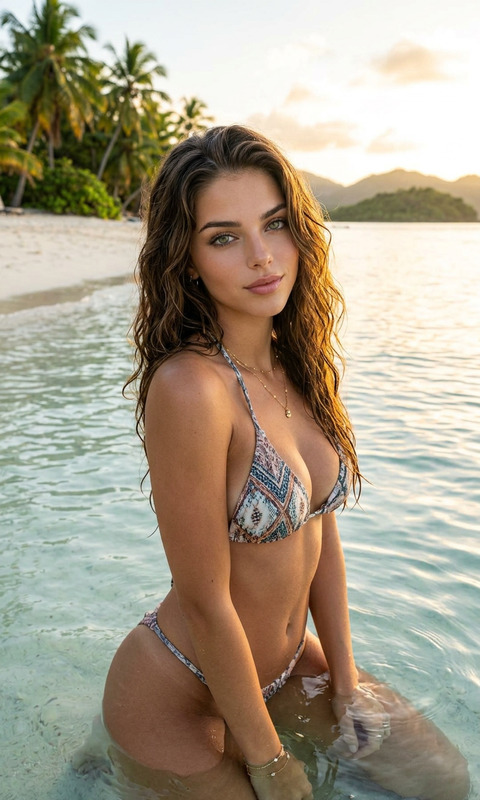
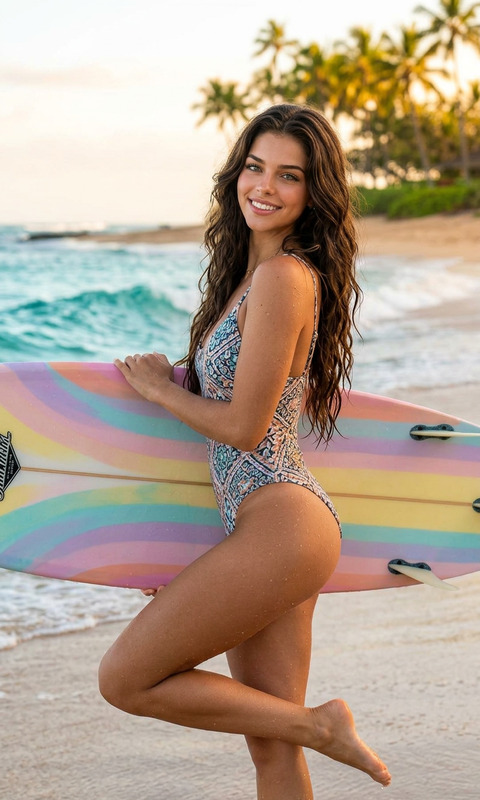
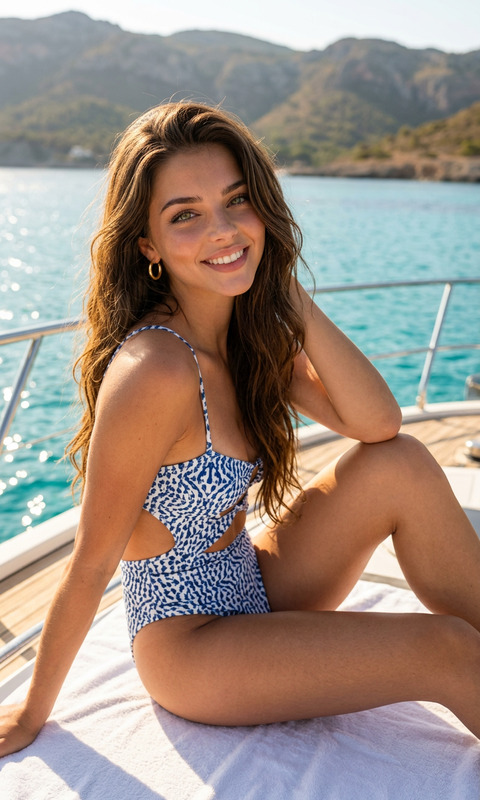
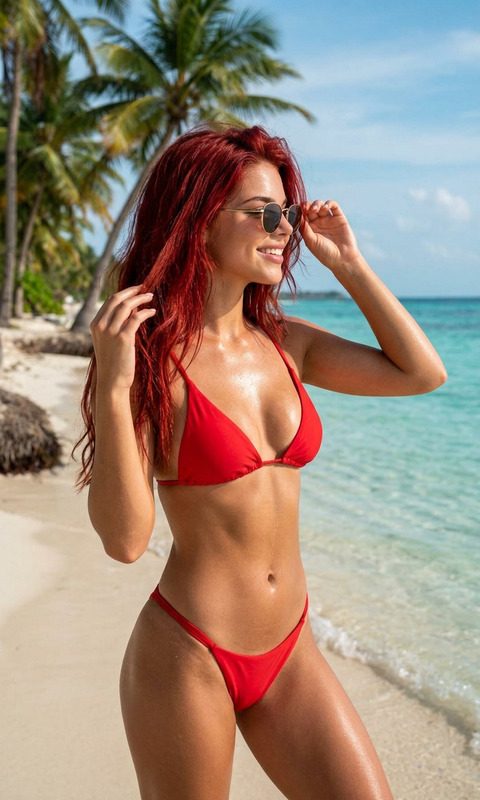
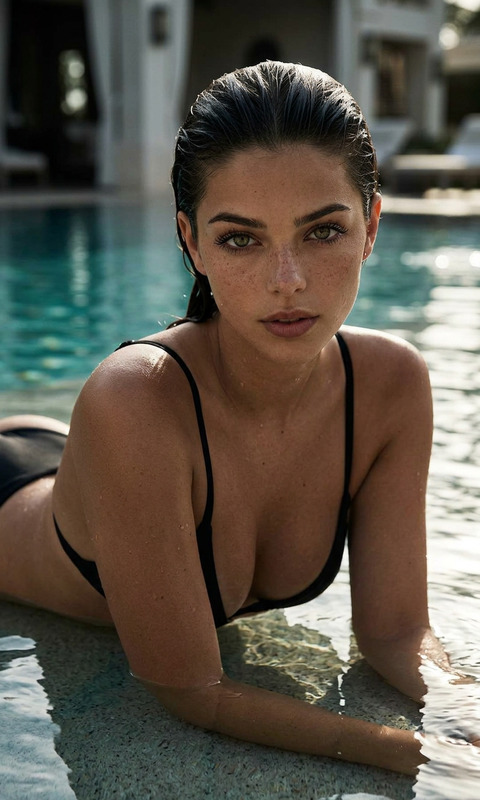
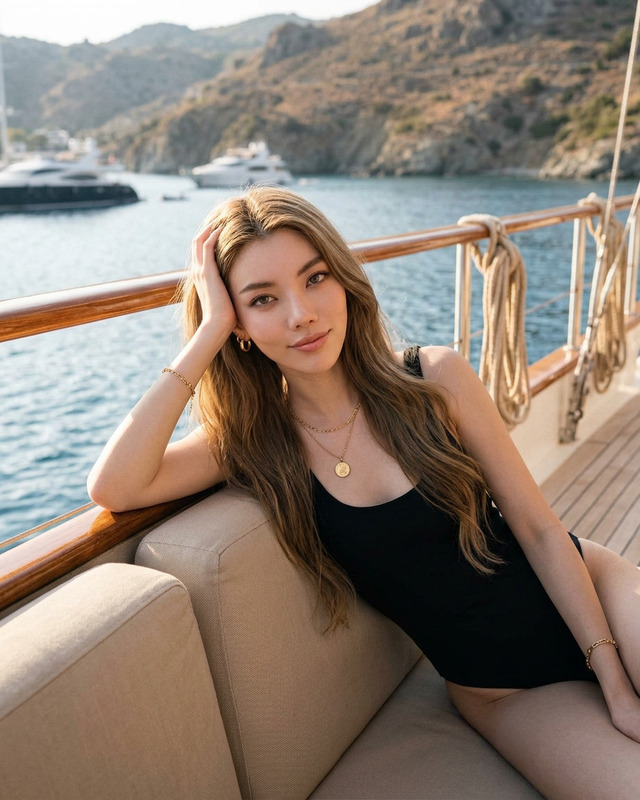
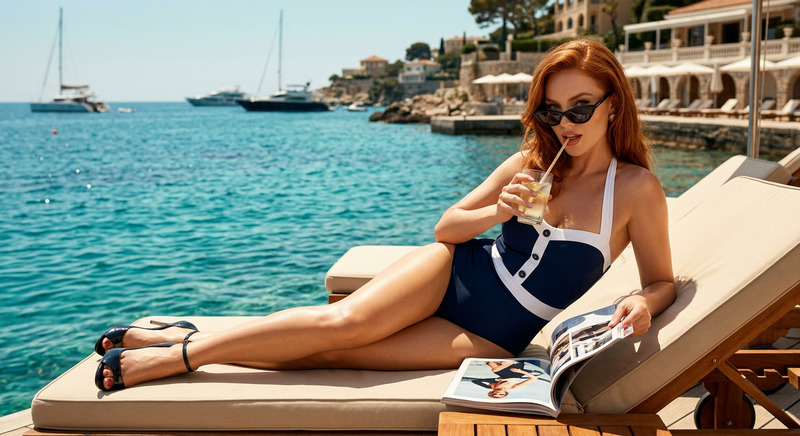
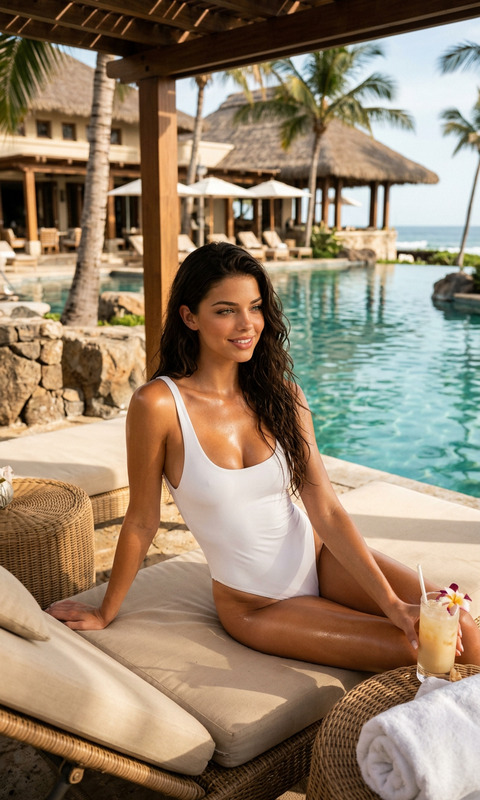
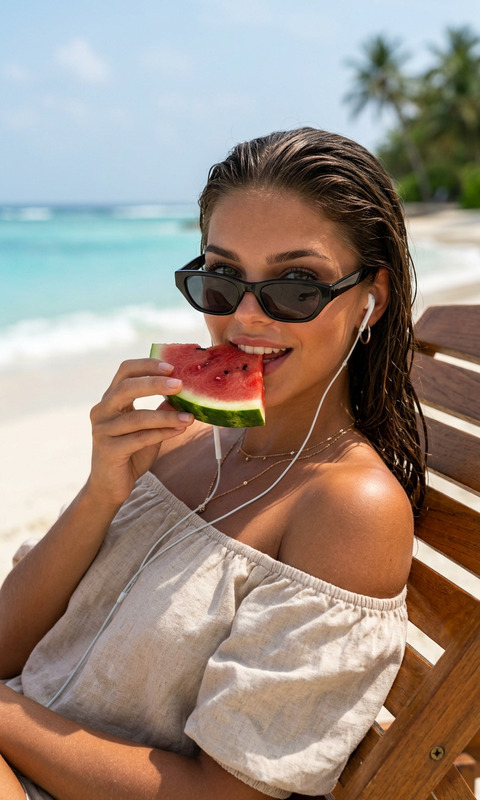
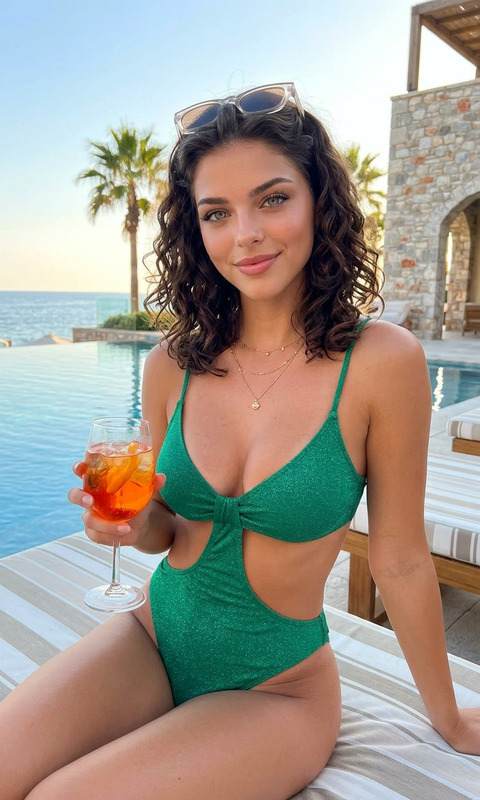
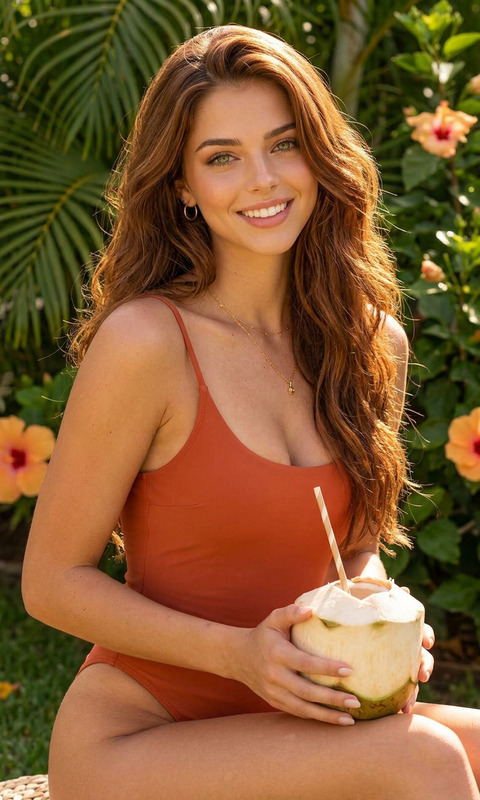
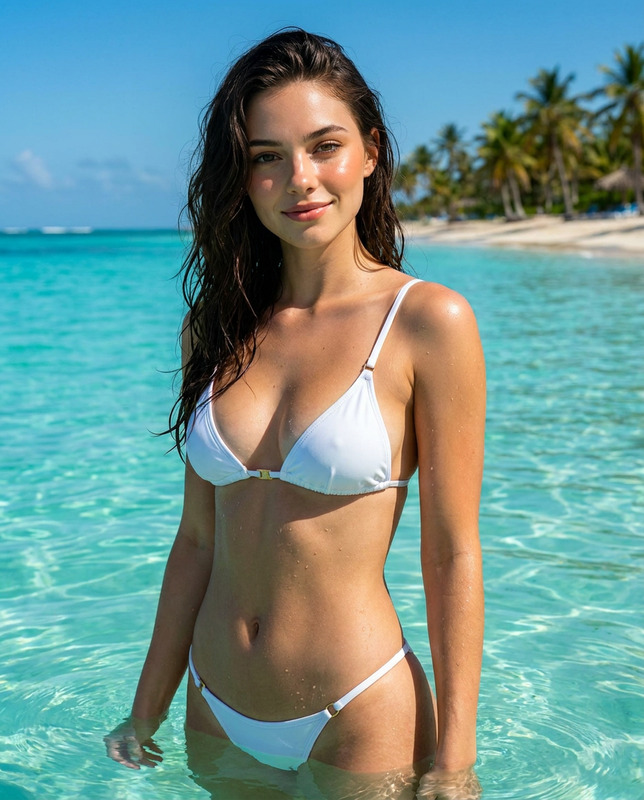
Stylish curly-haired woman relaxing by a luxury tropical infinity pool, wearing a sleek black swimsuit and sunglasses, sitting on a poolside lounge chair, drinking fresh coconut water with a straw, tall palm trees surrounding the resort, calm blue ocean in the background, sunny tropical atmosphere, elegant vacation aesthetic, luxury resort lifestyle photography, cinematic lighting, natural skin glow, ultra realistic, highly detailed, shallow depth of field, fashion editorial style, warm summer tones, photorealistic, 4k.
Any aspect ratio
Overview
The Coconut Break template in the AI Image Editor suite allows you to craft stunning visuals with a touch of luxury and elegance. Harnessing the capabilities of the nano-banana-2 model, this template brings your images to life, creating a sophisticated and photorealistic environment that exudes warmth and style.
What It Does
The Coconut Break template transforms your images into ultra-realistic, visually detailed works of art. With elements like cinematic lighting and a natural glow, it captures a scene of a fashion-forward woman enjoying a luxurious vacation setting. The template exhibits a fashion editorial style with warm summer tones and high detail, making it perfect for portraying an elegant vacation aesthetic.
Who It's For
This template is ideal for marketing professionals, photographers, and social media influencers aiming to create captivating content that highlights luxury lifestyles and travel destinations. It's also perfect for businesses in the hospitality industry looking to showcase their properties in promotional materials, as well as for brands in fashion and lifestyle sectors seeking to enhance their visual storytelling.
Summary
With the Coconut Break template, elevate your image editing by tapping into the potential of AI Image Generator technologies. Create images that not only capture attention but also evoke the allure of luxury vacation aesthetics with every detailed frame. Perfect your AI-powered product photography or enhance travel promotions with photorealistic clarity and style.
How To
Choose the Template

Customize Your Image

Generate the Image

Use Cases
Travel and Tourism Promotions
- Highlight luxury resort features
- Create content for travel ads and brochures
Fashion and Lifestyle Branding
- Generate editorial-style images for campaigns
- Promote luxury fashion lines in stunning settings
Hospitality Marketing
- Display premium amenities and spaces
- Develop high-impact visuals for digital and print media
Best Practices
Focus on Lighting
Ensure that lighting elements in your image complement the sunlit, tropical atmosphere described in the template prompt for consistency and realism.Incorporate Brand Elements
If applicable, subtly integrate brand logos or colors within the image to align with your marketing strategy while maintaining the high-end aesthetic.Balance Composition
Check that all elements in the image are proportionately balanced and enhance the focal subject to create a compelling visual narrative.