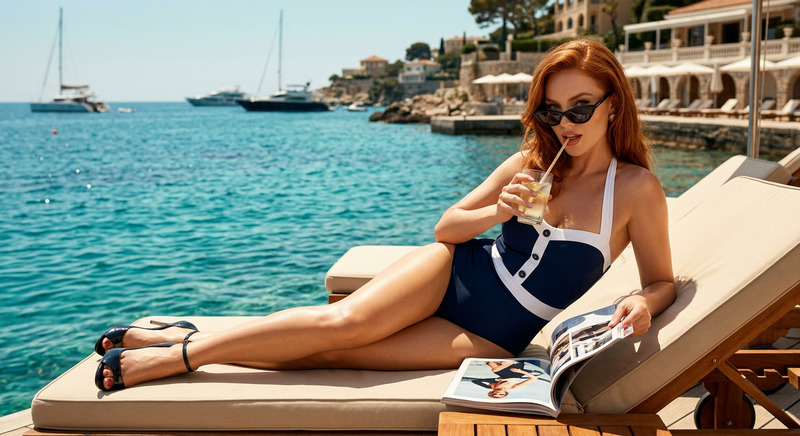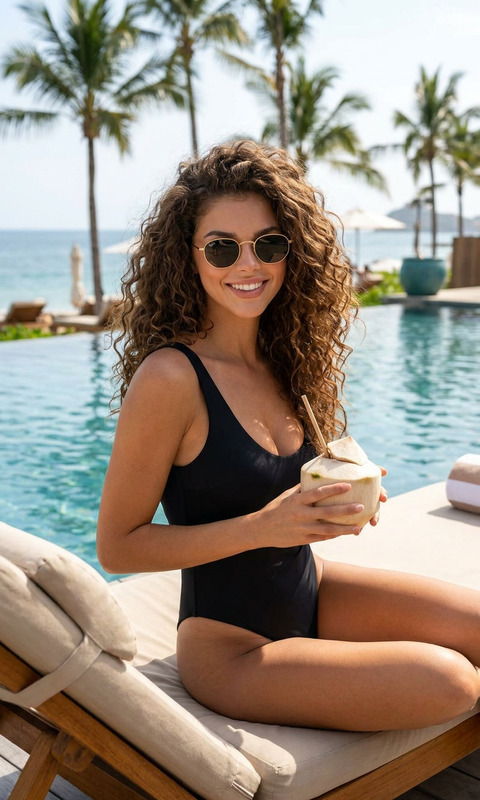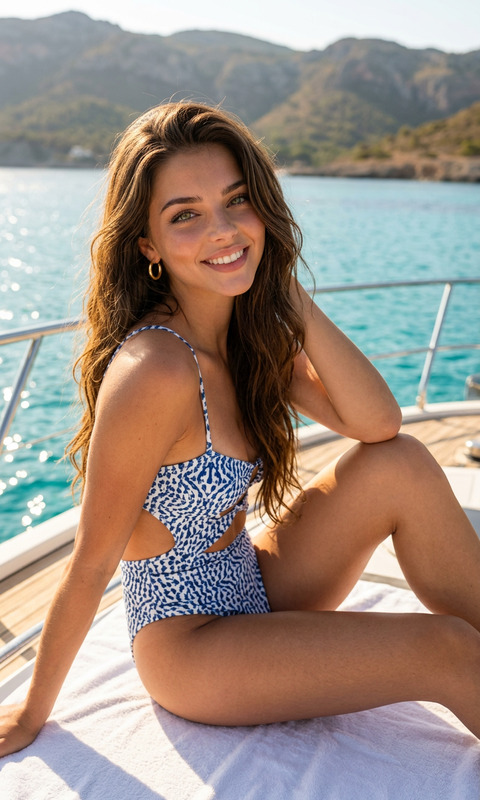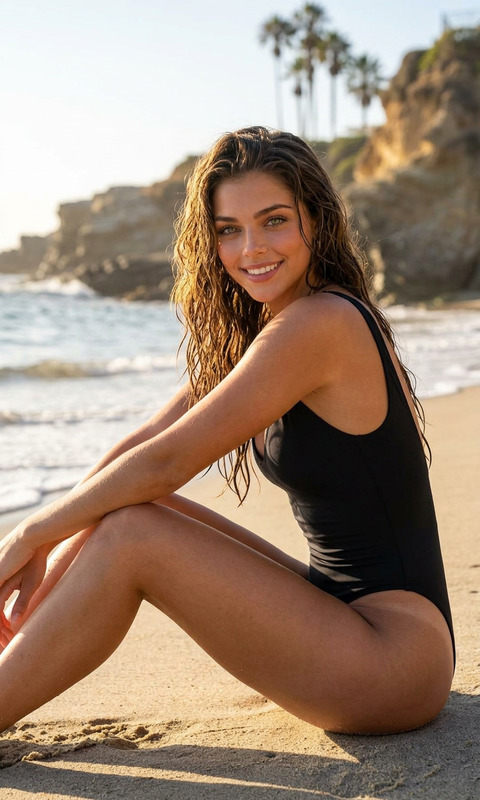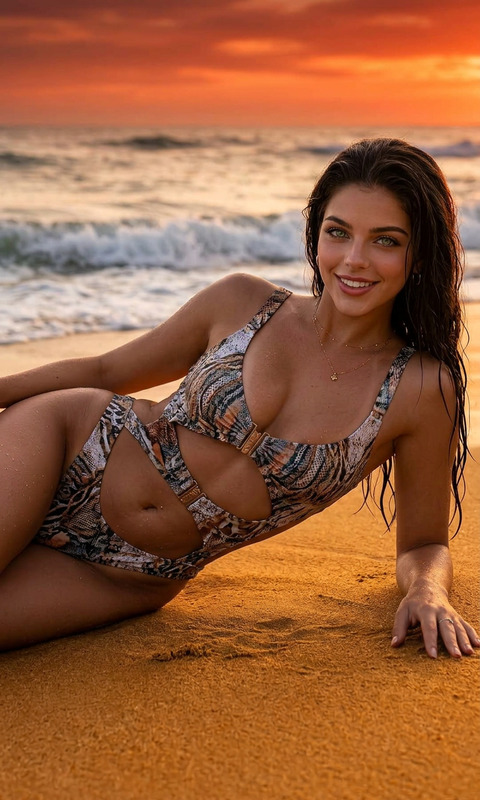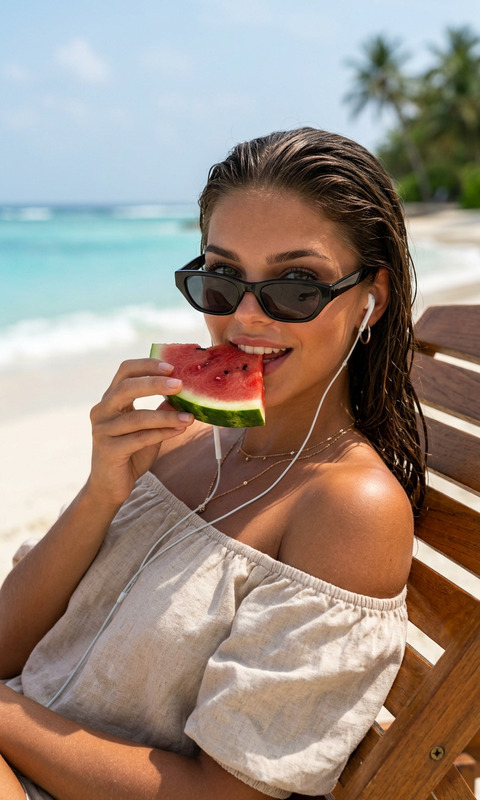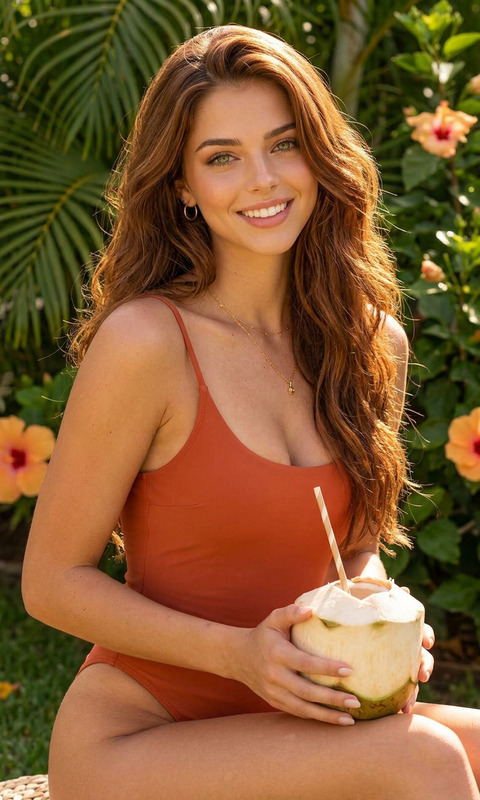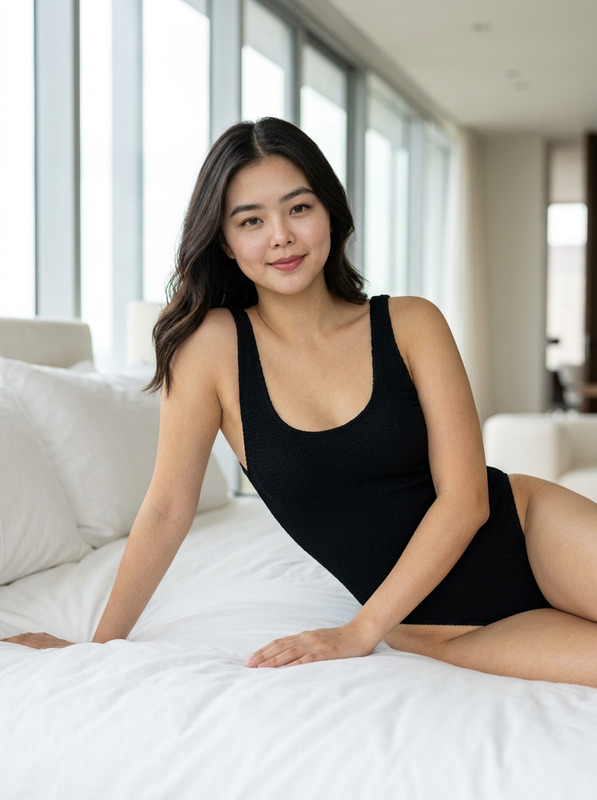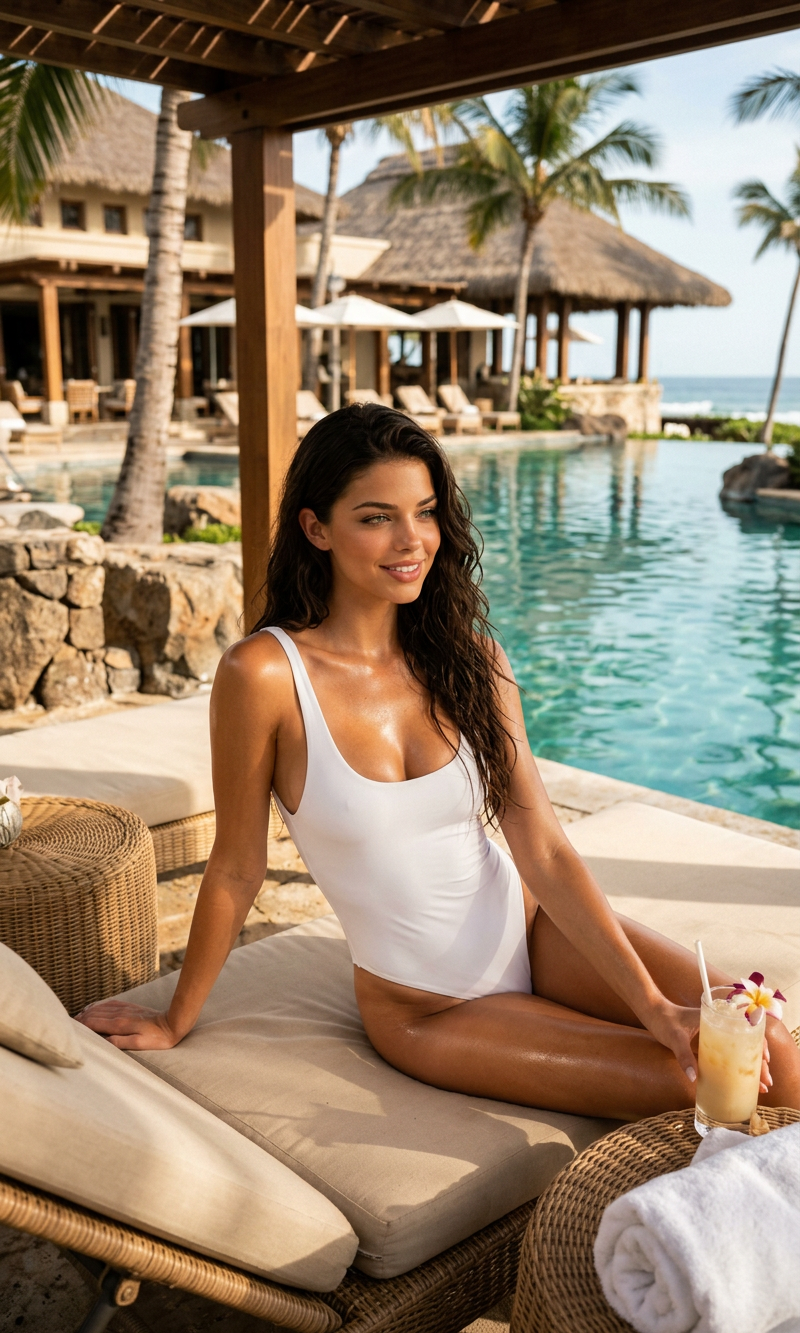
Sun Rest
- Model
- Nano Banana 2
- Image
- 800 × 1333 px
Prompt
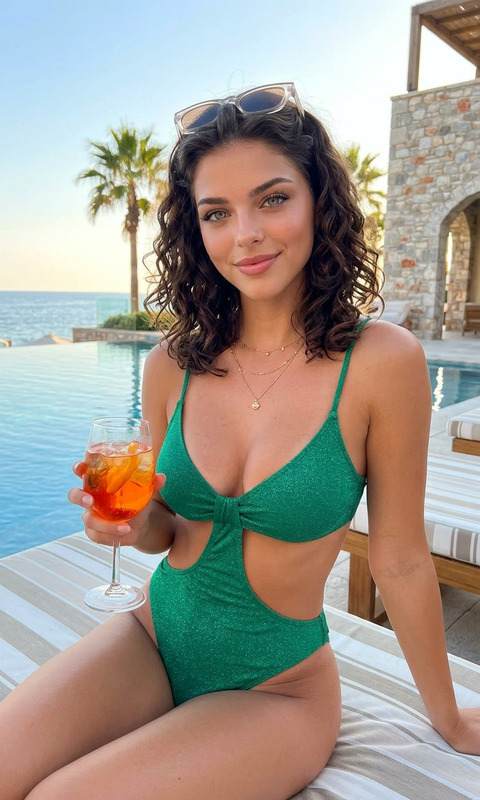
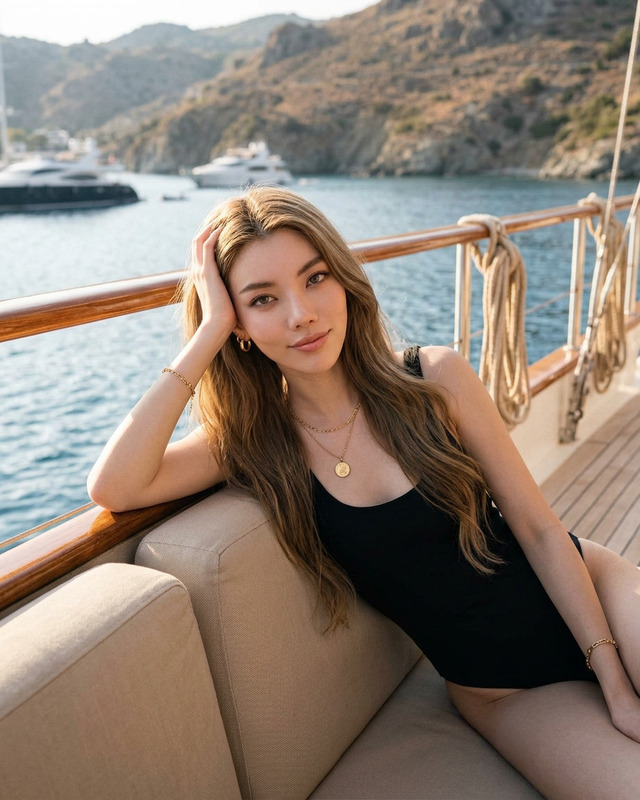
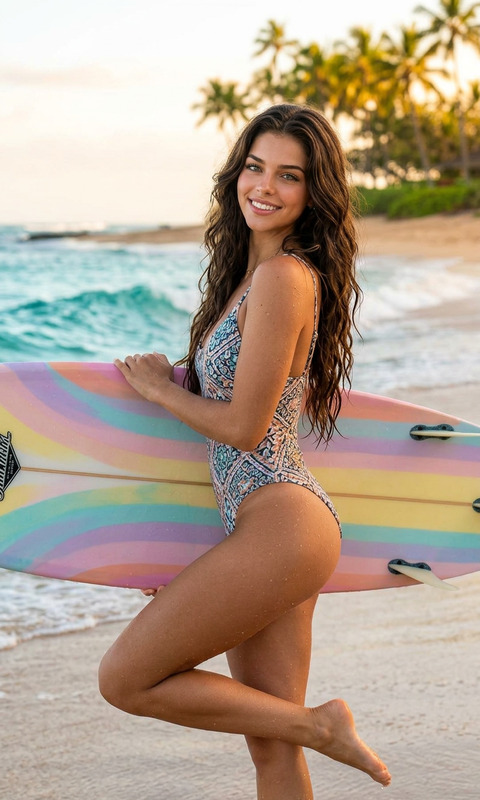
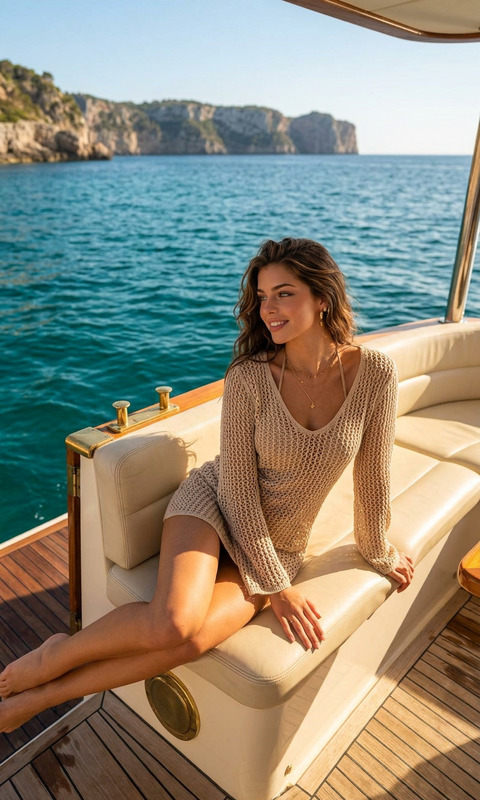
Ultra-realistic luxury resort lifestyle photo of a woman relaxing on a beige cushioned sun lounger beside a tropical villa patio, wearing a minimalist white one-piece swimsuit, sun-kissed glowing skin, wet dark hair, eyes closed, reclining with one arm behind her head, warm golden-hour sunlight casting soft palm leaf shadows across the scene, natural stone flooring, wooden lounge furniture, upscale Mediterranean/Bali aesthetic, calm and sensual atmosphere, editorial fashion photography style, shallow depth of field, high-end travel magazine look, soft neutral tones, cinematic lighting, 85mm lens, highly detailed skin texture, realistic shadows, premium resort ambiance.
Any aspect ratio
Overview
The Sun Rest template in our AI Image Editor tool is designed to transform any image into a captivating, sun-drenched scene. Imagine high-end travel magazine aesthetics with just a few clicks. Whether you're a content creator, a travel blogger, or a photographer, this template provides the luxury and allure of resort lifestyle imagery.
What It Does
The Sun Rest template elevates your images with a golden-hour glow, detailed skin textures, and a serene atmosphere that mirrors a premium resort setting. It uses the nano-banana-2 model to generate ultra-realistic textures, shadows, and lighting, providing an upscale Mediterranean or Bali aesthetic.
Who It's For
This template is ideal for photographers, travel bloggers, and content creators who wish to enhance their visual storytelling with luxurious, sunlit imagery. It's perfect for those looking to generate promotional materials, social media posts, or editorial features focused on travel and leisure.
Summary
The Sun Rest template is your go-to tool for creating high-end travel magazine-like photos. With features that enhance realism and premium ambiance, it's supported by advanced AI models for detailed and authentic results. Discover more AI Product Photography tools to complement your scene.
How to Use
Choose the Template

Customize Your Inputs

Generate Your Image

Use Cases
Travel Blogs
- Enhance travel articles with high-end imagery
- Promote luxury vacation destinations
Social Media Influencers
- Engage followers with picturesque posts
- Boost engagement with visually striking content
Editorial Photography
- Provide editorial features with stunning visuals
- Appeal to readers with detailed, ambient shots
Best Practices
Choose High-Resolution Images
For the best results, start with high-resolution images to ensure clarity and detail are maintained in the edit.Embrace Natural Elements
Incorporate elements like palm shadows and stone textures in the original photo to enhance realism.Adjust Prompt Carefully
Tailor the prompt to match the specific mood and lighting you desire, capturing the essence of the environment you want.