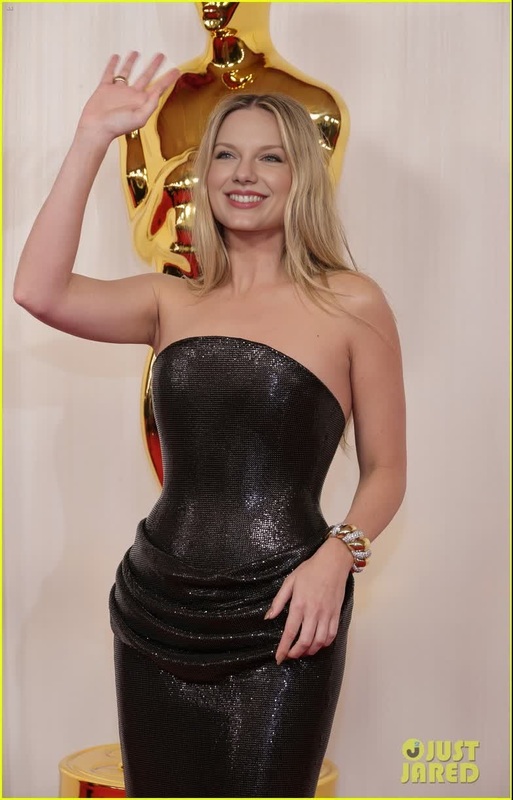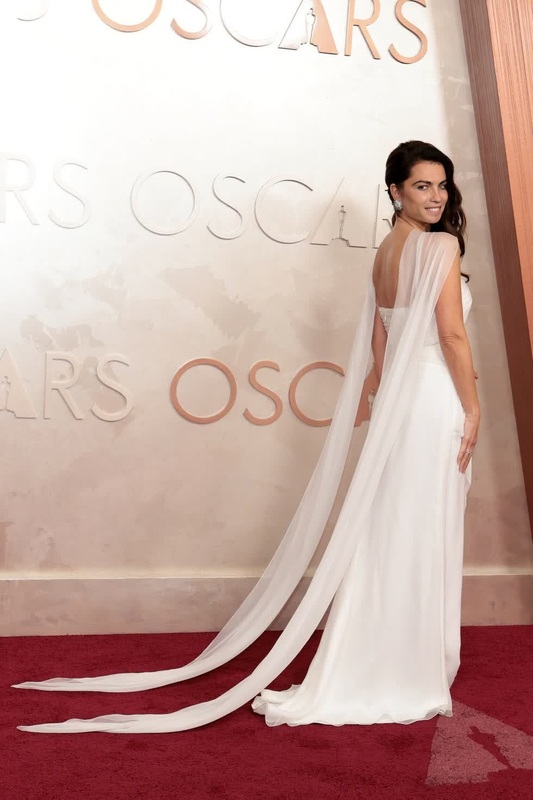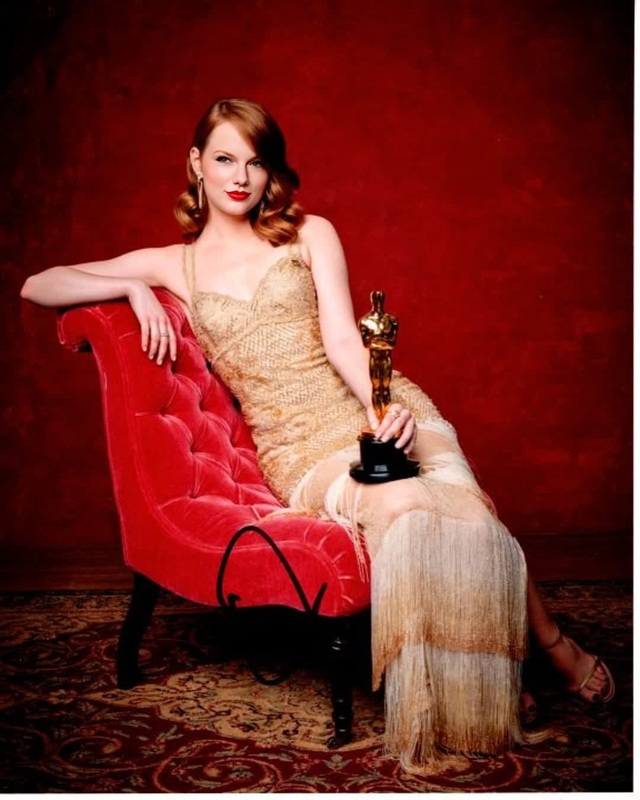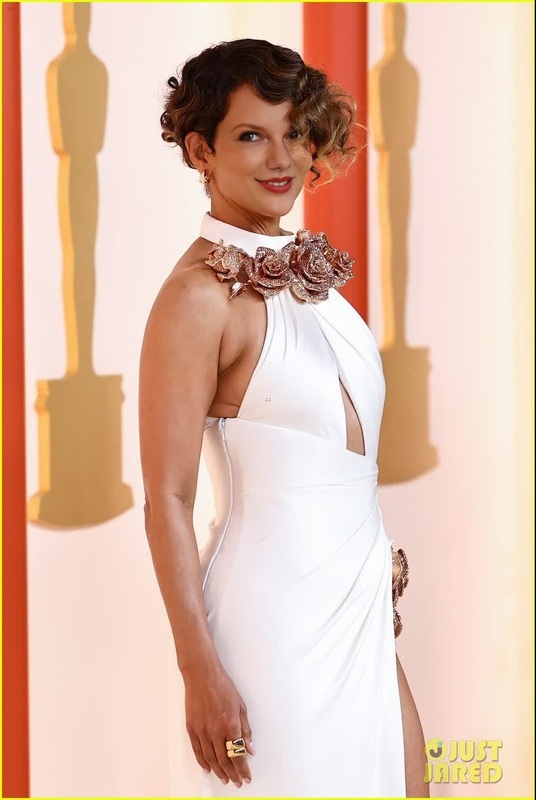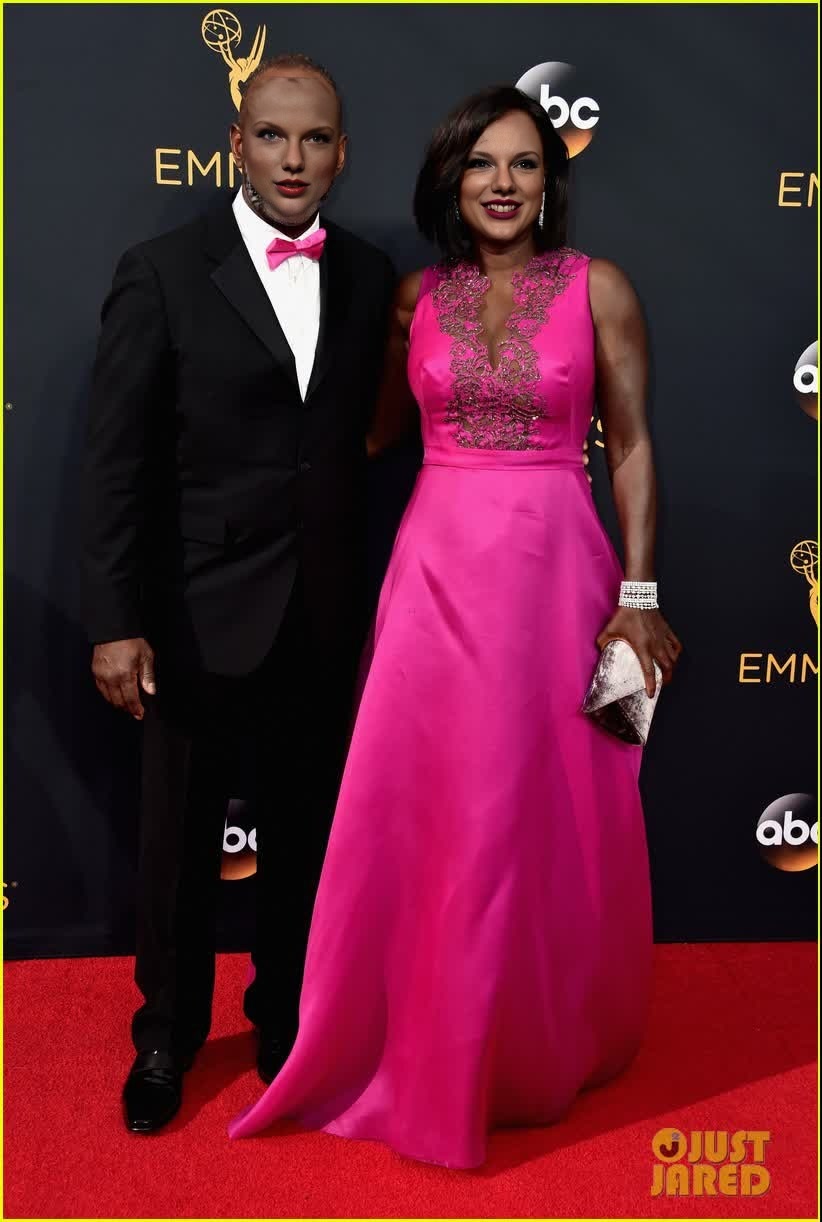
Viola Davis Emmys Arrival Portrait
- Image
- 822 × 1222 px
Any aspect ratio
Overview
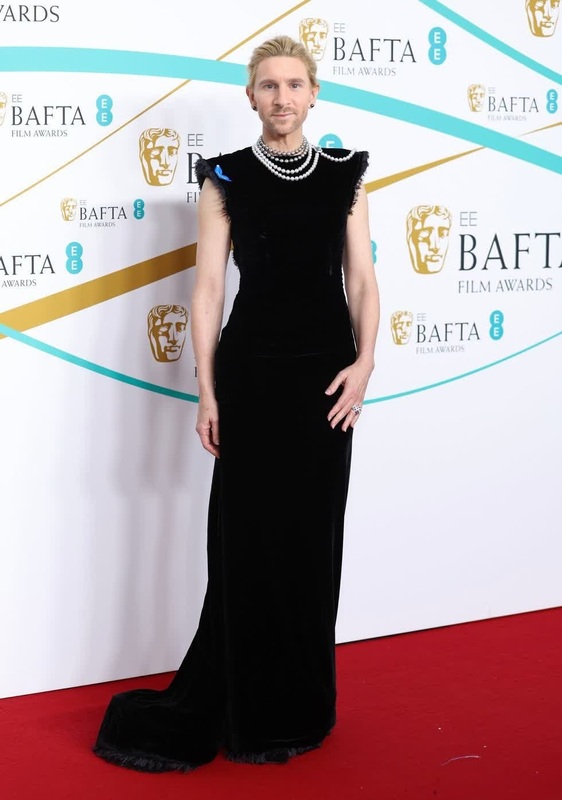
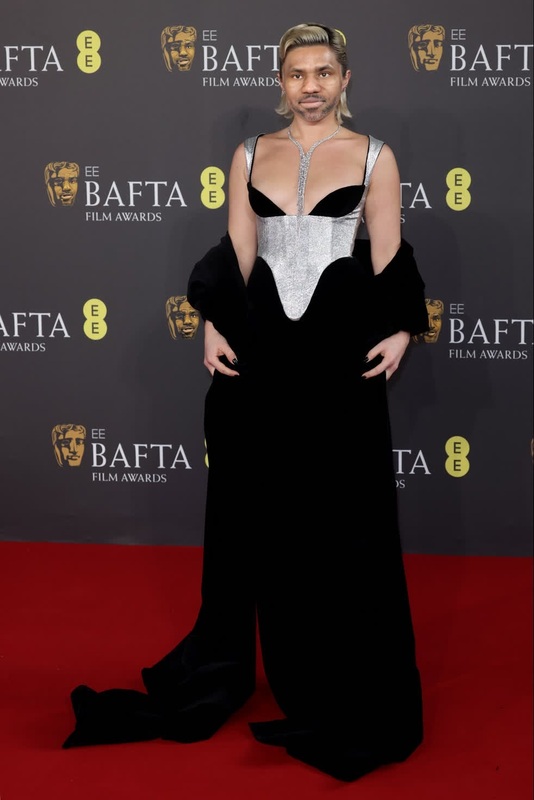
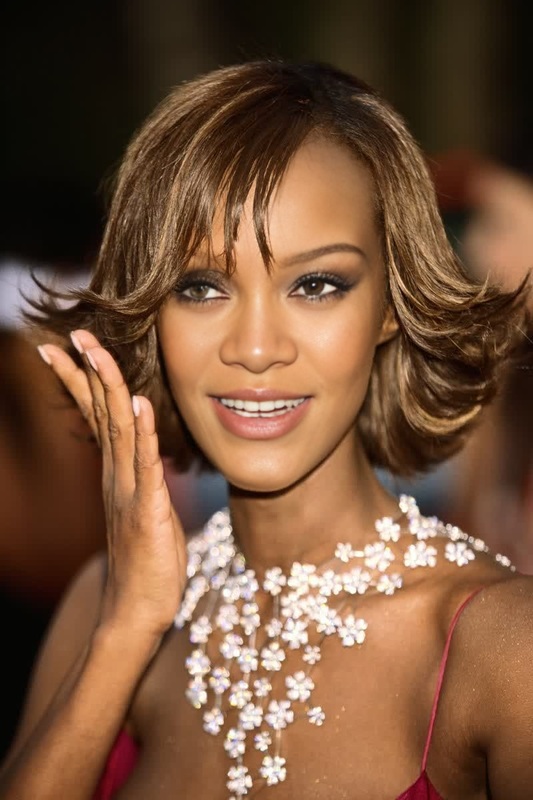
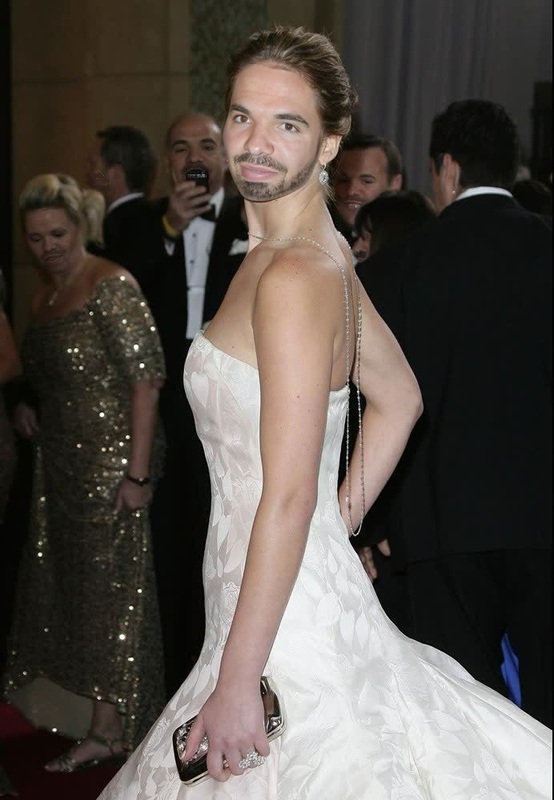
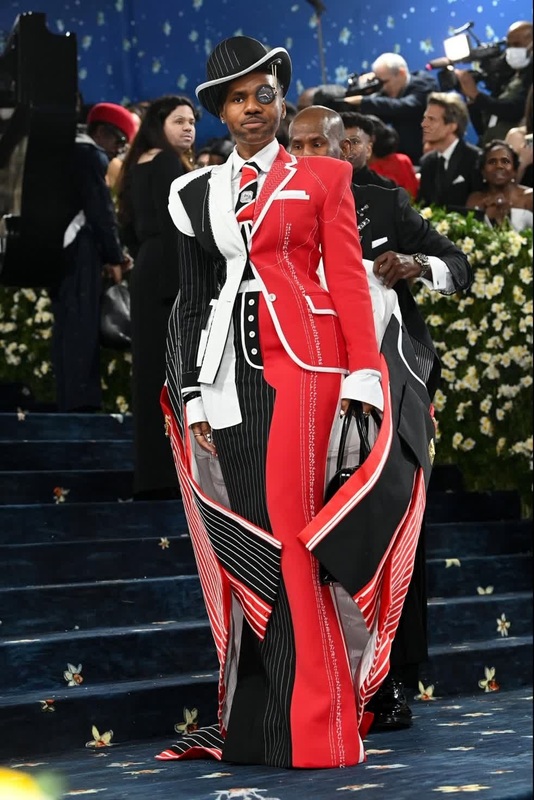
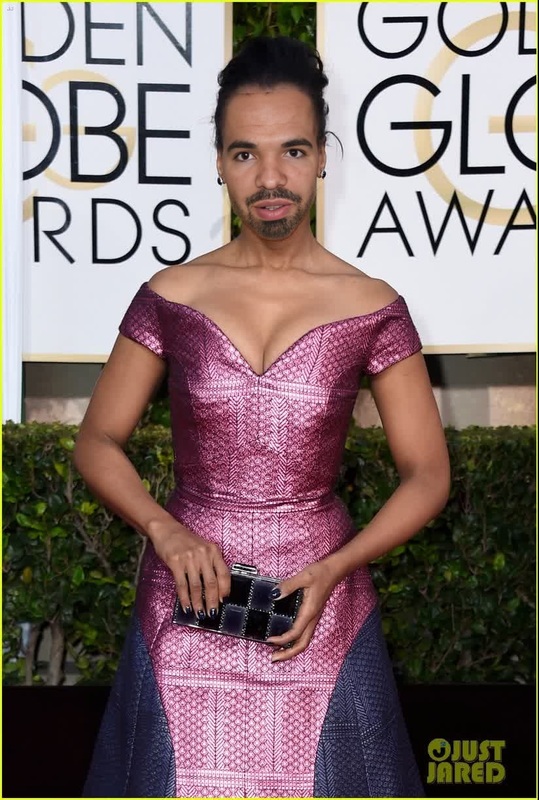
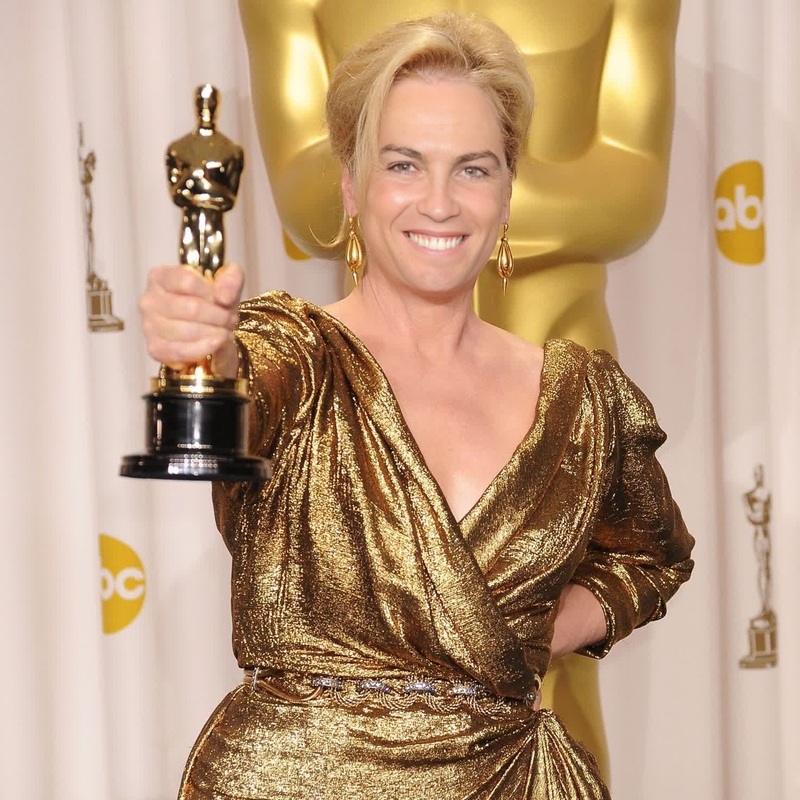
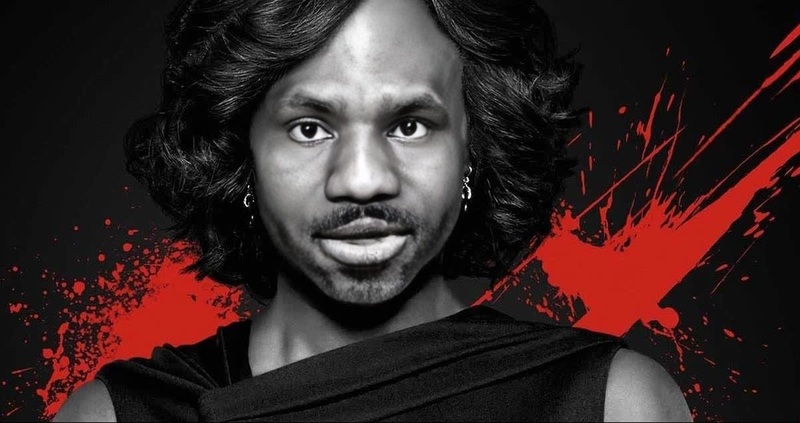
The Viola Davis Emmys Arrival Portrait template lets you create eye-catching videos by swapping Viola Davis's face with any other face in your footage. Perfect for video editors looking to add a touch of Hollywood glamour, this template is a great choice for product demo videos or social media ads. Experience the power of Video Face Swap technology with this unique template.
What It Does
This template enables you to perform a face swap in your video, replacing a selected face with that of Viola Davis as she arrives at the Emmys. By leveraging advanced AI, the template ensures seamless transitions and realistic integrations, resulting in captivating and compelling visuals. It supports common video formats such as MP4, ensuring broad compatibility with your video projects.
Who It's For
Whether you're a professional video editor, social media marketer, or creative enthusiast, this template is tailored for those who want to elevate their video content. It's particularly useful for marketers aiming to create viral content for GIFs or TikTok videos, as well as those involved in the advertising industry focusing on eCommerce Ads.
Summary
In summary, the Viola Davis Emmys Arrival Portrait template offers an accessible way to create stunning videos with a celebrity twist. Its ability to handle complex face swaps without sacrificing quality makes it a top choice for various projects and use cases. Discover more tools like our AI Image Editor to further enhance your creative process.
How To
Choose Template

Customize Video

Generate Video

Use Cases
Social Media Campaigns
- Instagram Reels
- TikTok Entertainment
- Facebook Ads
Product Demos
- High-impact demos
- Luxury product showcases
Educational Content
- Celebrity history lessons
- Media studies materials
Best Practices
Select High-Quality Source Material
For optimal results, use high-resolution video clips where the face to swap is clearly visible. This ensures the AI can accurately align and blend the faces.Adjust Lighting and Color
Match the lighting and color grading of the original video with Viola Davis's face for a seamless look.Preview Before Finalizing
Always preview the video before exporting to catch any minor adjustments needed for flawless integration.
Frequently asked questions
More Like This