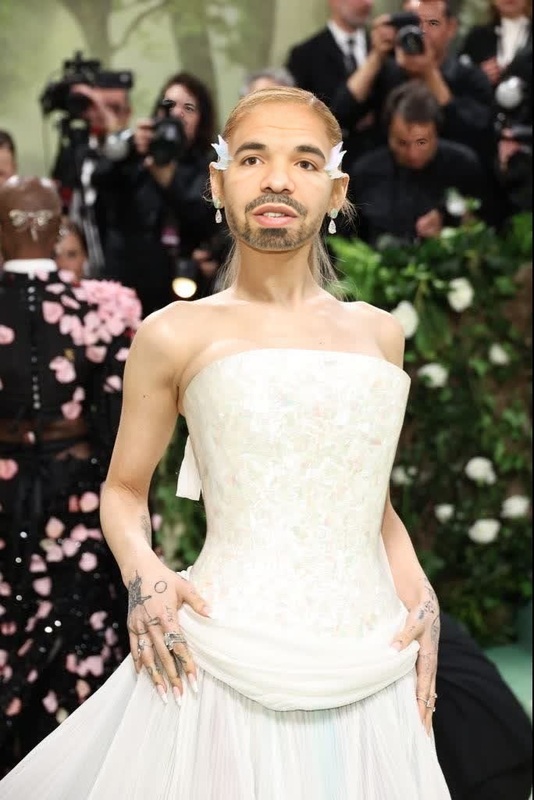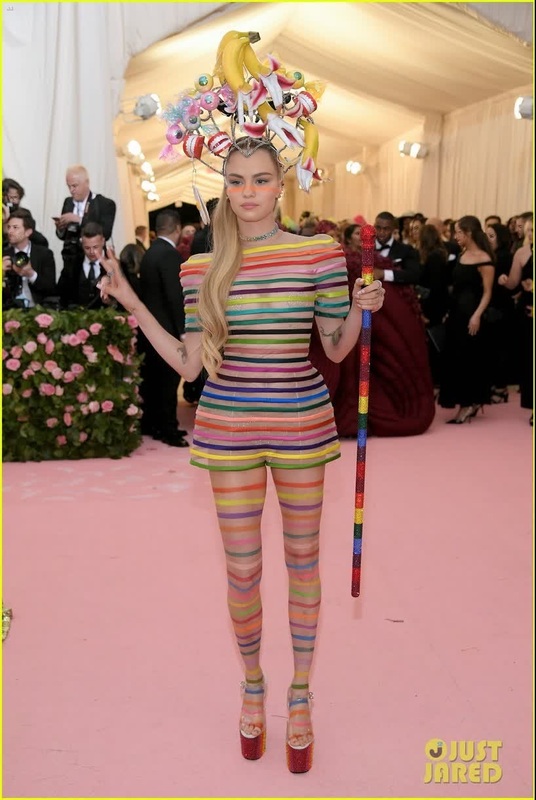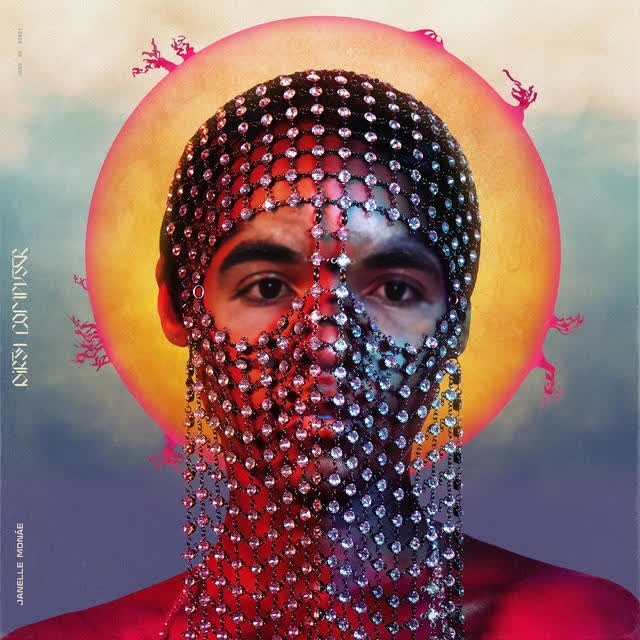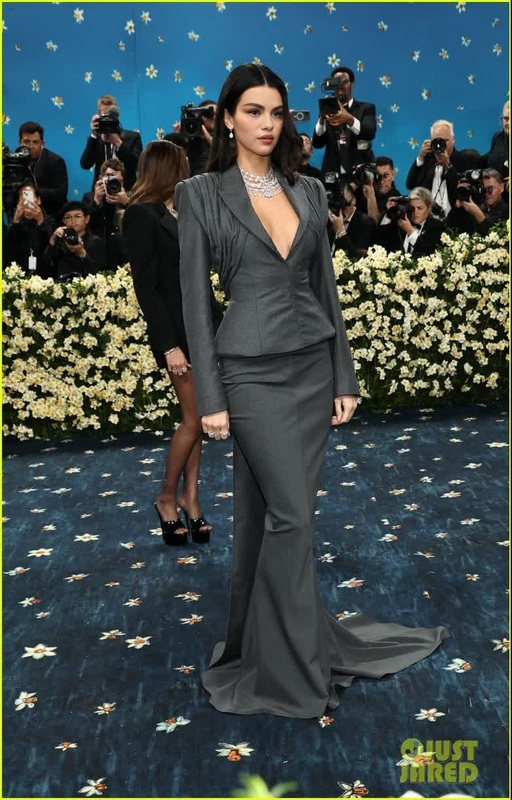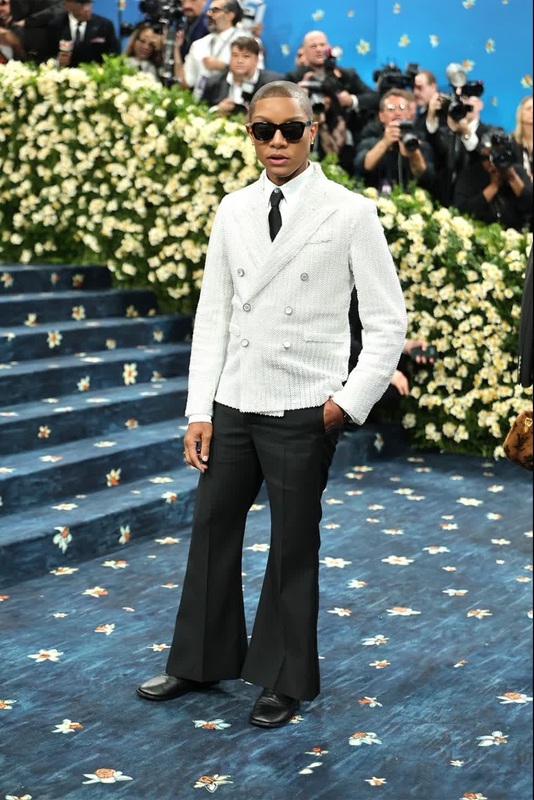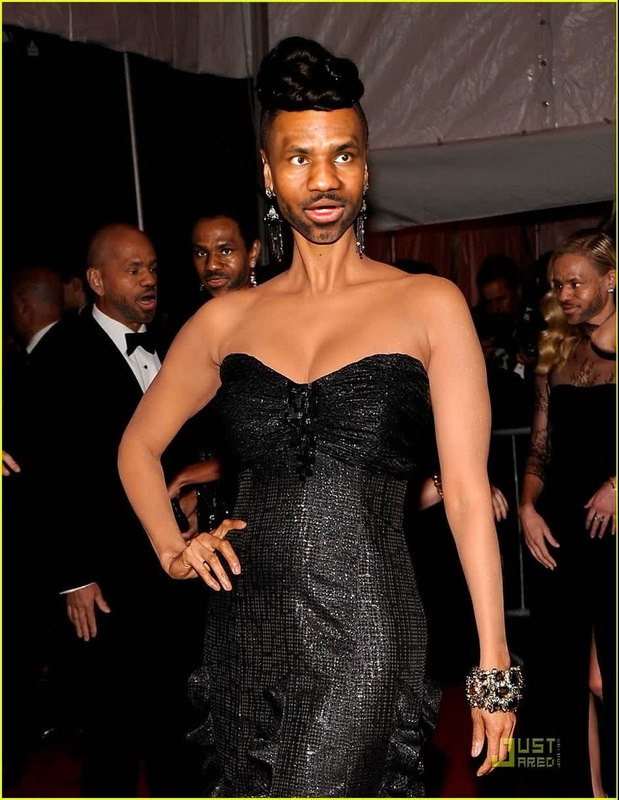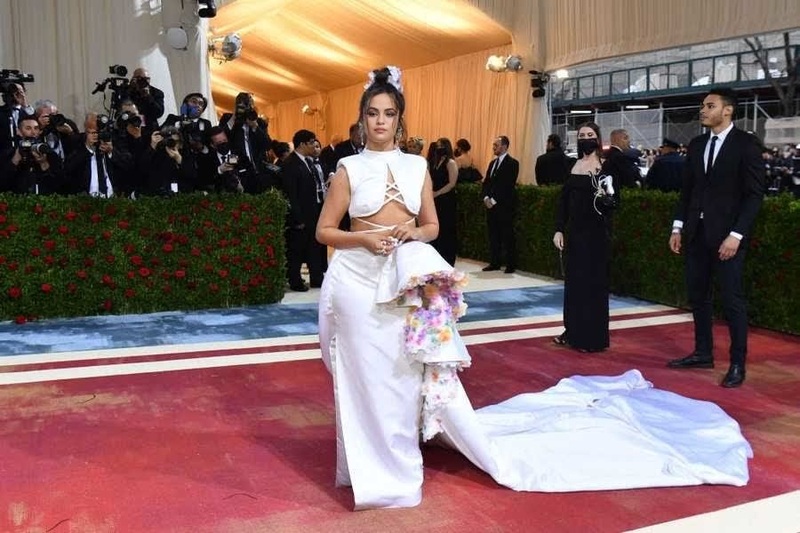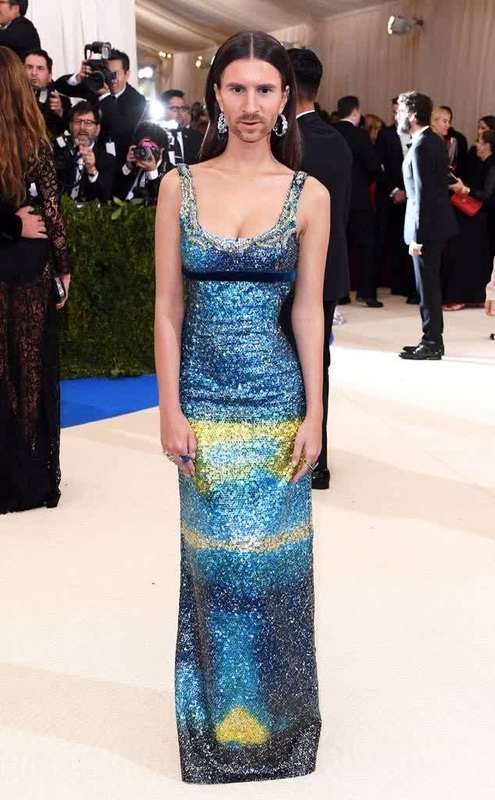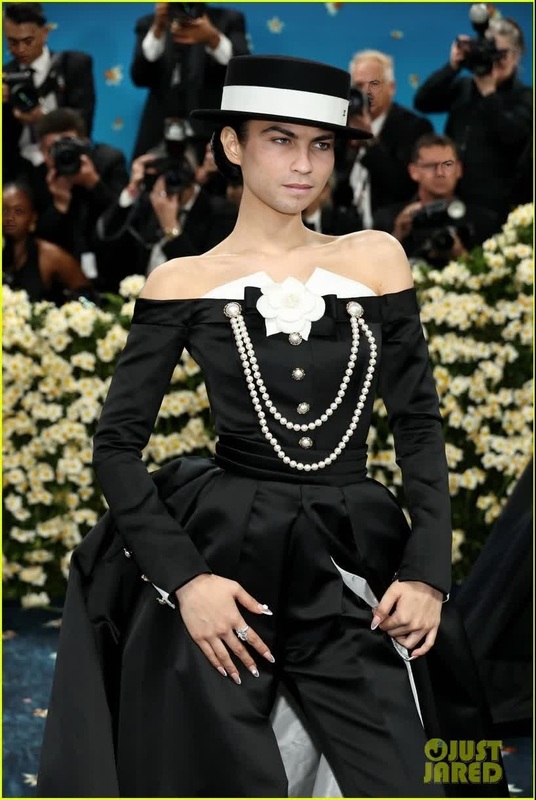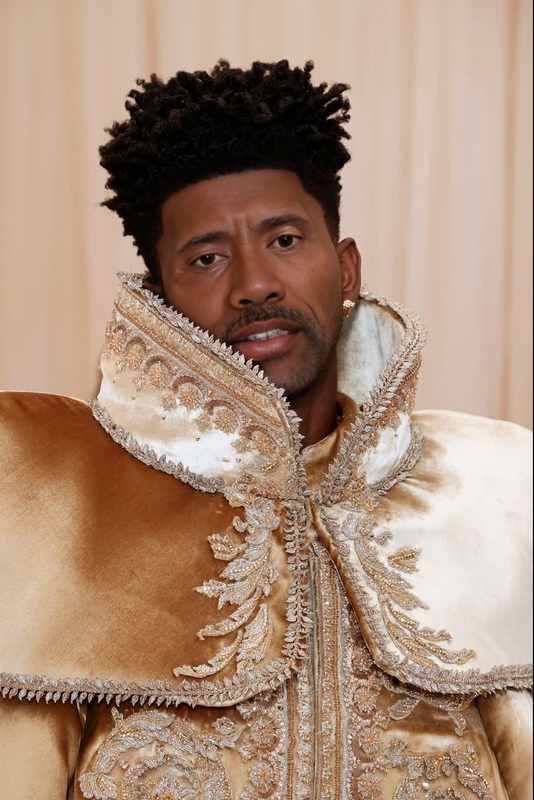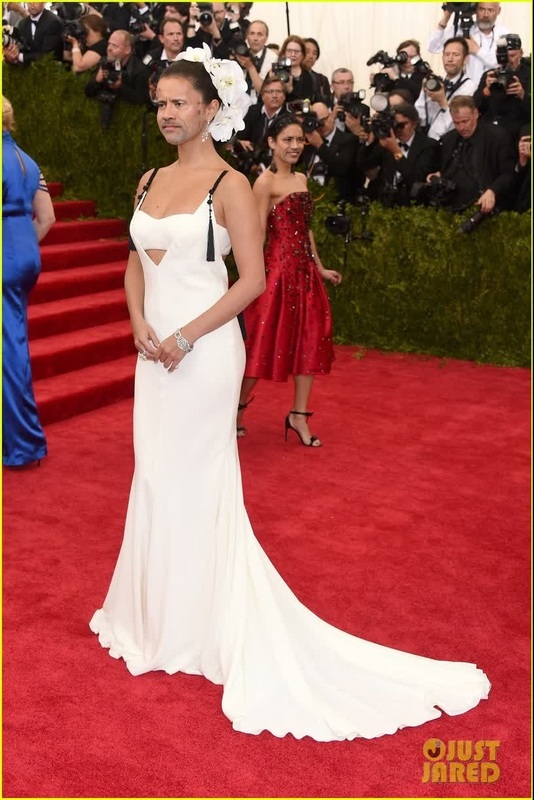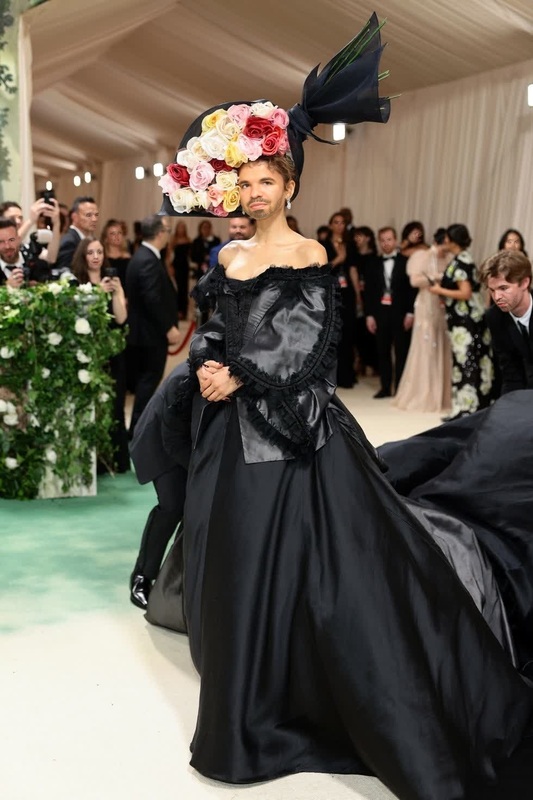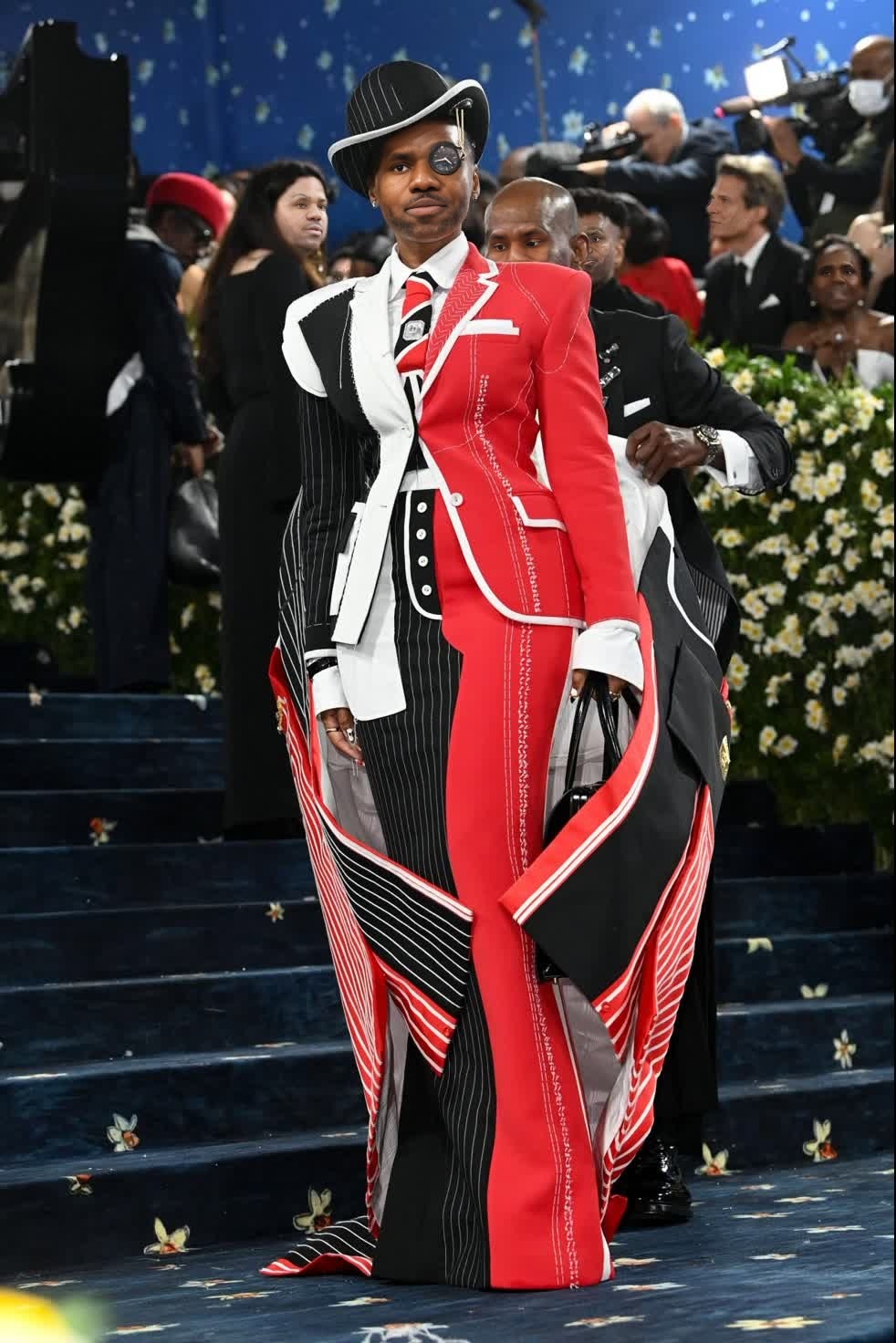
Janelle Monae Met Gala Arrival Portrait
- Image
- 982 × 1472 px
Any aspect ratio
Overview
The Janelle Monáe Met Gala Arrival Portrait template offers a standout method for video transformation through face swapping. Capture the essence of high fashion and celebrity glamour by placing your subject in the iconic setting of Janelle Monáe's Met Gala entrance.
What It Does
This Video Face Swap template seamlessly integrates the face of your subject into the Met Gala arrival scene, creating a seamless and realistic portrayal. The end result is a high-quality, engaging video that looks as if your subject attended the Met Gala themselves.
Utilizing advanced algorithms, the template ensures a perfect blend of facial features, lighting, and movements, resulting in a professional-grade output. Explore similar transformations with our full video face swap product.
Who It's For
This template is perfect for content creators, marketers, and video enthusiasts looking to add a unique twist to their content. Whether you're aiming to engage your audience with stunning visual content or add a creative element to your marketing campaign, this tool provides a powerful way to stand out.
Particularly beneficial for those in fashion and media, this template allows for the creation of captivating content that resonates with audiences interested in celebrity culture and high fashion events.
Summary
The Janelle Monáe Met Gala Arrival Portrait template is a transformative tool for video creation. By leveraging our image-to-video technology, it allows users to create compelling narratives by incorporating their likeness into celebrity settings. Enhance your projects with our AI Image Editor to ensure every detail is perfect.
How-To
Choose Your Template

Customize Your Inputs

Generate and Download

Use Cases
Celebrity Impressions
- Boost social media engagement
- Enhance marketing campaigns
Fashion and Style
- Promote fashion brands
- Design creative concepts
Entertainment Content
- Increase viewership on video platforms
- Cultivate a unique brand voice
Best Practices
High-Quality Images
Ensure the image you upload is high-resolution for the best results in face matching and video quality.Proper Lighting and Angles
Choose images where the lighting and angles are similar to those in the video for a more seamless blend.Experiment with Variations
Try different expressions and angles to see what creates the most photorealistic swaps.