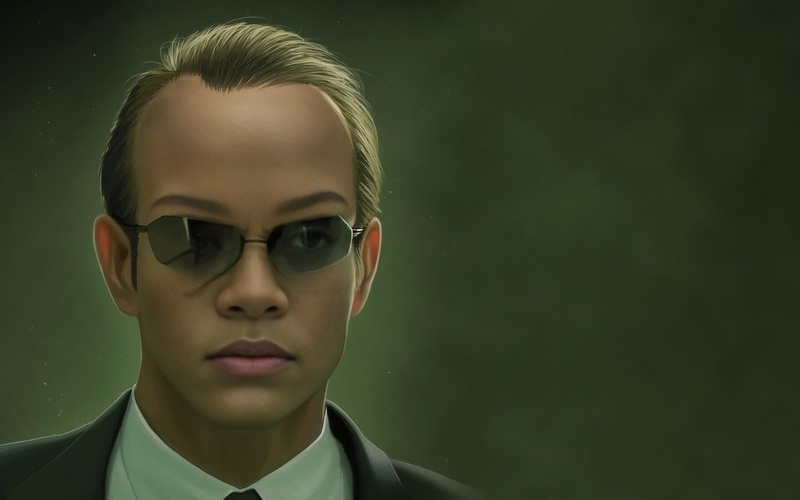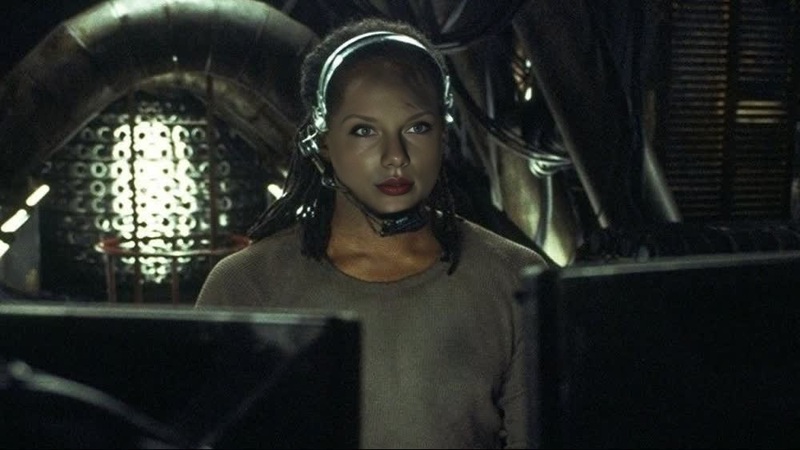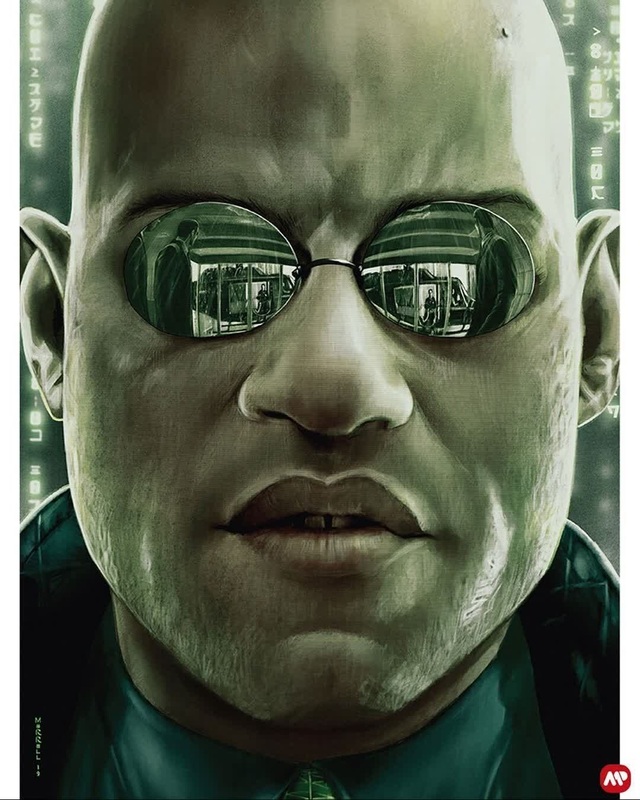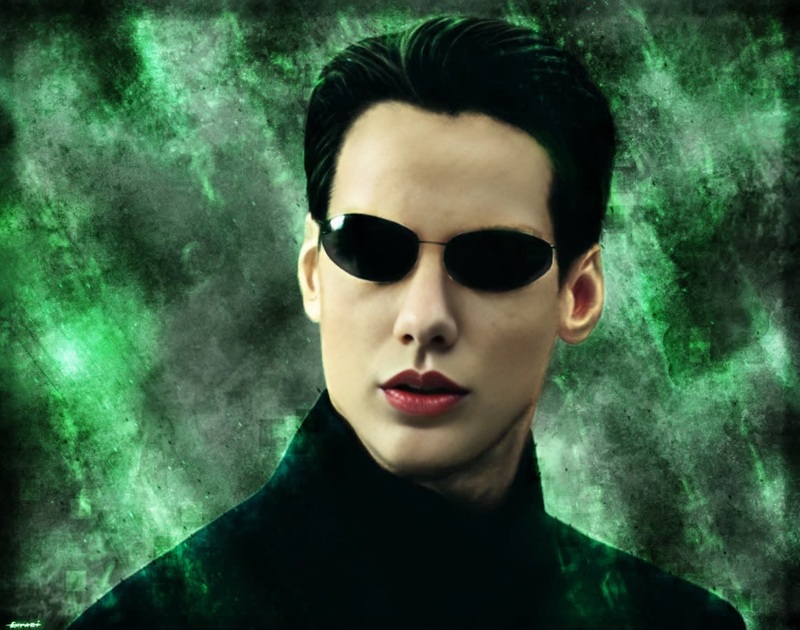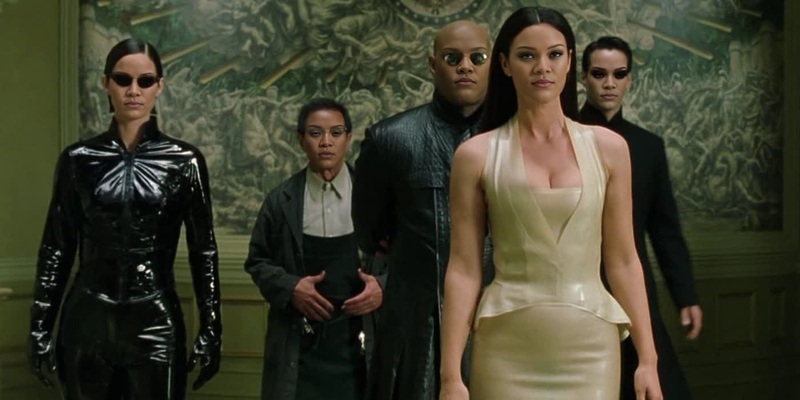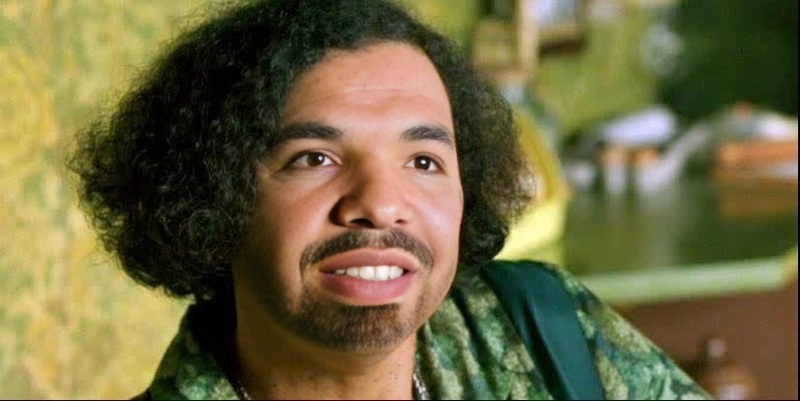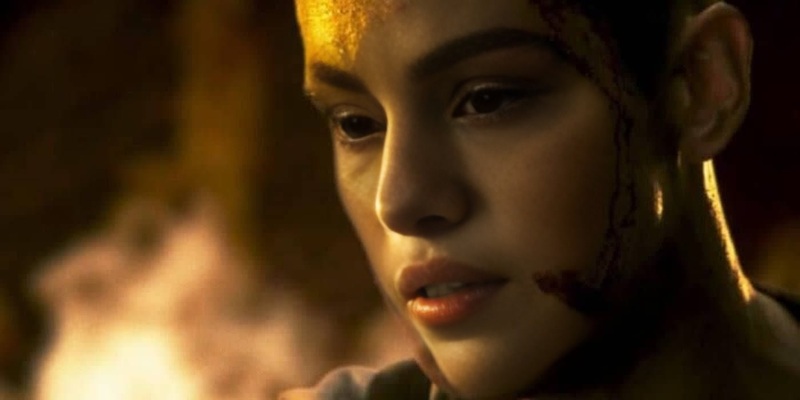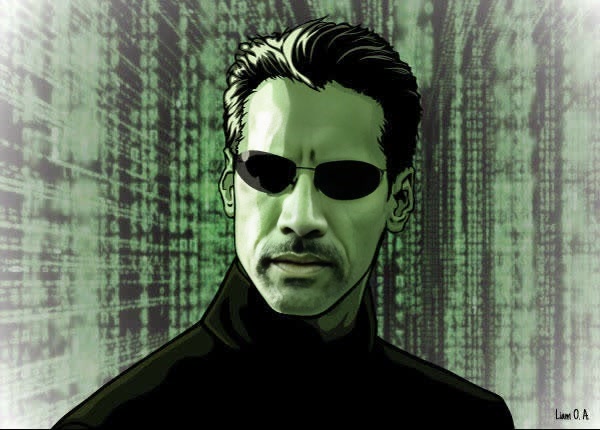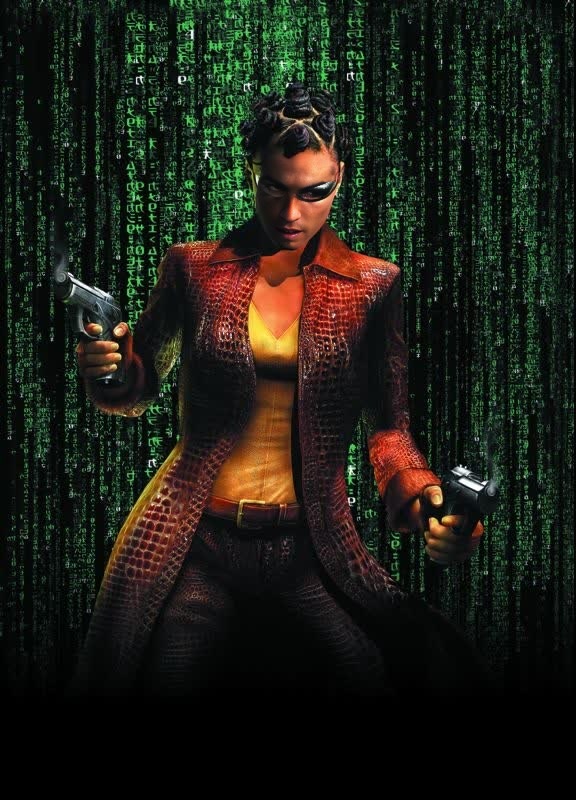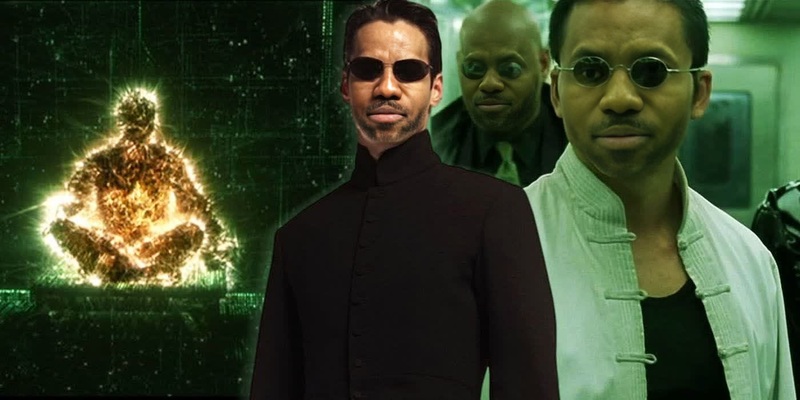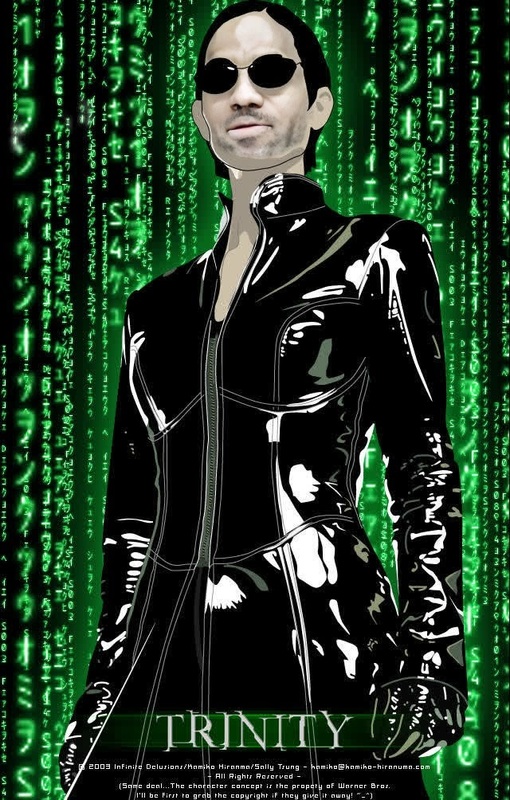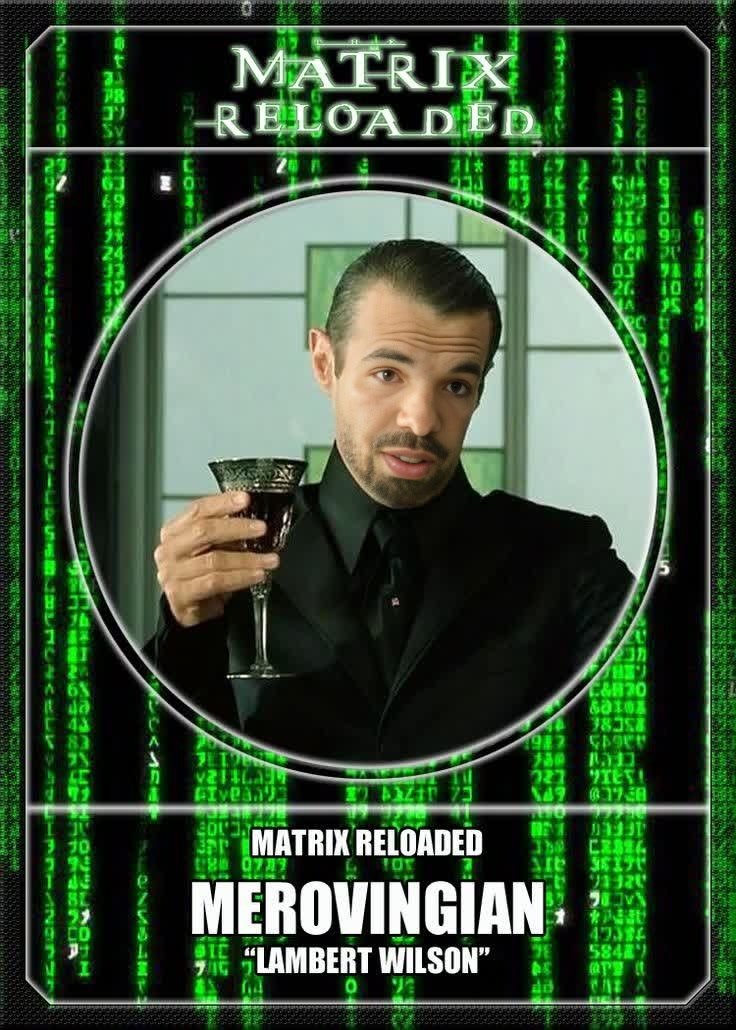
The Merovingian The Matrix Reloaded

The Merovingian The Matrix Reloaded

face-swap

1 clip
0 uses

Any aspect ratio

Tags

transformations

Create Studio-Quality Face Swap Videos in Minutes

This template was built with Magic Hour’s AI Face Swap Video tool, so you can turn any clip into a high-quality, realistic face swap in just a few steps. Whether you’re a content creator, marketer, or startup founder testing concepts, you can remix this template to fit your own brand, story, or campaign—without touching a timeline editor.


What This Template Is Best For

Use this Face Swap template when you want to:

  • Put yourself or a character into an existing video
  • Localize content by swapping in different presenters or customers
  • Test multiple “faces” or personas for the same ad concept
  • Create memes or social clips that still look polished and on-brand
  • Prototype character-based content before investing in a full shoot

Because it’s powered by Magic Hour’s Face Swap technology, it’s optimized for:

  • Natural skin tone and lighting
  • Consistent identity across frames
  • Expressive, non-plastic facial movement
  • Clean edges with minimal artifacts

How to Remix This Template in Magic Hour

You can create your own version of this template directly in Magic Hour by starting from the same workflow:

  1. Open the Face Swap Video tool
    Go to the Face Swap Video page. This is the core tool used to build this template.

  2. Upload your base video

    • Use a clip with a clear view of the subject’s face
    • Avoid heavy motion blur or faces turned fully away from the camera
    • Ideal for talking heads, interviews, vlogs, reactions, and simple scenes
  3. Upload the face you want to swap in

    • Use a high-quality portrait or selfie with good lighting
    • Make sure the face is not heavily occluded by hair, glasses, or masks
    • For consistent campaigns, reuse the same reference face across multiple videos
  4. Generate your Face Swap video

    • Magic Hour detects the face in your base video and replaces it with the reference face
    • The model automatically handles facial alignment, expressions, and head movement
  5. Download and repurpose

You can repeat this process with different reference faces to rapidly version-test concepts, A/B test creators, or localize content for different markets.


Advanced Remix Ideas for Creators and Marketers

To get more leverage from this template, combine Face Swap Video with other Magic Hour tools:

  • Create multiple language variants with the same “host”

  • Prototype ad creatives with different personas

    • Start with one master video concept
    • Swap in multiple faces (e.g., different age groups, archetypes, or influencers)
    • Scale your testing by generating multiple versions and measuring performance in paid campaigns
  • Turn static headshots into rich content

    • Convert photos into talking clips using AI Talking Photo
    • Then apply Face Swap Video to map that identity onto other footage
    • Useful for executives, founders, or fictional brand mascots
  • Build character-driven content and story universes


Workflow Examples for Professionals

For startups and product teams

  • Record one strong product walkthrough
  • Clone your founder or “ideal customer” face using AI Headshot Generator
  • Use Face Swap Video to put that persona into multiple scenario videos (e.g., SMB, enterprise, creator-focused)
  • Add on-screen captions with Auto Subtitle Generator for social and email

For agencies and performance marketers

  • Take winning UGC-style ads
  • Swap in different creators or demographics while keeping the same structure and messaging
  • Use Video Upscaler to maintain quality across placements
  • Test different faces in the same template to find which persona converts best

For creators and influencers

  • Insert yourself into trending scenes, movies, or memes with Face Swap Video
  • Turn static assets into motion content using Image to Video then layer Face Swap over them
  • Generate thumbnails with Thumbnail Maker that feature the swapped face for visual consistency

Improving Input Quality for Better Face Swaps

While Magic Hour’s Face Swap tech is designed to be robust, your inputs matter. For best results:

You can also refine faces before swapping them using AI Face Editor (for subtle adjustments) or AI Image Editor (for broader retouching).


Related Magic Hour Tools to Extend This Template

Once you have your Face Swap video, you can chain additional tools for richer outputs:


Responsible and Ethical Use

Face swapping is powerful. When remixing this template:

  • Only use faces you have rights and consent to use
  • Avoid misleading or harmful applications (e.g., impersonation, deepfake abuse)
  • Clearly label synthetic media in commercial or public-facing contexts

Many jurisdictions are adding guidance or regulation around synthetic media; it’s good practice to stay aligned with evolving standards and your own brand’s trust guidelines.


How to Get Started

To build your own version of this template now:

  1. Go to Face Swap Video
  2. Upload a base video and the face you want to swap in
  3. Generate, review, and download your new clip
  4. Optionally extend it with tools like Lip Sync, Video to Video, or Animation

This page’s template is just a starting point. Remix it, plug it into your own workflow, and use Magic Hour as an end-to-end pipeline for testing concepts, scaling content, and building character-driven video—without traditional production overhead.

More Like This

Insufficient credits