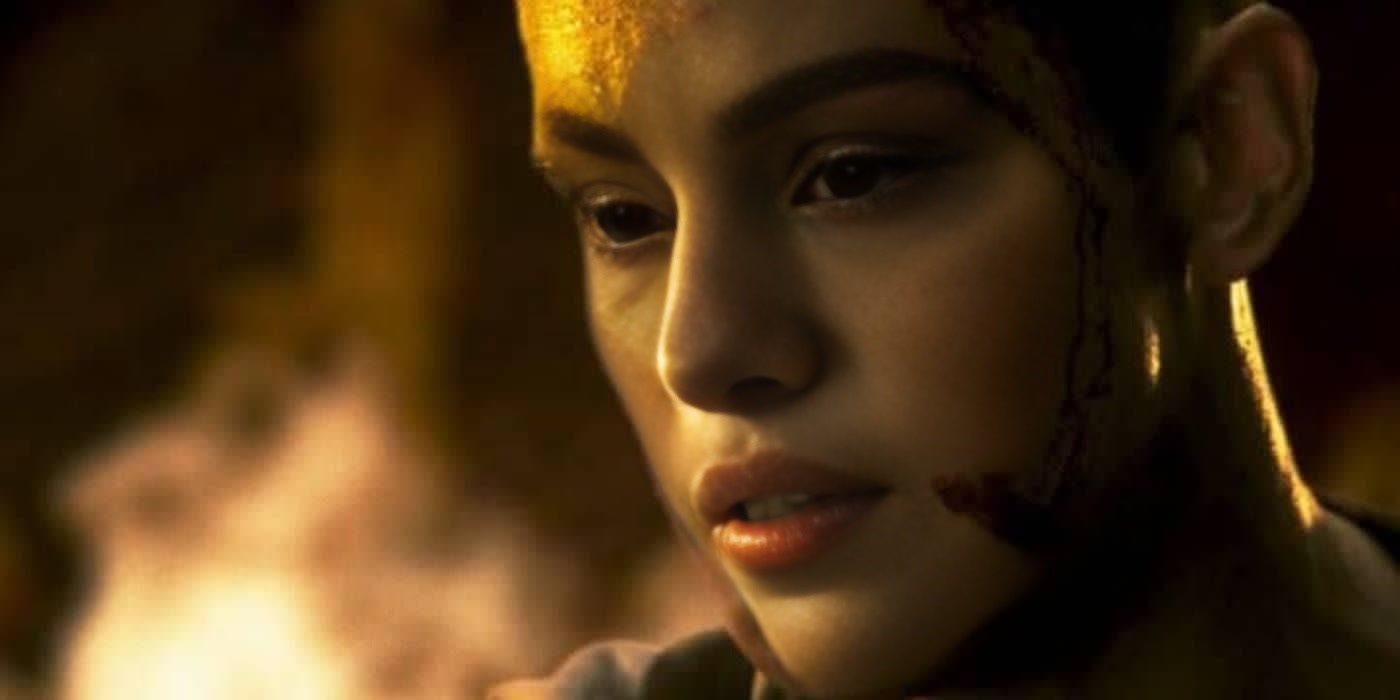
Kid The Matrix Reloaded
- Image
- 1400 × 700 px
Any aspect ratio
Overview
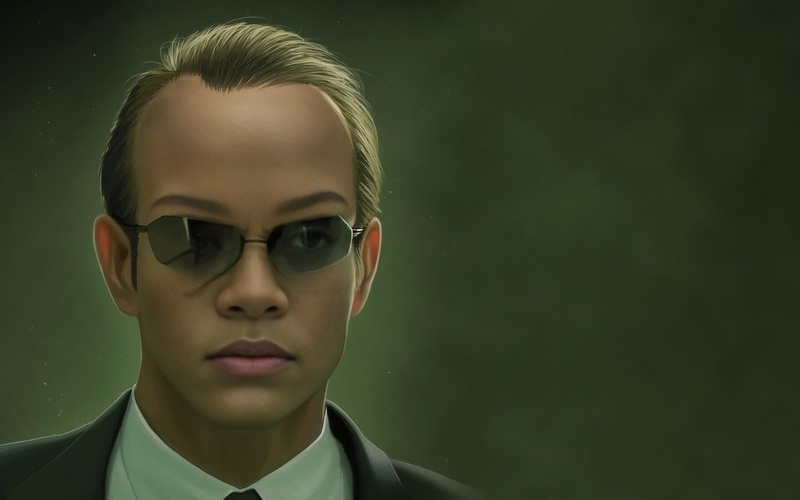
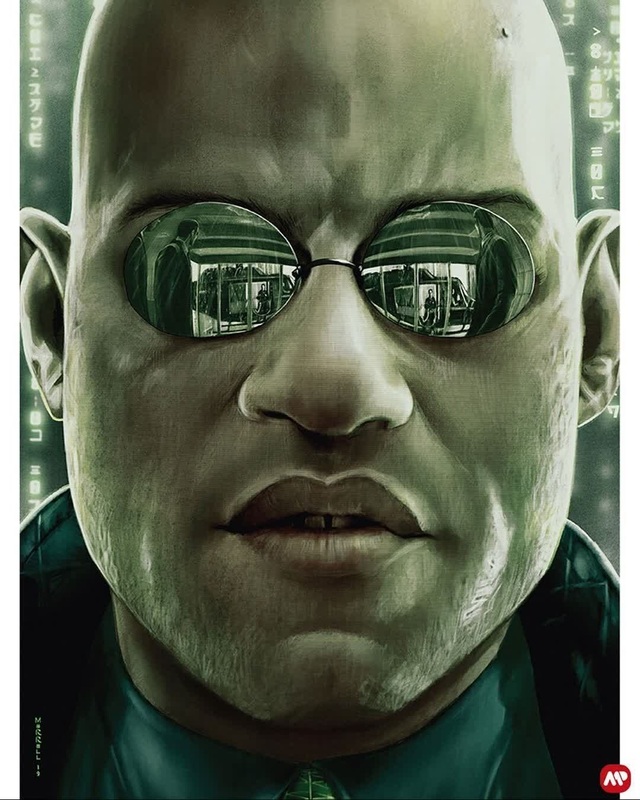
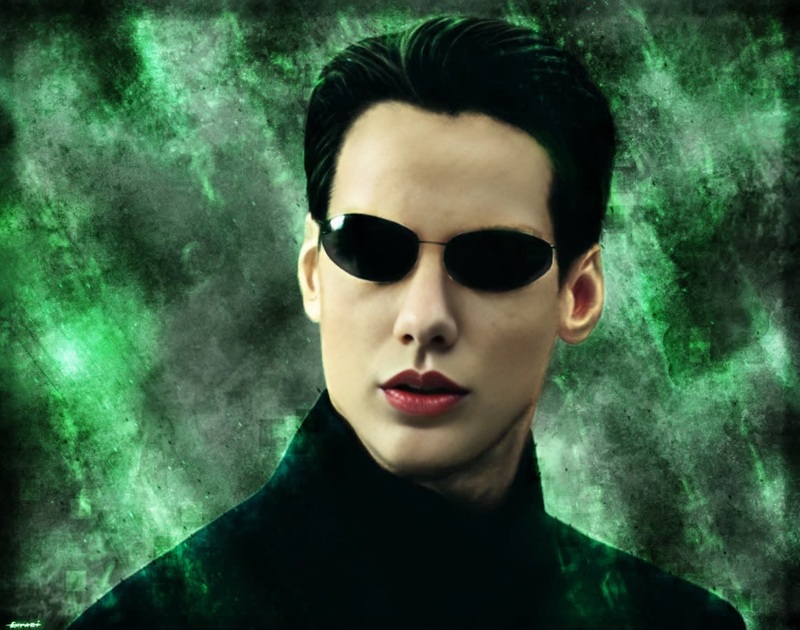
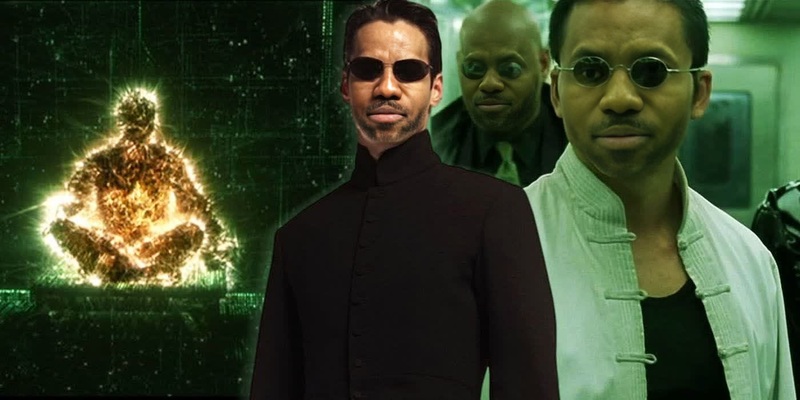
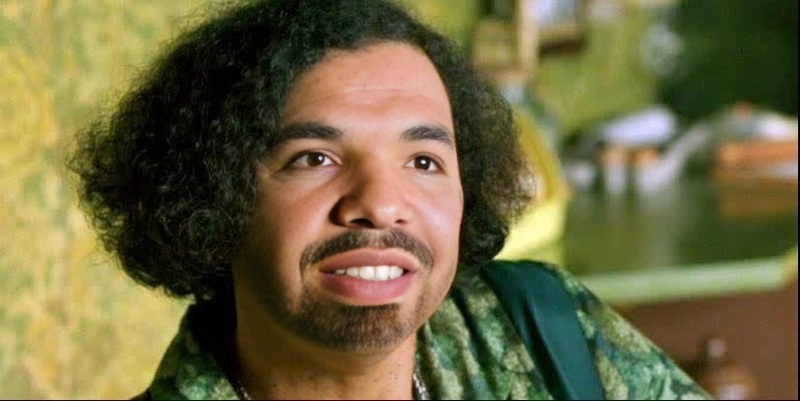
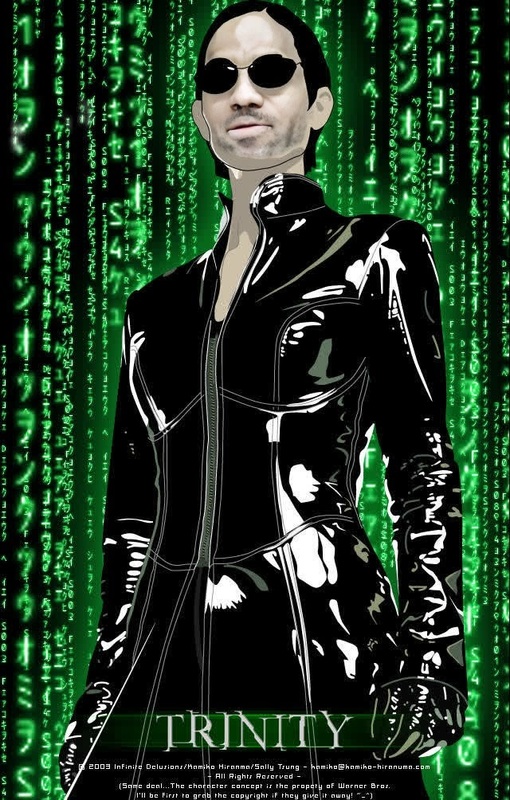
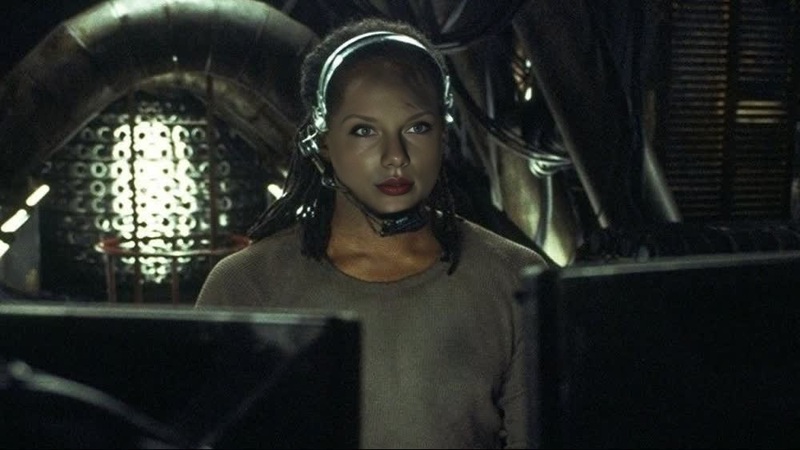
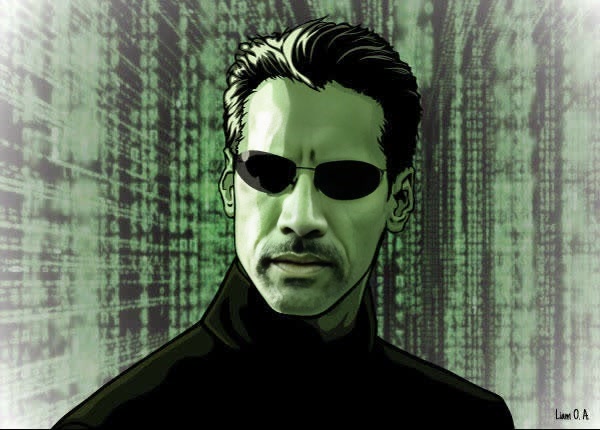
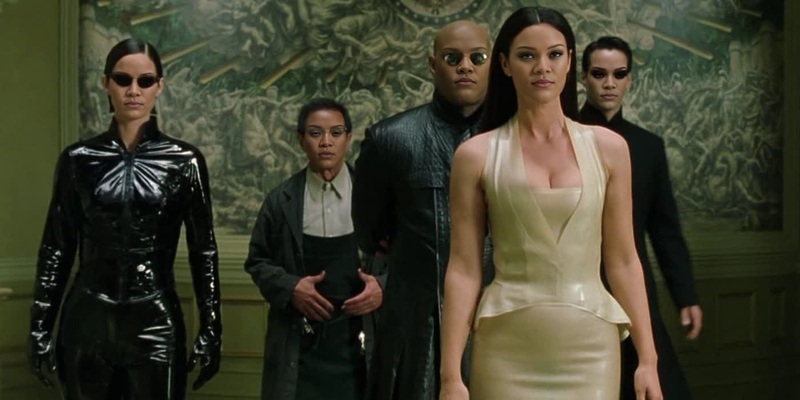
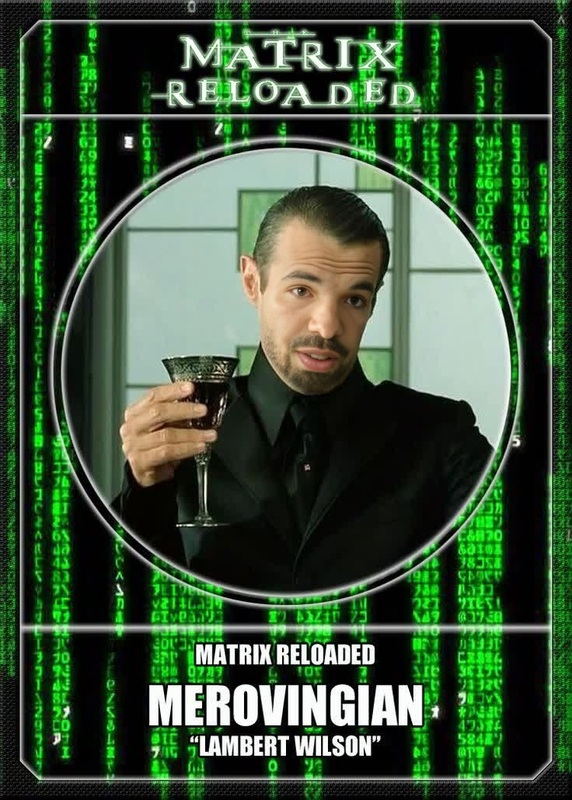
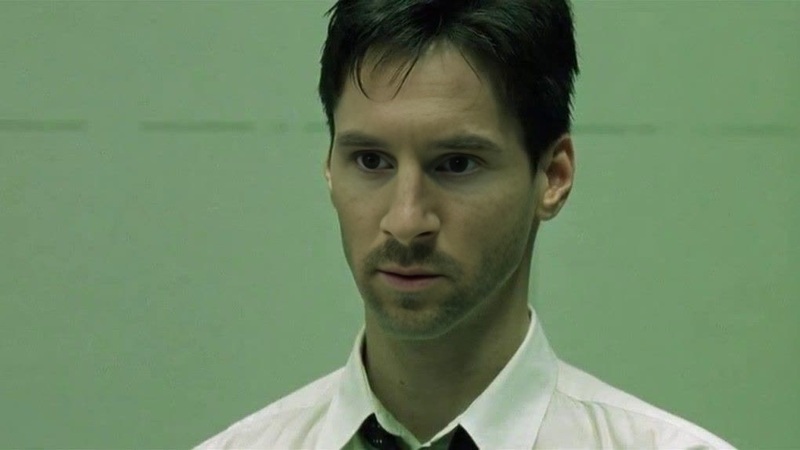
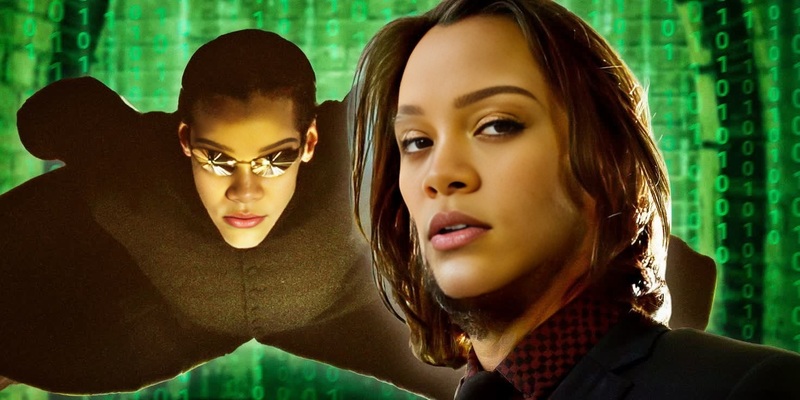
The Kid The Matrix Reloaded template lets you and your child become stars of an iconic science fiction film. Specially designed for Video Face Swaps, this template transforms your scenes into humorous and exciting moments.
Combine cutting-edge AI technology with creativity and show off your sci-fi side with ease. Fits perfectly with other Face Swap projects and brings The Matrix into your home.
What It Does
This template takes the classic scenes of The Matrix Reloaded and allows you to integrate your kid's face into the action. Using advanced video face swap technology, you'll see compatible results within seconds, maintaining the movie's essence. Perfect for creating family humor.
Support is offered for various file formats, easily fitting into workflows with the AI Video Generator for further editing and enhancements.
Who It's For
The Kid The Matrix Reloaded template is ideal for sci-fi enthusiasts, creative parents looking to entertain their kids, and anyone who loves to remix classic scenes. This tool is especially beneficial for content creators who wish to produce engaging social media clips or videos.
For those who work with family or comedy video projects, this offers a new dimension of potential fun and creativity, complementing resources like the AI GIF Generator.
Summary
Transform iconic Matrix scenes into playful family projects with the Kid The Matrix Reloaded template. Utilizing AI-driven Video Face Swap technology, you can instill humor while keeping the spirit of the movie intact.
Explore further possibilities by integrating tools like the Full Body Generator to maximize creative output and storytelling potential.
How To
Choose

Customize

Generate

Use Cases
Family Movie Night Fun
- Create personalized content for entertainment
- Develop creative video projects with kids involved
Social Media Content
- Produce shareable, humorous family moments
- Gain followers by showcasing creative video alterations
Creative Gifts
- Package as a digital keepsake
- Showcase your creativity in personal gifts
Best Practices
Choose Clear Photos
Use high-quality images of your child's face to ensure the swap looks natural and engaging.Align Properly
Ensure facial key points align correctly within the video to achieve the most realistic effect.Experiment with Creativity
Try combining this tool with other products like the AI Voice Changer to add a personalized voice dubbed to your kid's appearance in the video.