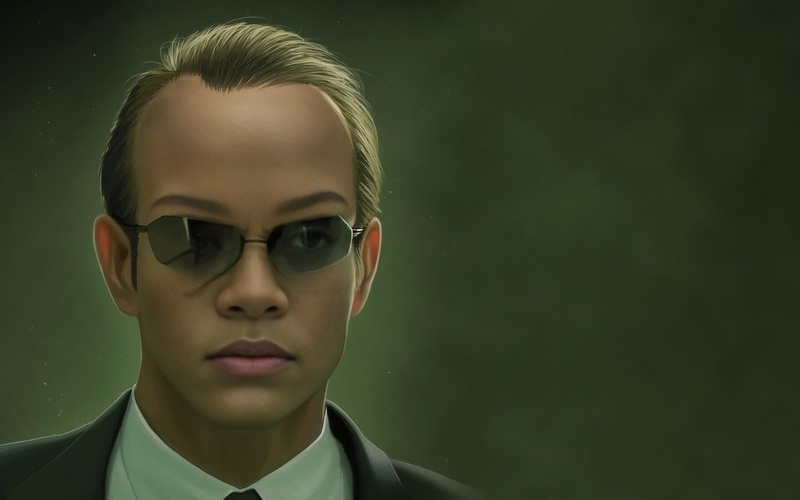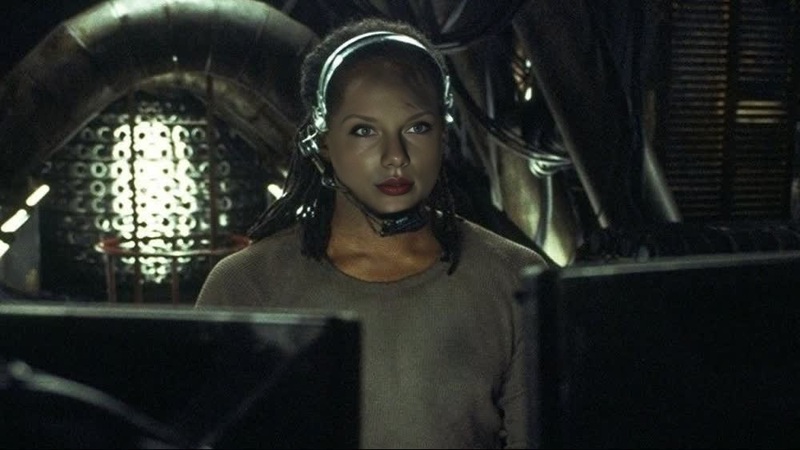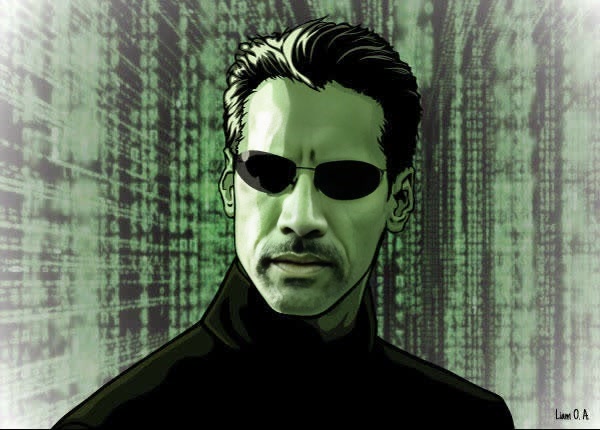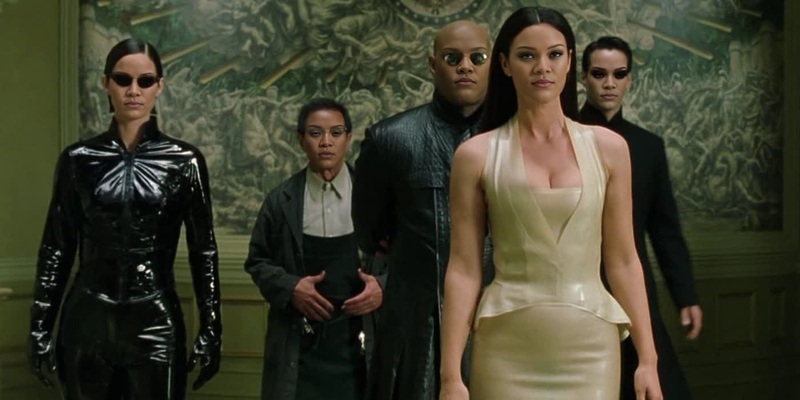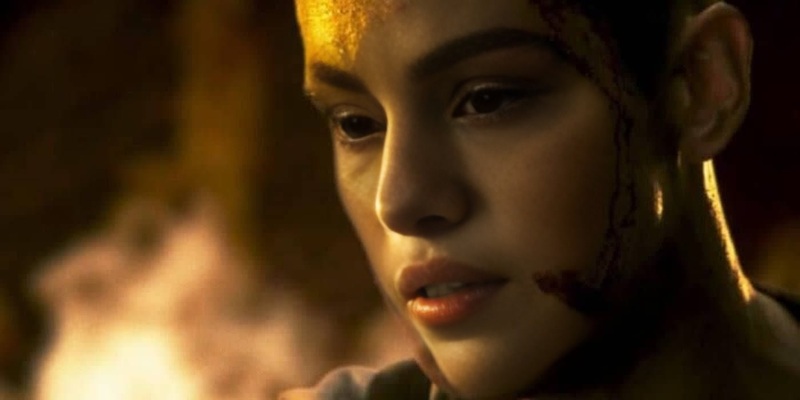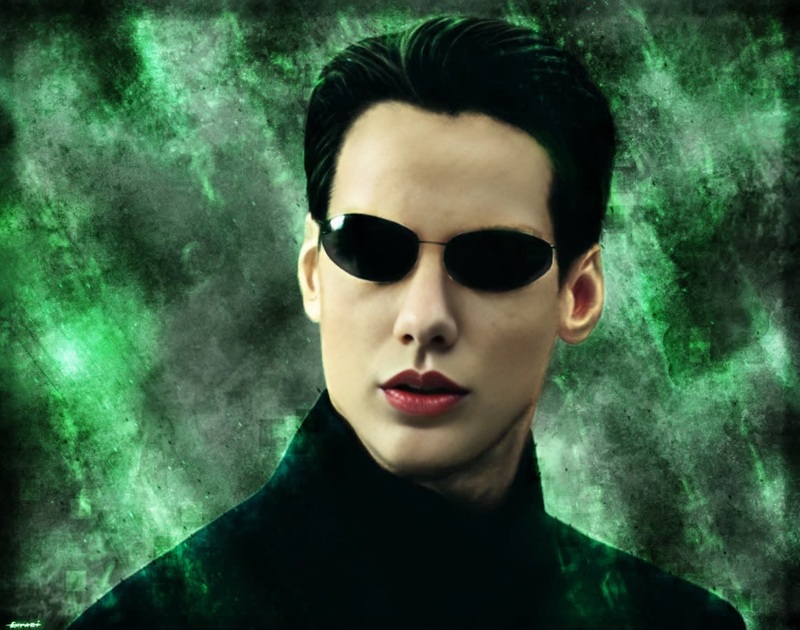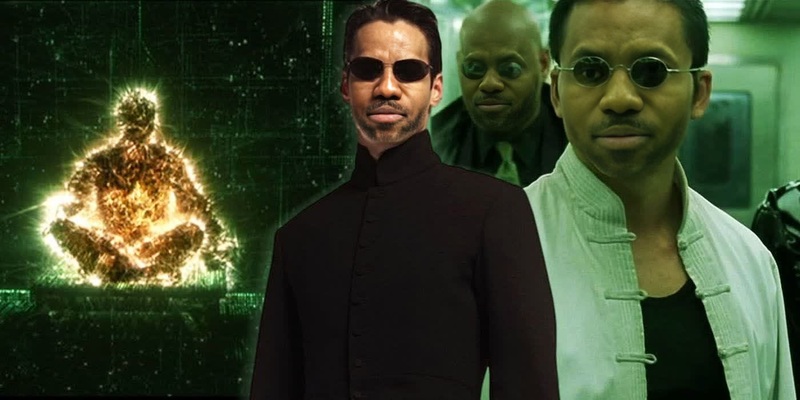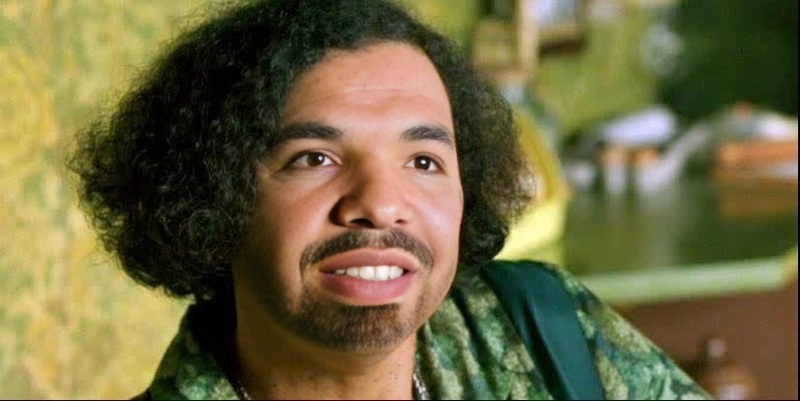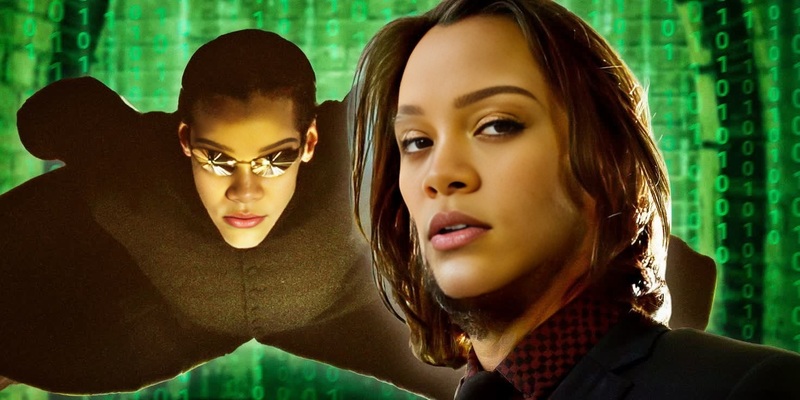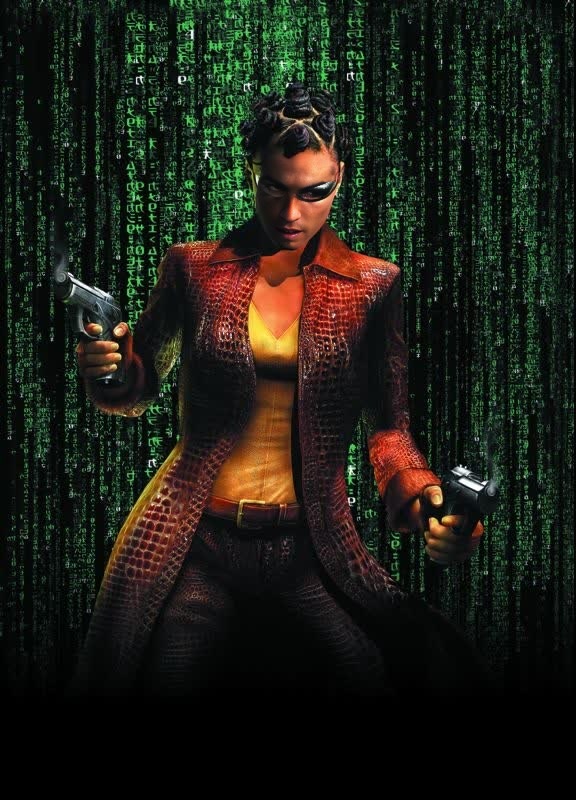
Niobe The Matrix

Niobe The Matrix

face-swap

1 clip
0 uses

Any aspect ratio

Tags

transformations

Bring Your Face Into Any Video with AI Face Swap (Template)

This template uses Magic Hour’s AI Face Swap technology to place your face (or any face you have rights to use) into an existing video—perfect for creators, performance marketers, and teams testing fast, personalized video at scale.

Use it as-is, or remix it to build your own high-performing, on-brand variation in minutes.


What This Template Does

This Face Swap template lets you:

  • Replace the original face in a video with your own (or a model’s) face
  • Keep natural expressions, lighting, and head movement
  • Preserve the original audio and background
  • Export ready-to-use content for ads, UGC, product explainers, and social clips

It’s built on the same tech that powers Magic Hour’s Face Swap, Face Swap Video, and Face Swap GIF tools, optimized here for fast, repeatable remixing.


How to Remix This Template in Magic Hour

You can create your own version of this template directly in Magic Hour:

  1. Open Face Swap Video

    • Go to the Face Swap Video creator.
    • This is where you’ll load your base video and the face you want to insert.
  2. Upload or Choose Your Base Video

    • Use any video you own or have permission to edit (founder talking head, UGC, explainer, etc.).
    • Short, clear shots with a visible face work best.
    • For marketing and content teams, start with your top-performing video creative and duplicate it across faces.
  3. Add Your Face (or a Talent’s Face)

    • Upload a clear, front-facing photo of the person whose face should appear in the video.
    • For best results: good lighting, minimal obstructions (no heavy sunglasses), and a neutral or slight expression.
  4. Generate the Face-Swapped Video

    • Let Magic Hour process the video.
    • Preview the result, then download or export for your channel (social, ads, email, landing pages, etc.).
  5. Iterate and A/B Test

    • Swap in different faces for rapid A/B tests (creators, spokespersons, localized talent).
    • Use multiple base videos and the same face to quickly build a content library.

You can repeat this process to build a library of face-swapped variations from a single core template, ideal for programmatic creative testing.


Powerful Ways Creators & Teams Use This Template

This Face Swap template is especially useful if you:

  • Run performance marketing campaigns

    • Turn one winning script into many localized or persona-specific variants by swapping the presenter’s face.
    • Test creators and spokespersons without reshooting the entire video.
  • Build content for multiple markets or personas

    • Swap faces to match different demographics, influencers, or internal team members.
    • Combine with AI Voice Cloner or AI Voice Generator for localized or persona-specific voiceovers.
  • Create founder or expert-style content at scale

    • Use a single founder video and swap in team members, partners, or fictional characters for different audiences.
    • Pair with Lip Sync or AI Talking Photo to turn static assets into kinetic talking head content.
  • Prototype ideas quickly

    • Validate concepts, scripts, and storyboards fast without booking shoots.
    • Use with Image to Video or Text to Video to generate base footage, then apply face swap for more control over casting.

Related Magic Hour Tools to Extend This Template

You can turn this Face Swap template into a full content pipeline by combining it with other Magic Hour tools:


Practical Tips for High-Quality Face Swaps

For professional-looking results:

  • Use high-quality reference faces

    • Clear, high-resolution images with good lighting and visible facial features.
    • Avoid heavy obstructions (large sunglasses, extreme angles) for your primary reference.
  • Choose clean base videos

    • Steady footage with the subject’s face visible for a sustained portion of the clip.
    • Natural expression changes and head movement are ideal—the model will adapt.
  • Stay realistic and responsible

    • Only use faces and videos you have rights and permission to use.
    • Be transparent when using AI-generated or altered content in marketing or communication contexts.
    • Follow platform guidelines for synthetic and AI-edited media.

Example Workflows This Template Enables

Here are a few concrete workflows creators and teams run using this template:

  1. Performance Marketer: Scaling UGC Ads

  2. Founder: Personalized Demo Videos

    • Record one strong product walkthrough.
    • Swap the founder’s face into different demo formats generated with Image to Video or Text to Video.
    • Localize voice with AI Voice Generator.
    • Distribute as personalized demos in outbound or lifecycle campaigns.
  3. Creator or Studio: Character-Based Series


Why Use Magic Hour for Face Swap Templates

Magic Hour is built for creators, developers, marketers, and startups who care about:

  • Speed – Turn ideas into testable video variations in minutes, not days.
  • Consistency – Keep brand faces, spokespeople, or characters consistent across campaigns.
  • Composability – Combine Face Swap with tools like Image to Video, Lip Sync, AI Image Generator, and Video Upscaler to build your own custom pipeline.
  • Control – Start from this template, then remix it to match your creative strategy, personas, and channels.

Use this template as a starting point, then iterate: new faces, new base videos, new scripts, and new combinations with other Magic Hour tools. The more you treat it as a reusable component in your content stack, the more leverage you’ll get out of every single shoot, asset, and idea.

More Like This

Insufficient credits