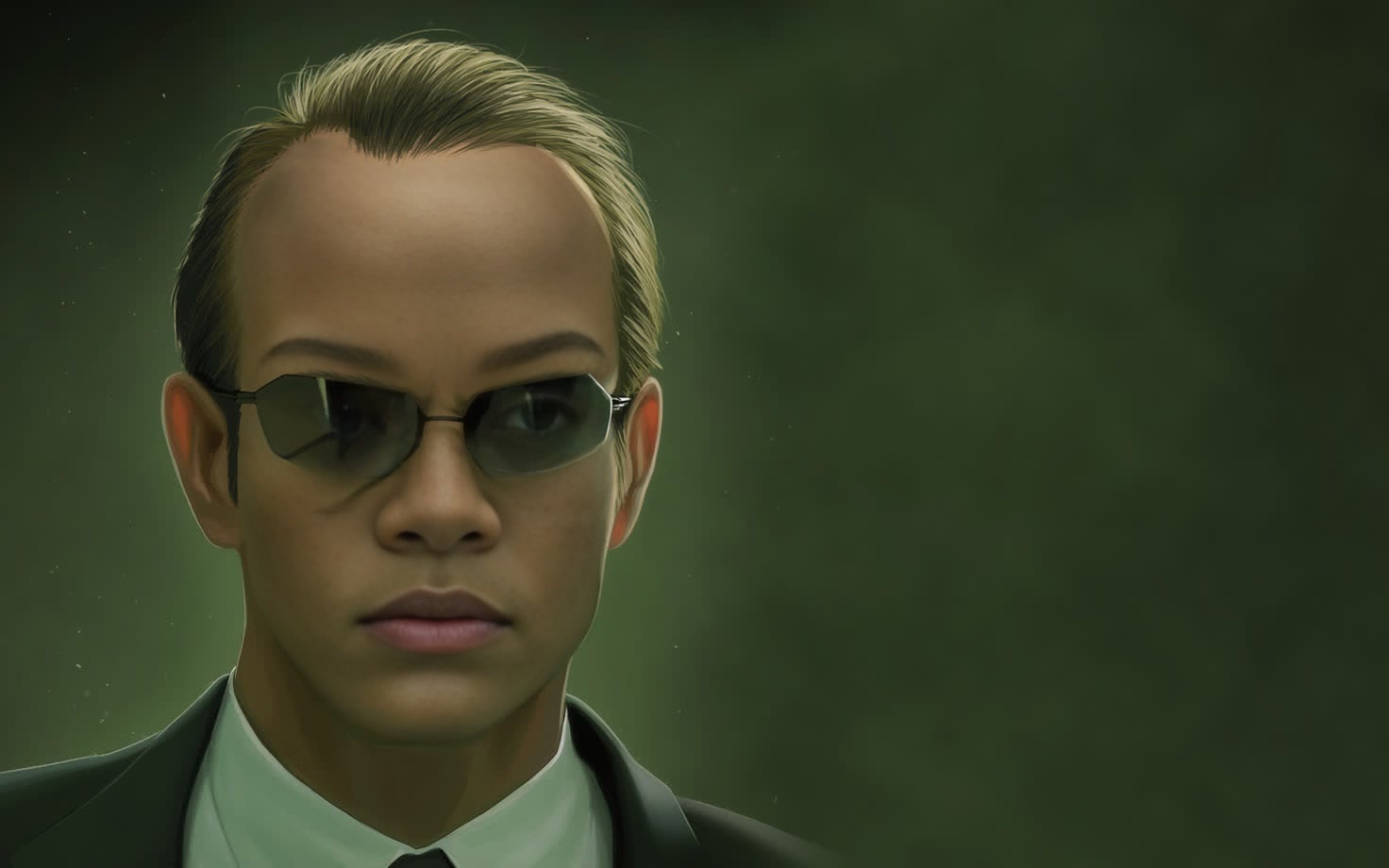
Agent Smith The Matrix
face-swap
Any aspect ratio
Tags
transformationsTransform Any Face into a Believable Character with AI Face Swap Video
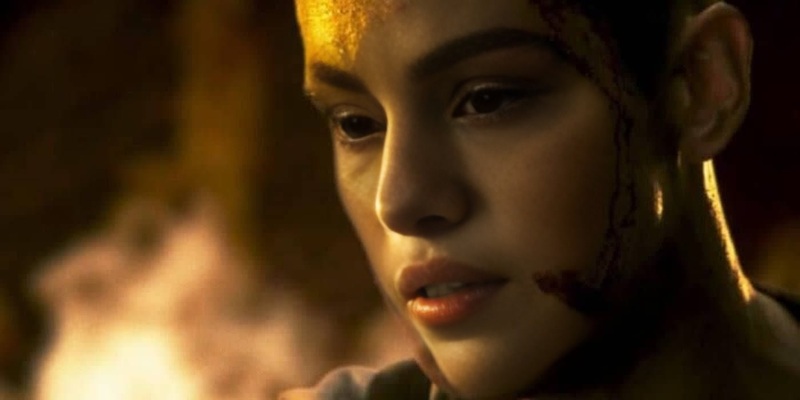
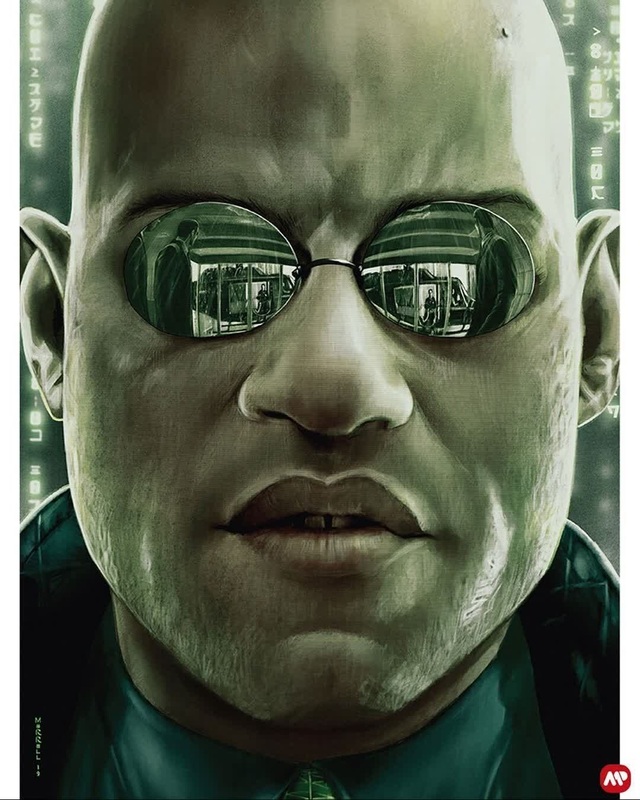
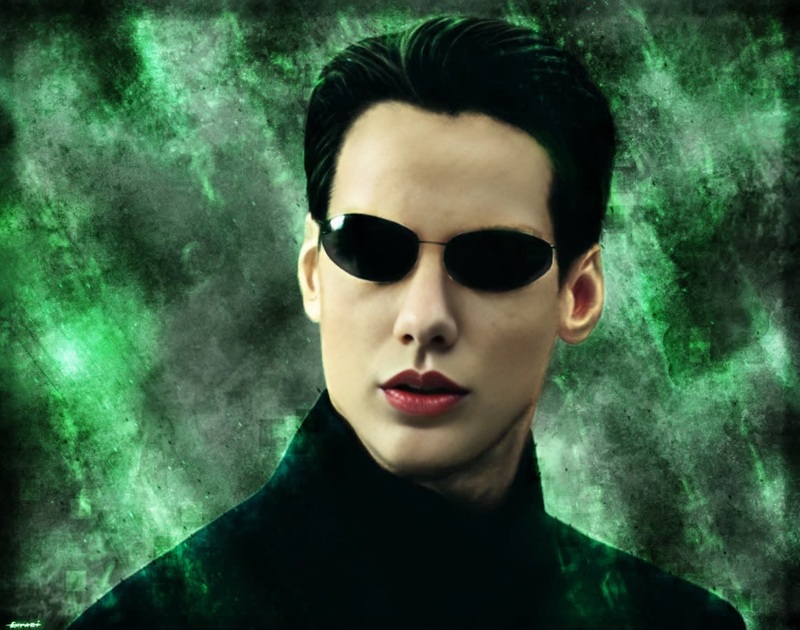
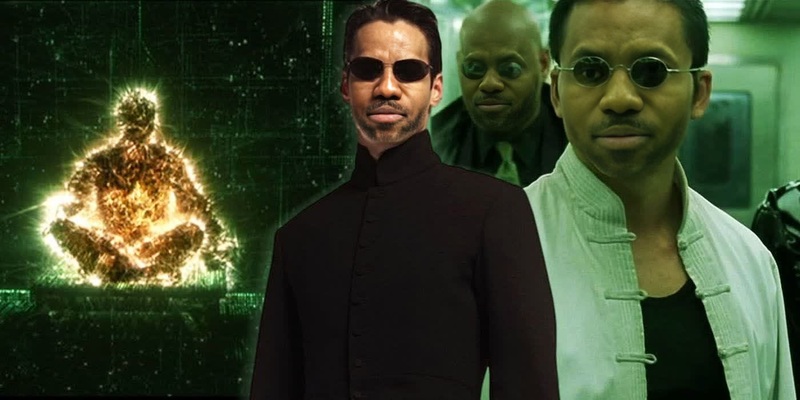
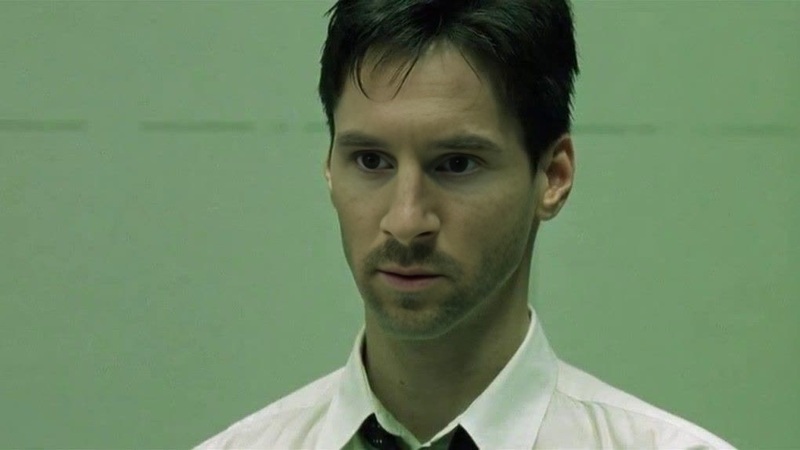
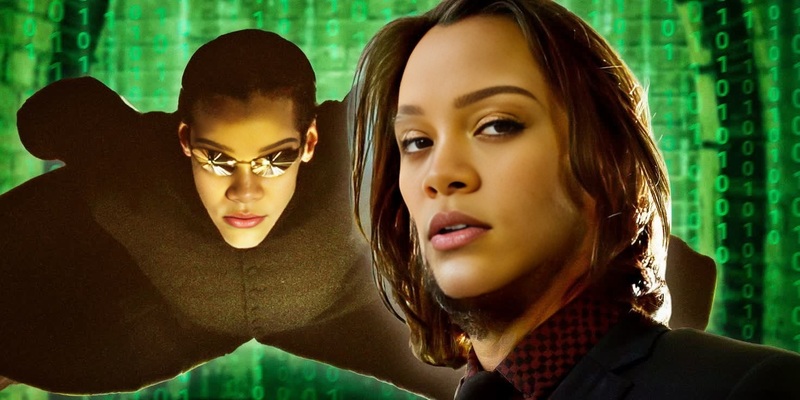
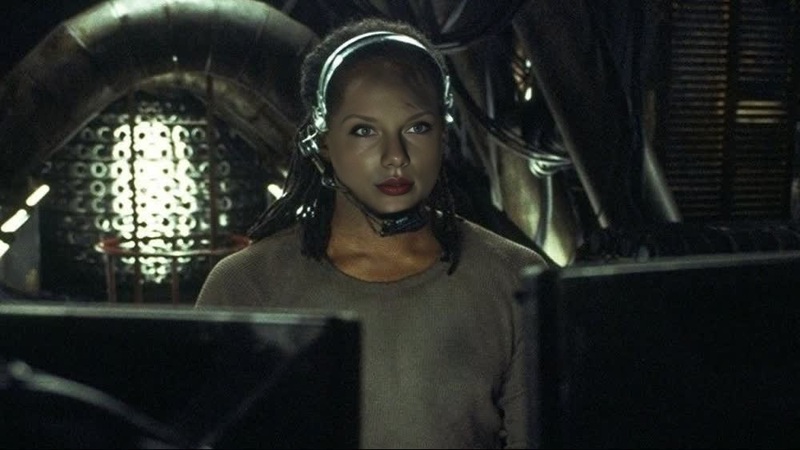
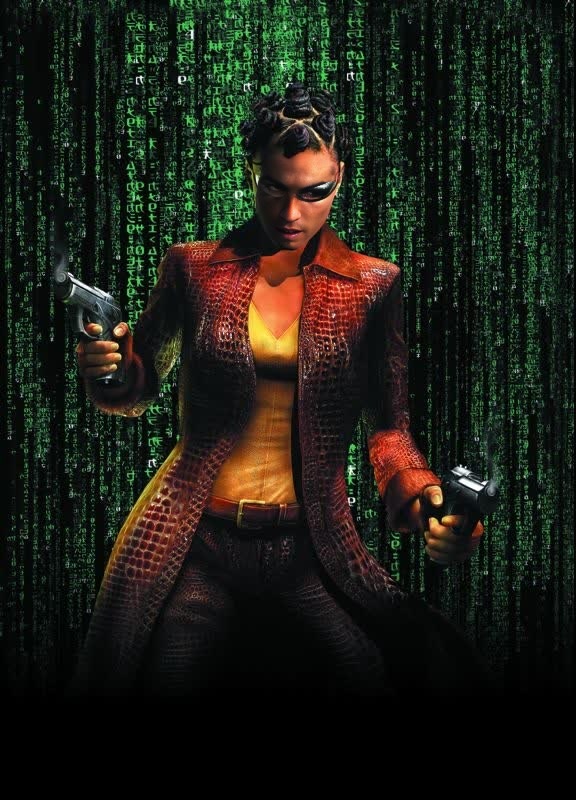
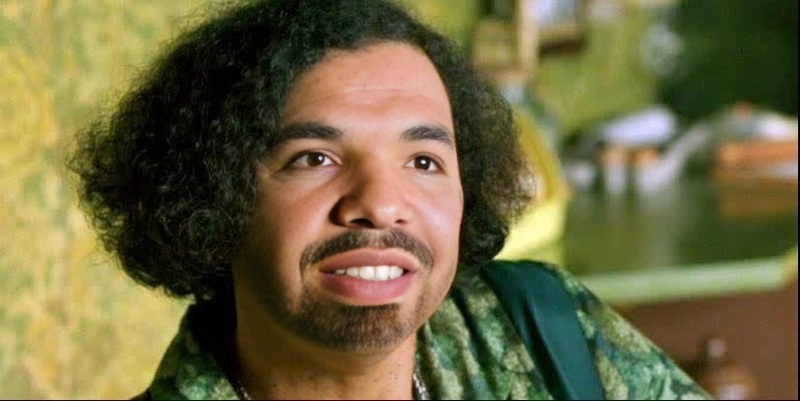
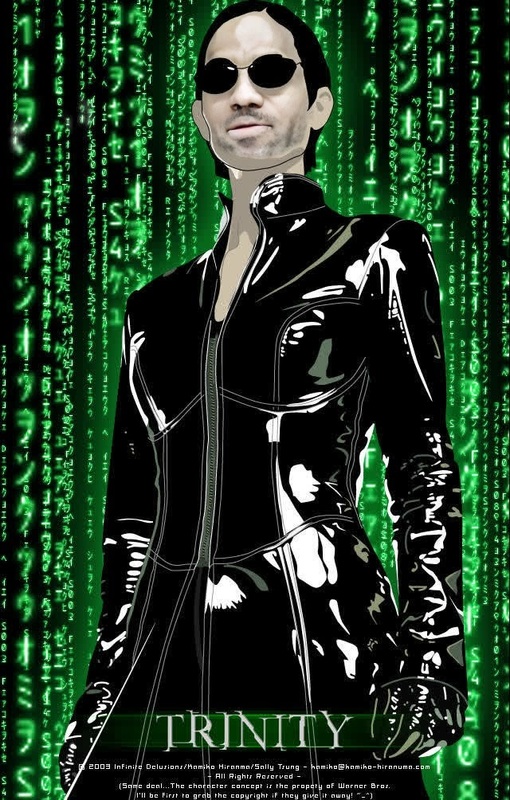
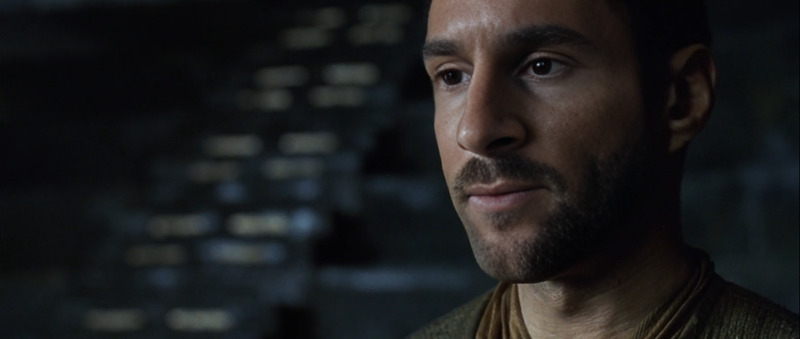
This template uses Magic Hour’s AI Face Swap Video to replace the face in a source clip with your own (or any other face) while preserving expression, motion, lighting, and camera movement. It’s designed for creators and teams who want production‑quality face swaps in minutes, without VFX pipelines or manual masking.
Use it as a starting point, then remix it inside Magic Hour to fit your brand, script, or use case.
What This Template Does
This template demonstrates how to:
- Take an existing video (host, actor, UGC, stock footage, meme, etc.)
- Swap the original face with a new face image
- Preserve lip movement, head turns, and expressions for realism
- Export a ready‑to‑publish video for social, ads, product explainers, or prototypes
It’s powered by the same underlying tech as Magic Hour’s Face Swap engine and integrates cleanly with other Magic Hour tools if you want to push the concept further.
How to Remix This Template in Magic Hour
You can create your own version directly from the Face Swap Video page. Use this template as a reference and iterate:
Choose Your Base Video
- Start with:
- A short talking‑head clip
- A product demo with a presenter
- A reaction / meme video
- A cinematic or B‑roll shot with a visible face
- Make sure the face is relatively clear and front‑facing for best results.
- If you don’t have footage, you can generate it elsewhere first (for example with Text to Video or Image to Video), then bring it into this template.
- Start with:
Upload or Select the Face to Swap In
- Use:
- A selfie
- A brand mascot or AI‑generated character
- A stylized portrait (for campaigns or narrative content)
- You can generate high‑quality faces using tools like:
- For stylized or fictional identities, explore:
- Use:
Run the Face Swap
- Apply the face swap to your chosen clip.
- The system will:
- Track the face across frames
- Match pose, lighting, and perspective
- Blend skin tones and subtle details for a natural look
Iterate and Remix
- Want alternative versions for testing or different channels?
- Swap in a different face for localization or A/B tests.
- Use multiple base clips with the same face to build a consistent virtual persona.
- Turn the result into a GIF using the AI GIF Generator or Face Swap GIF.
- You can also layer this with other Magic Hour pipelines:
- Add subtitles automatically with the Auto Subtitle Generator.
- Upscale or clean up video using Video Upscaler.
- Refine still frames using the AI Image Editor or AI Face Editor.
- Want alternative versions for testing or different channels?
Use Cases for Creators, Marketers, and Teams
This template is built for practical, production‑oriented workflows:
Content Localization
- Keep your main actor consistent across regions.
- Combine with AI Voice Generator or AI Voice Cloner to match voiceovers in different languages.
- Optionally lip‑sync alternative audio with the Lip Sync template for localized narrations.
Virtual Influencers & Brand Avatars
- Use an AI‑generated persona across many videos.
- Generate the character with:
- Reuse the same “face” in multiple base clips to maintain continuity.
Performance Prototypes & Pre‑Viz
- Quickly test how a different actor or persona would look in an existing ad or scene.
- Share variants with stakeholders without re‑shooting footage.
Founders & Solo Creators
- Turn one good selfie into a library of “you on camera” clips without repeated filming.
- Combine with AI Talking Photo and AI Clothes Changer to keep your on‑screen presence consistent and on‑brand.
Meme & Social Content
- Rapidly swap faces into trending meme formats.
- Export short clips or GIFs using AI Meme Generator and AI GIF Generator.
Advanced Remix Ideas (For Power Users)
If you’re building more complex pipelines, this template can sit alongside other Magic Hour tools:
Video‑to‑Video Stylization
- After face swapping, re‑style the entire clip with the Video to Video template for a specific visual look (e.g., anime, comic, painterly).
- For themed campaigns, explore:
End‑to‑End Character Journeys
- Generate the character: AI Character Generator
- Create scenes or posters: AI Art Generator, Book Cover Generator, Album Cover Generator
- Bring them to life in motion with:
- Animation
- Image to Video
- Face swap onto live footage with this template
UGC‑Style Ads at Scale
- Record or license a small set of base UGC videos.
- Swap in different faces for:
- Different demographics or personas
- Creator‑like variants for performance marketing
- Combine with Thumbnail Maker and AI Logo Generator for channel‑ready assets.
Quality, Ethics, and Best Practices
Face swap technology is powerful; use it responsibly:
Obtain Consent
- Only use faces (real people) when you have the right and permission to do so.
- Review relevant platform guidelines (e.g., YouTube, TikTok) and privacy laws in your region.
Avoid Misleading Uses
- Clearly label synthetic or AI‑modified content, especially in news, political, or sensitive contexts.
- For entertainment, parody, or education, ensure your viewers understand what’s AI‑generated.
Protect Brand and Reputation
- Use brand‑safe personas, and avoid swapping into controversial contexts.
- Consider using fully synthetic faces via the AI Face Generator to minimize risk.
For deeper reading on ethical and legal considerations, see:
- European Commission guidance on deepfakes and synthetic media (EU AI Act draft discussions)
- Scholarly overviews like Chesney & Citron’s work on deepfakes and misinformation (Journal of Free Speech Law)
How This Differs from Other Magic Hour Tools
This template is focused specifically on face replacement within existing video. In the broader Magic Hour ecosystem:
- Use AI Image Generator or AI Photo Generator to create source portraits or characters.
- Use AI Talking Photo or Lip Sync when you want to animate a single image or align lips to a given audio.
- Use Text to Video or Image to Video to generate motion from scratch.
- Use AI Clothes Changer, AI Outfit Generator, or Full Body Generator when you need wardrobe and full‑body changes.
- Use AI Image Upscaler, Unblur Image, or Old Photo Restoration to improve visual fidelity of input faces before swapping.
Getting the Most Out of This Template
To build a reliable, reusable face swap workflow in Magic Hour:
- Maintain a small library of approved base videos (neutral backgrounds, clear lighting, stable framing).
- Maintain a curated face set:
- Real team members (with consent) for internal demos, onboarding, or training.
- Synthetic or stylized identities for public‑facing campaigns.
- Document which combinations perform best (e.g., which faces + which base videos for which channels).
- Chain this template with:
- Auto Subtitle Generator for accessibility and engagement
- Thumbnail Maker for CTR optimization
- AI QR Code Generator for interactive campaigns that link back to your experience or product
Start Remixing
To create your own variant of this template:
- Go to the Face Swap Video page.
- Upload your base video.
- Add or generate the face you want to swap in.
- Run the face swap, review, and iterate with new faces, clips, or styles.
Use this template as a blueprint, then adapt it to your content stack, brand voice, and growth experiments.