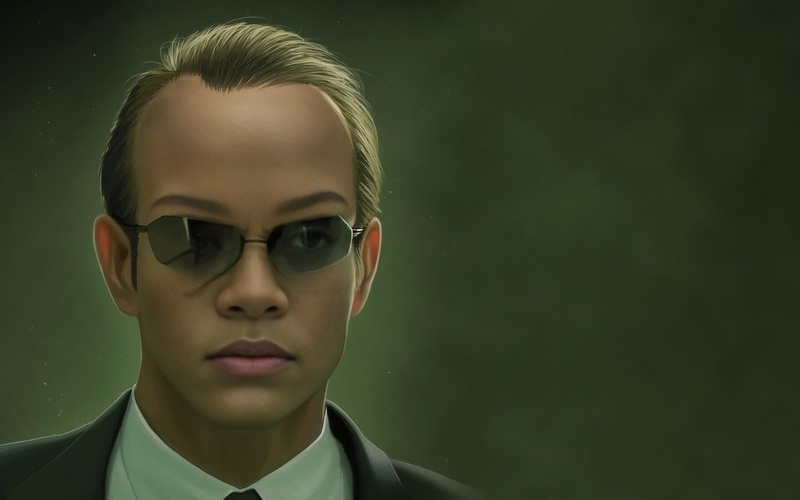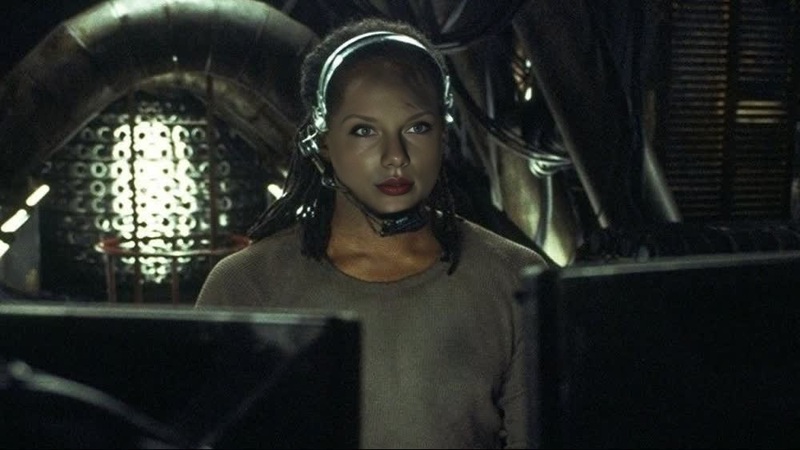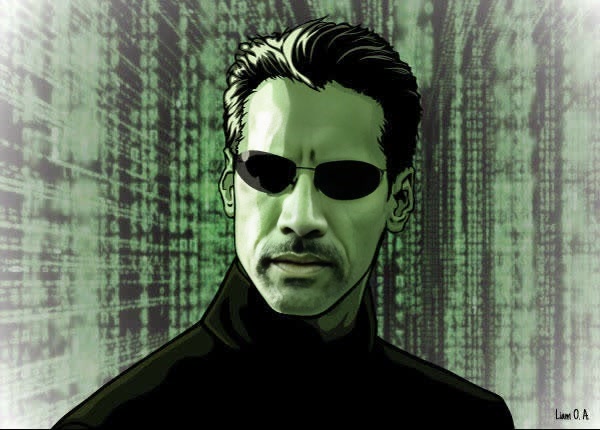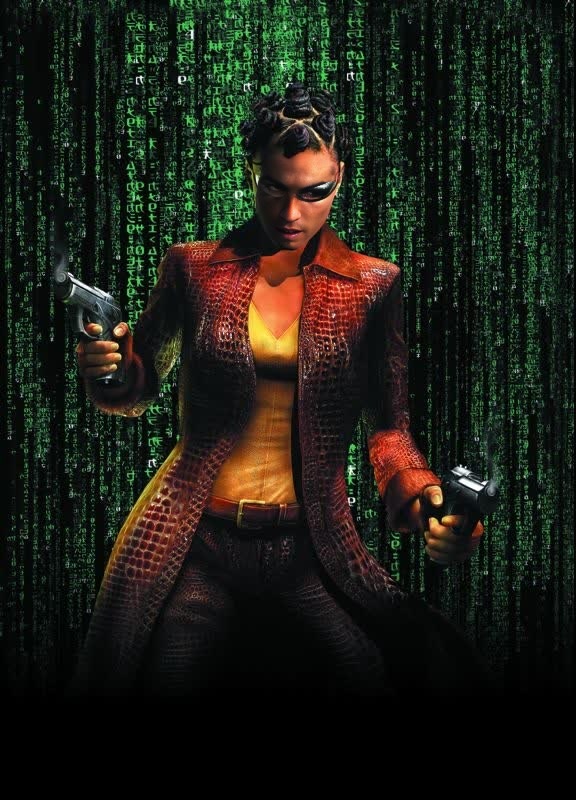
Persephone The Matrix Reloaded
- Image
- 1400 × 700 px
Any aspect ratio
Overview
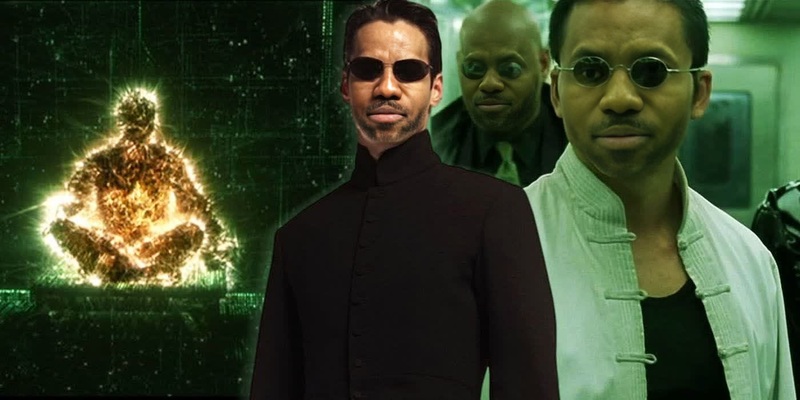
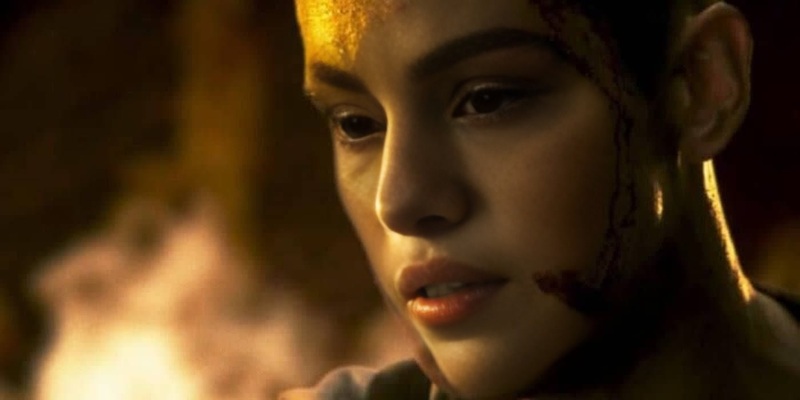
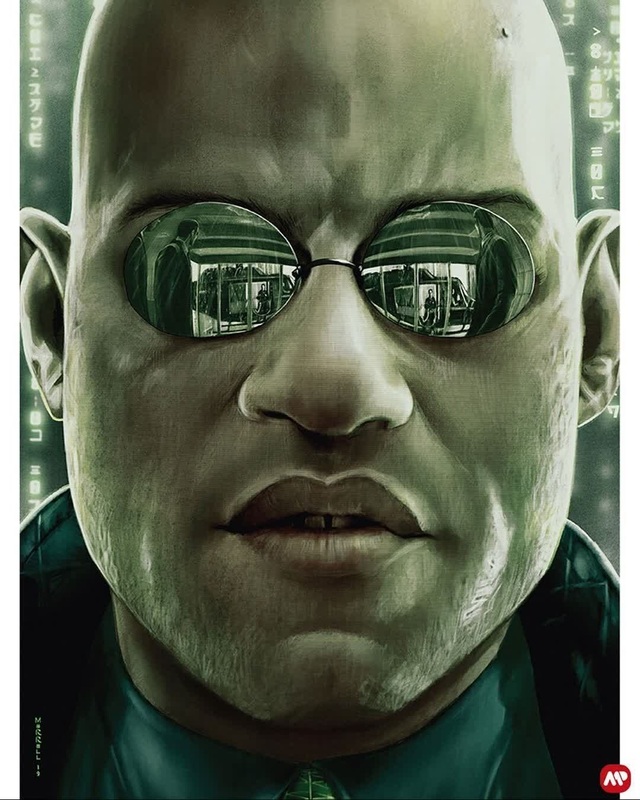
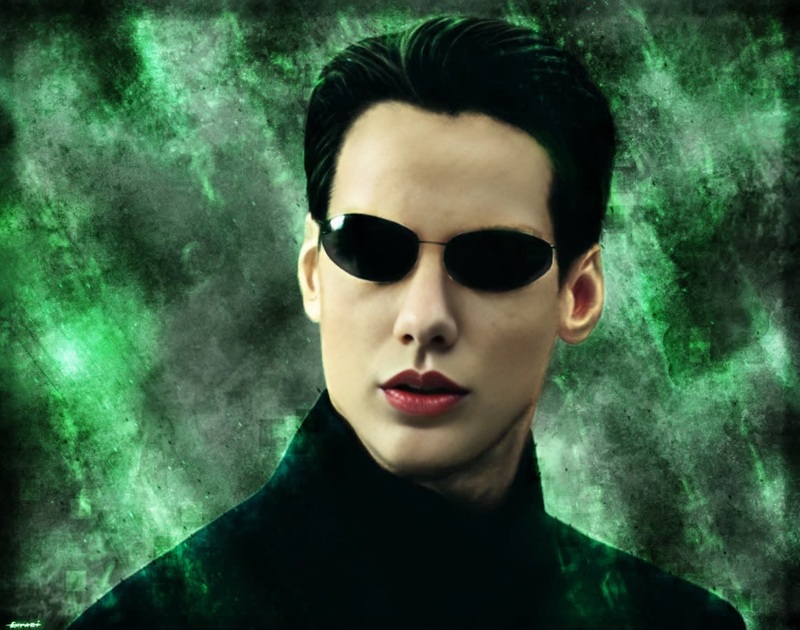
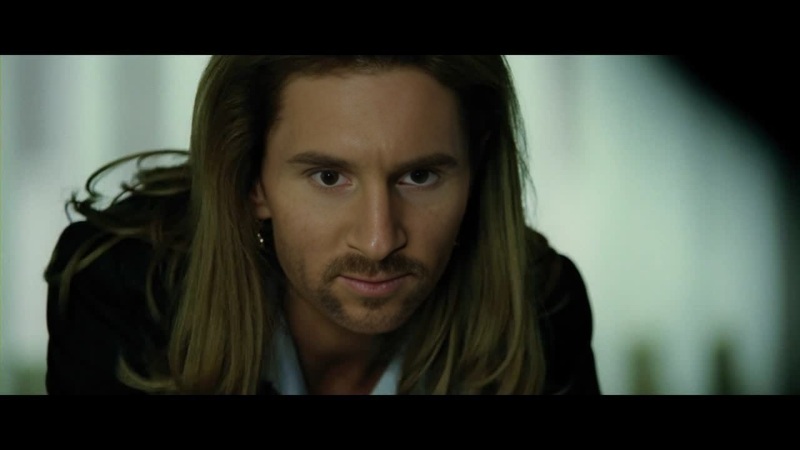
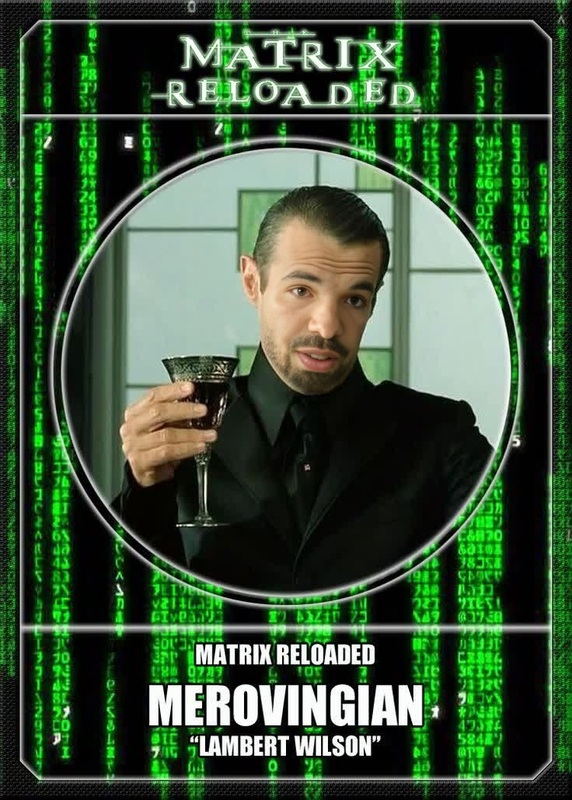
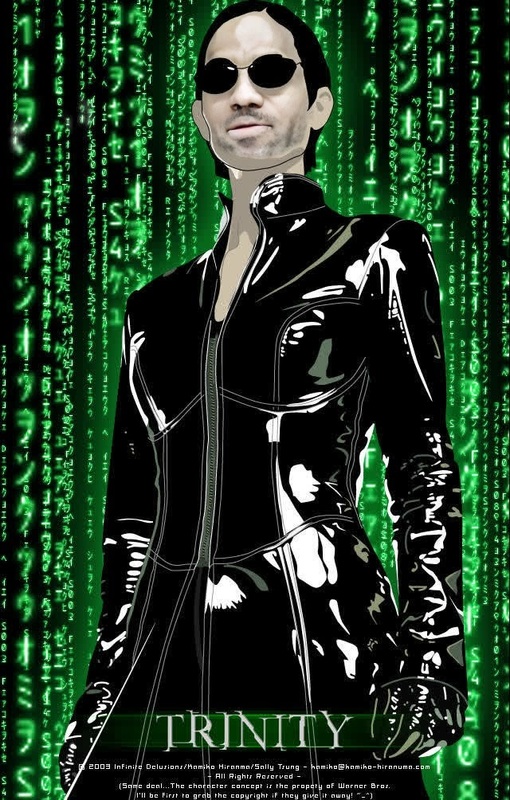
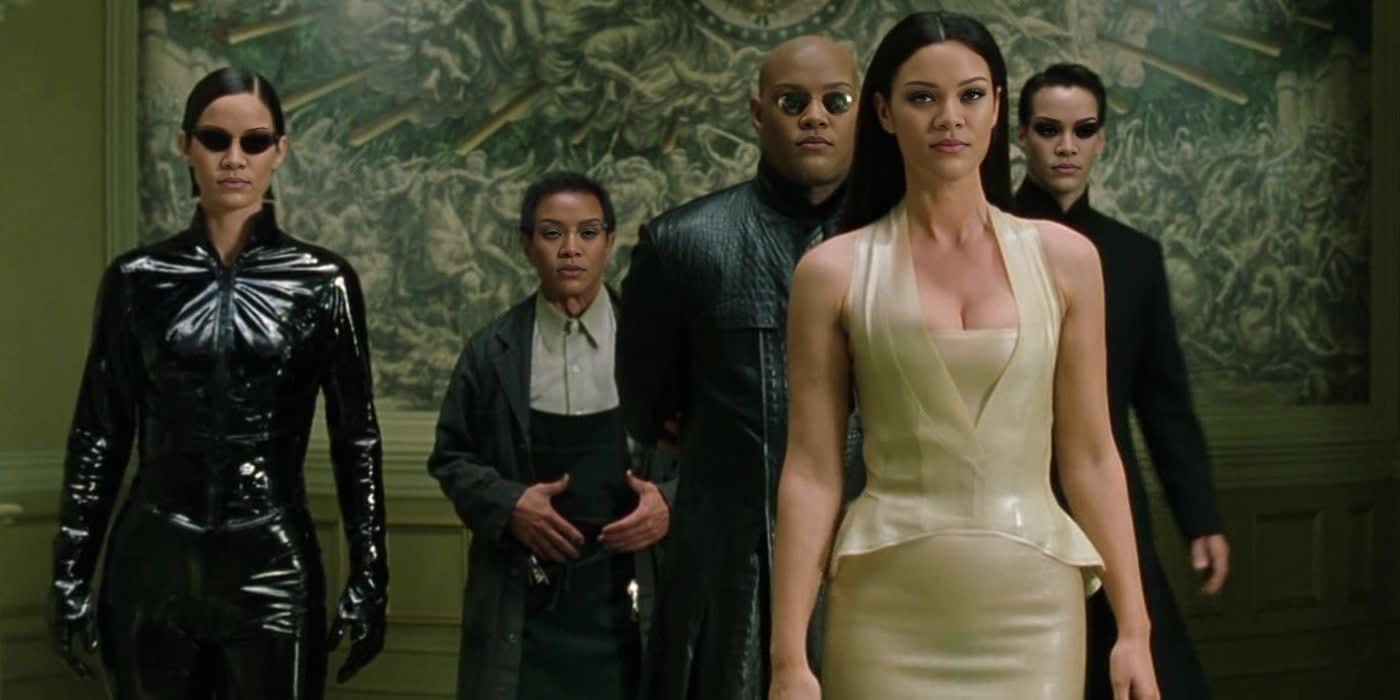
Take on the role of Persephone from "The Matrix Reloaded" and immerse yourself in the depths of high-octane action and suspenseful storytelling. This Video Face Swap template allows you to seamlessly replace faces in key scenes of the film, making it a unique tool for personalizing iconic moments.
What It Does
By utilizing sophisticated face swap technology, this template lets you import your own video footage or images to transform them into scenes from "The Matrix Reloaded" featuring Persephone. Compatible with all major video formats, this template ensures smooth integration with the Video Face Swap tool. Explore other similar tools like the Image to Video or AI Video Generator for more creative possibilities.
Who It's For
This template is ideal for film enthusiasts, content creators, and anyone eager to step into the shoes of a movie icon. It is also a valuable asset for video editors working on fan projects, trailers, or social media content, offering a quick and efficient way to infuse personal touch to beloved film scenes.
Summary
The Persephone Matrix Reloaded template provides a compelling way to engage with cinematic classics through advanced face swap capabilities. Expand your creative toolkit with other tools such as the AI Clothes Changer and AI Image Editor to further customize and enhance your projects.
How to Use
Choose Your Template

Customize the Inputs

Generate and Download

Use Cases
Fan-Made Content
Social Media Enhancement
Content Customization
Best Practices
Select High-Quality Input
For best results, use high-resolution images or videos as inputs to ensure a seamless face swap.Ensure Good Lighting
Lighting greatly impacts the face swap accuracy, so ensure your input files are well-lit and clear.Check Face Alignment
Properly align faces before generating to ensure realistic integration into the video scene.