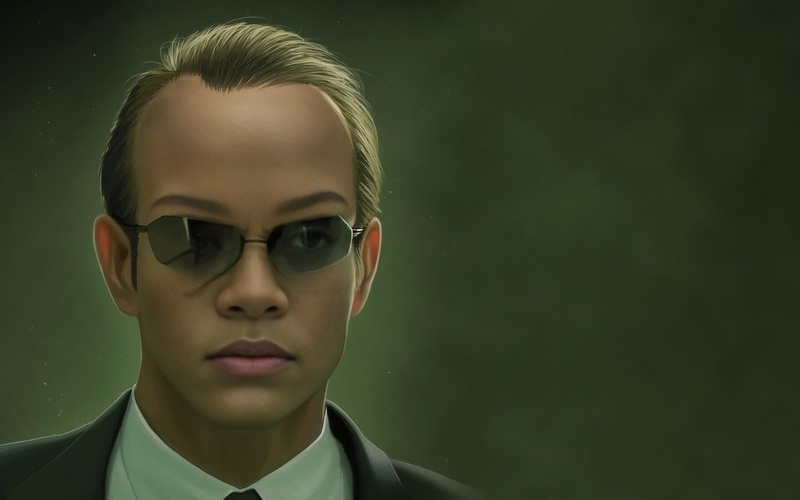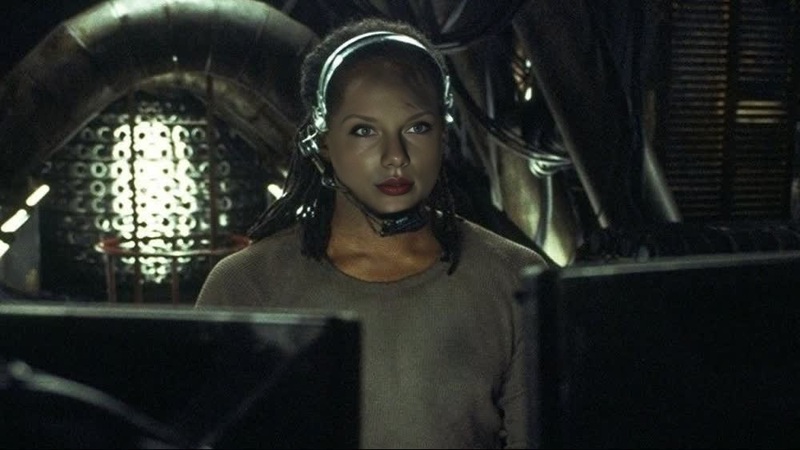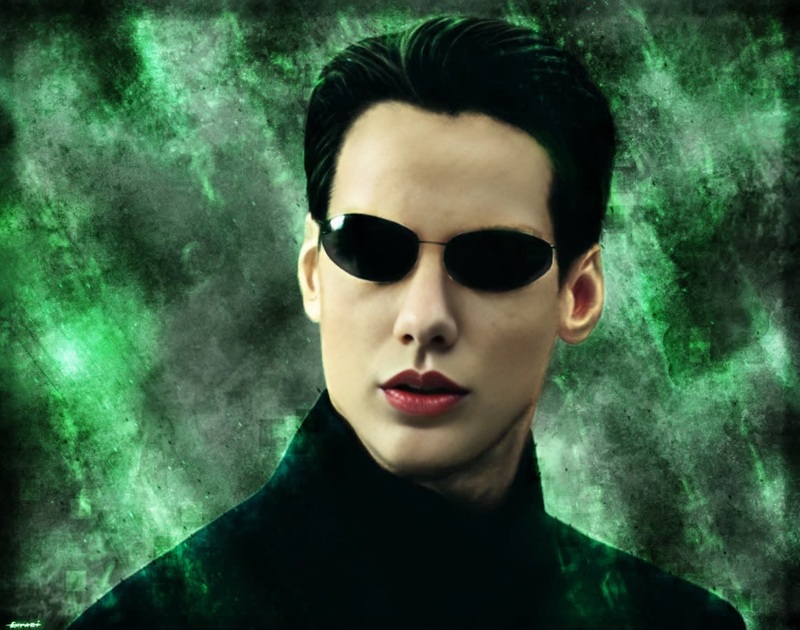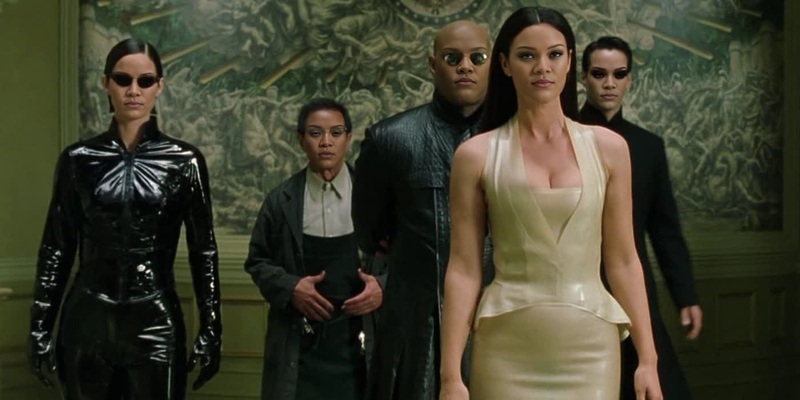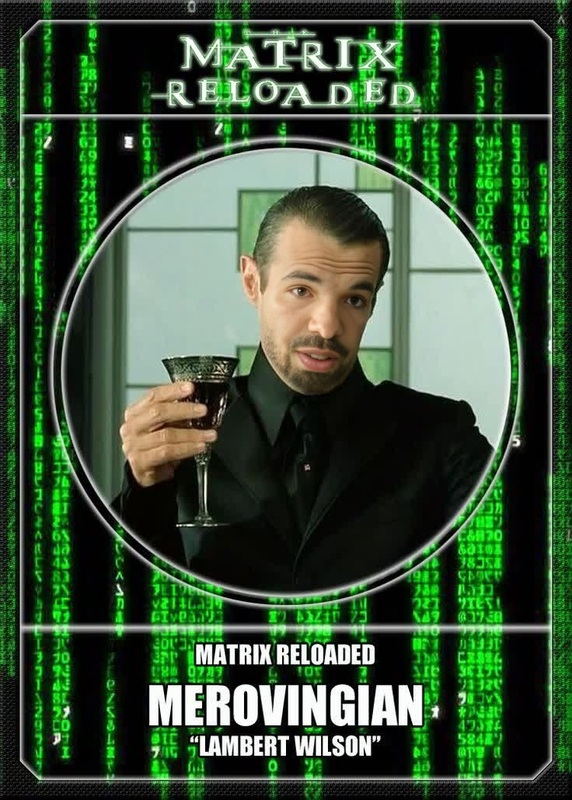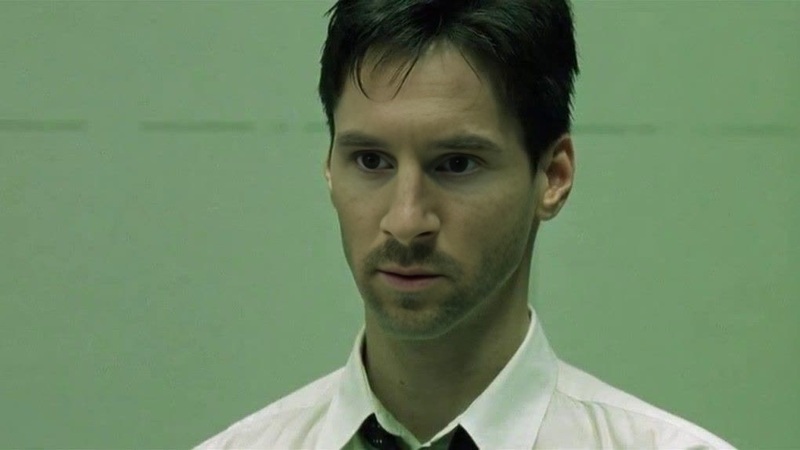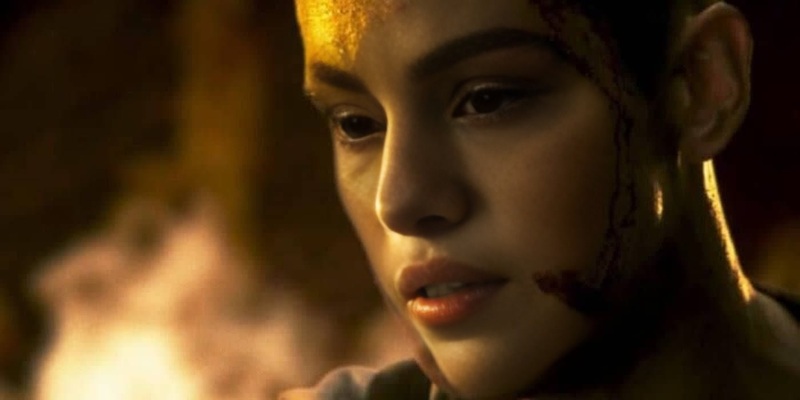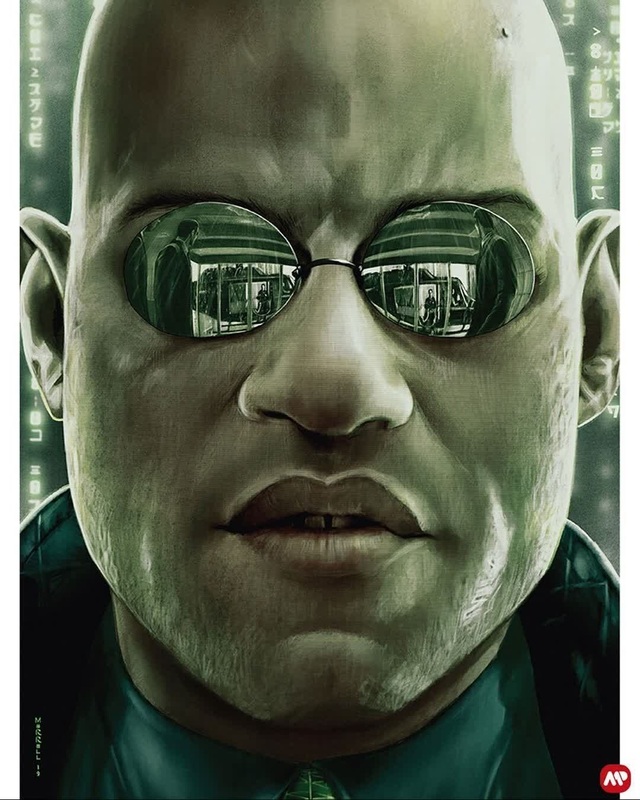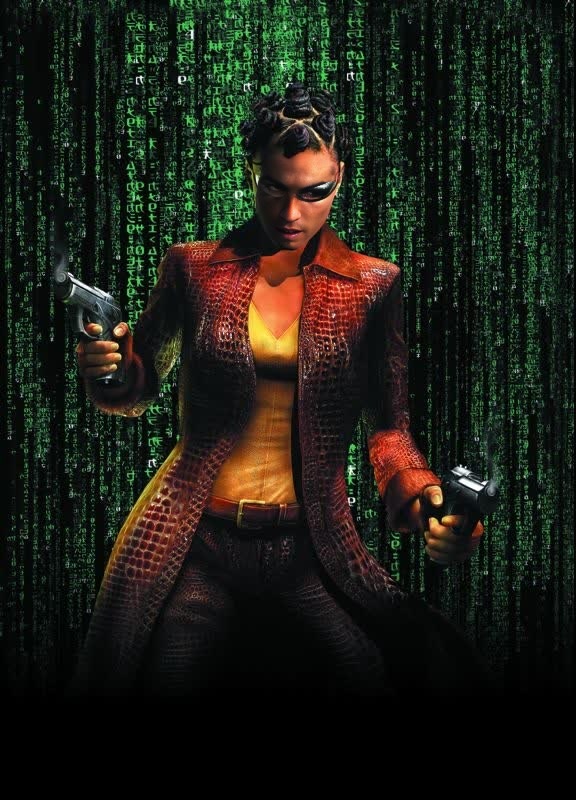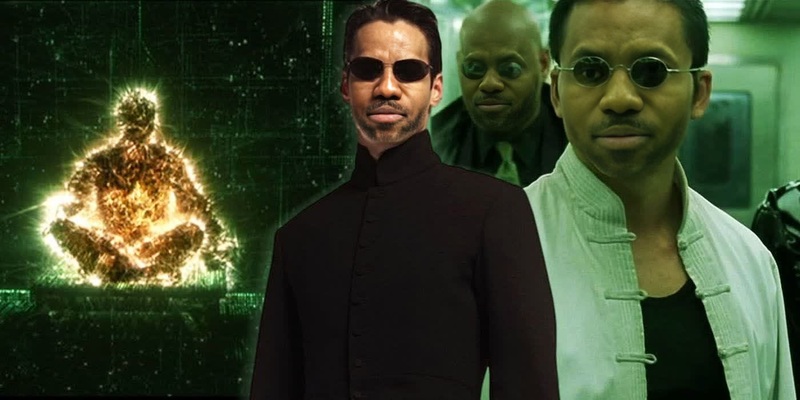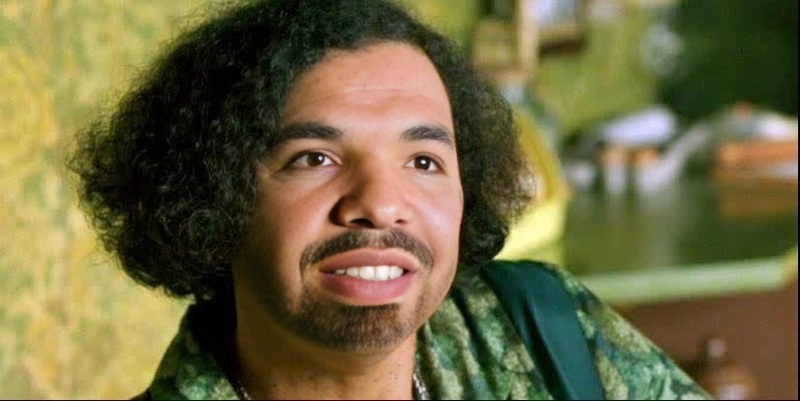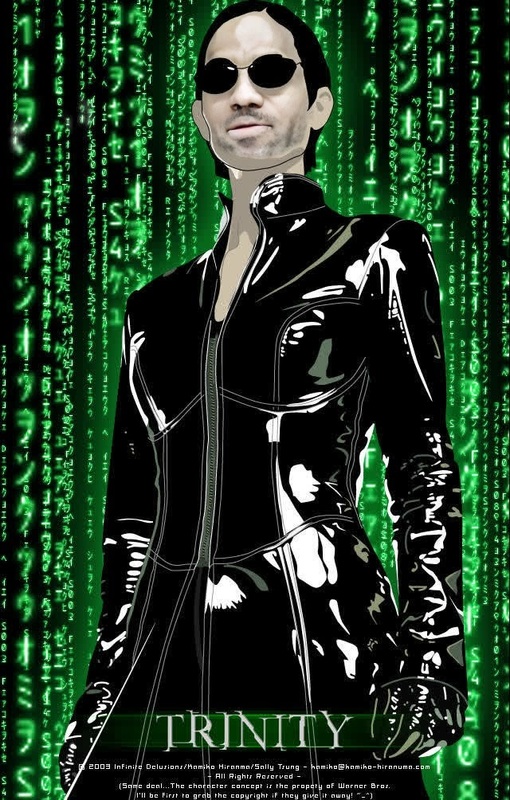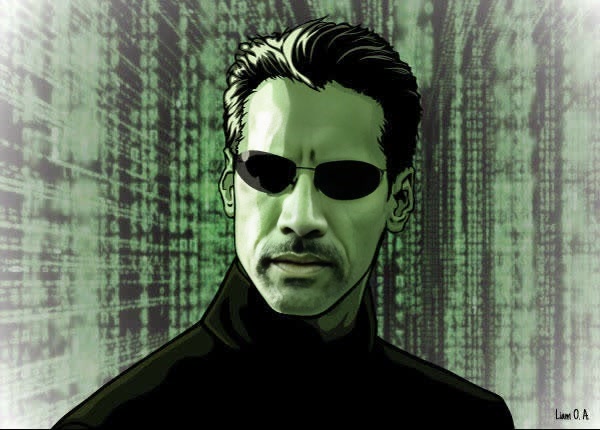
Neo The Matrix Portrait
face-swap
Any aspect ratio
Tags
transformationsTurn Any Video Into a Cinematic Face Swap Scene
Use this template to instantly swap a face in any video with realistic lighting, expressions, and motion. It’s powered by Magic Hour’s Face Swap Video and is ideal for creators, marketers, and teams who need fast, high‑quality visual experiments without a full production pipeline.
What This Template Does
This template lets you:
- Swap one face for another in a video while preserving:
- Head movement and camera motion
- Facial expressions and eye direction
- Lighting, shadows, and perspective
- Create consistent characters across multiple shots or campaigns
- Rapidly prototype concepts for ads, UGC, product explainers, and social content
Under the hood, it uses Magic Hour’s AI face‑tracking and blending engine (see the core Face Swap product) to keep results natural and stable frame‑by‑frame.
How to Remix This Template in Magic Hour
You can use this template as‑is, or duplicate it as a starting point for your own workflow.
Open the template in Magic Hour
- Go to Face Swap Video.
- Select this template from the template gallery.
Duplicate the template
- Create a copy so you can safely modify inputs, assets, and prompts without affecting the original.
Add your source video
- Upload the video whose face you want to replace.
- For best results:
- Use footage where the face is visible for at least a few seconds
- Avoid extreme motion blur or heavy occlusion
- Keep resolution reasonably high so facial features are clear
Add the face you want to insert
- Upload a clear image or a short video of the target face.
- Use:
- Good lighting and minimal shadows
- A front or near‑front angle
- Neutral or slightly expressive facial pose
Run the face swap
- Preview the generated clip.
- If needed, try alternative reference images (different expression or angle) for a more natural match.
Export and repurpose
- Download the video or bring it into other Magic Hour tools:
- Enhance and upscale with Video Upscaler
- Add subtitles with Auto Subtitle Generator
- Turn short clips into GIFs with AI GIF Generator
- Download the video or bring it into other Magic Hour tools:
This same workflow can be reused across campaigns: once you have a base edit for a product, you can quickly test different personas, demographics, or influencers as the “face” of the video.
Best Practices for High‑Quality Face Swaps
To get production‑grade results with this template:
Choose the right source video
- Stable framing tends to work better than extremely fast cuts
- Consistent lighting across the scene reduces visual artifacts
- Frontal or ¾ angles of the face swap more cleanly than profiles
- Avoid:
- Strong backlighting that hides facial details
- Faces constantly covered by hands, glasses glare, or props
Use strong face references
- Provide multiple reference images across different expressions if you’re testing variants
- Keep the face:
- Sharp and in focus
- Large enough in frame to see eyes, nose, and mouth clearly
- Free from heavy filters or beauty effects
Match context and intent
For believable results:
- Align age, gender presentation, and style of the inserted face with the original video’s context
- Keep skin tone and lighting roughly similar between reference and target footage
If you need to adjust style or aesthetics before swapping, you can pre‑process reference images with:
- AI Face Editor – tweak facial features and style
- AI Image Editor – retouch, color‑correct, or refine images
- AI Image Upscaler – sharpen low‑res face images
Use Cases: How Creators and Teams Use This Template
1. Performance & ad testing
- Swap in different “hosts” or personas to:
- Test which face performs best for CTR or watch time
- Localize content to new markets without reshooting
- Combine with:
- Lip Sync – match mouth movement to new scripts or languages
- AI Voice Generator or AI Voice Cloner – test different voices or accents
2. Content localization & personalization
- Keep the same product demo but:
- Swap in local presenters
- Personalize content for specific clients, accounts, or segments
- Use with:
- Auto Subtitle Generator – add localized captions
- Text to Video – generate base explainer videos, then swap faces per region
3. Character prototyping & storytelling
- Prototype characters for:
- Short films, game trailers, or animated explainers
- UGC‑style scripts and narrative content
- Combine with:
- Animation – create stylized animated scenes
- Animated Characters Generator or AI Character Generator – design your character first, then adapt them into real footage
4. Social content & memes (brand‑safe)
- Create safe, brand‑aligned memes without manual compositing
- Experiment with:
- AI Meme Generator – concept and caption ideas
- Face Swap GIF – fast, shareable GIF‑based face swaps
Always ensure you have the right to use the faces and videos involved, and comply with local regulations and platform policies.
Advanced Remix Ideas
If you want to push this template further, consider chaining it with other Magic Hour tools:
Face swap + lip sync + talking photo
- Start with a single image, animate it with AI Talking Photo, then use Lip Sync to match new audio.
- Apply face swap on top if you want to composite that animated face into existing footage.
Face swap + image‑to‑video + style
- Generate a character with AI Image Generator or AI Photo Generator.
- Animate them with Image to Video or Video to Video.
- Use this face swap template to blend that character into live‑action scenes.
Face swap for recurring brand avatars
- Design a consistent avatar with:
- Use that same avatar across campaigns via this face swap template to keep a unified brand character without new shoots.
How This Template Fits Into a Pro Workflow
For teams and startups, this template can:
- Reduce reshoots by letting you update presenters or personas late in the process
- Speed up iteration cycles for ad creatives and experiments
- Lower dependence on manual VFX and compositing tools
- Act as a “face layer” you can plug into a pipeline that includes:
- Script generation and voice with AI Voice Generator
- Visual generation with AI Art Generator or AI Image Generator
- Final polishing with Video Upscaler and Image Background Remover for thumbnails and promos
If you’re building internal tools or automation, this template also serves as a reference for how to structure repeatable, parameter‑driven face swap workflows inside Magic Hour.
Related Magic Hour Tools You Might Use With This Template
Depending on your project, these tools commonly pair well with face swapping:
- Face Swap Video – core template base
- Lip Sync – align mouth movement to new dialogue
- Video to Video – restyle entire videos while keeping motion
- AI Face Editor – fine‑tune facial features before swapping
- AI Headshot Generator – generate professional faces to use as references
- AI Talking Photo – animate static portraits
- AI Image Upscaler and Unblur Image – clean up noisy reference faces
- Auto Subtitle Generator – make swapped‑face videos accessible and search‑friendly
Start Remixing This Face Swap Template
To create your own version:
- Go to Face Swap Video.
- Select this template and duplicate it.
- Replace the example video and face with your own assets.
- Iterate on reference images and video inputs until you get the look you want.
- Export and connect it to the rest of your creative stack.
This template is designed as a practical, reusable building block: a dependable way to introduce face swapping into high‑velocity, experiment‑driven content workflows.