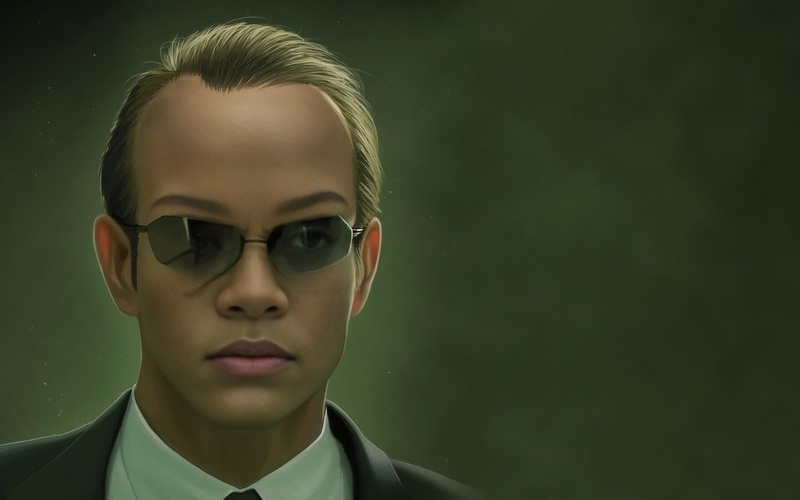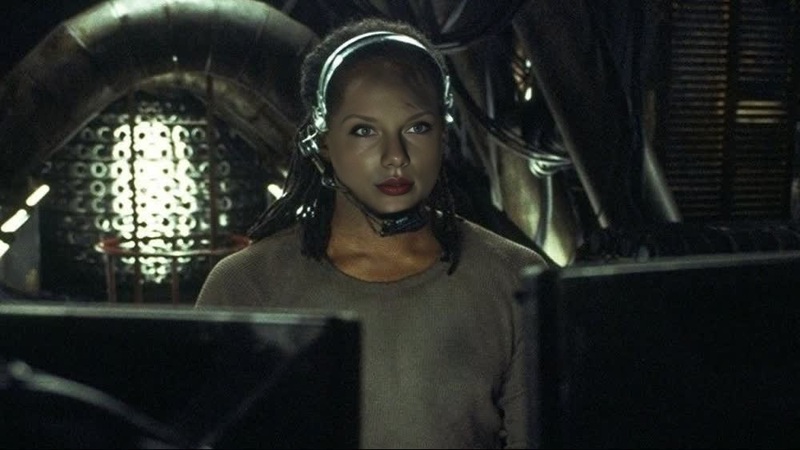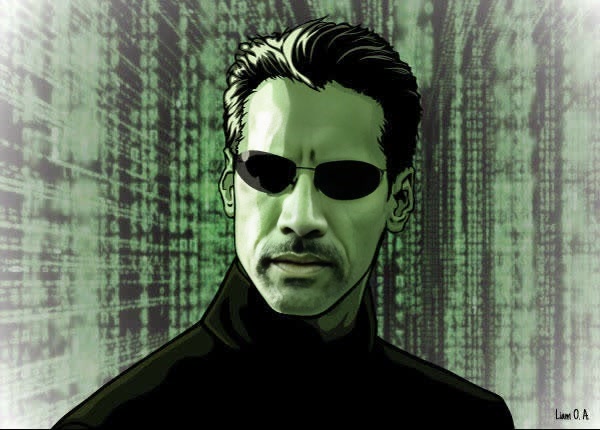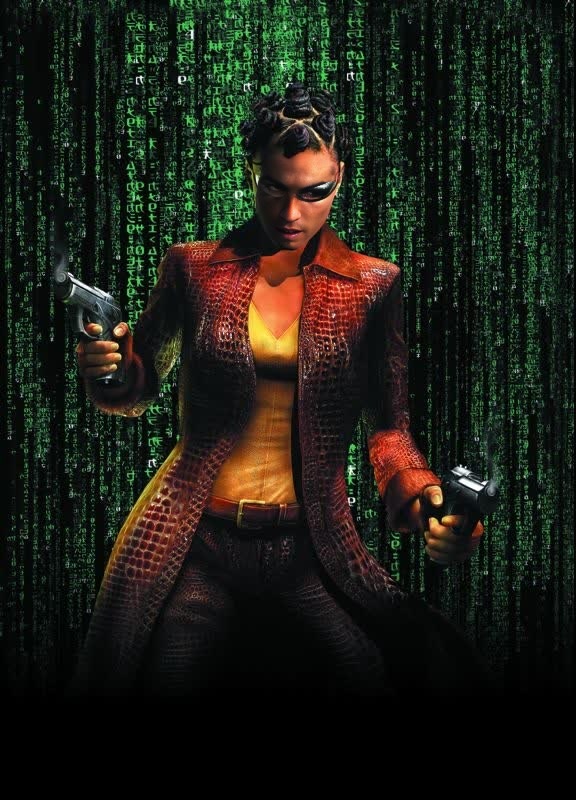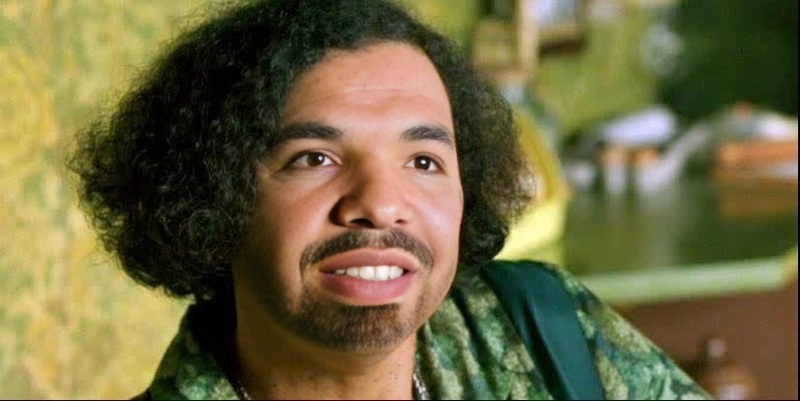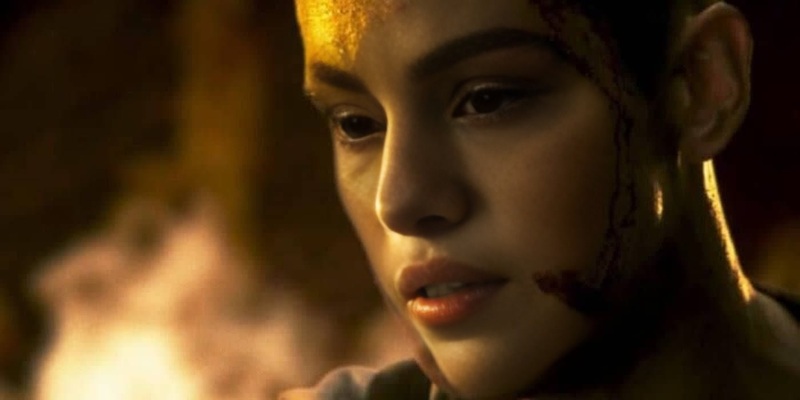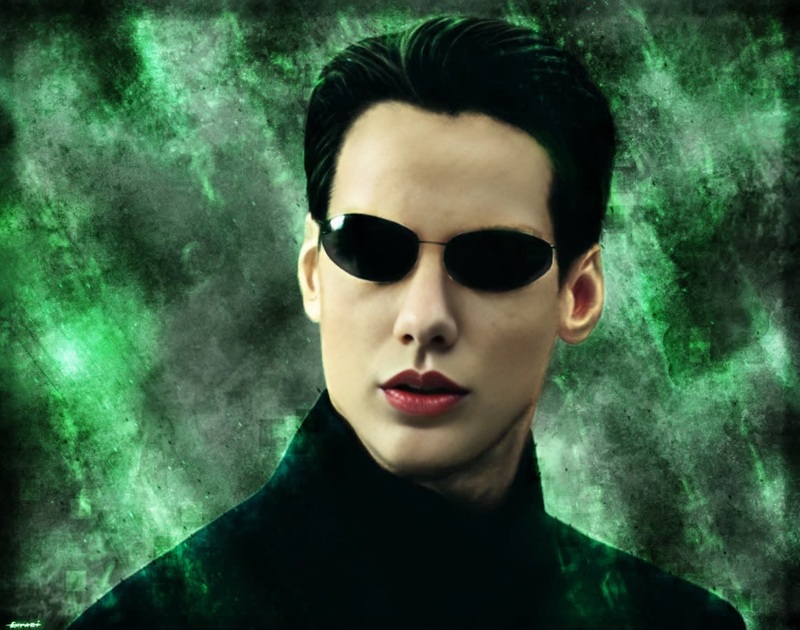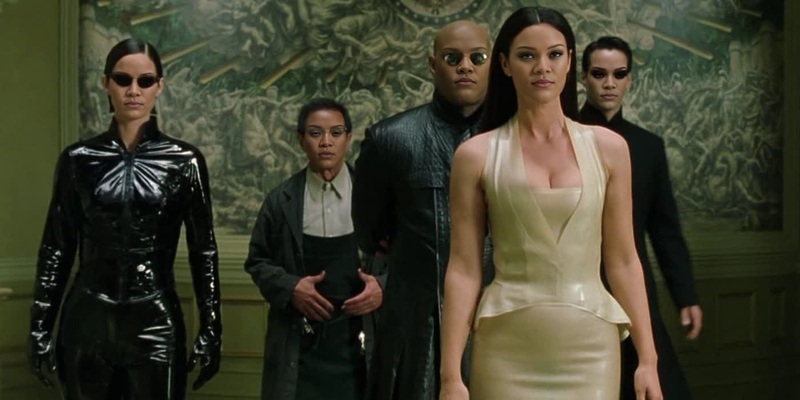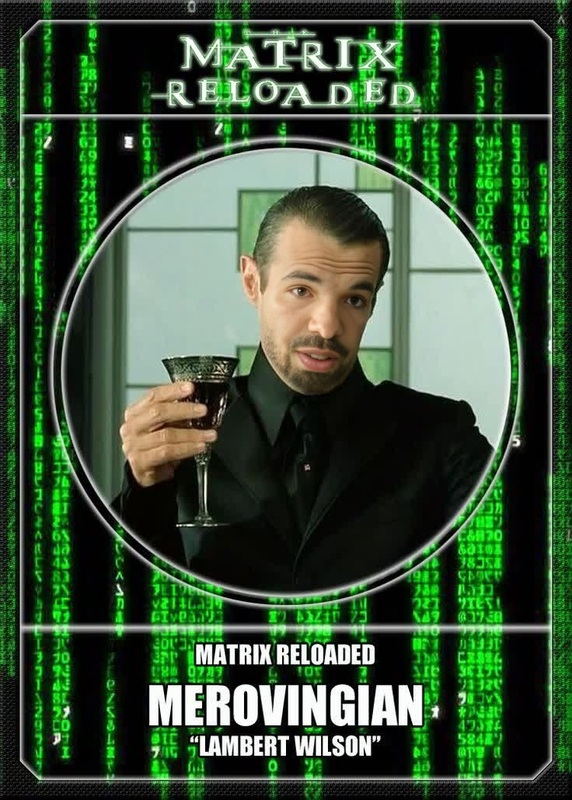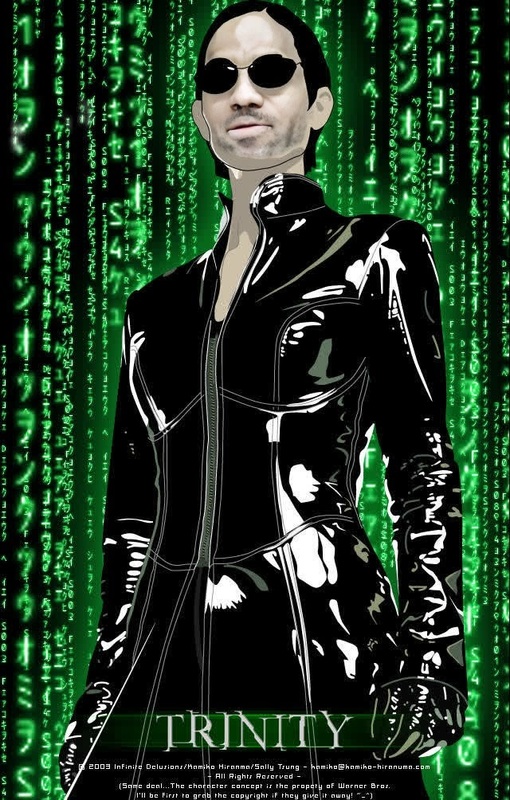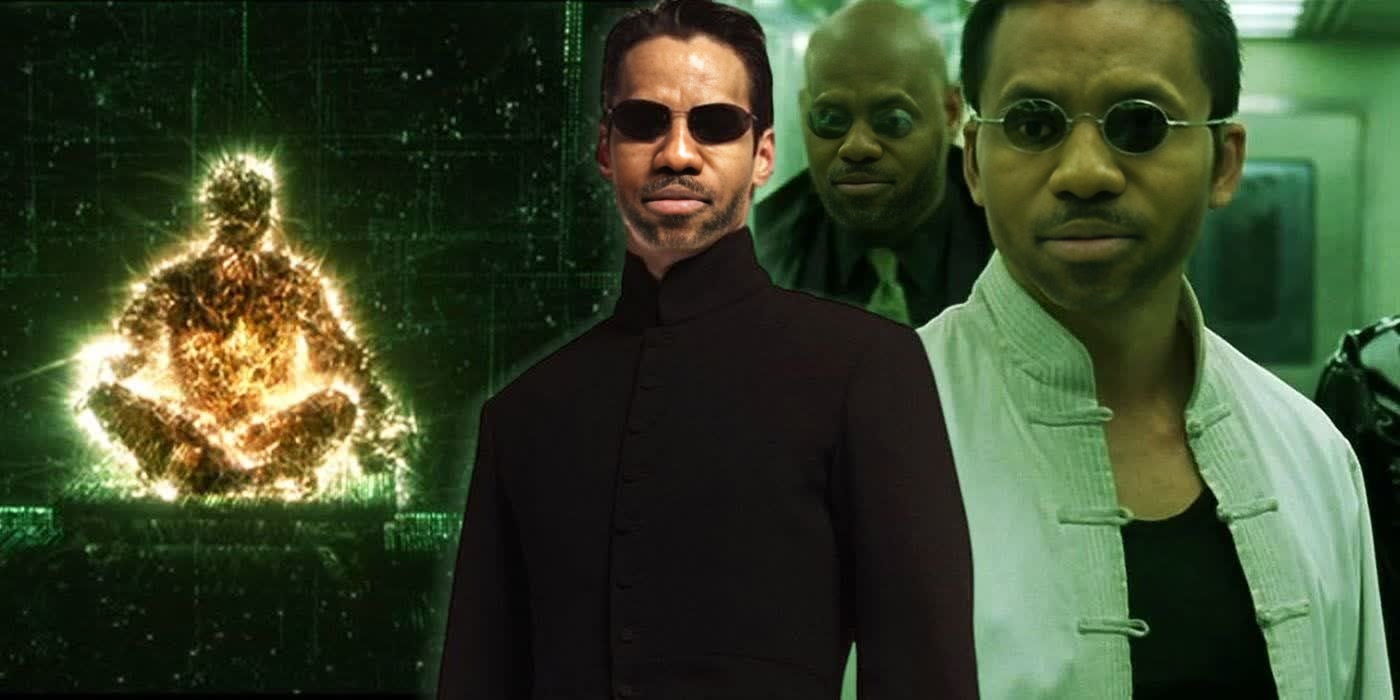
Seraph The Matrix Reloaded

Seraph The Matrix Reloaded

face-swap

1 clip
0 uses

Any aspect ratio

Tags

transformations

Turn any video into a cinematic “alternate universe” moment by swapping faces with AI. This template is powered by Magic Hour’s Face Swap Video tool, and you can remix it in a few clicks to match your own brand, character, or storyline.


What this template does

This template uses AI face swap to:

  • Replace the original face in a video with a new face (yourself, an actor, a character, or a brand persona)
  • Preserve natural expressions, lighting, angle, and motion
  • Keep the original video’s background, camera movement, and styling intact

It’s ideal for:

  • Short-form content (TikTok, Reels, Shorts)
  • Launch campaigns and product teasers
  • Character-driven storytelling and UGC-style ads
  • Concept tests and pitch materials

Under the hood, face swap models learn facial identity separately from pose and expression, then re-render your target identity frame-by-frame while maintaining the source video’s motion. Modern research on deepfake and face reenactment—such as works summarized in surveys like “A Survey of Deep Facial Editing” (IEEE, 2021) and follow-on work on identity-preserving face transformations—underpins how tools like this achieve high realism while preserving structure.


How to remix this template in Magic Hour

You can reproduce or customize this template directly in Magic Hour using Face Swap Video. A typical workflow:

  1. Open the template or start from Face Swap Video

    • Use this template as a starting point and click “Remix” (inside Magic Hour), or
    • Go directly to Face Swap Video to build from scratch.
  2. Upload your source video

    • Choose a clip where the subject’s face is reasonably visible and not fully blocked.
    • Narrative, vlog, or cinematic shots tend to work well.
    • For best results, use a video with consistent lighting and resolution.
  3. Upload the face you want to swap in

    • Add a clear photo or frame of the new identity (selfie, portrait, or branded character).
    • Frontal or slightly angled images with good lighting and no heavy filters generally produce more convincing swaps.
  4. Generate the new video

    • Run the face swap and preview the result.
    • If you want multiple variants, run the template again with alternate faces (e.g., different team members, creator partners, or character designs).
  5. Refine your concept with other Magic Hour tools (optional)

    • Enhance or prepare your source images with:
    • If you’re combining face swap with motion-driven content, consider:
      • Image to Video to animate still portraits first, then face-swap or vice versa.
      • Video to Video to restyle your scene (e.g., anime, painterly, stylized) after you’ve locked in the face swap.

Use cases: how creators, marketers, and builders use this

1. UGC-style ads at scale
Swap your spokesperson’s face into different base videos (actors, influencers, or stock) to generate many variations quickly. This is especially useful for performance marketers who need dozens of creative tests with consistent identity but changing context.

2. Character-led storytelling
Combine this template with:

  • Animation to generate animated sequences, then face-swap a recurring character into different scenes.
  • AI Talking Photo or Lip Sync to align mouth movements with your script or cloned voice.

You can build narrative universes where the same character appears in live-action, animated, and stylized formats across a campaign.

3. Founder or expert-led content without reshoots
Record a high-quality “master” talking-head video once, then:

  • Use Face Swap Video to place yourself into localized or themed scenes (e.g., office, outdoor, different countries via stock footage).
  • Combine with AI Voice Cloner or AI Voice Generator to adapt languages and tones for different markets with a consistent identity.

4. Creative experiments and pitch prototypes
For product designers, studios, and agencies:

  • Rapidly prototype “what if” concepts: what if our character were in this cinematic sequence? What if the founder appeared inside the app footage?
  • Use AI Art Generator or AI Illustration Generator to design visual directions, then recreate them via Video to Video and apply face swap on top.

5. Safer, synthetic influencer or model workflows
Instead of relying on real influencers for every shot:


Tips for higher realism and consistency

  • Lighting and angle match: A face image shot in similar lighting and angle to the video often yields more natural results. Consistent color temperature and frontal/three-quarter views help.
  • Resolution and clarity: Use sharp, unfiltered faces. If the original is low-res, you can improve it first with the AI Image Upscaler or restore older photos via Old Photo Restoration.
  • Expression alignment: Neutral or slight expressions in the reference face tend to adapt better to a wide range of motions in the target video.
  • Avoid heavy occlusions: Glasses, hands over the face, or fast motion blur can reduce quality. Where possible, pick clips where the subject’s face stays relatively visible.

If you’re planning a larger pipeline (e.g., for a product, game, or continuous content series), you can use tools like AI Background Generator, AI Outfit Generator, and AI Fashion Generator to keep environments and styling coherent across multiple videos, then apply face swap consistently on top.


Combine with other Magic Hour tools for full workflows

This template becomes more powerful when chained with other Magic Hour products:


Ethical and practical considerations

Responsible face swap use is now a major topic in AI ethics and regulation. Research and industry guidelines consistently recommend:

  • Clear consent: Only use faces (your own or others’) when you have explicit rights and permissions—especially for commercial campaigns.
  • Transparent labeling: Consider disclosing when content is AI-modified, particularly in ads, marketing, and public communication, in line with emerging AI content policies on platforms like Meta, TikTok, and YouTube.
  • Avoid sensitive or deceptive uses: Do not impersonate real people in misleading or harmful contexts (e.g., political messaging, financial scams, or reputational harm).

Using synthetic or fully AI-generated faces from tools like AI Face Generator or AI Selfie Generator can help you get the benefits of face swap without raising the same level of privacy and consent issues.


How to adapt this template to your workflow

You can treat this template as a reusable building block:

  • As a creator or influencer: Keep a library of your “best” reference portraits, plug them into Face Swap Video, and quickly test new narrative hooks and styles.
  • As a marketer or growth lead: Set up a small, repeatable pipeline—image preparation → face swap → voice/lip sync → subtitles—so your team can produce many variants with minimal friction.
  • As a founder or product builder: Use face swap combined with Text to Video or AI Meme Generator to validate creative directions, onboarding flows, or brand personas before scaling to full production.

Open this template in Magic Hour, hit remix, and then iterate by changing:

  • The base video (scene, angle, motion)
  • The identity you swap in (real person, synthetic character, mascot)
  • The surrounding creative (script, voice, typography, subtitles, and distribution format)

By combining this Face Swap template with other Magic Hour tools, you can rapidly move from concept to consistent, high-quality AI-native video content without building your own ML stack.

More Like This

Insufficient credits