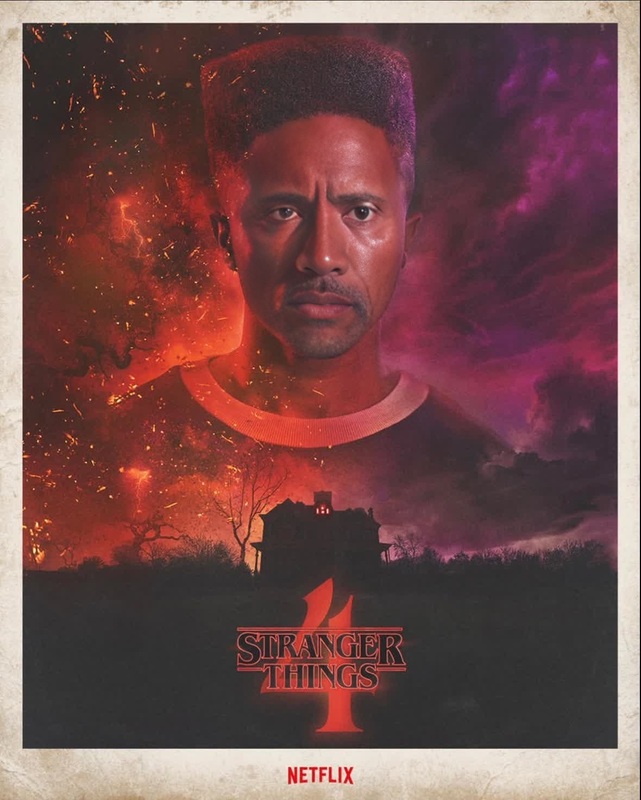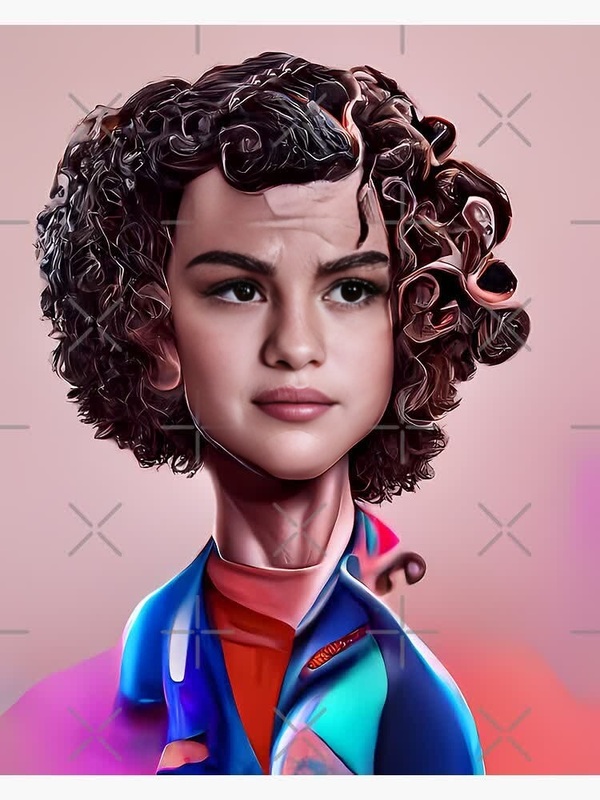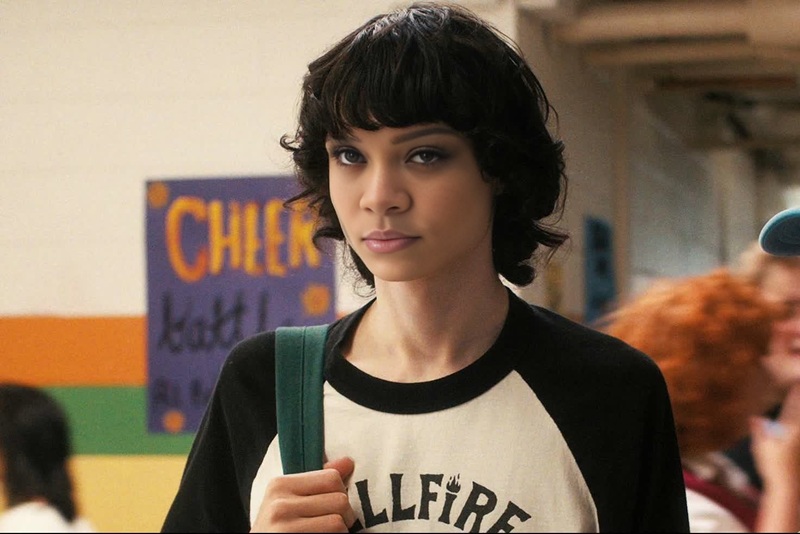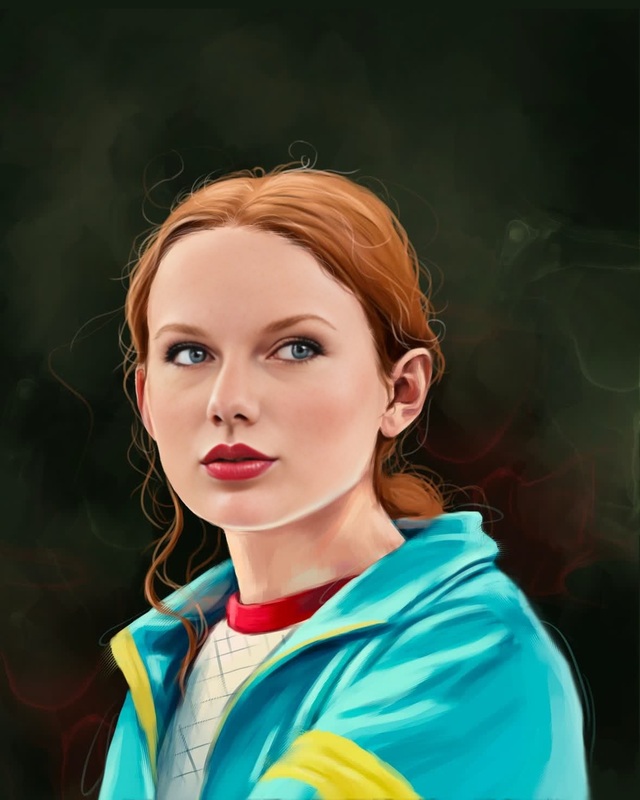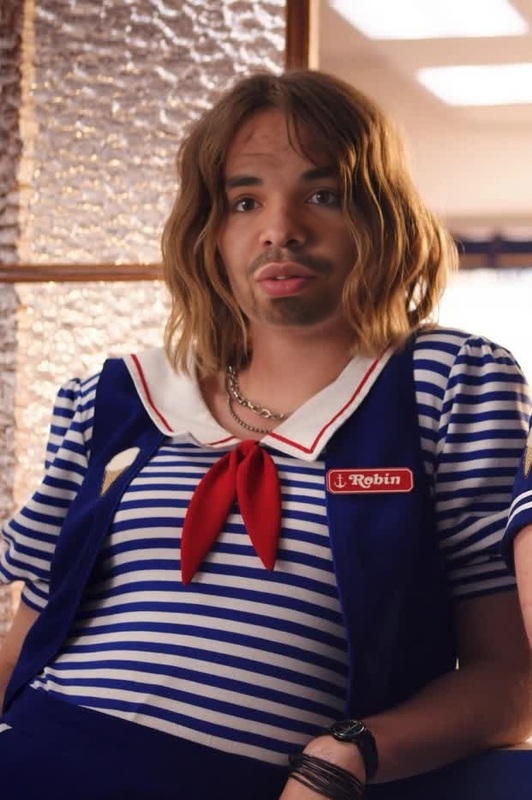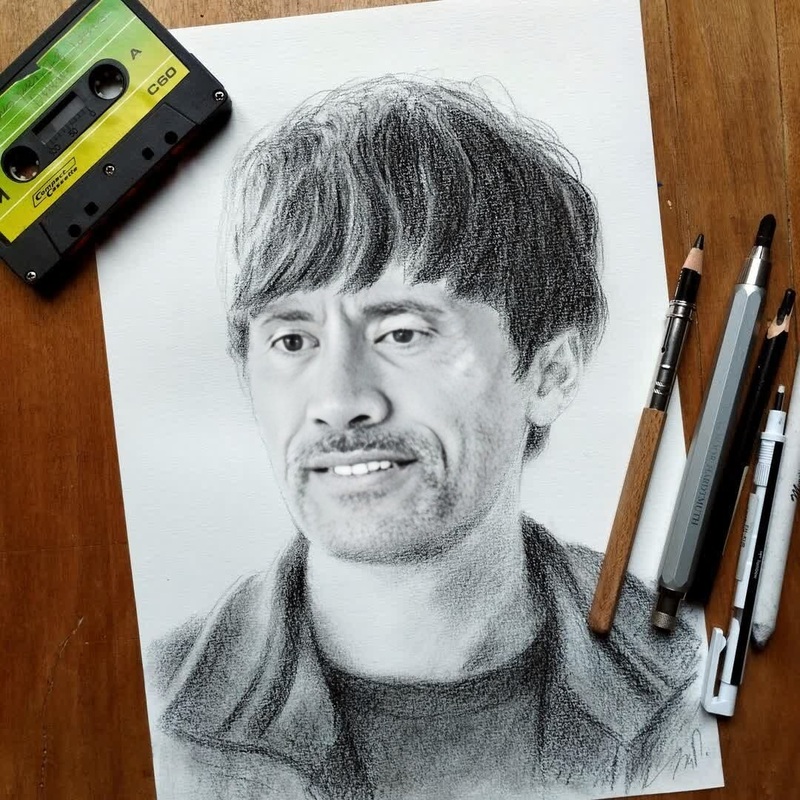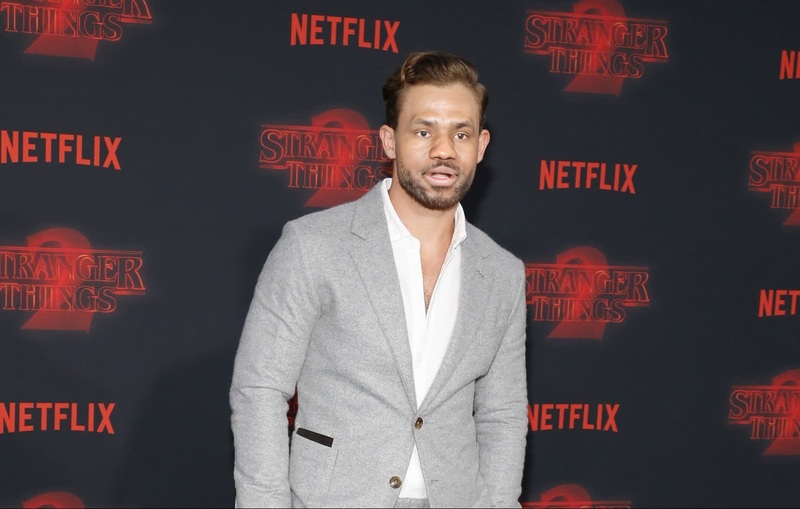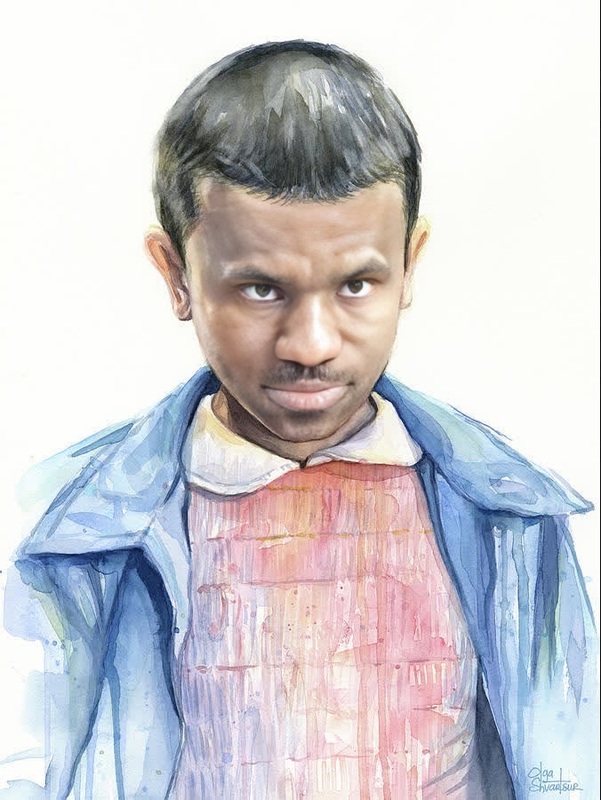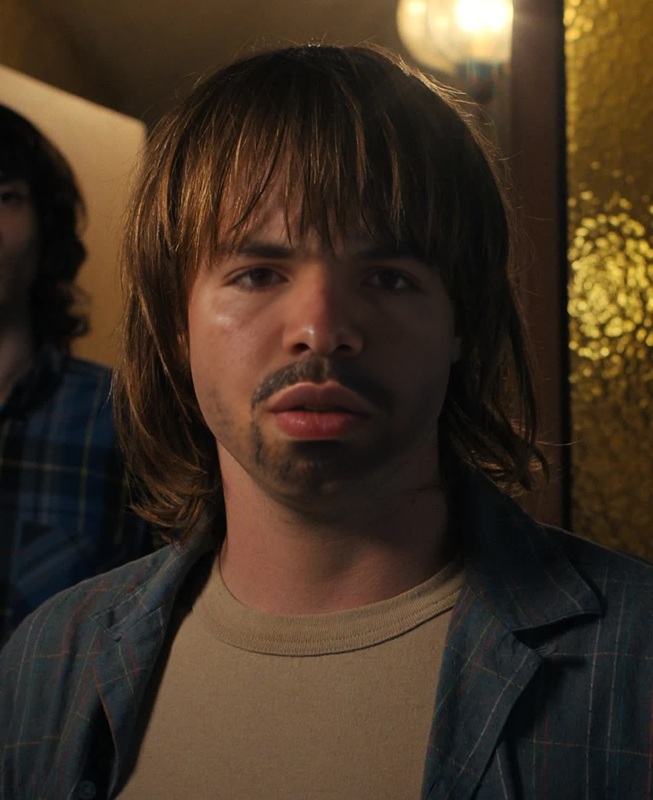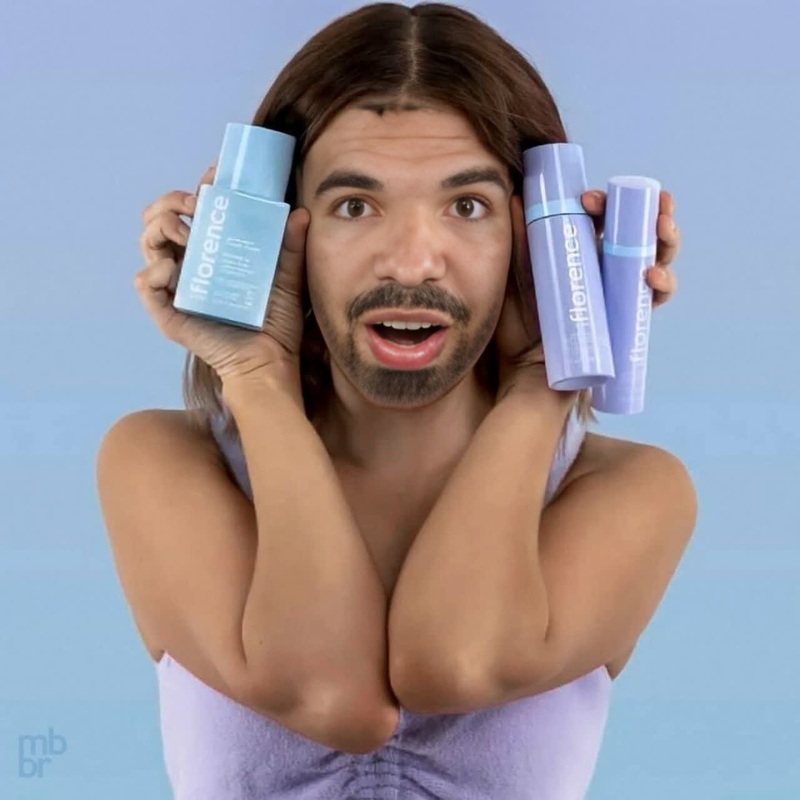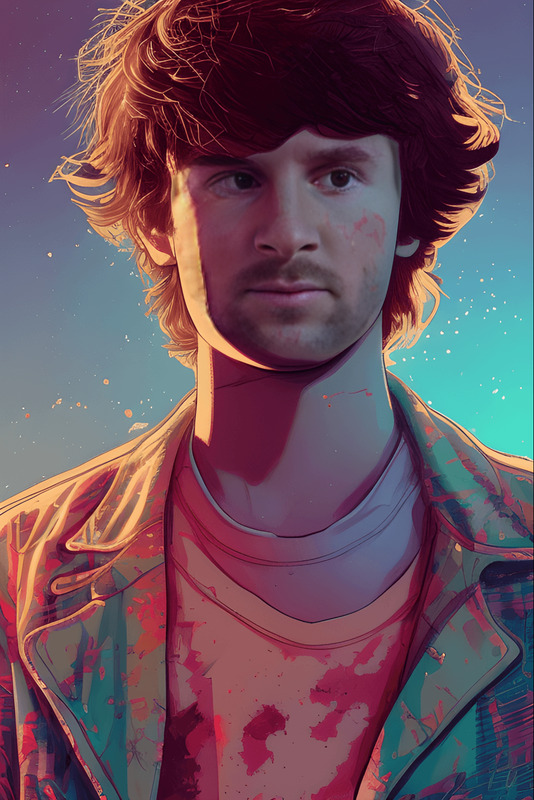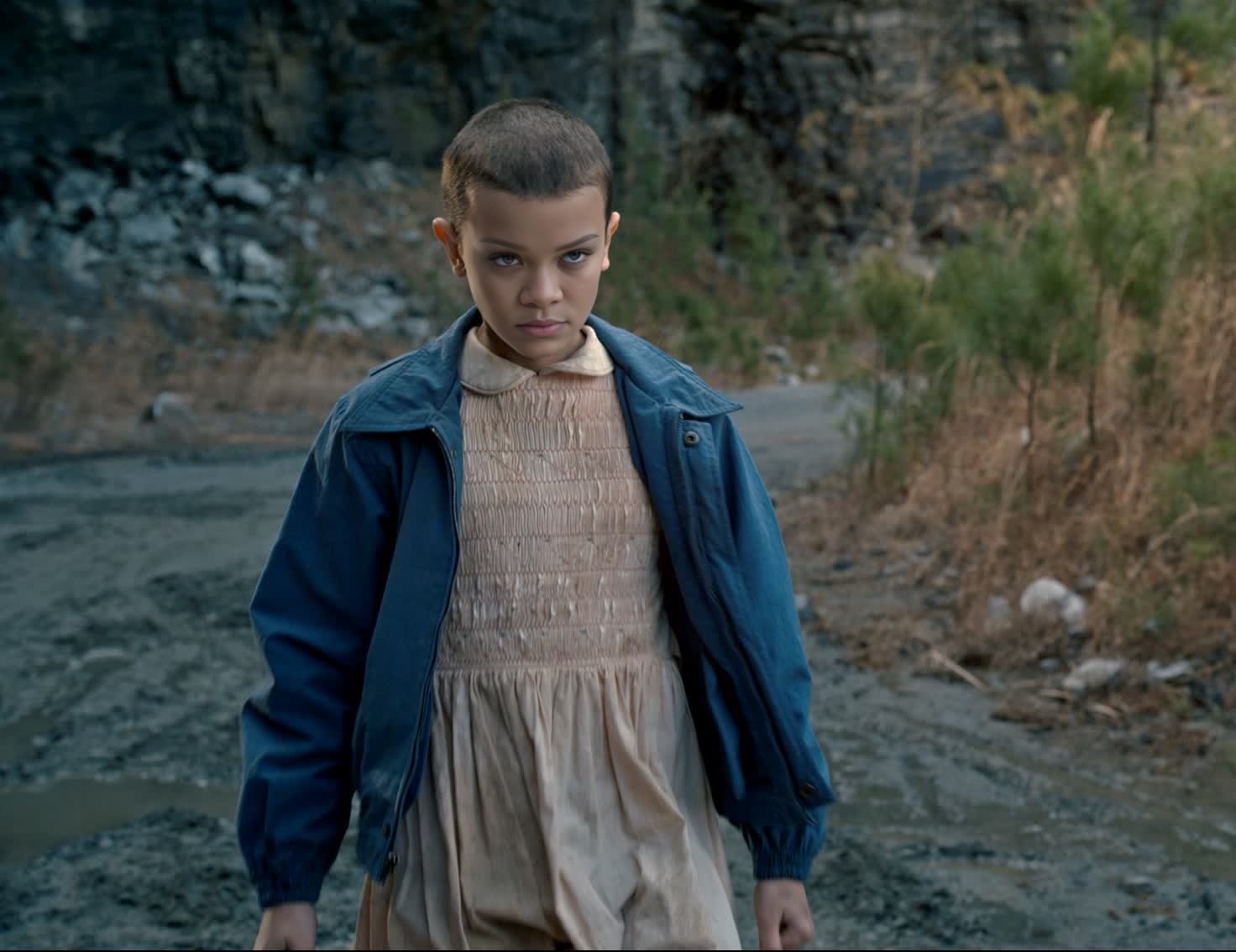
Millie Bobby Brown Stranger Things Season 1 Portrait
- Image
- 1472 × 1134 px
Any aspect ratio
Overview
Bring a touch of nostalgia to your projects with the Millie Bobby Brown Stranger Things Season 1 Portrait template. This Video Face Swap tool allows you to infuse your videos with the iconic portrait from the first season of the hit series, adding a unique twist to your content.
What It Does
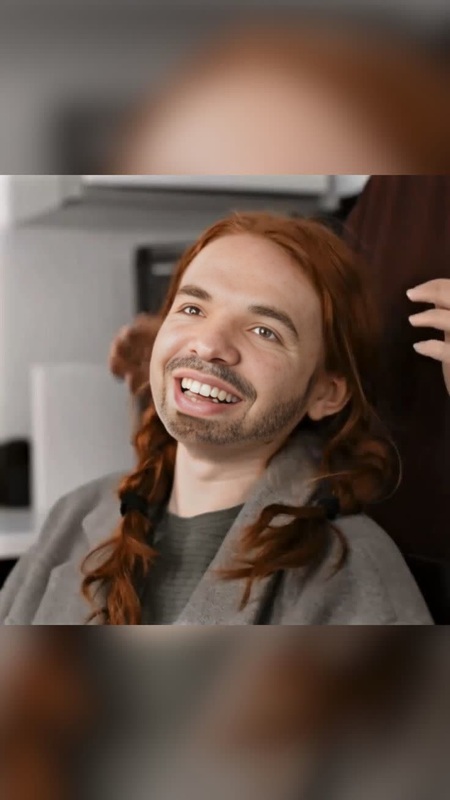
This template enables users to apply a realistic Millie Bobby Brown face swap onto their chosen video. Powered by advanced AI technologies, this tool blends the character's face seamlessly with the video's subject, keeping the dynamics and expressions authentic. For those interested in similar tools, check out our Face Swap and Video-to-Video tools.
Who It's For
This template is perfect for Stranger Things enthusiasts, meme creators, and content marketers aiming to capture audience engagement through pop culture references. It's also a great fit for social media influencers and filmmakers who want to add a distinctive flair to their projects.
Summary
With this Video Face Swap tool, you can bring the charm of Millie Bobby Brown's Stranger Things character to your videos. Ideal for anyone looking to make their content more memorable, this template opens creative possibilities that resonate with audiences old and new. Explore other transformations with our AI Image Editor.
How-To
Choose Template

Customize Inputs

Generate Your Video

Use Cases
Social Media Content
- Create viral videos by swapping Millie's face onto popular memes.
- Craft engaging Instagram Reels or TikTok videos.
Marketing Campaigns
- Include face swap magic in brand ads.
- Enhance promotional videos with nostalgic elements.
Entertainment Projects
- Develop short films with an unexpected celebrity appearance.
- Add a fun element to character narratives.
Best Practices
Select High-Quality Video
Ensure your original video is of high quality for the best face swap results. This reduces processing time and enhances final output.Clear Faces Are Key
The better the visibility of the subject's face in your video, the more realistic the face swap will appear.Experiment with Angles
Try different video angles to see which produces the most authentic swap. Films with close-up shots work best.
Frequently asked questions
More Like This