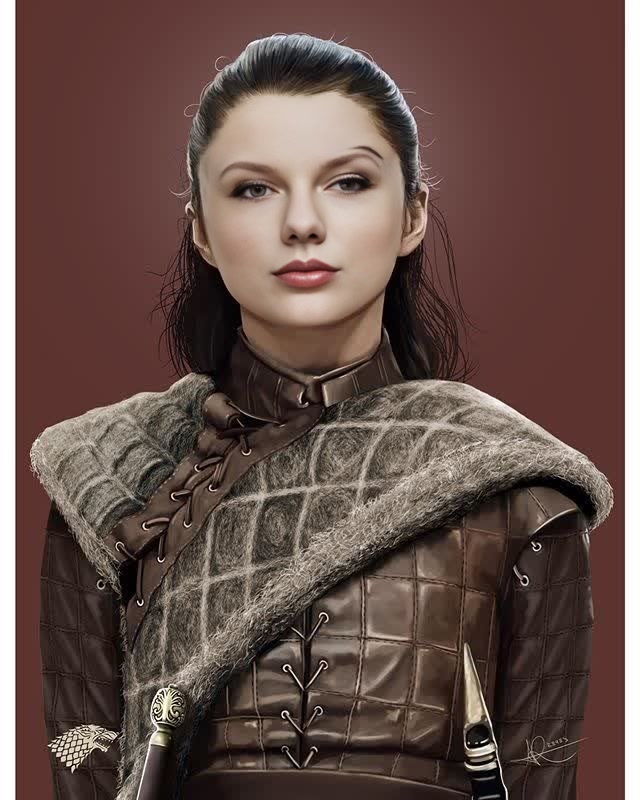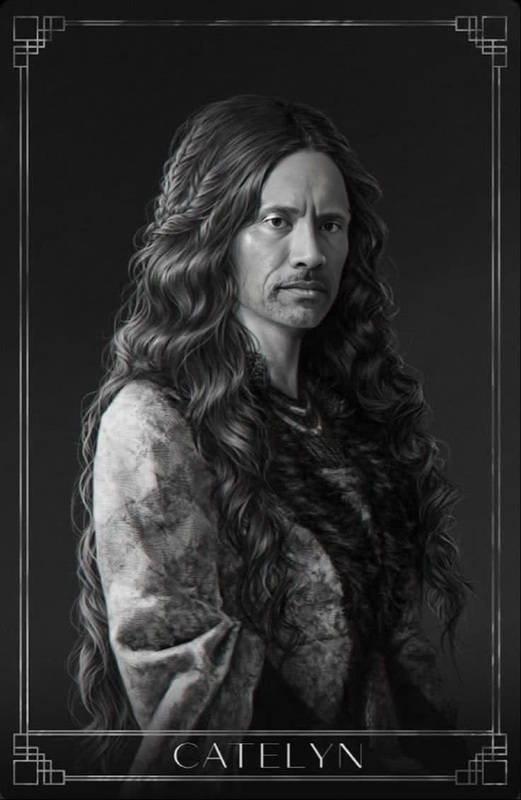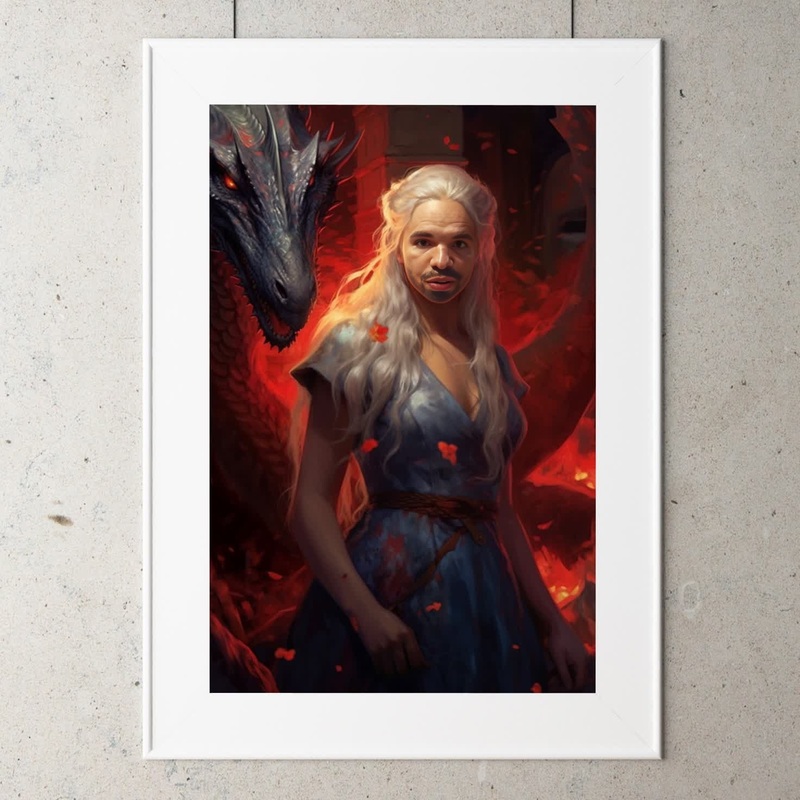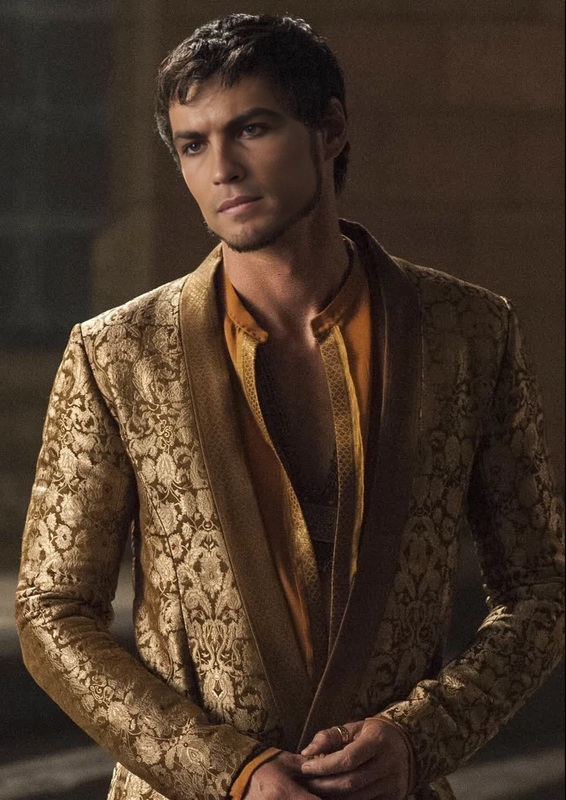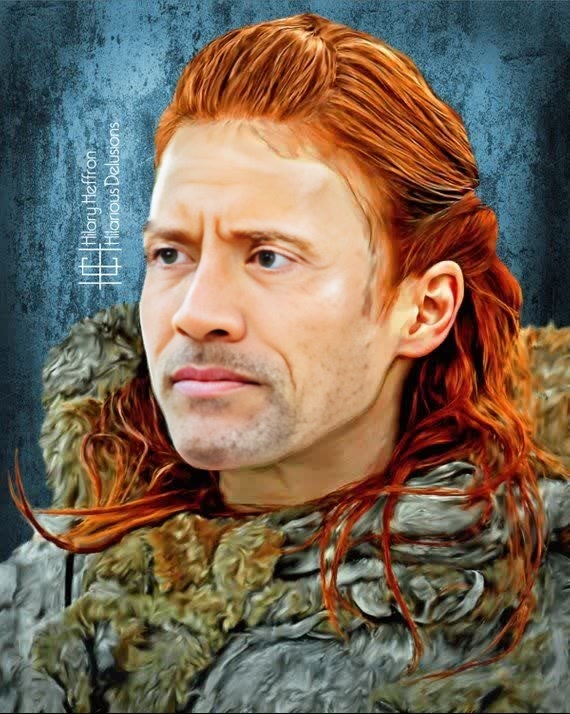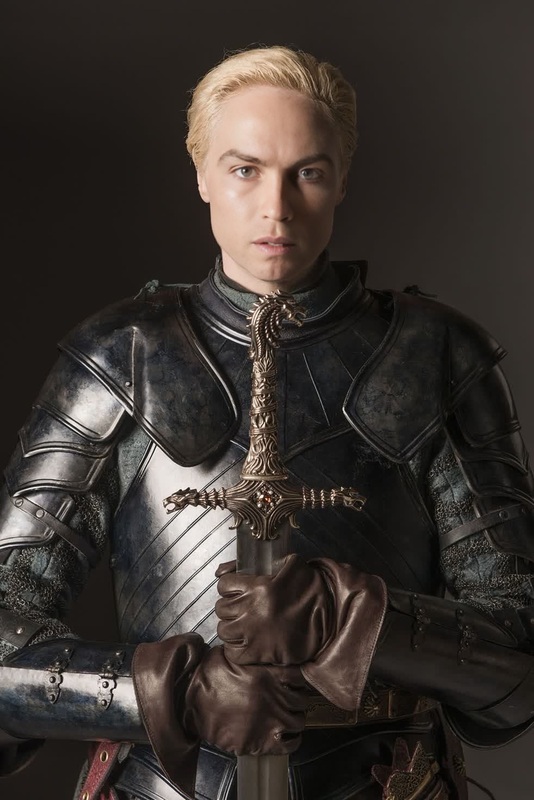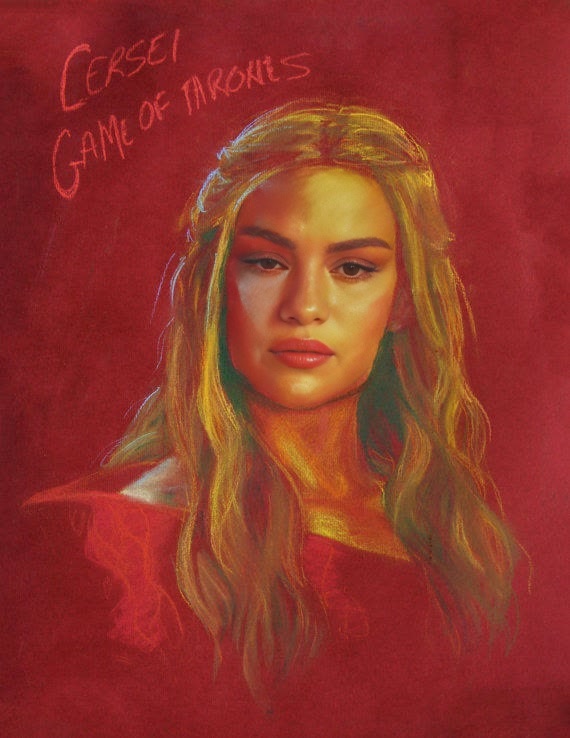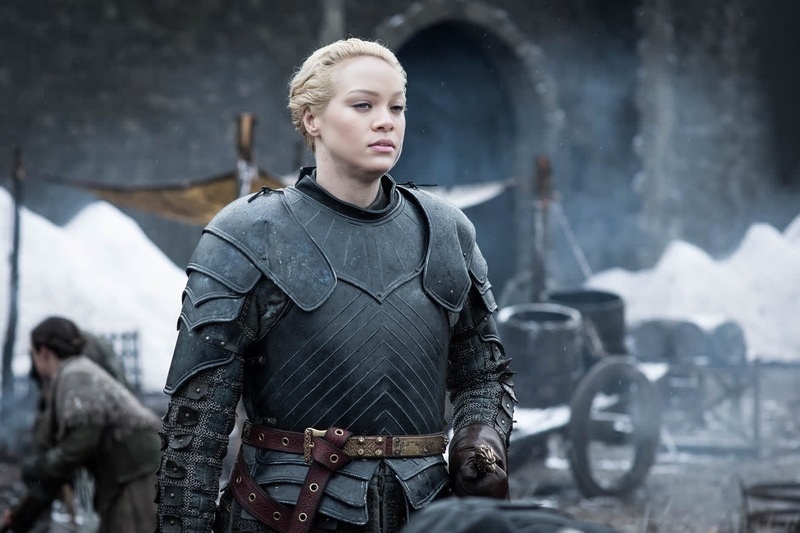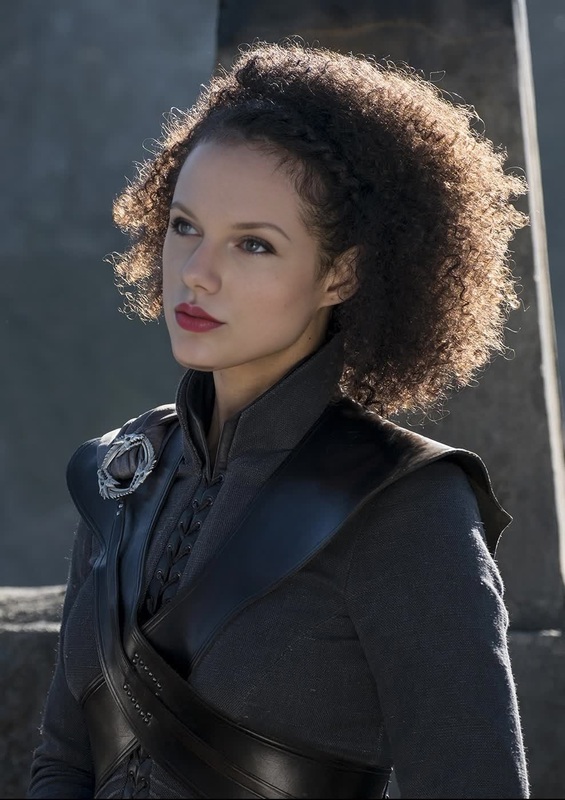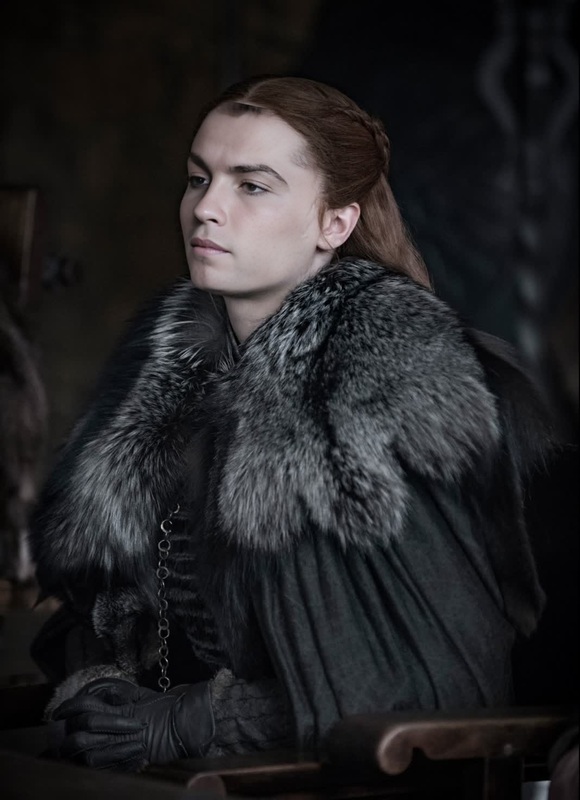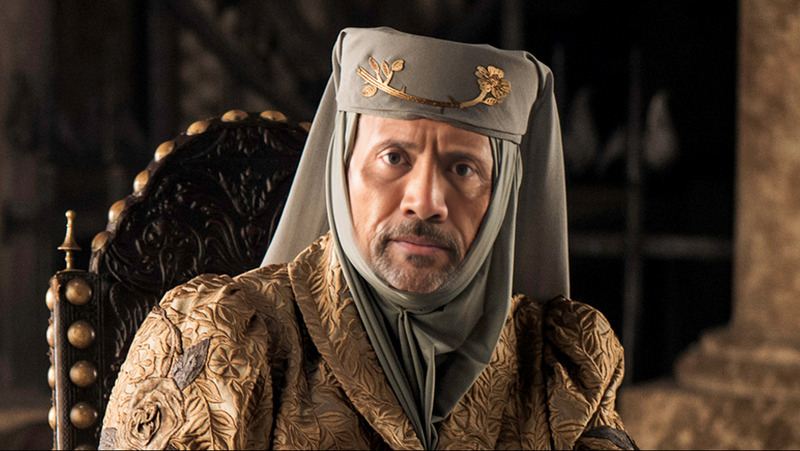
Emilia Clarke Game Of Thrones Season 8 Portrait
face-swap
Any aspect ratio
Tags
transformationsTransform Any Face Into This Scene With AI Face Swap Video
Use this template to instantly drop yourself, your actors, or your customers into this exact scene using Magic Hour’s AI Face Swap Video. Swap faces in a few clicks, keep the original motion and lighting, and export a ready-to-share video for social, marketing, or prototypes.
What This Template Does
This template is built on Magic Hour’s AI Face Swap engine. It lets you:
- Replace the original face in this video with any face photo or headshot
- Preserve expressions, camera movement, and scene composition
- Keep the original background, body, and timing fully intact
- Export a video that’s ready for TikTok, Reels, YouTube Shorts, ads, or product demos
Under the hood, Magic Hour’s model detects facial landmarks, blends skin tone and lighting, and generates consistent, frame-by-frame replacements so the swap looks natural in motion.
How To Remix This Template in Magic Hour
You can turn this template into your own custom version in minutes:
Open the Face Swap Video tool
Start from this template and click through to the Face Swap Video flow.Upload your source face
Use:- A clear, front-facing photo
- Good lighting and minimal occlusion (no heavy sunglasses, masks, etc.)
- A real person you have rights and consent to use
Apply the face swap to this scene
Choose this template’s base video as your target. Magic Hour will automatically align, blend, and render your new face into the shot.Preview and iterate
- Re-upload another face if you want to test different characters or personas
- Try multiple variants for A/B testing creatives (influencer vs. founder vs. customer, etc.)
Export and share
Download your finished clip and deploy it across:- Paid social ads
- Landing pages
- Product explainers and pitches
- Internal concept tests and moodboards
Because this is a reusable template, you can run the same scene across multiple faces to keep brand, pacing, and framing consistent while you test different identities.
Practical Use Cases for Creators & Teams
This face swap template is built for serious workflows, not just novelty content. Typical uses include:
Performance creatives & UGC-style ads
- Put your founder, spokesperson, or avatar into a proven-performing scene
- Localize the same concept for multiple markets by swapping in different presenters
- Test different demographics or looks while keeping script and motion identical
Personalized content at scale
- Swap in customer, partner, or employee faces (with consent) for tailored campaigns
- Auto-generate variations for account-based marketing or sales outreach
Rapid prototyping for video concepts
- Validate ideas before booking talent and studio time
- Create storyboard-level previews using internal team faces or AI-generated faces
Virtual influencers and brand characters
- Use this template as a base scene and drive a consistent “character” using the same face across different motion templates
- Combine with AI Talking Photo or AI Voice Generator for full personality-driven content
How to Create Similar Templates From Scratch
Want to build your own reusable face swap templates in Magic Hour?
Design your base shot
- Shoot or upload a video with clear visibility of the subject’s face
- Keep motion and framing close to what you plan to reuse (e.g., talking head, reaction, walk-and-talk)
Run it through Face Swap Video
- Open Face Swap Video
- Use a placeholder face (your own or a test image) to confirm alignment and quality
Save and reuse as a “house style” template
- Keep the same video as your base
- Swap in different faces for campaigns, experiments, and localization
- Combine multiple templates to build a library: one for “explainer,” one for “reaction,” one for “testimonial,” etc.
If you need non-video base assets, you can also generate faces or scenes with tools like:
- AI Face Generator — create synthetic, rights-safe faces
- AI Photo Generator or AI Image Generator — generate backgrounds, scenes, or brand worlds
- AI Image Editor and AI Face Editor — refine character looks before you ever shoot video
Then turn those assets into motion with Image to Video or Text to Video, and finally apply Face Swap Video where it makes sense.
Advanced Combinations & Related Magic Hour Tools
To build more complex AI video workflows around this template:
Lip-synced, talking versions of this scene
- Use Lip Sync to match mouth movement to your own script or audio
- Clone or generate a voice with AI Voice Cloner or AI Voice Generator
Style or motion variations
- Reinterpret your clip with Video to Video for different visual styles (e.g., cinematic, animated look)
- Turn characters from this template into animated avatars using Animation or Animated Characters Generator
Branding and performance optimization
- Create stylized thumbnails for YouTube and social using Thumbnail Maker
- Improve clarity and quality with Video Upscaler and AI Image Upscaler for stills
- Remove backgrounds or objects in supporting visuals via Image Background Remover and Remove Object from Photo
Best Practices for Realistic Face Swaps
For production-quality results in this and similar templates:
Use high-quality input faces
- Sharp, high-resolution images with neutral or natural expressions work best
- Avoid extreme angles; front-facing or slight 3/4 turns are ideal
Match lighting and vibe
- Choose a source face shot under similar lighting (e.g., indoor vs. outdoor, soft vs. harsh light)
- Keep hair, accessories, and style aligned with the target scene where possible
Respect consent and rights
- Only use faces and likenesses you are legally allowed to use
- For commercial or public-facing campaigns, secure written consent from talent
These principles align with widely accepted best practices in AI media ethics and creator guidelines from industry groups and research communities.
Who This Template Is For
This face swap template is designed for:
- Growth and performance marketers testing many creatives quickly
- Founders and product teams prototyping video concepts without a shoot
- Creators and influencers who want repeatable, on-brand video formats
- Agencies and studios building scalable persona-based campaigns
If you need to expand beyond this one scene, combine it with tools like:
- AI Headshot Generator for professional persona assets
- AI Selfie Generator for more casual or social-first looks
- AI Clothes Changer and AI Fashion Generator to rapidly explore wardrobe options before committing to a visual direction
Start Remixing This Face Swap Template
Use this template as your starting point, plug in your own face or character, and iterate. With Face Swap Video and the broader Magic Hour toolset, you can turn a single scene into a flexible, reusable asset for experiments, campaigns, and full content systems—without reshoots or manual editing.