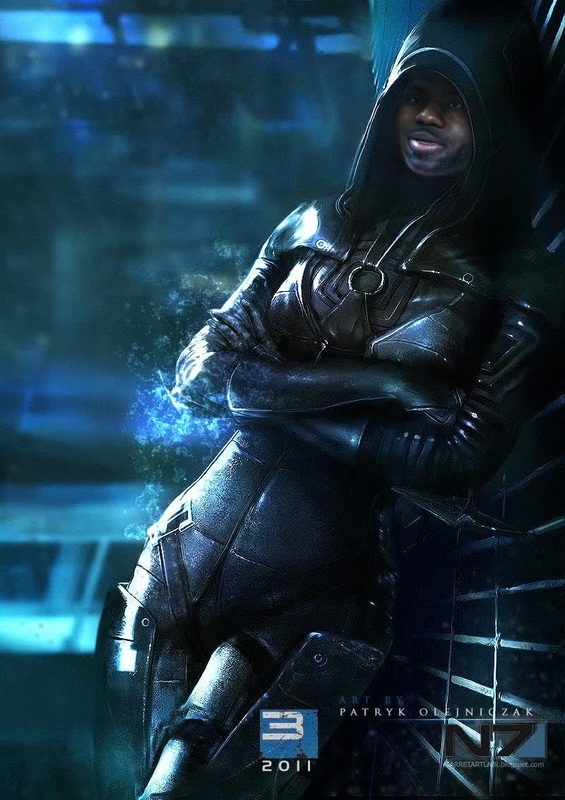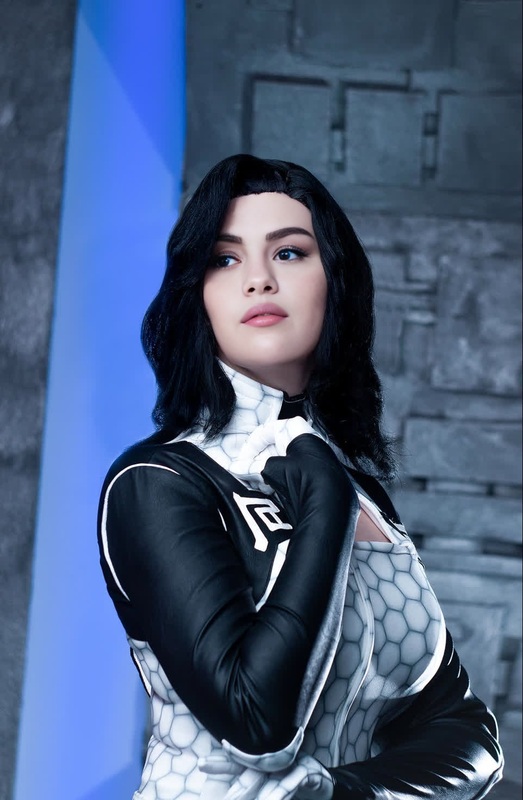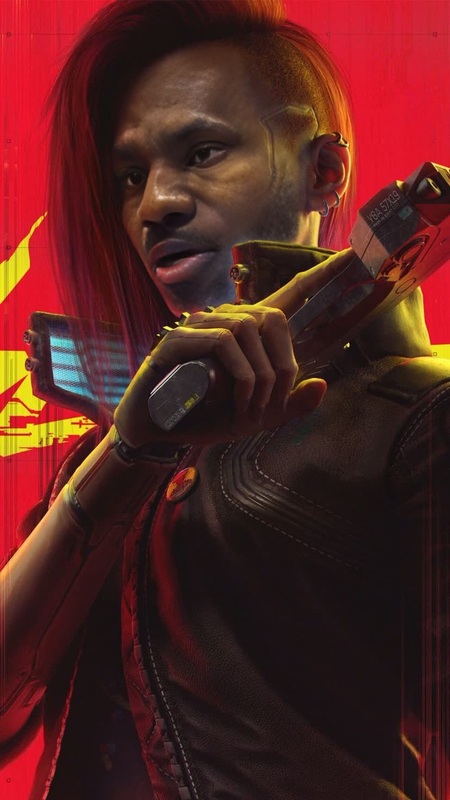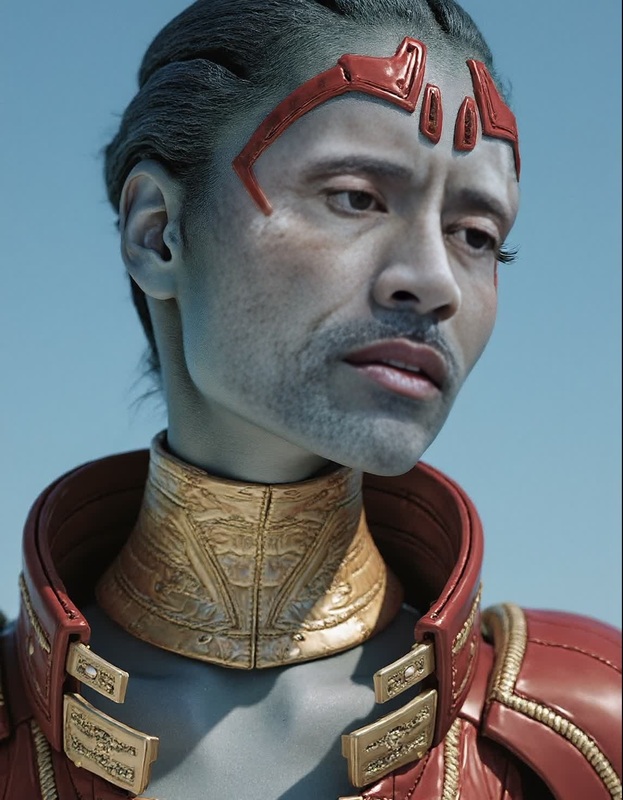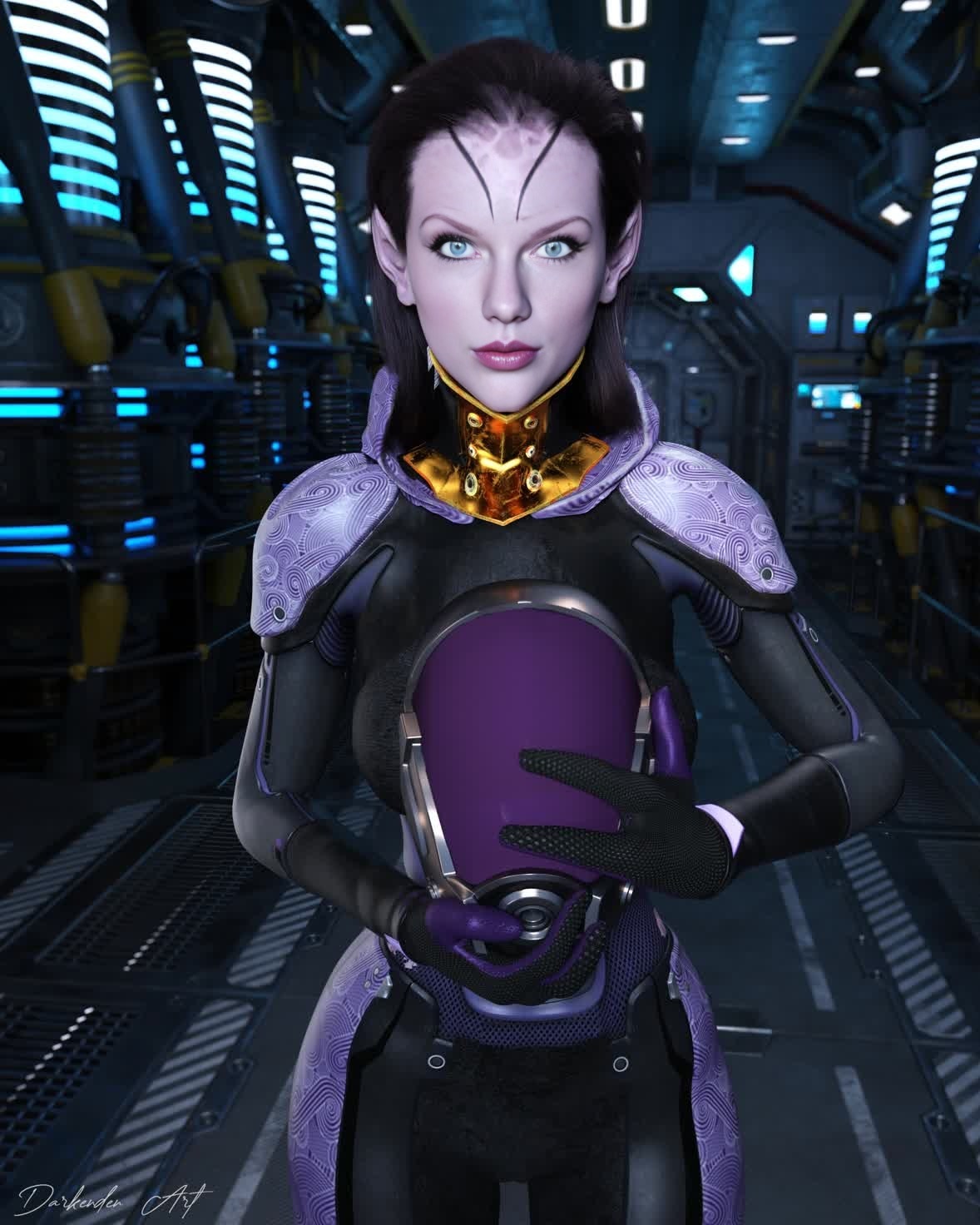
TaliZorah Unmasked Mass Effect Photorealistic Portrait
- Image
- 1178 × 1472 px
Any aspect ratio
Overview
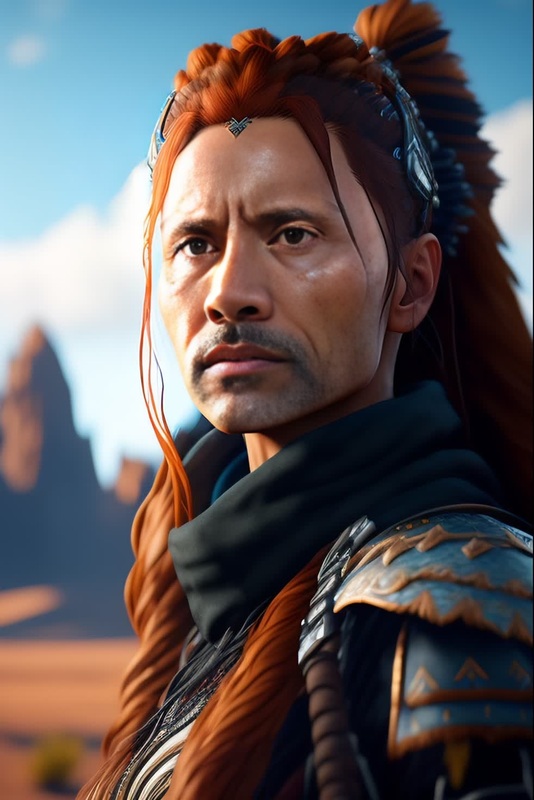
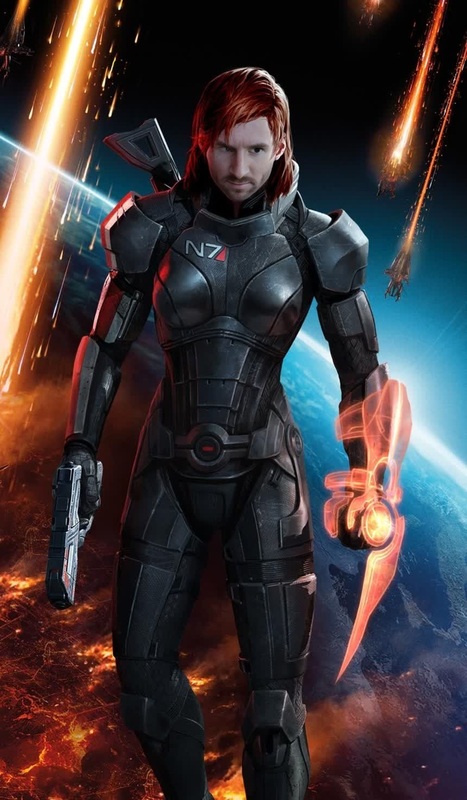
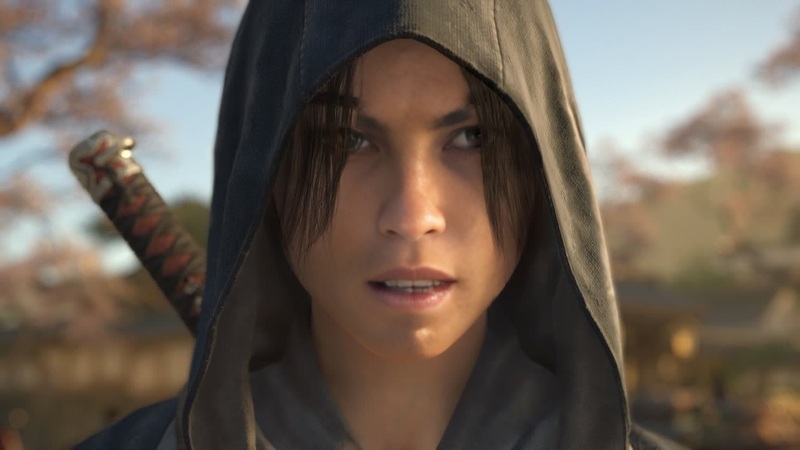
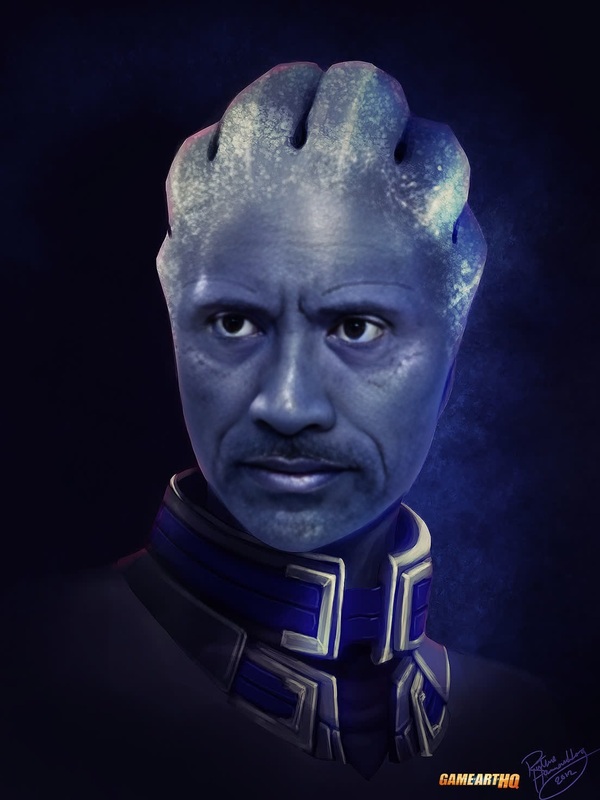
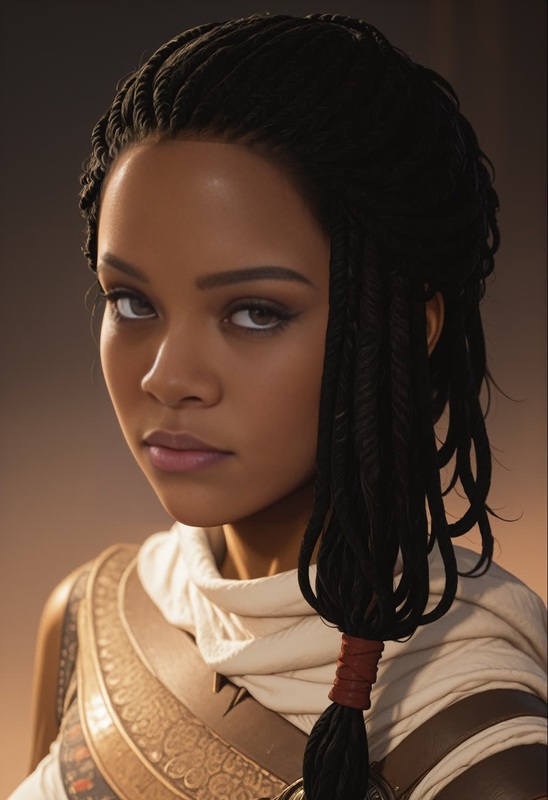
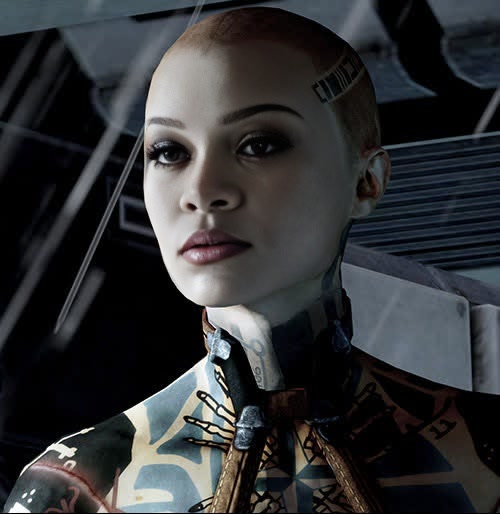
The "TaliZorah Unmasked Mass Effect Photorealistic Portrait" template offers a unique approach to the world of video editing with a Video Face Swap. Perfect for Mass Effect enthusiasts, this template allows users to create stunning, realistic portrayals of the beloved character Tali'Zorah without her iconic mask.
What It Does
This template leverages advanced video face swap technology to replace Tali'Zorah's in-game face with a photorealistic version. Whether you're working on fan art, a custom video project, or an immersive story experience, this tool transforms digital content to achieve lifelike video representations.
To complement your video projects, explore our AI Video Generator for creating dynamic scenes and the AI Talking Photo for bringing still images to life.
Who It's For
This template is ideal for video editors, game enthusiasts, and content creators who want to delve into the Mass Effect universe or produce engaging and visually captivating fan videos. It's also beneficial for professional projects requiring compelling sci-fi themed content.
Summary
Incorporating the "TaliZorah Unmasked" template into your toolkit can bring new depth to your video projects. By providing a unique spin on character portrayal, the AI Clothes Changer can also enhance your efforts to customize characters further, while the AI Image Editor helps refine and optimize visuals to perfection.
How to Use
Choose the Template

Customize Your Content

Generate and Download

Use Cases
Fan Videos and Machinima
- Mass Effect tribute videos
- Character analysis videos
Digital Art Projects
- Visual storytelling
- Online art galleries
Game Development Enhancements
- Mod creation
- Game trailers
Best Practices
Choose High-Quality Source Footage
For optimal results, ensure that your source video is of high quality. This improves the realism and detail of the swapped face.Experiment with Facial Details
Utilize the template's customization capabilities to adjust facial structures and features for the best match.Combine with Other Templates
Enhance your project by using the AI Video Extender to lengthen scenes or incorporate effects from the AI Video Generator.
Frequently asked questions
More Like This