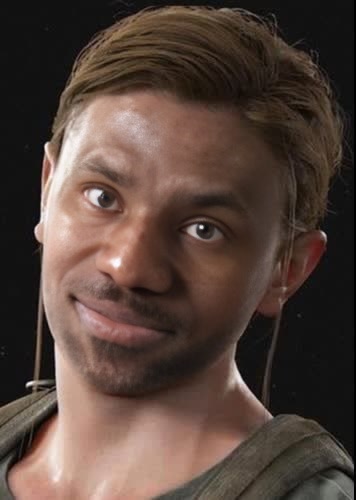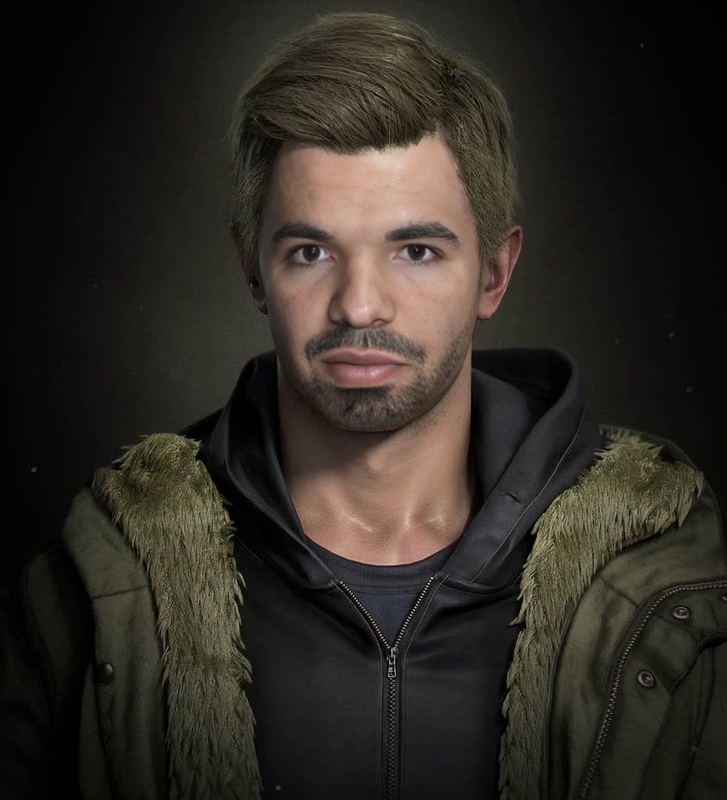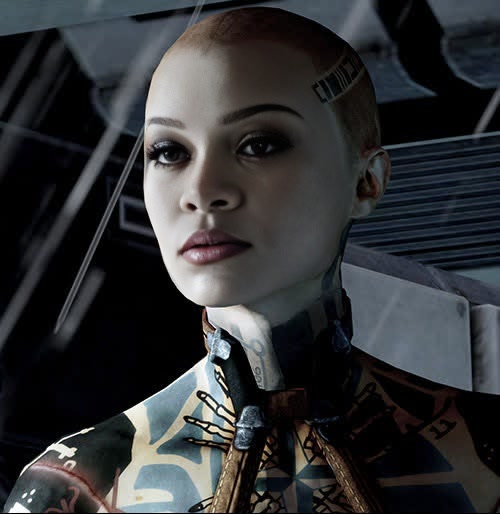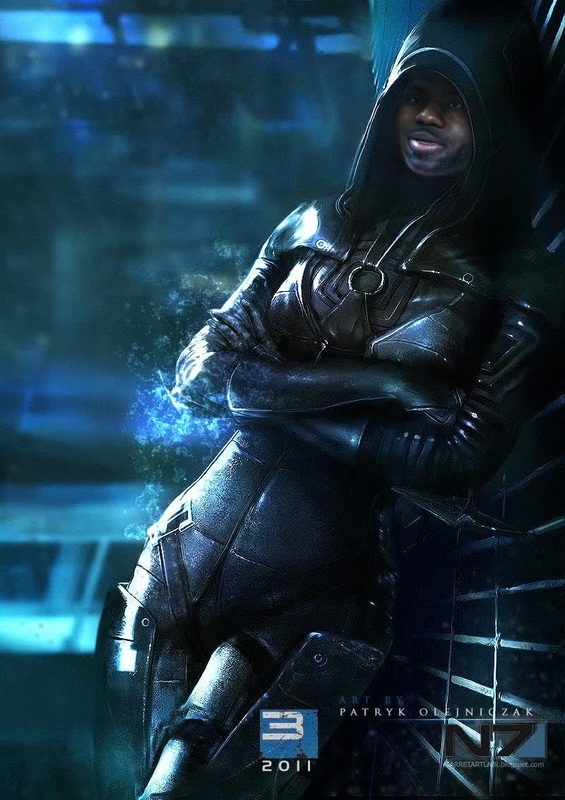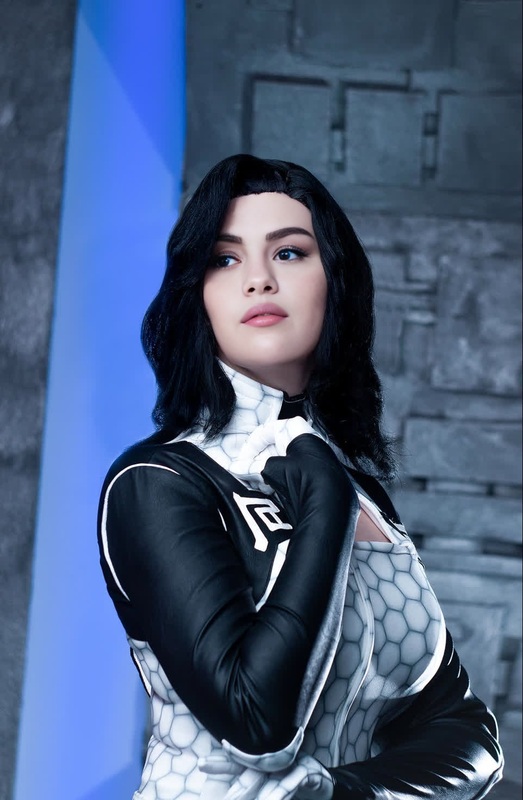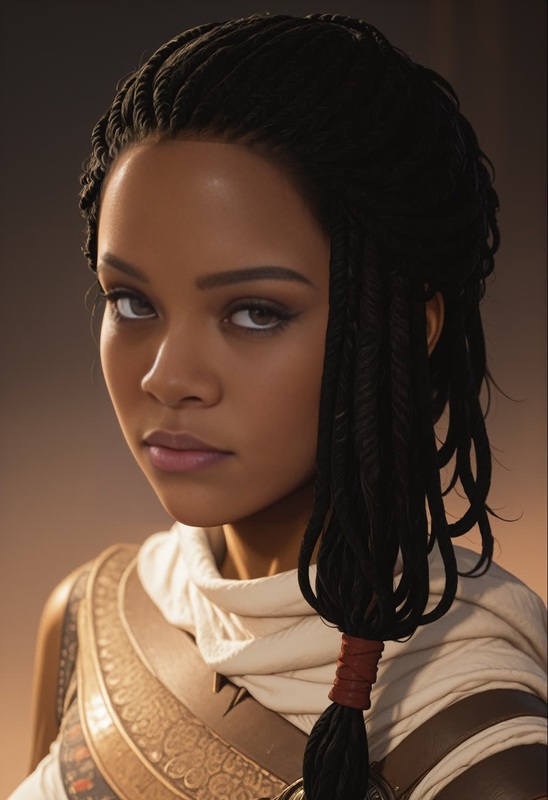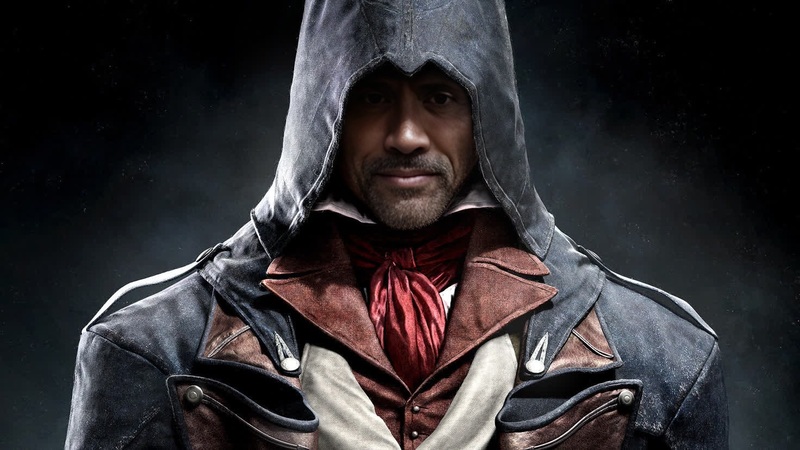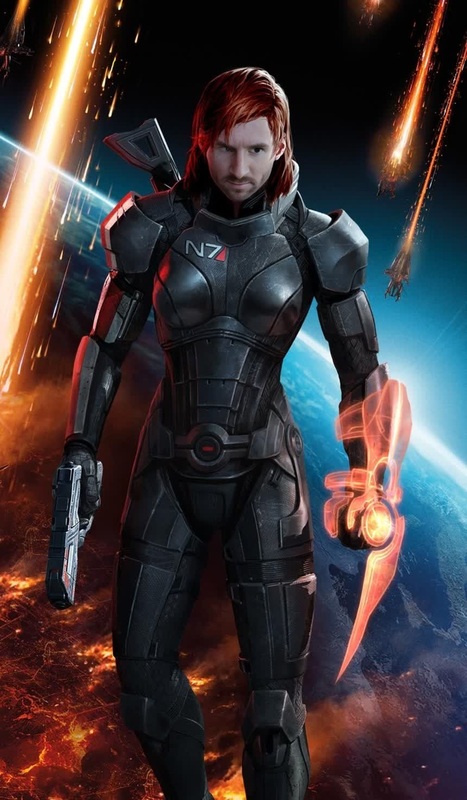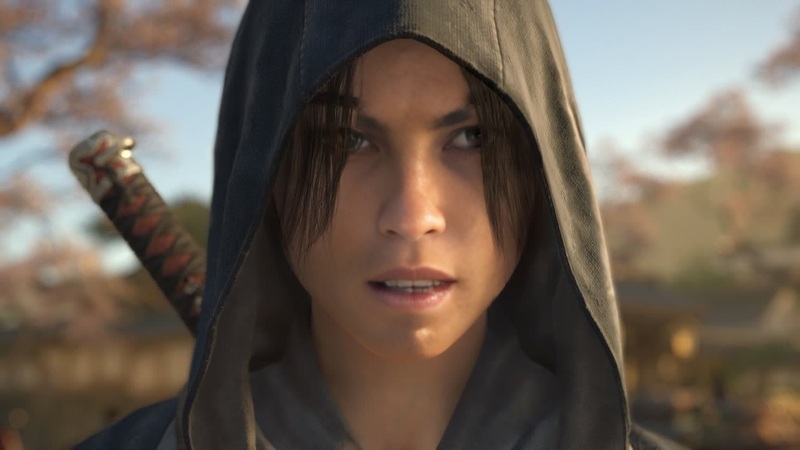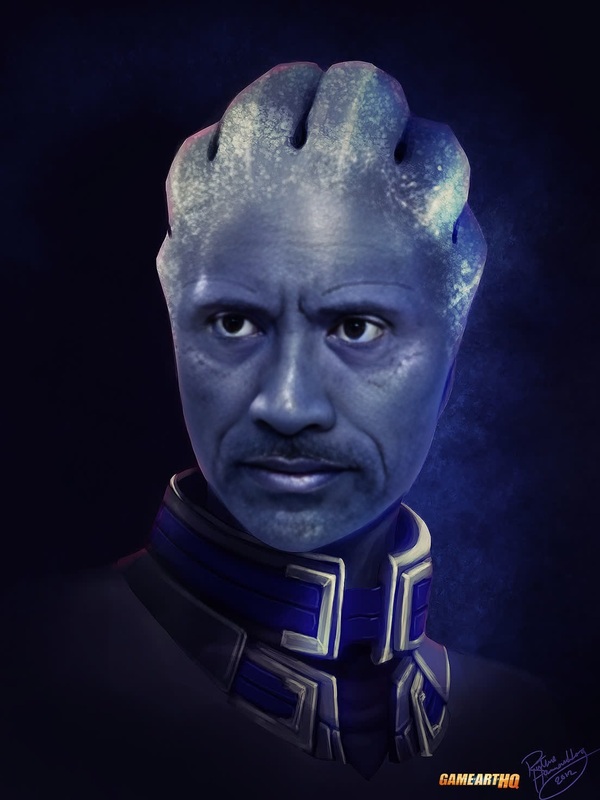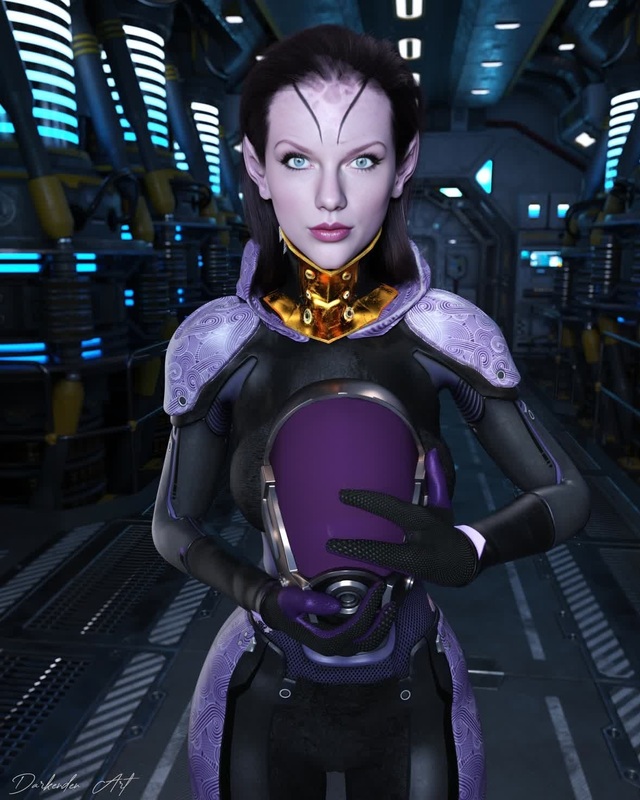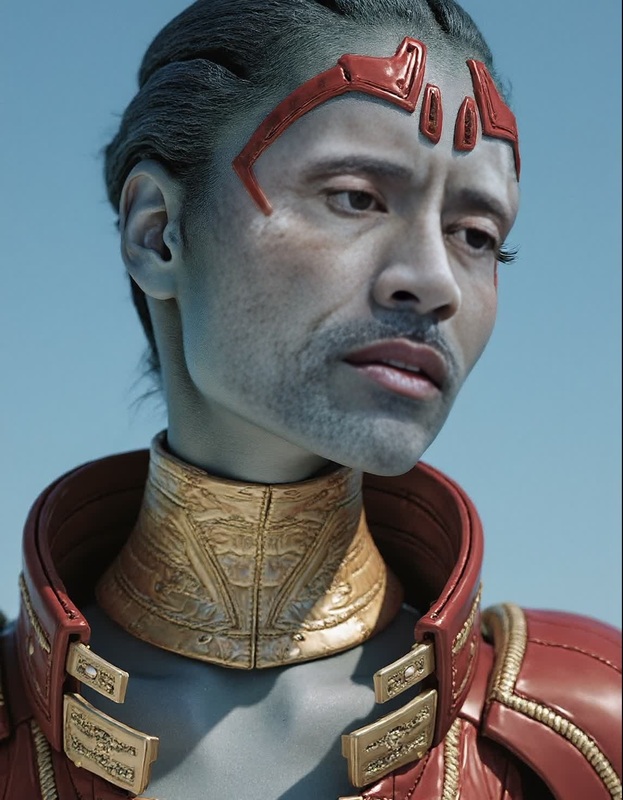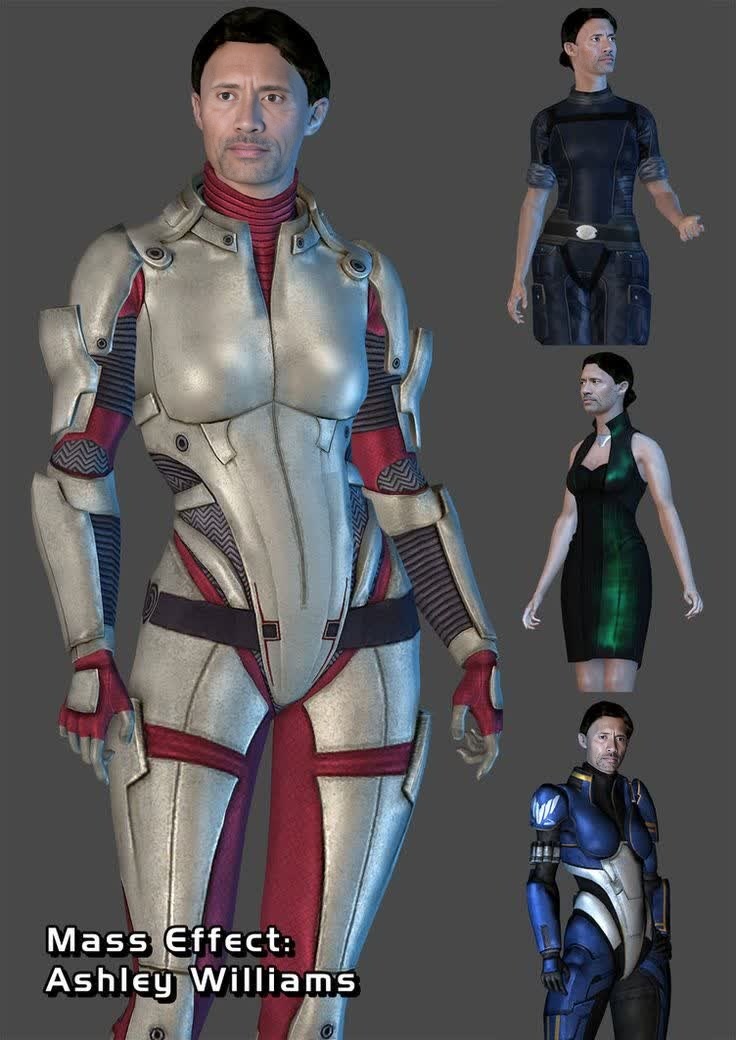
Ashley Williams Mass Effect Photorealistic Portrait
- Image
- 736 × 1040 px
Any aspect ratio
Overview
The Ashley Williams Mass Effect Photorealistic Portrait template allows you to create high-quality face swaps with the beloved character Ashley Williams. Using advanced Video Face Swap techniques, you can transform the faces in your video content into stunning portraits reminiscent of this iconic character.
What It Does
This template uses sophisticated algorithms to seamlessly integrate Ashley Williams' likeness into your video projects, resulting in a lifelike and immersive face swap. Your final output benefits from a photorealistic quality that adds depth and realism to the transformation.
For further enhancements and more extensive transformations, consider exploring our AI Face Editor or the Face Swap product for broader capabilities.
Who It's For
The template is ideal for content creators, game enthusiasts, and Mass Effect fans looking to create engaging visual content with a personal touch. It's particularly useful for anyone needing custom, high-quality face swaps for fun projects or professional work.
You might also find our Image to Video service useful if you aim to animate static images into dynamic sequences.
Summary
Embrace the power of video transformation with the Ashley Williams Mass Effect Photorealistic Portrait template. Whether for personal enjoyment or professional presentations, this template delivers top-tier results that impress. For related tools and integrations, our AI Video Generator might offer additional flexibility and creativity in your projects.
How to Use
Choose the Template

Customize Your Content

Generate and Download

Use Cases
Game-Inspired Videos
- Enhance gaming reviews or commentary
- Produce fan tribute videos
- Develop machinima content
Social Media Content
- Create attention-grabbing posts
- Boost engagement through unique content
- Leverage character popularity for virality
Cosplay Projects
- Experiment with virtual cosplay
- Produce themed content for conventions
- Visualize costume updates
Best Practices
Use High-Resolution Source Video
High-quality input videos ensure better alignment and more realistic swaps.Optimize Lighting Conditions
Ensure the lighting in the source video is consistent with the target's lighting for more authentic results.Experiment with Angles
Try different camera angles to see which ones provide the best visual effect for the swap.
Frequently asked questions
More Like This